
Create a Travel Expense Request
Prerequisites
Before submitting a Travel Expense request:- You must have an active employee account.
- You must have an approved Travel Authorization request.
- Have your receipts ready to attach.
1
Navigate to Requests Module.

2
Click Add Request.

3
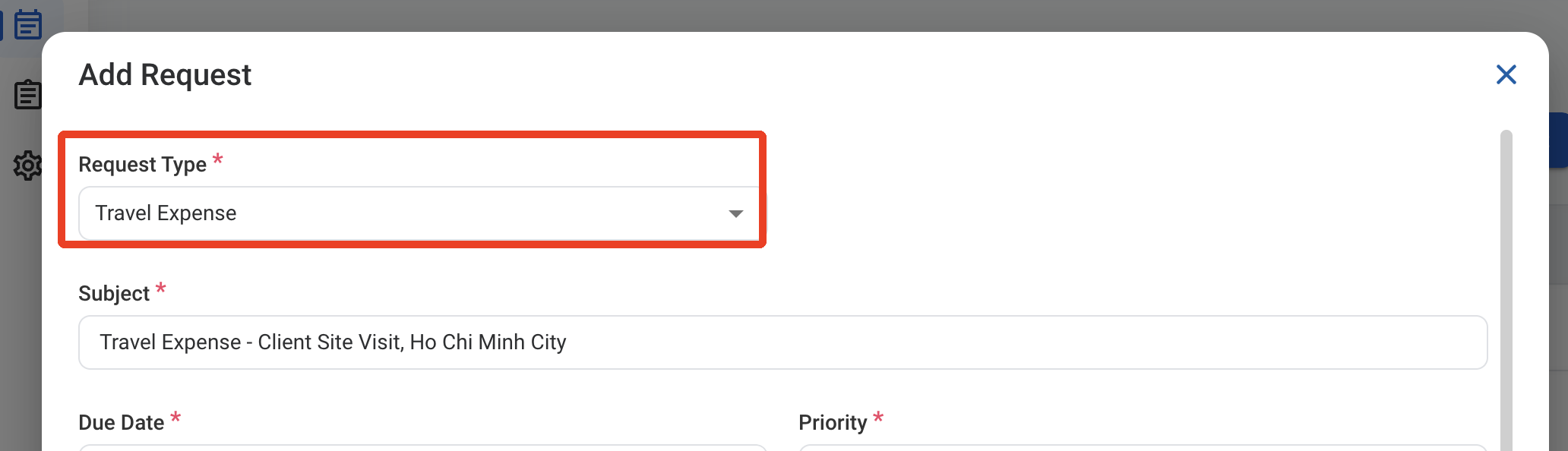
Select Travel Expense as the request type.
4
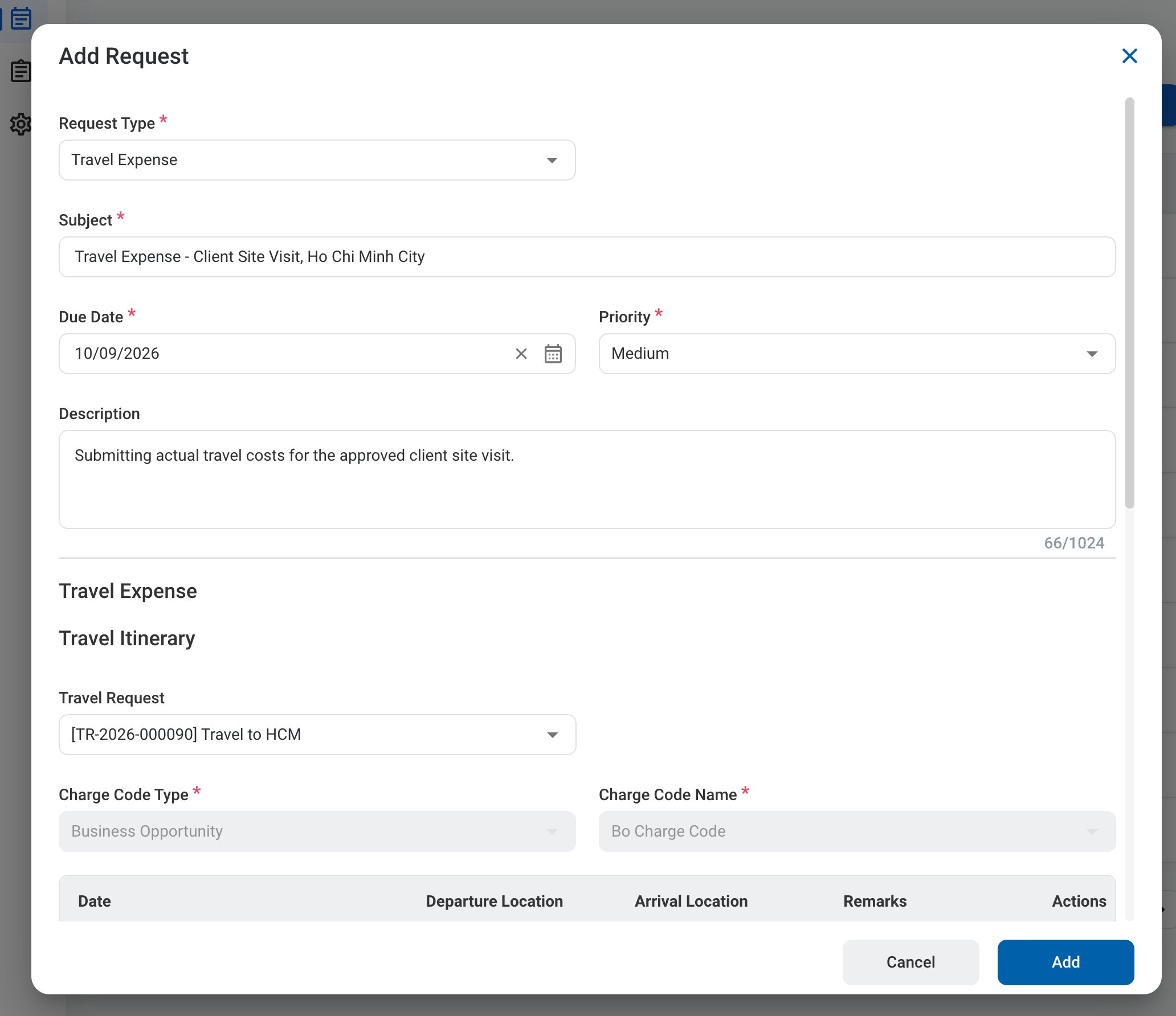
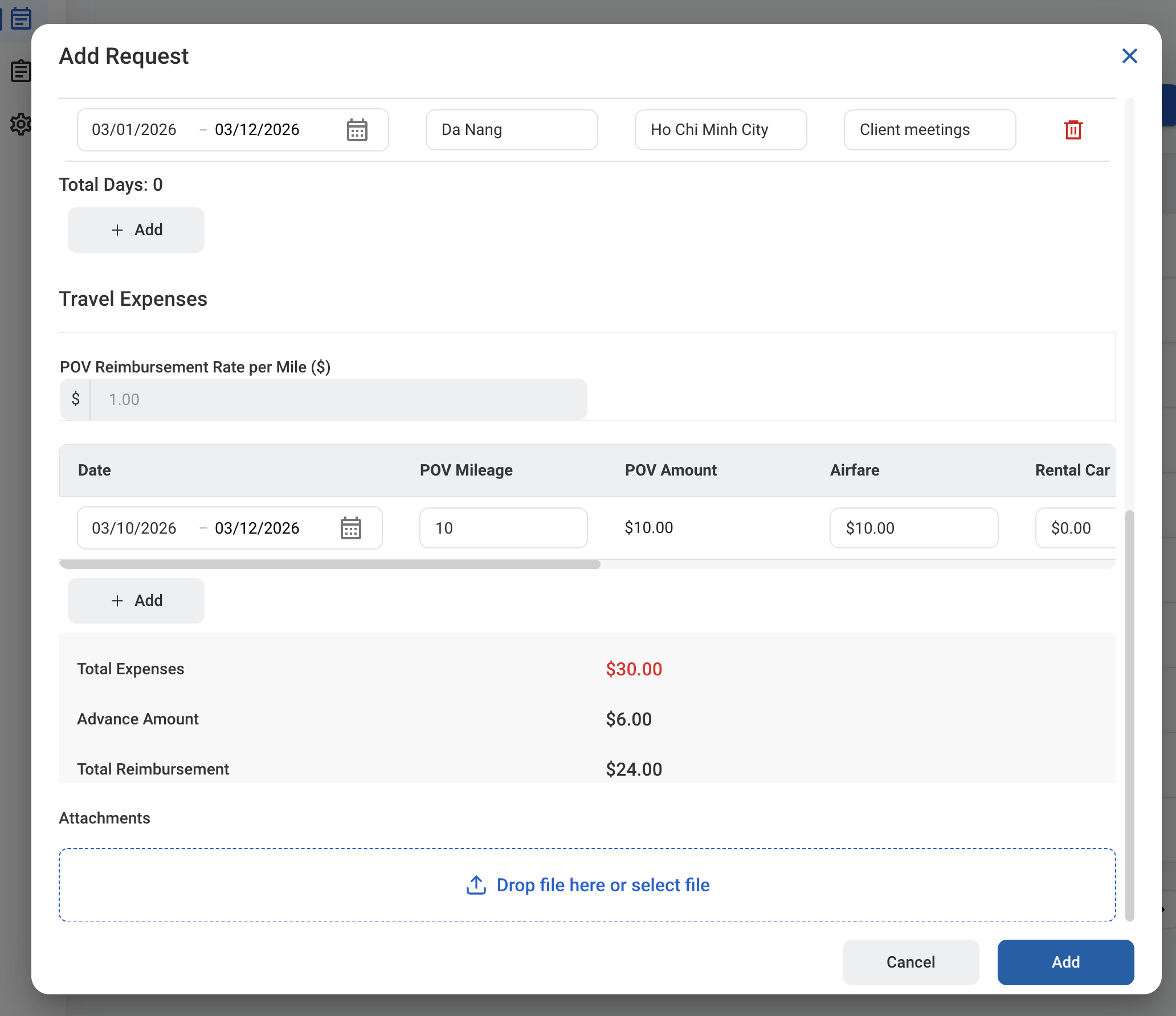
5
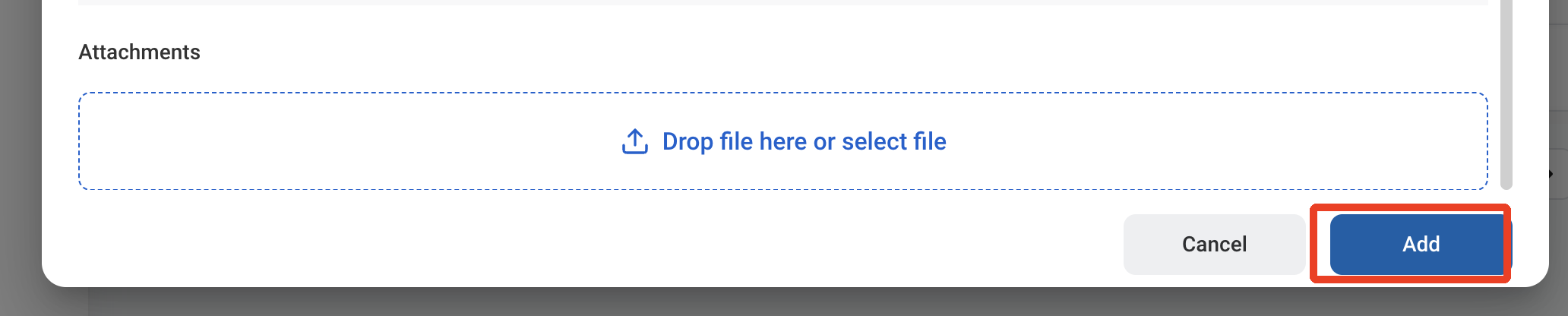
Click Add to send the request for approval.
After a Travel Expense is approved, the journal entry must be created and posted separately through Accounting > Transaction > Journal Entry.