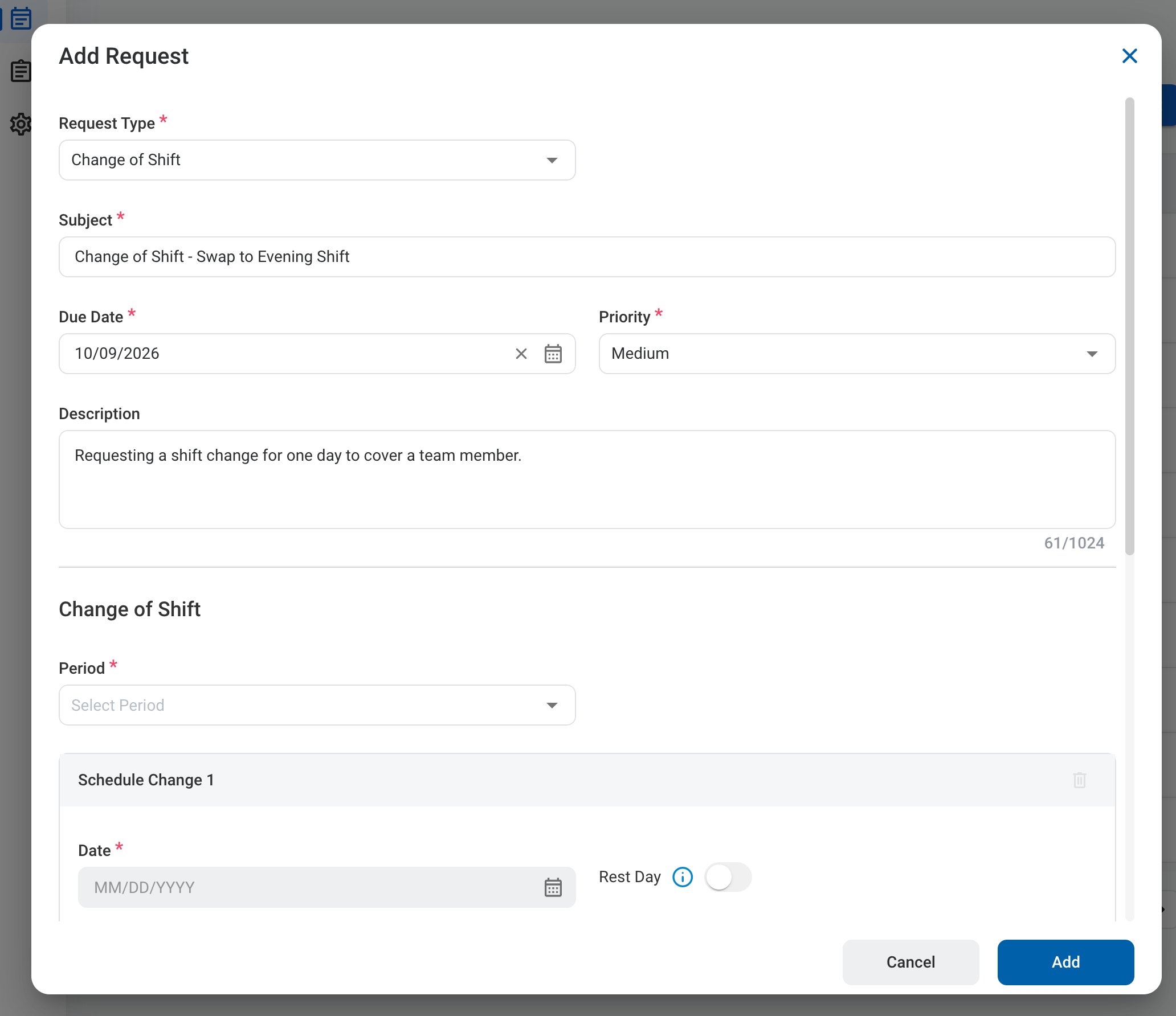
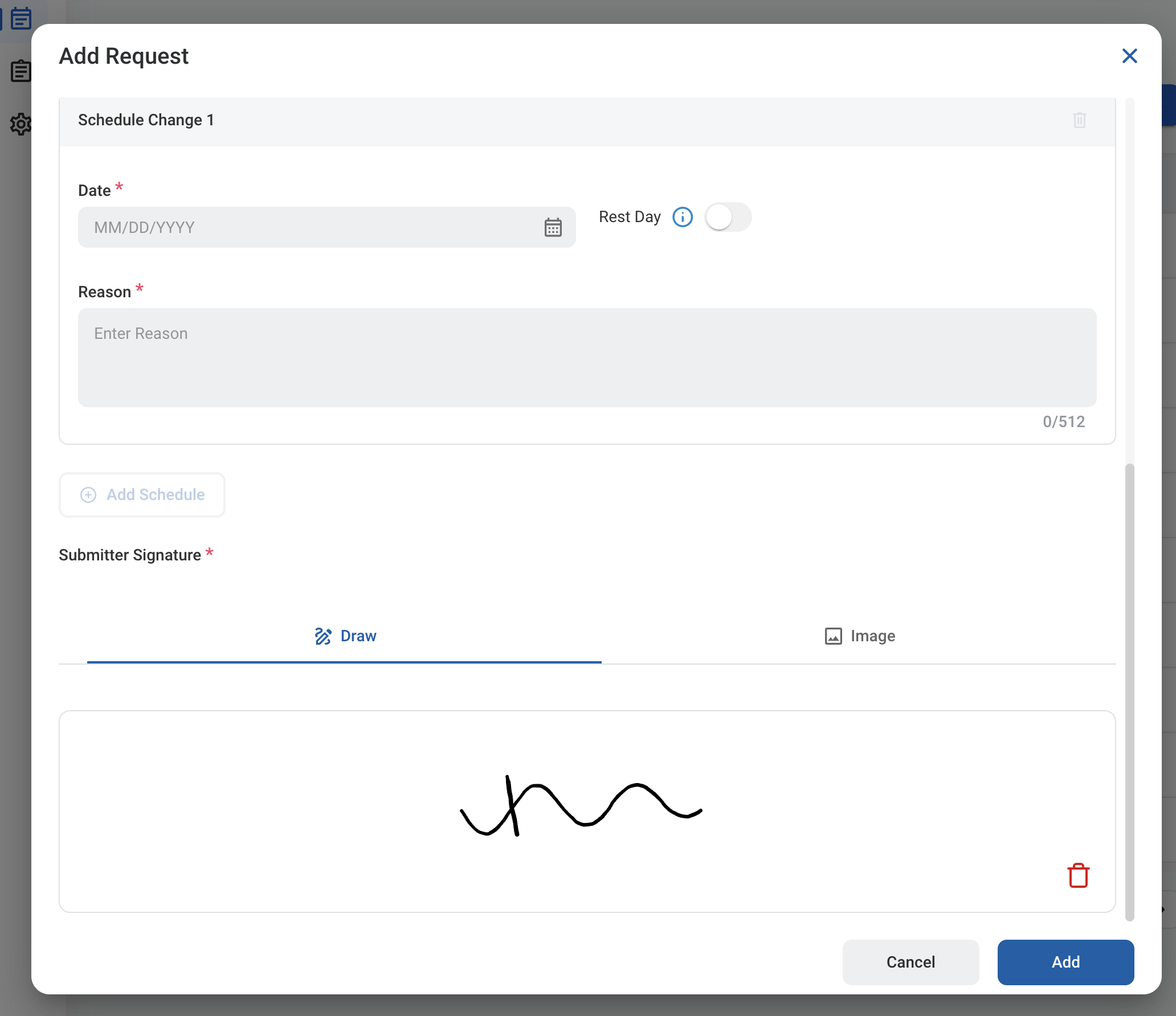
A Change of Shift request asks to change your scheduled shift, or to make a date a rest day, for one or more dates in a schedule period. After you submit it, the request follows the configured approval workflow before being approved, rejected, or returned for revision.

Create a Change of Shift Request

Prerequisites

Before submitting a Change of Shift request:
  • You must have an active employee account.
  • The schedule for the selected period must already be sent. If it has not been sent, a message is displayed and you must select another period.
1

Navigate to Requests Module.

RQ Nav
2

Click Add Request.

RQ Add
3

Select Change of Shift as the request type.
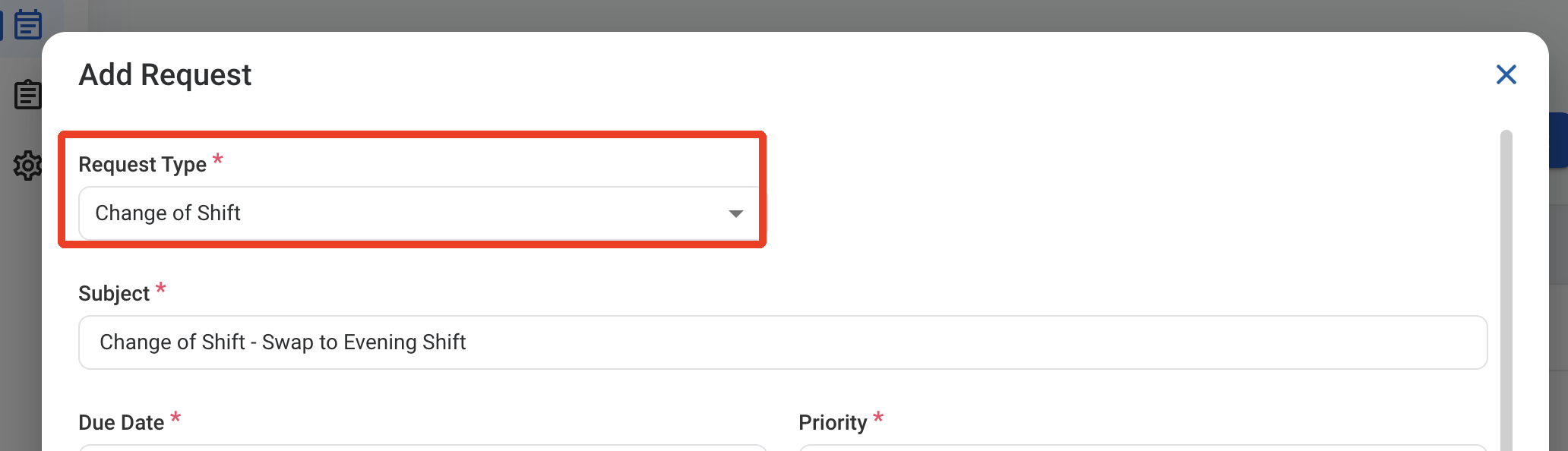
RQ CS Type
4

Complete the required information.

RQ CS Form 1

Request Information

RQ CS Form 2

Change of Shift

5

Click Add to send the request for approval.
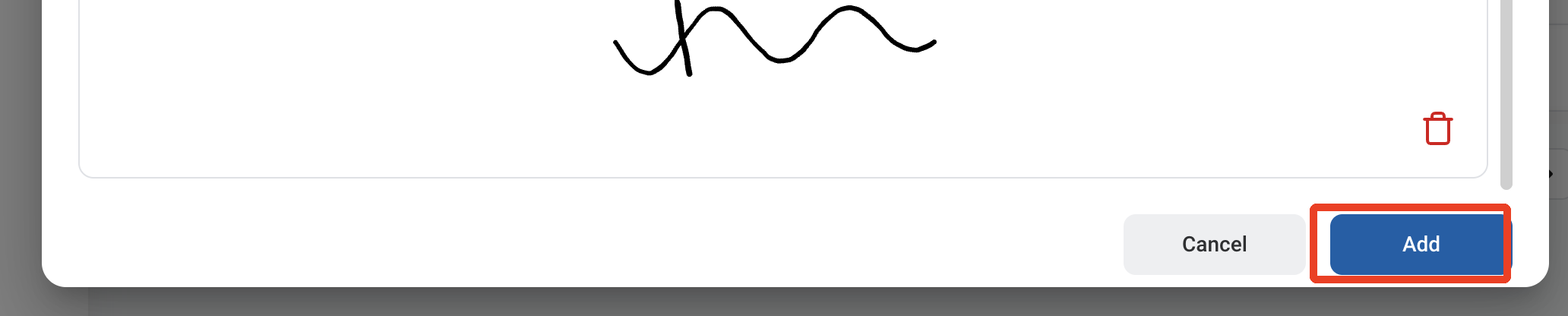
RQ CS Add

Approval Workflow

The request is reviewed by your Supervisor, then by your L2 Manager.

Review a Change of Shift Request

To review a submitted Change of Shift request and approve, reject, or discard it, see Timekeeping > Request.

Manage the Change of Shift Business Process

To manage the workflow for Change of Shift requests, see Admin > Business Processes > Business Processes Overview.