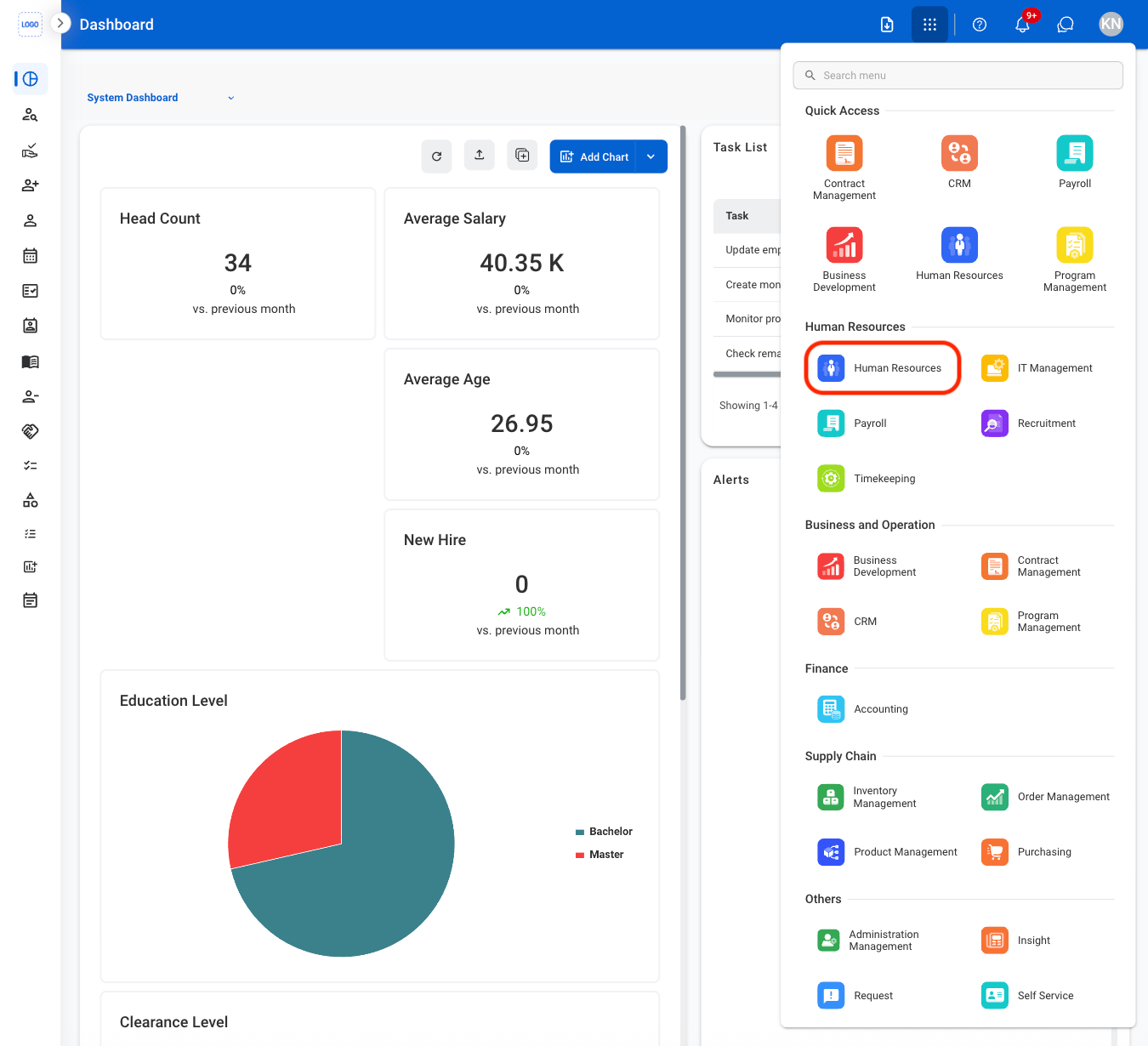
Overview of the Human Resource Module
The Human Resource module provides tools to manage the full employee lifecycle, from candidate vetting and onboarding to performance tracking and offboarding. It supports key HR processes such as recruitment, employee record management, benefits administration, training, and reporting.Key Features of the Human Resource Module
Dashboard
Customize dashboards to track key metrics and align with organizational goals.
Vetting
Review and verify candidate information, track vetting status, and manage progression to the offer stage.
Candidate Offer
Manage the offer lifecycle and track candidate acceptance from initiation to completion.
Onboarding
Manage candidate communication, pre-boarding, and new hire activities.
Employees
Store and manage employee records and essential information.
Benefits
Manage employee benefits, including enrollment, updates, and plan selection.
Performance Review
Manage performance reviews with customizable criteria based on roles and goals.
General Training
Manage training programs, track completion, and support employee development.
Offboarding
Manage employee departure tasks, including exit processes, equipment return, and access removal.
Advanced Agreement
Manage agreements, track progress, and support salary advance requests with payroll integration.
FSO
Manage HR requests, track progress, and prioritize approvals based on urgency.
Labor Category
Create and manage labor categories across roles, departments, and organizational structures.
Transition Phase
Manage program transition activities, contract details, staffing, and transition progress for government-related work.
Reports
Generate and customize reports to track metrics and recruitment stages.
Request
Manage HR requests, track progress, and prioritize approvals based on urgency.
Module Access
1
Select the Module Menu icon

2
Select the Human Resources Module