
Edit Vetting Profile
1
Navigate to Vetting
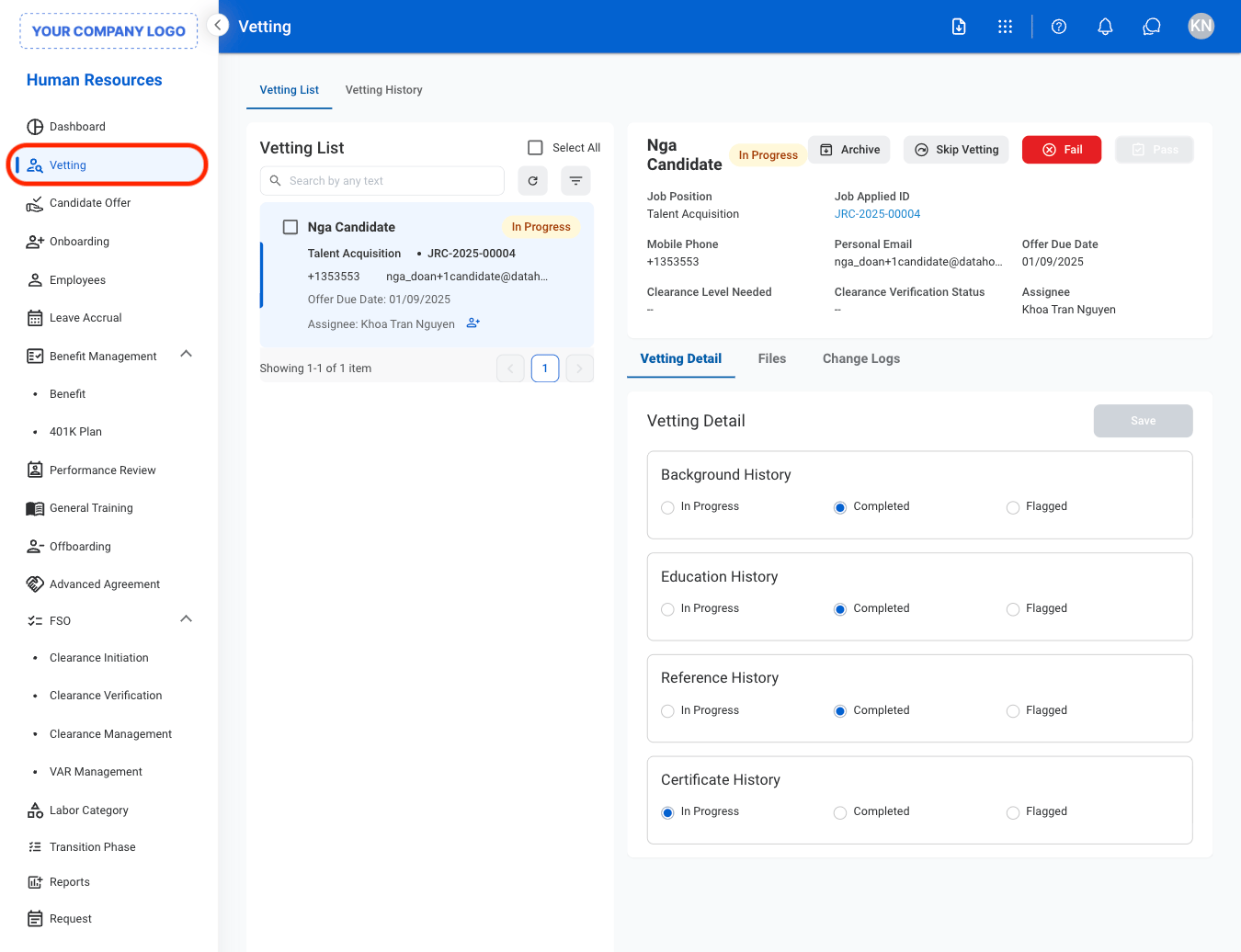
2
Select a tab
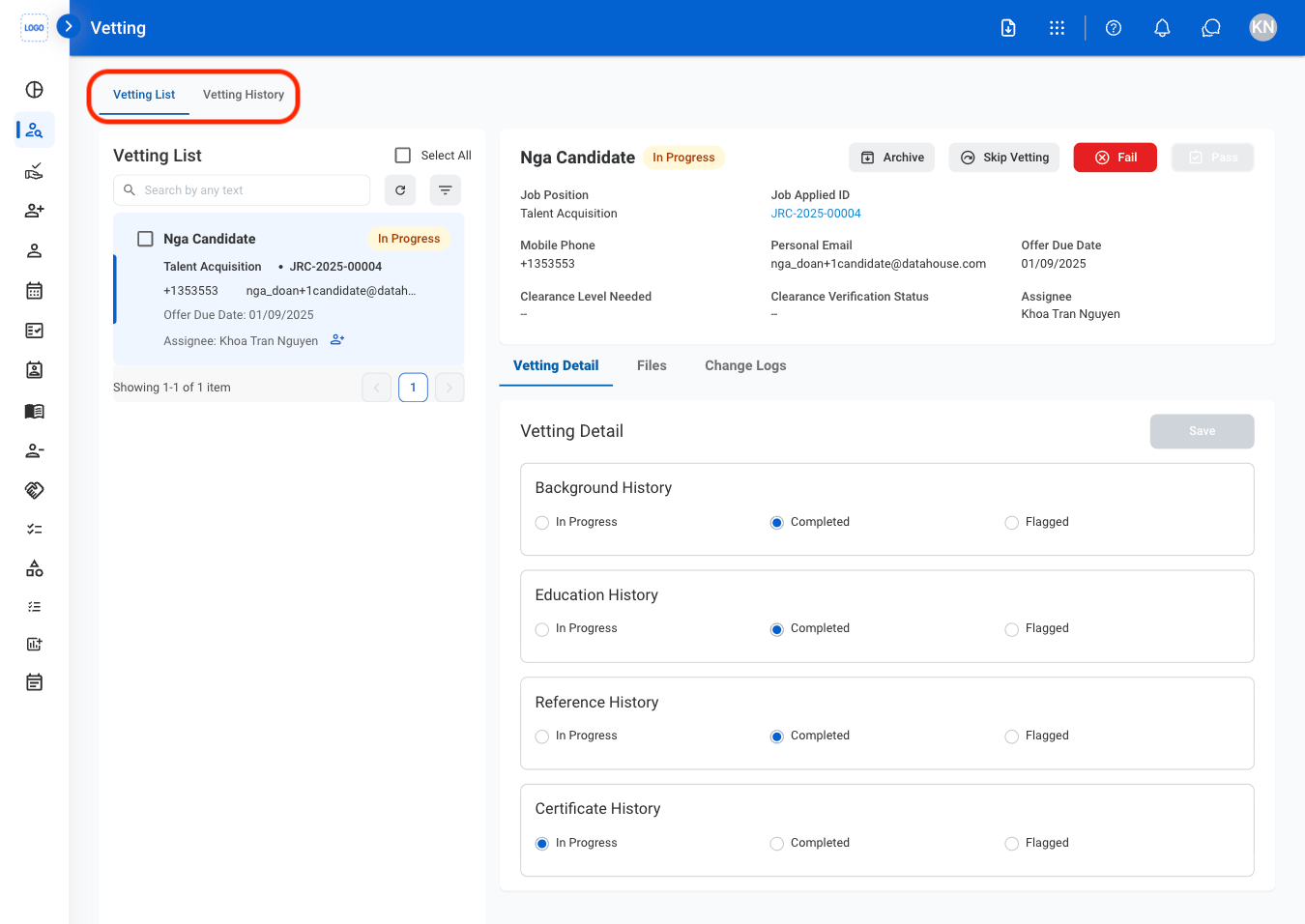
- Vetting List: Select to view active candidates.
- Vetting History: Select to view archived candidates.
3
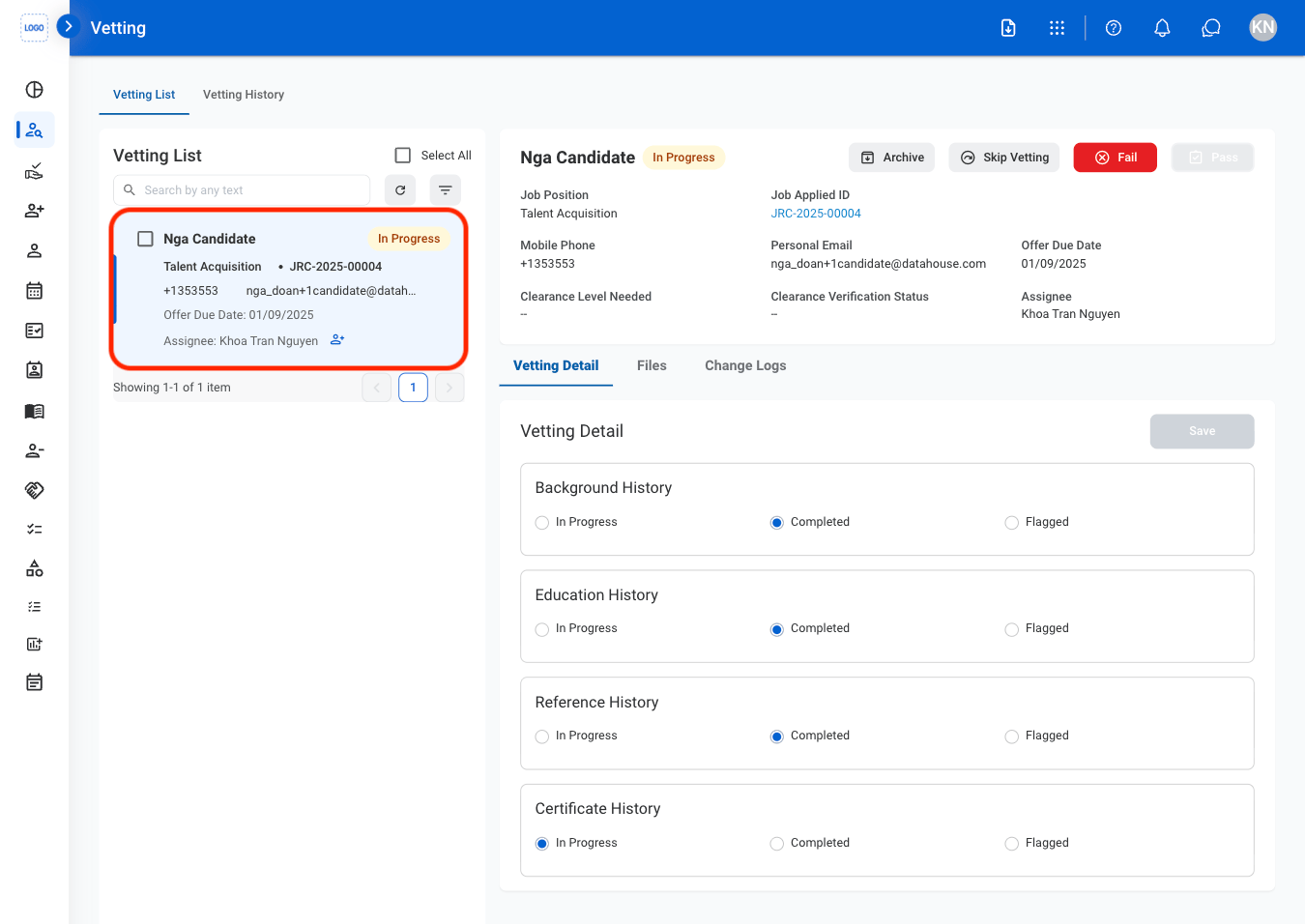
Select a candidate
4
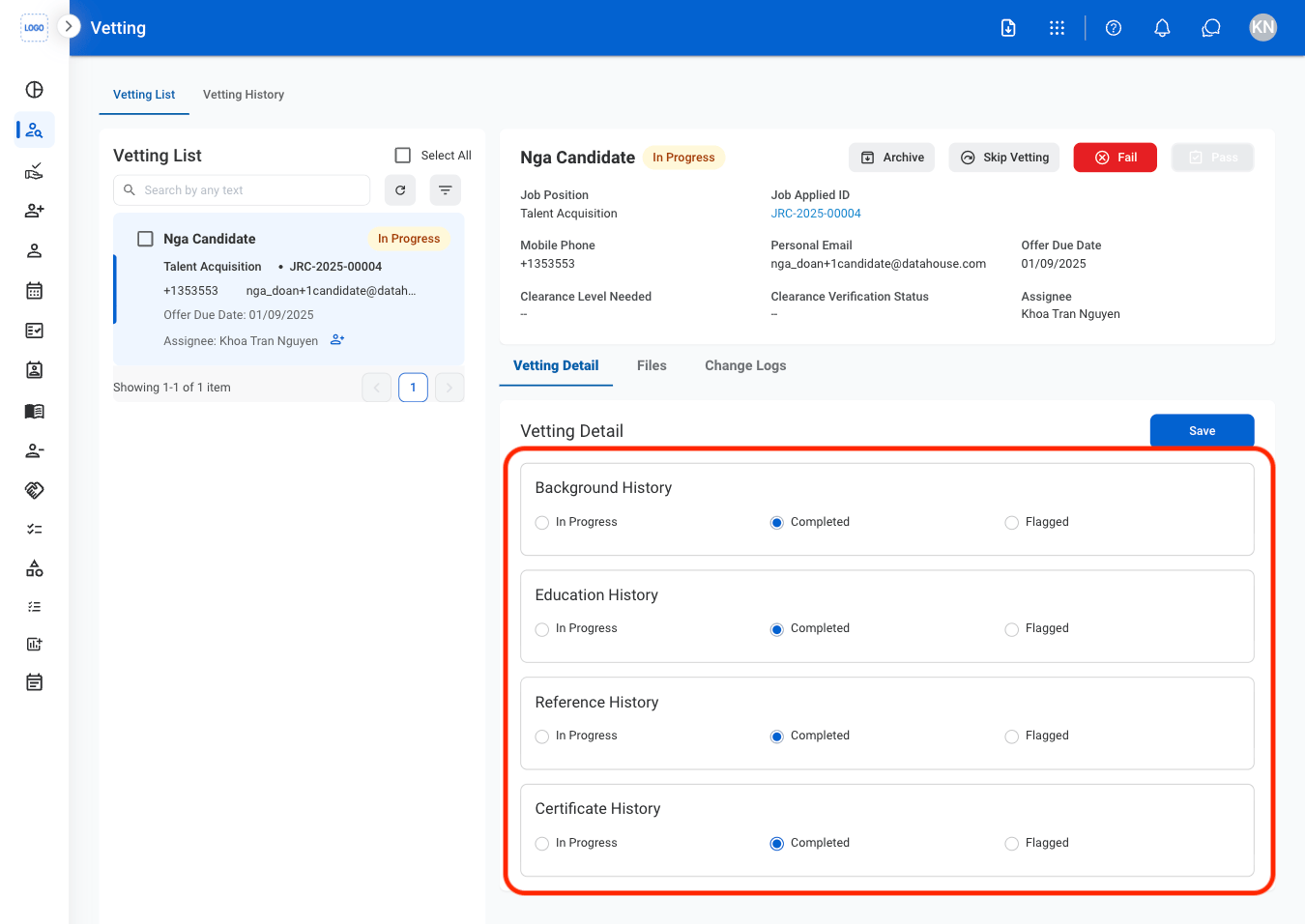
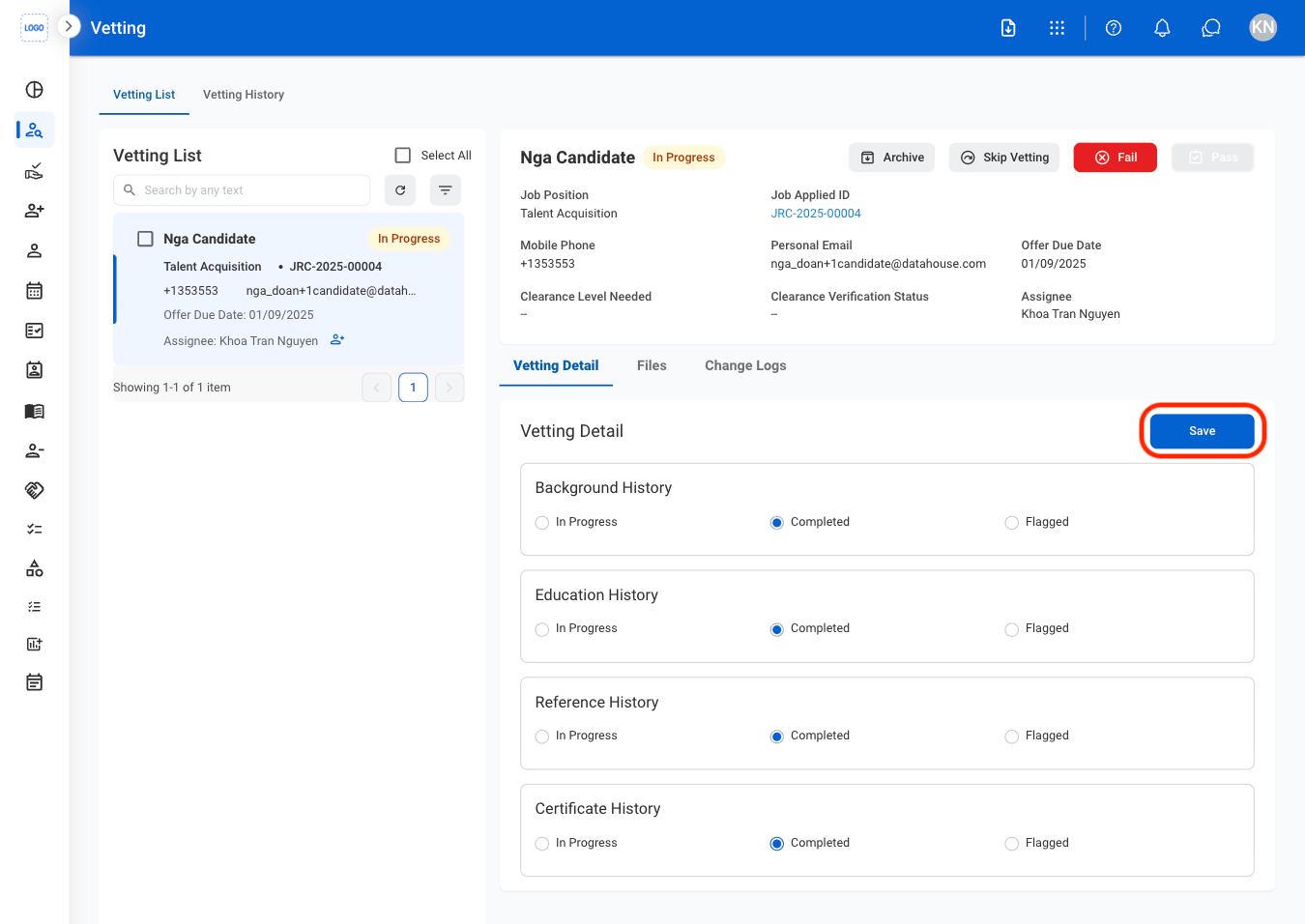
Update vetting details
5
Select Save
6
Update vetting status
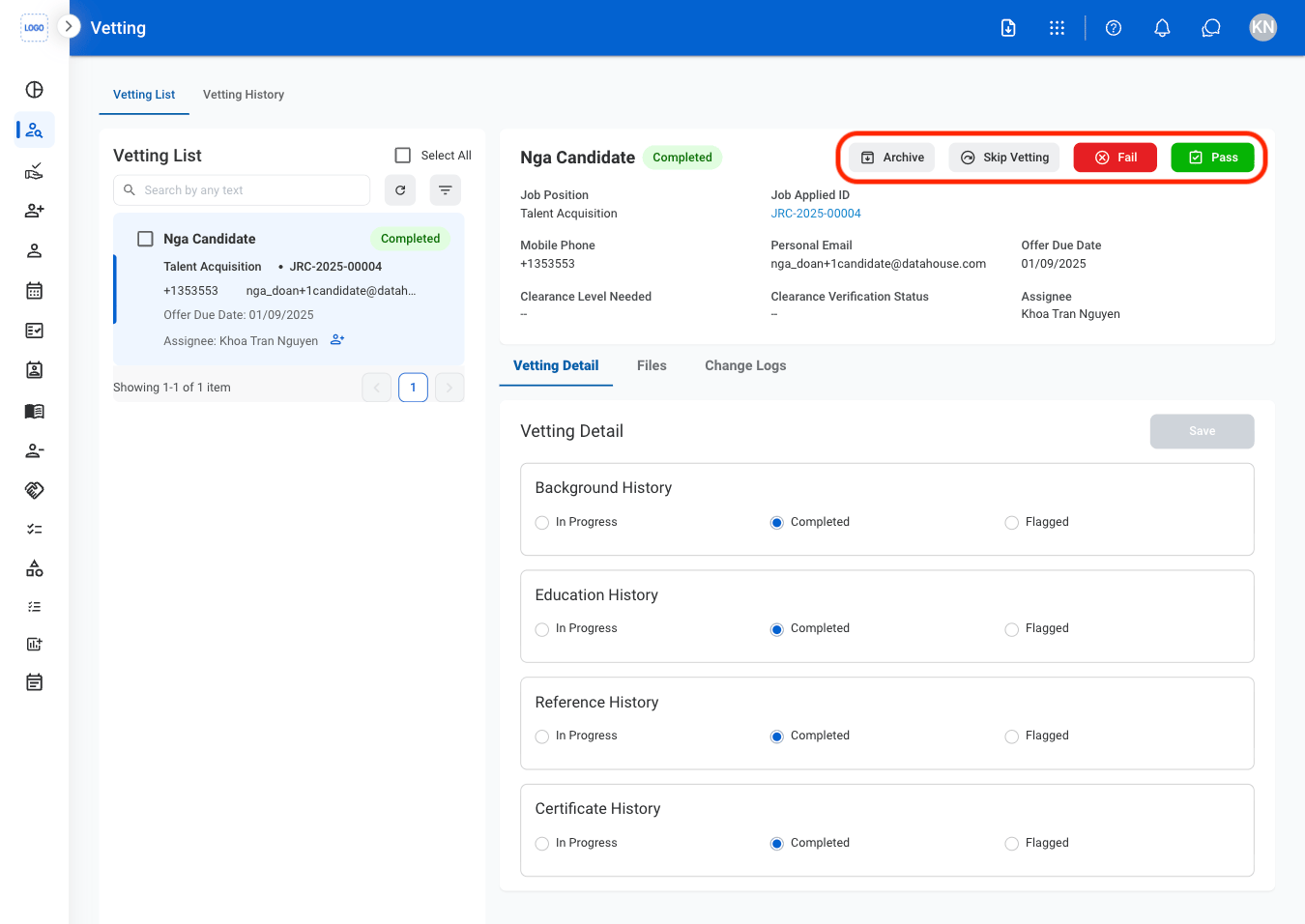
- Archive: Move the candidate record to the archive for future reference without continuing the vetting process.
- Skip Vetting: Bypass the remaining vetting requirements and move the candidate to the next stage of the hiring process.
- Fail: Mark the candidate as unsuccessful and remove them from the current hiring process.
- Pass: Mark the candidate as successfully vetted and move them to the next stage of the hiring process.