
View a Labor Category
1
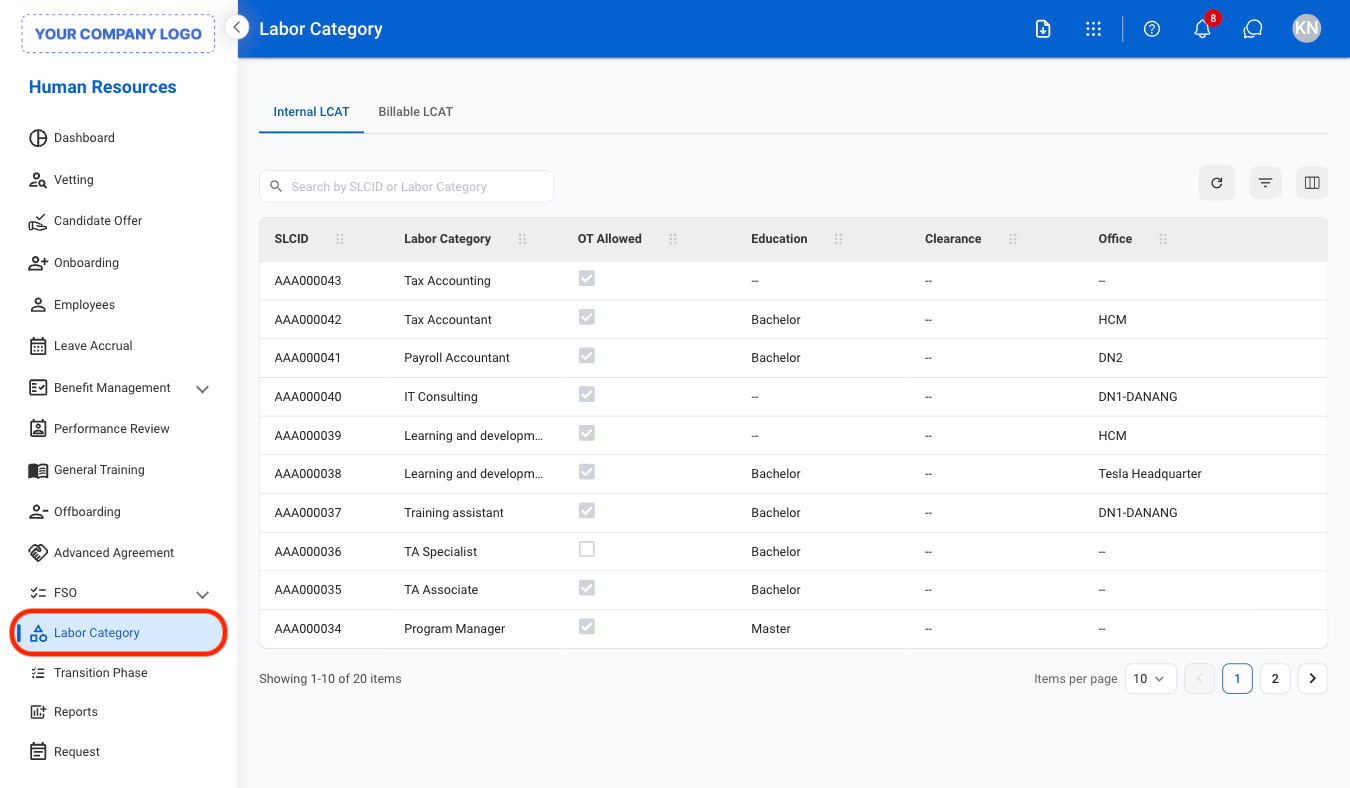
Navigate to Labor Category
2
Select an LCAT type
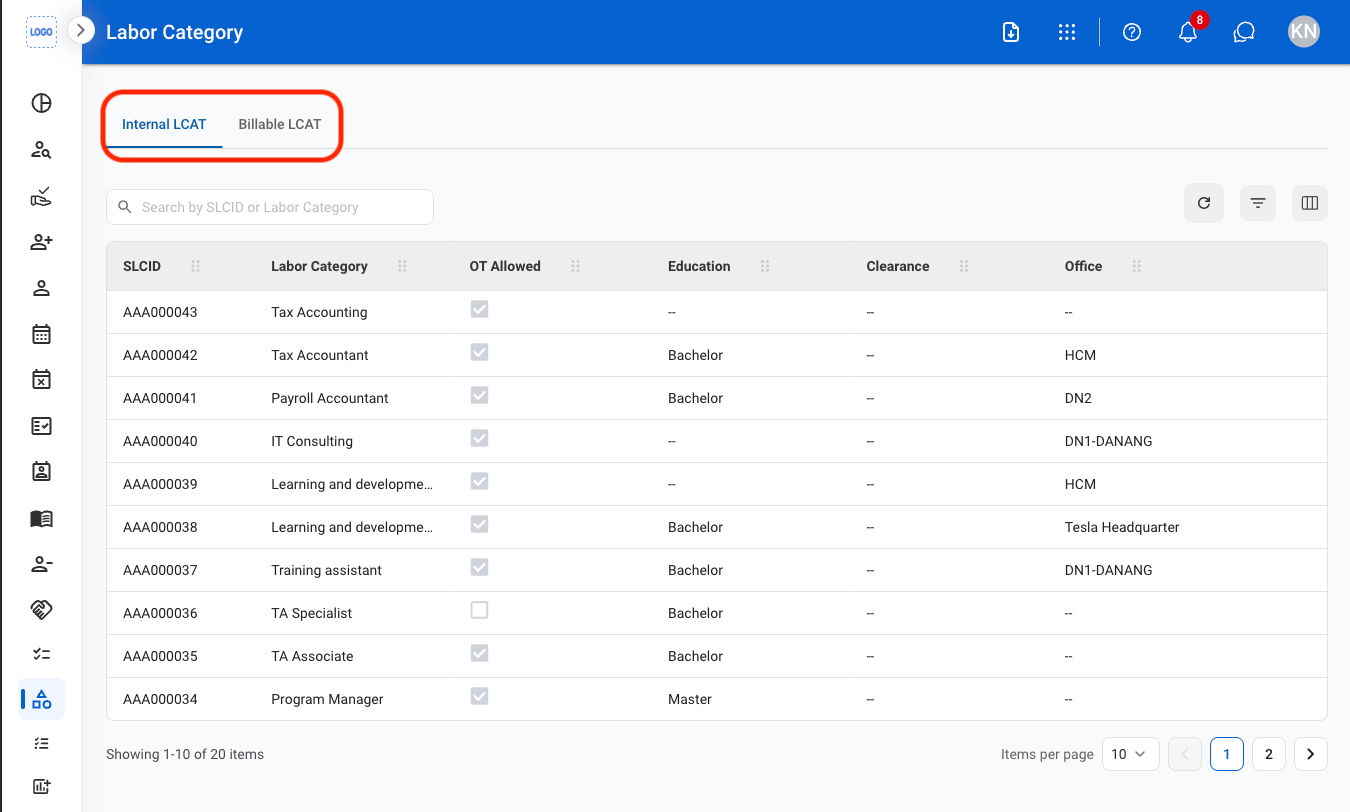
- Internal LCAT: Classifies employees for internal labor and timekeeping purposes.
- Billable LCAT: Defines billable labor categories associated with a program.
3
Select an LCAT
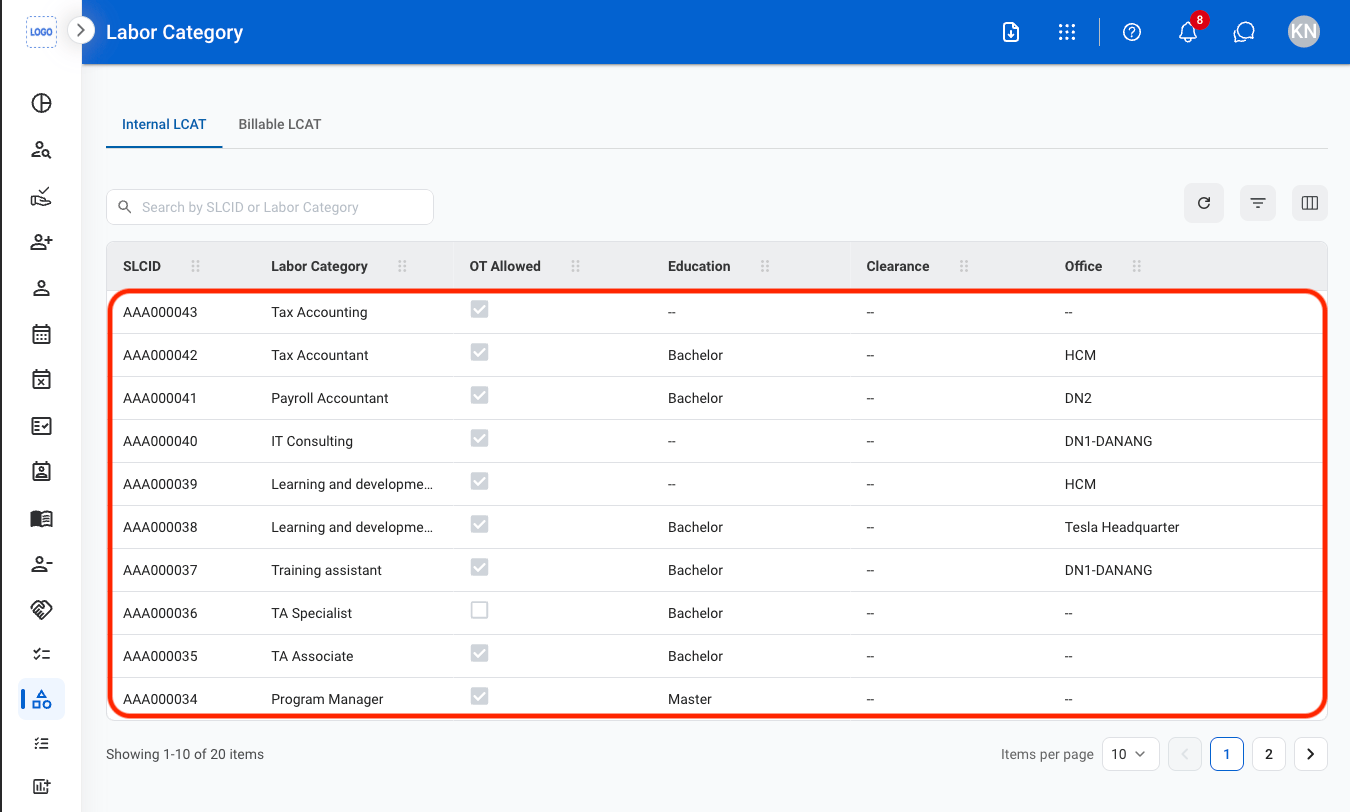
View labor categories used to classify organizational roles across departments, centers, and programs. Displays internal and billable LCAT information to support workforce planning, timekeeping, and program-related labor tracking.
Navigate to Labor Category
Select an LCAT type
Select an LCAT