
Print Agreement Information
1
Navigate to Advanced Agreement
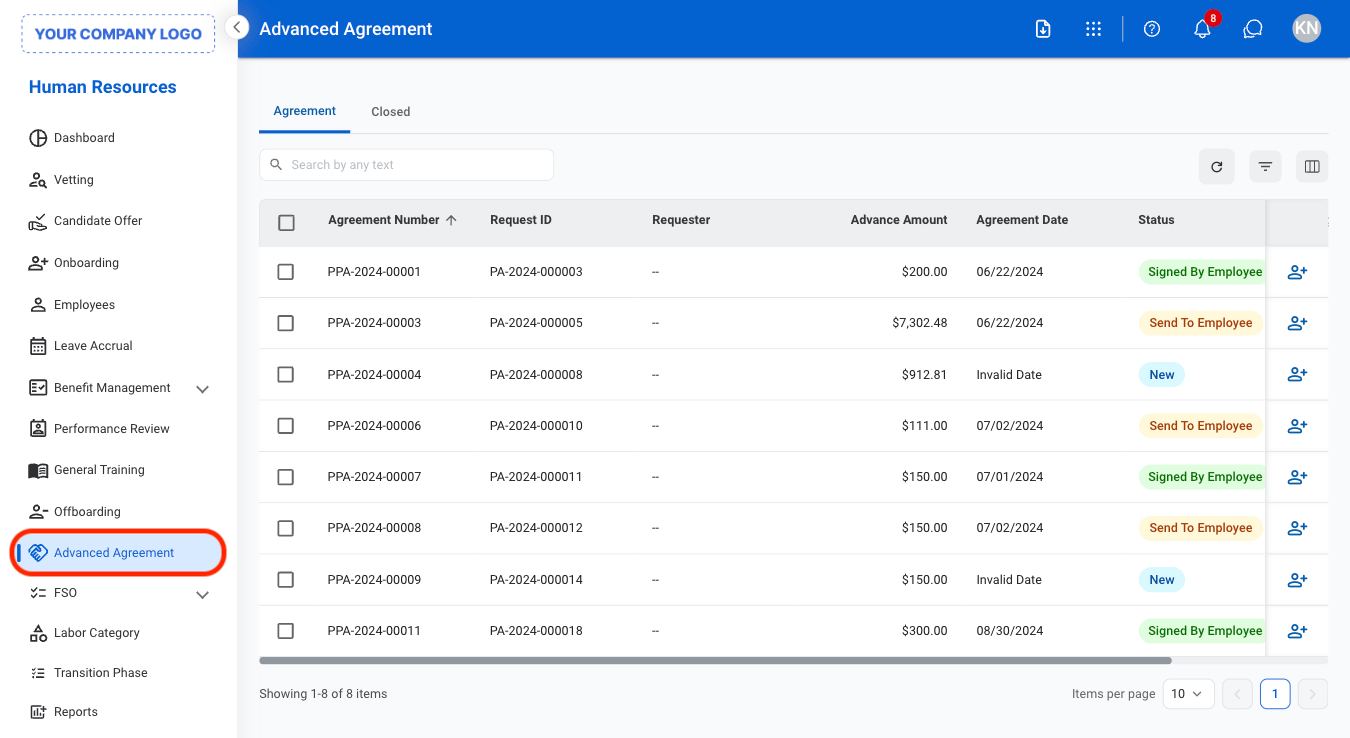
2
Select agreement type

- Agreement: Active advance agreements
- Closed: Closed advance agreements
3
Select an agreement
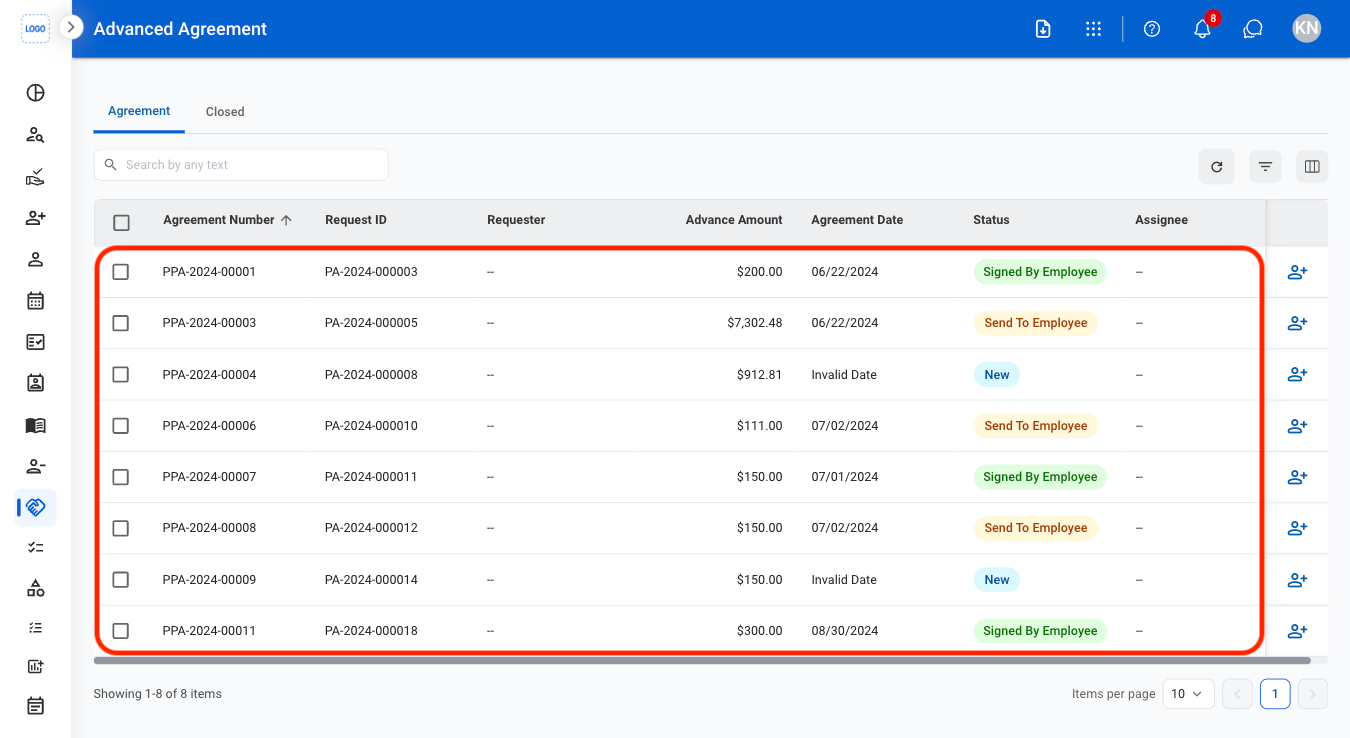
4
Select Print

Assign Advance Agreement
Assign an existing advance agreement to an employee for approval.1
Select the assign icon
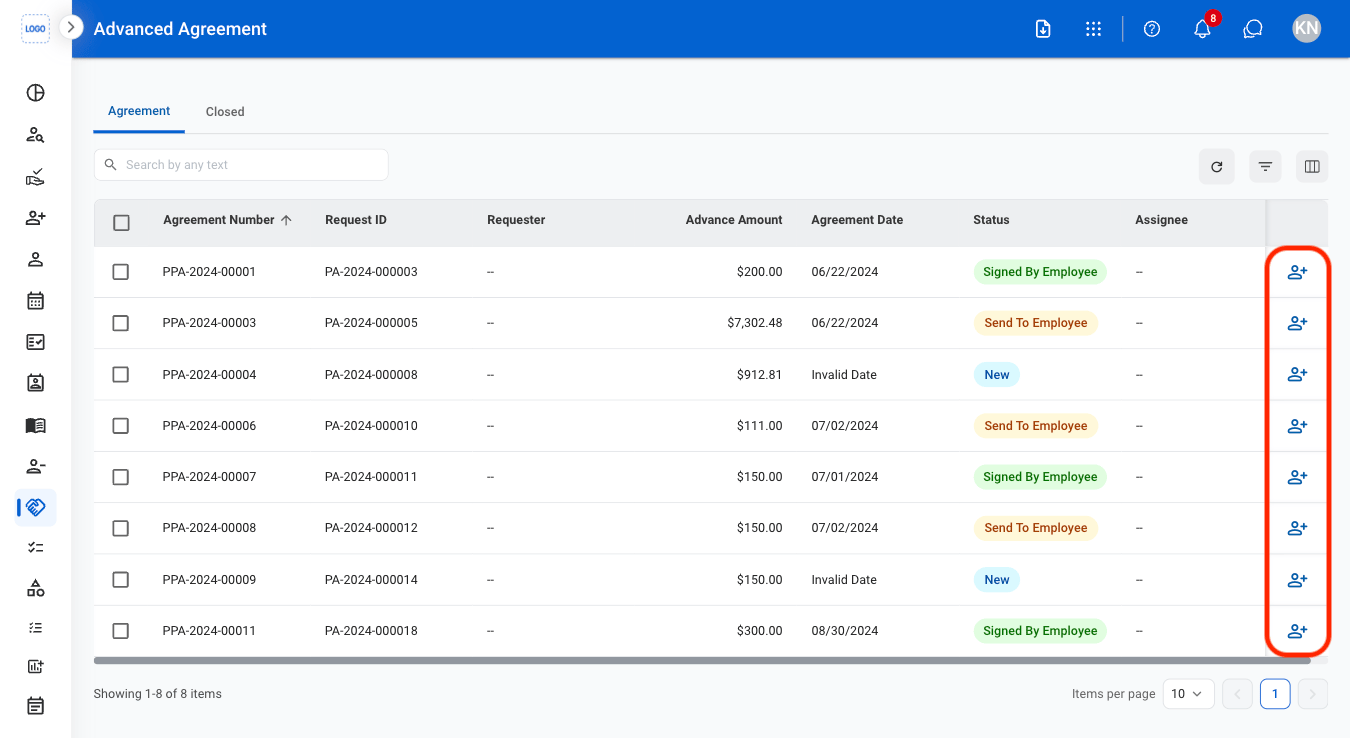
2
Fill in the required information
