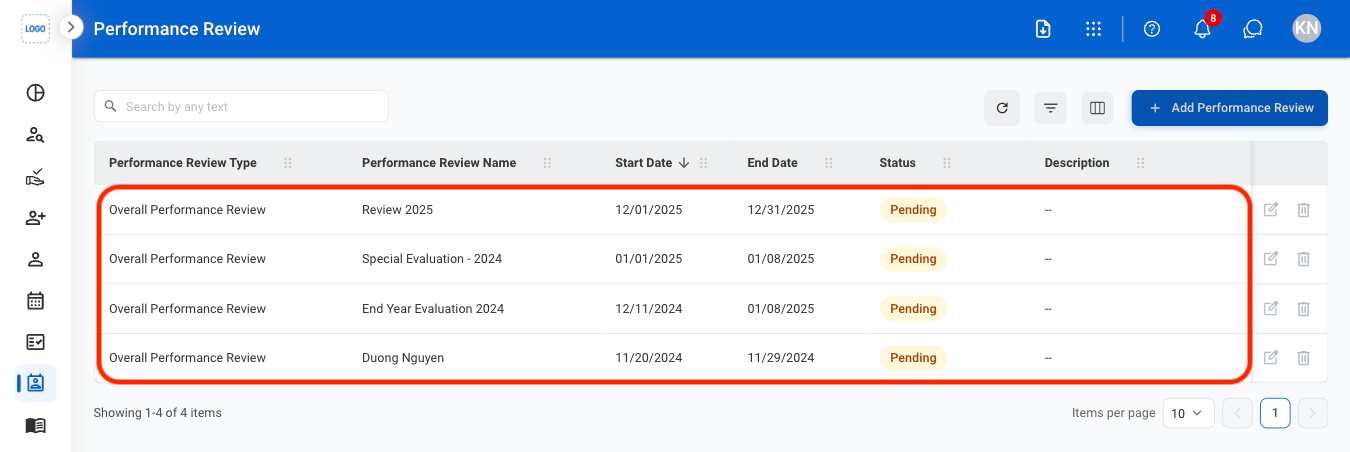
Create a New Performance Review
1
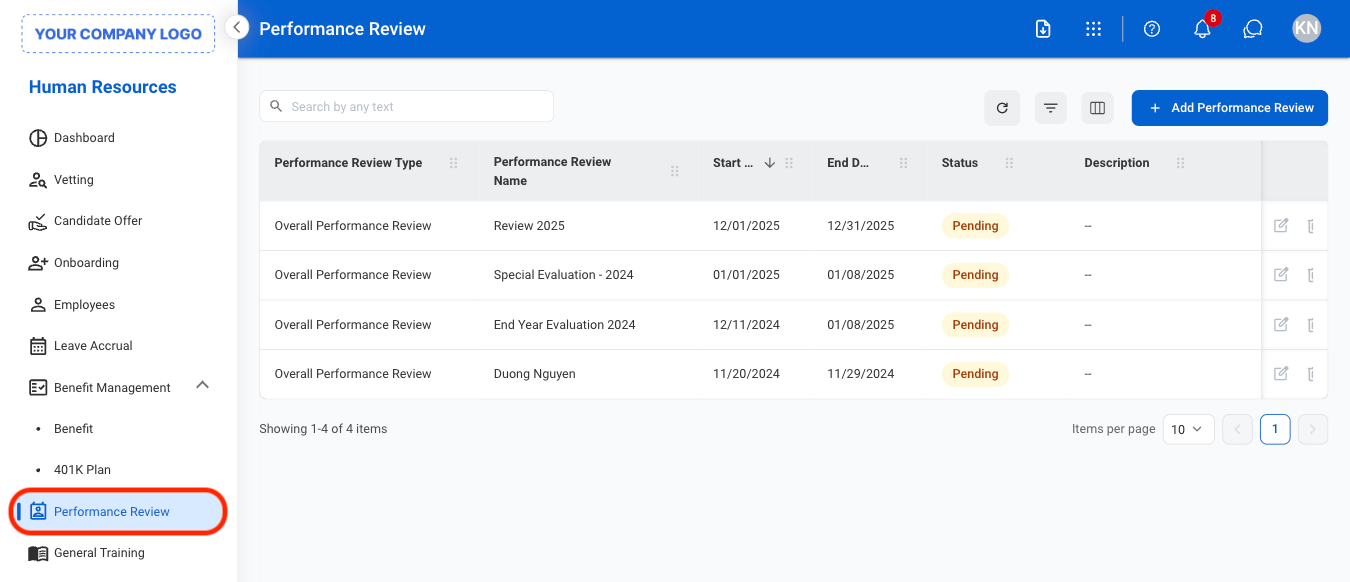
Navigate to Performance Review
2
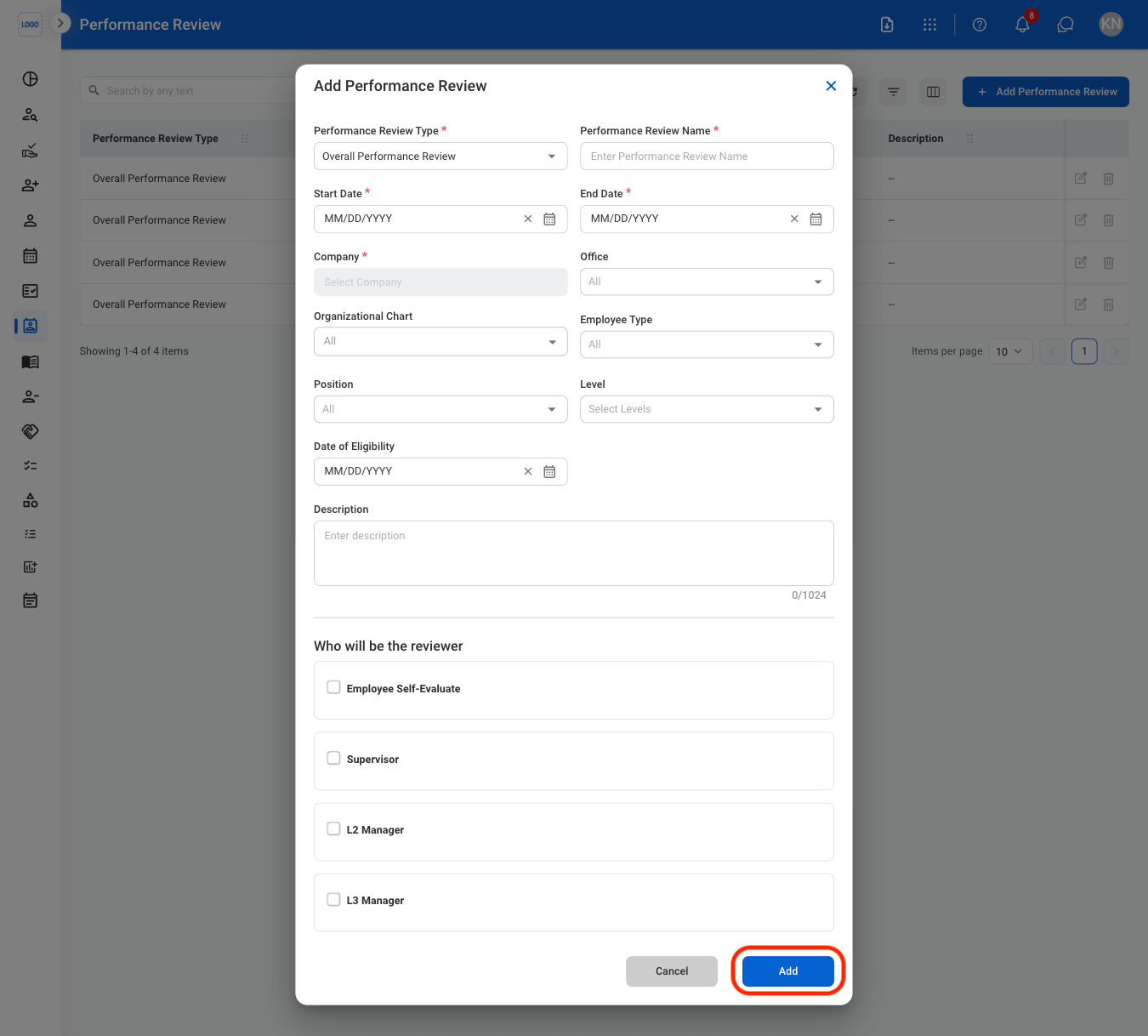
Select Add Performance Review

3
Fill in the required information
Add an Appraisal Form
Upload and submit employee performance evaluations and appraisal records for review.1
Select a performance review
2
Navigate to Eligible Employee List

3
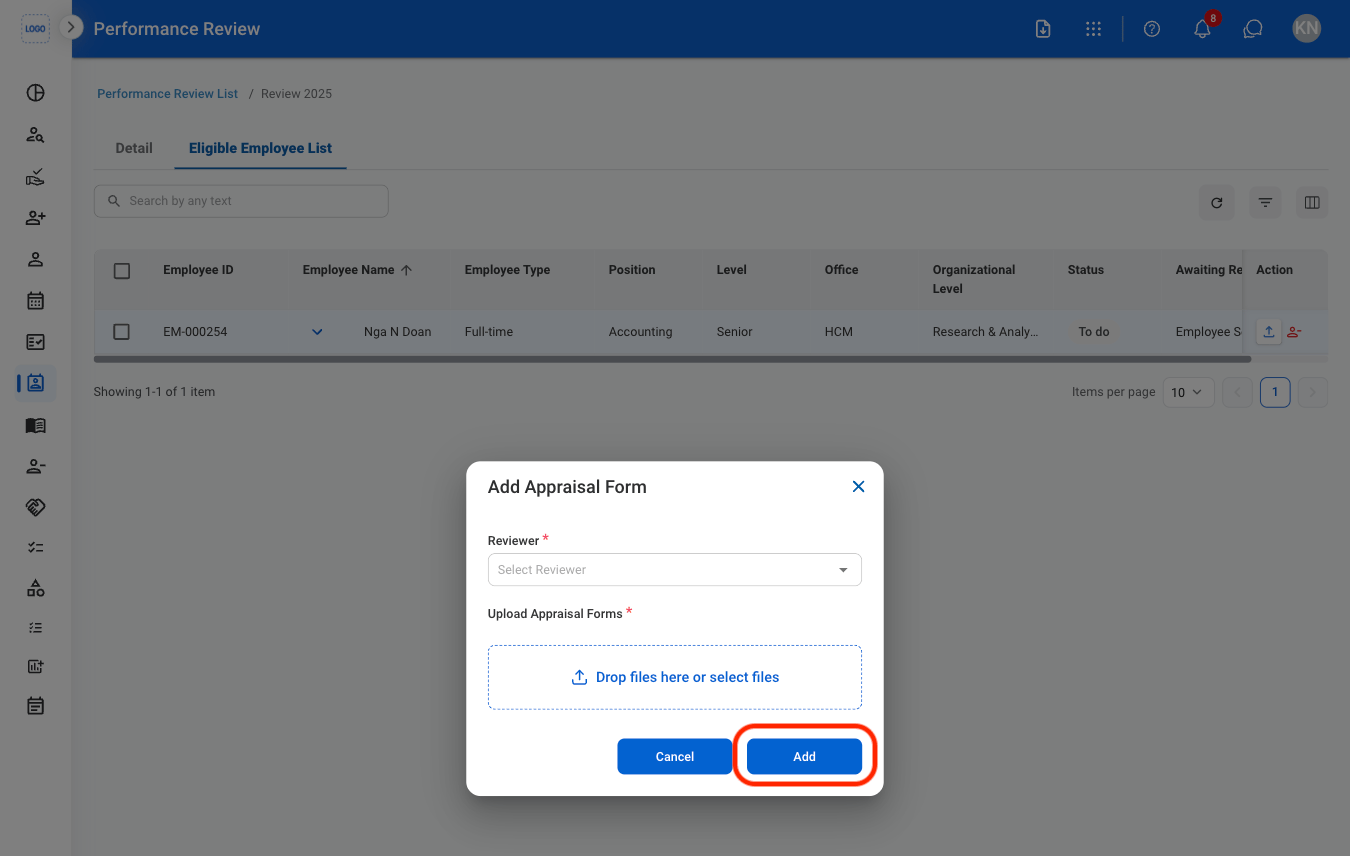
Select the upload icon

4
Fill in the required information
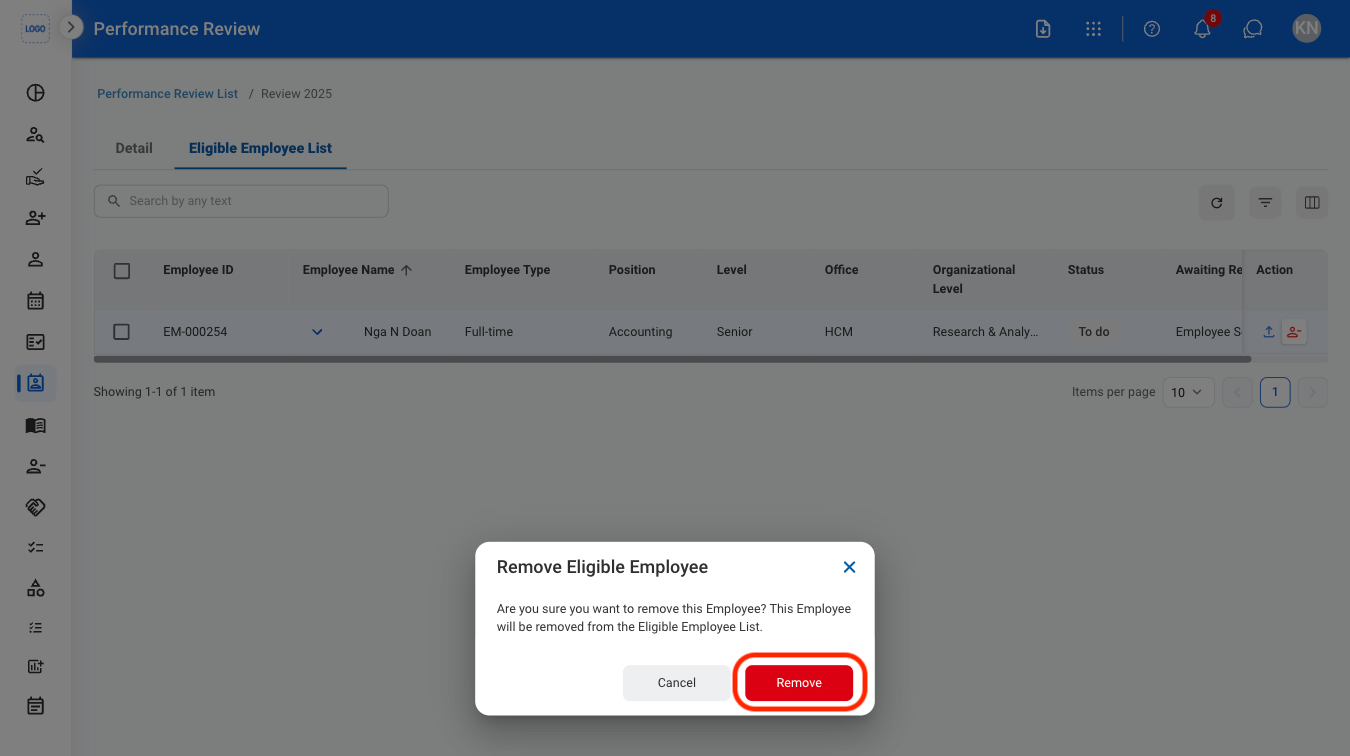
Remove an Employee From a Performance Review
1
Navigate to Eligible Employee List
2
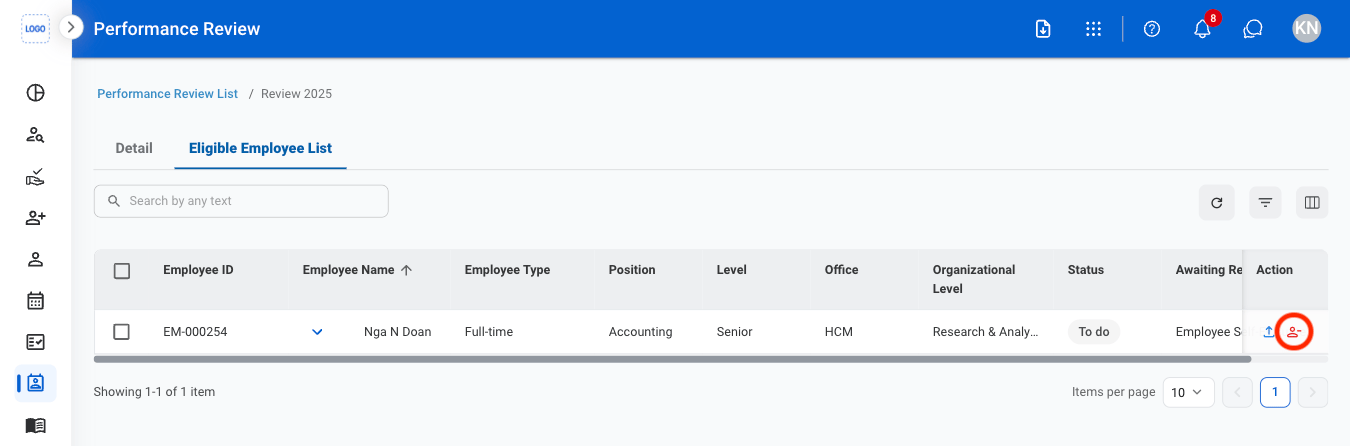
Select the Remove Employee icon
3
Confirm the action