
View Clearance Profiles
1
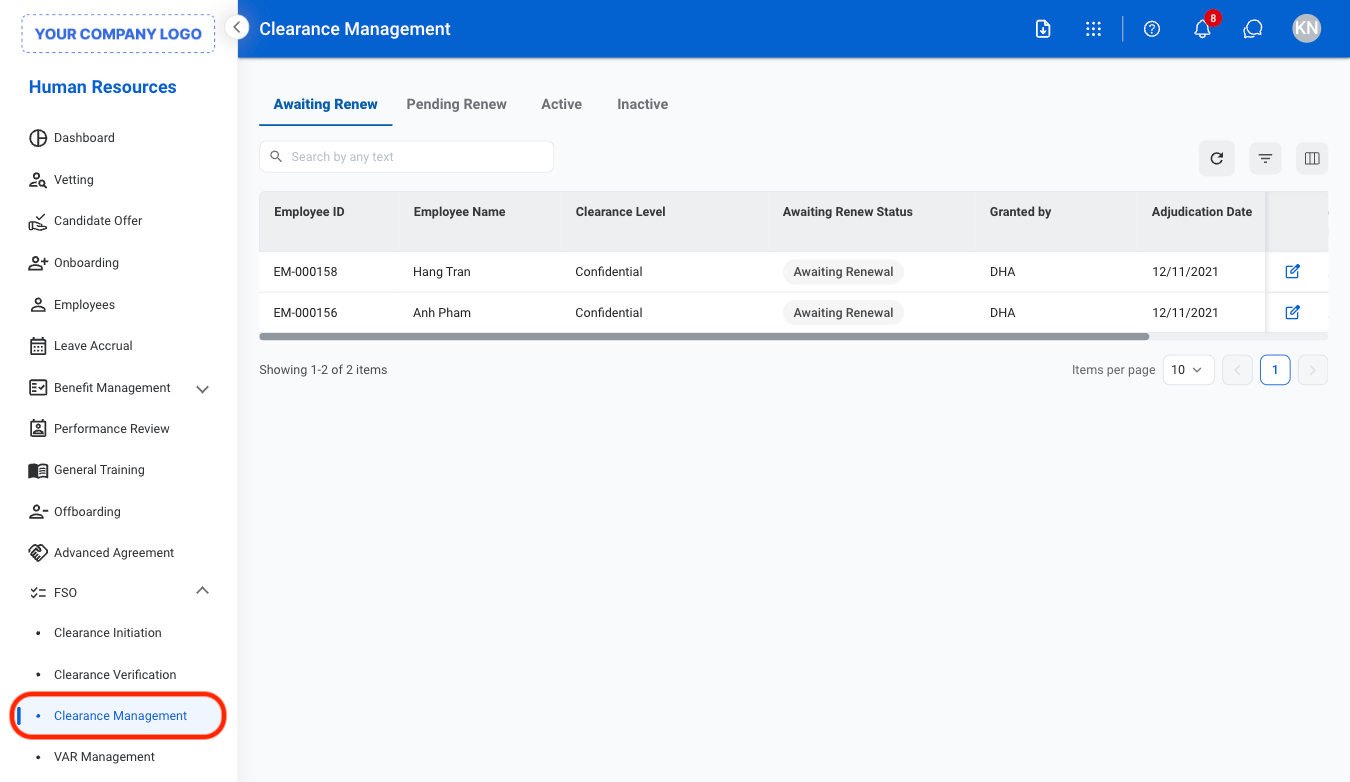
Navigate to Clearance Management
2
Select a tab
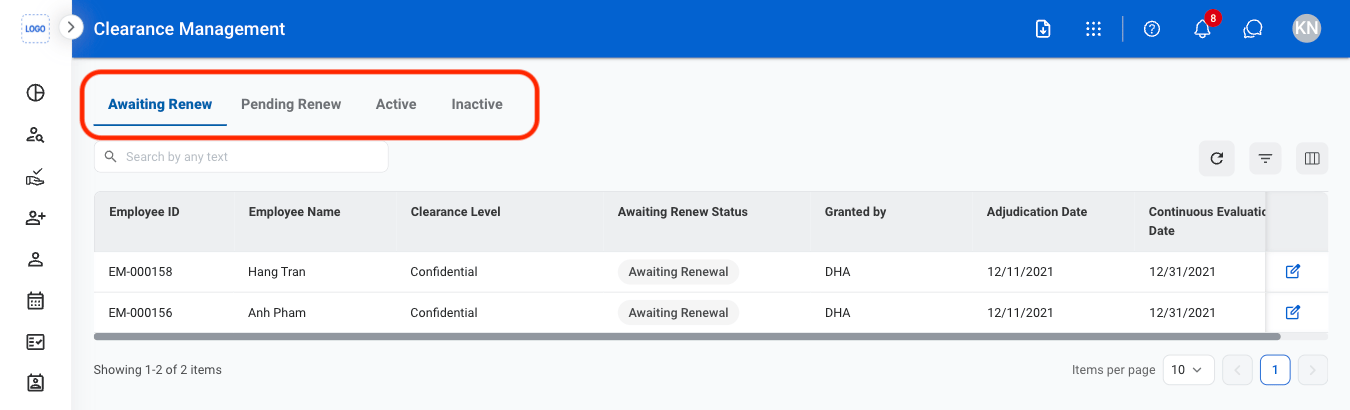
- Awaiting Renew: Employees with clearances approaching renewal requirements.
- Pending Renew: Employees with renewal requests currently in progress or under review.
- Active: Employees with approved and active clearances.
- Inactive: Employees with expired, revoked, or inactive clearance records.
3
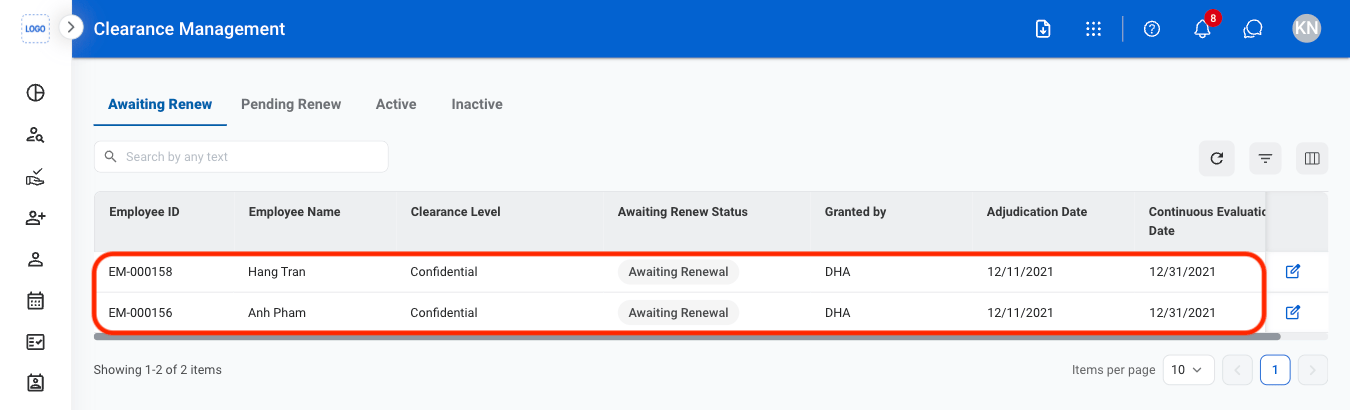
Select a profile
Edit a Clearance Profile
1
Select a tab
2
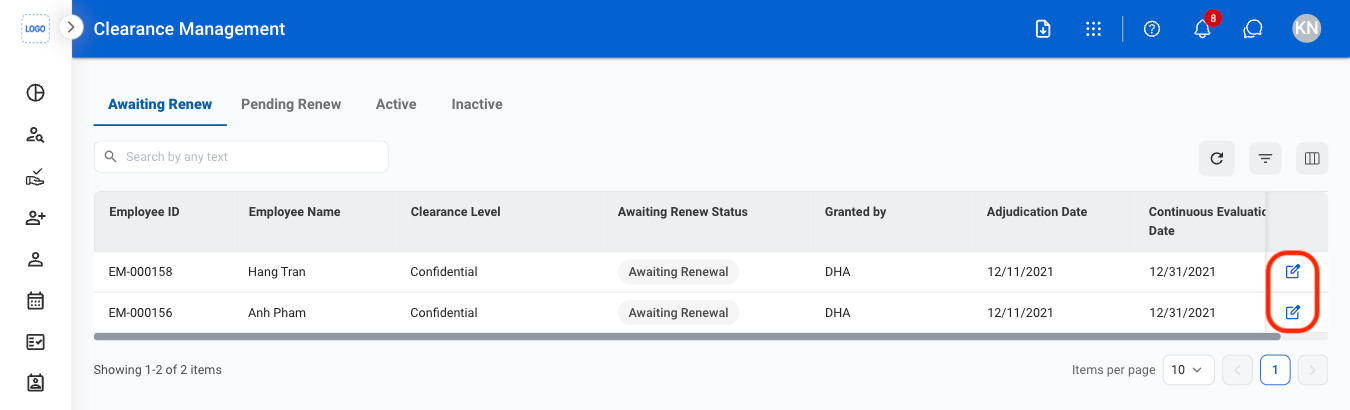
Select the Edit icon
3
Fill in the required information
Select Save to complete or Cancel to exit without saving changes.