An Official Business request records time you spend working away from your regular work location, such as a client meeting or an off-site event, so it counts as working time. After you submit it, the request follows the configured approval workflow before being approved, rejected, or returned for revision.

Create an Official Business Request

Prerequisites

Before submitting an Official Business request:
  • You must have an active employee account.
  • You must have a work schedule (shift) on each date in the request. If you have no shift on the selected date, a message is displayed and the request cannot be added.
1

Navigate to Requests Module.

RQ Nav
2

Click Add Request.

RQ Add
3

Select Official Business as the request type.
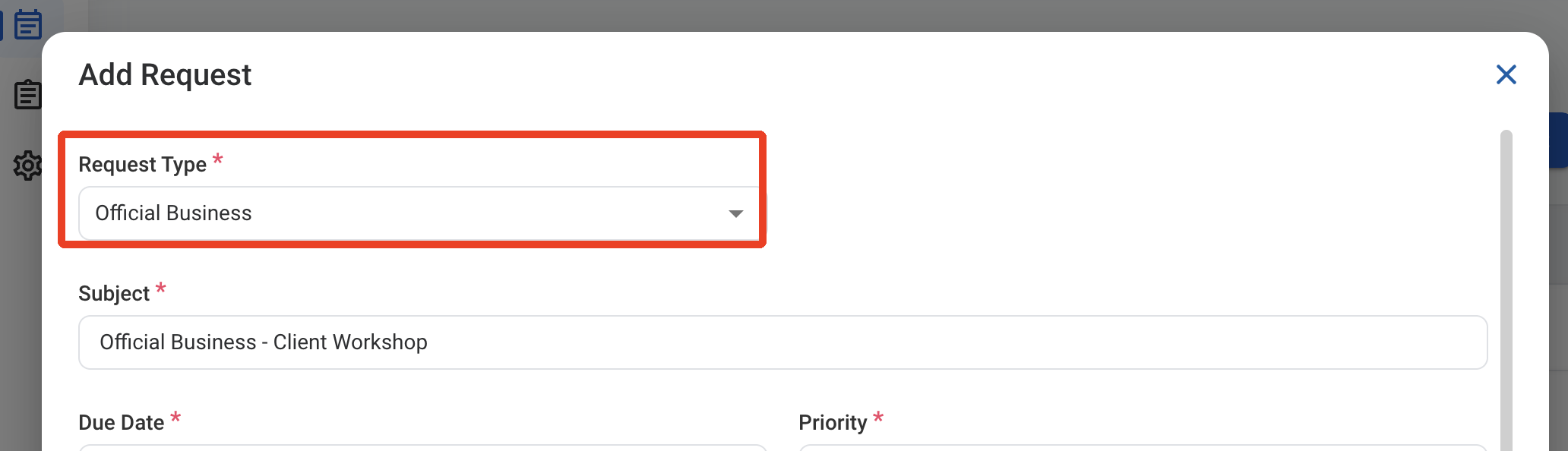
RQ OB Type
4

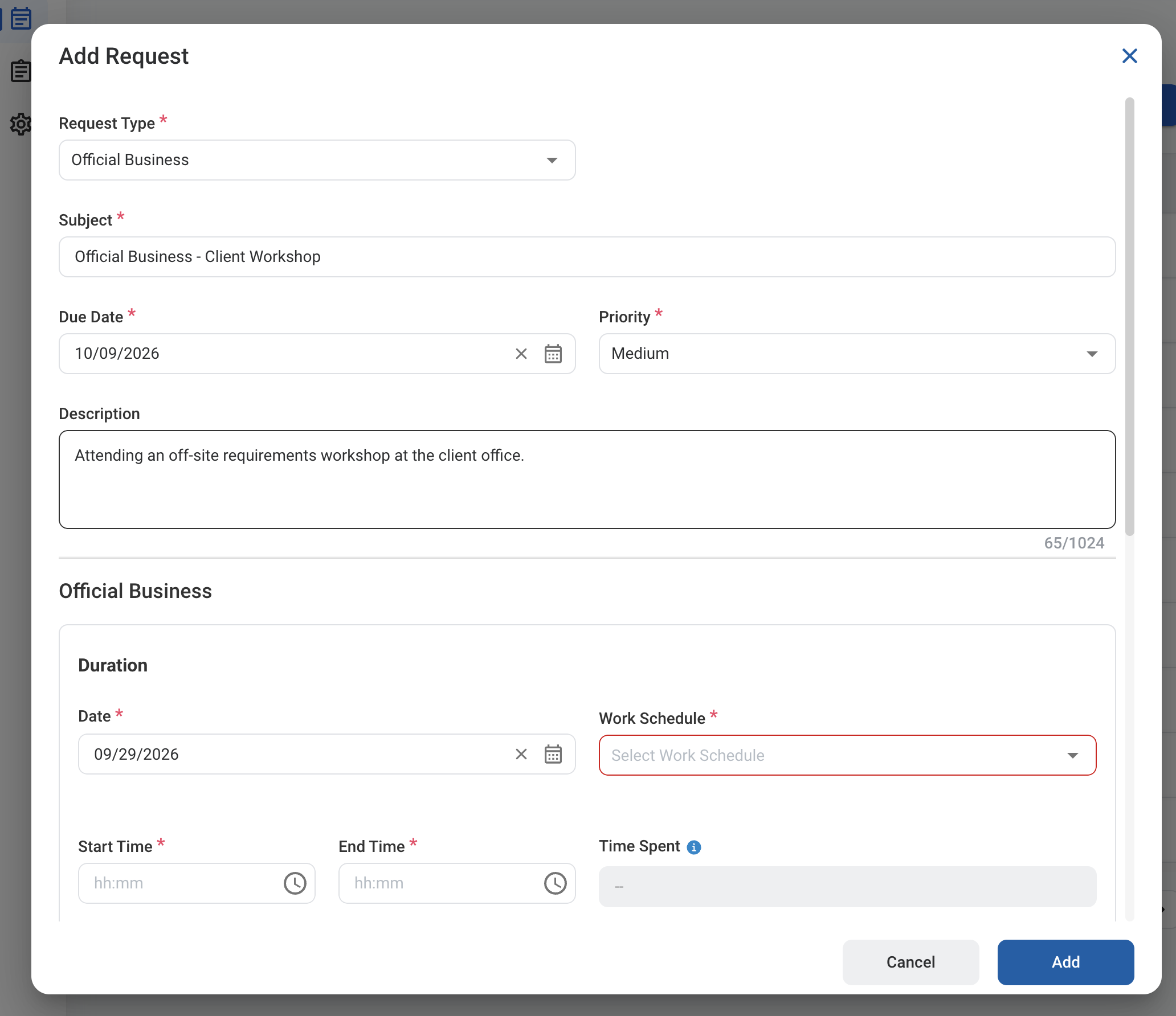
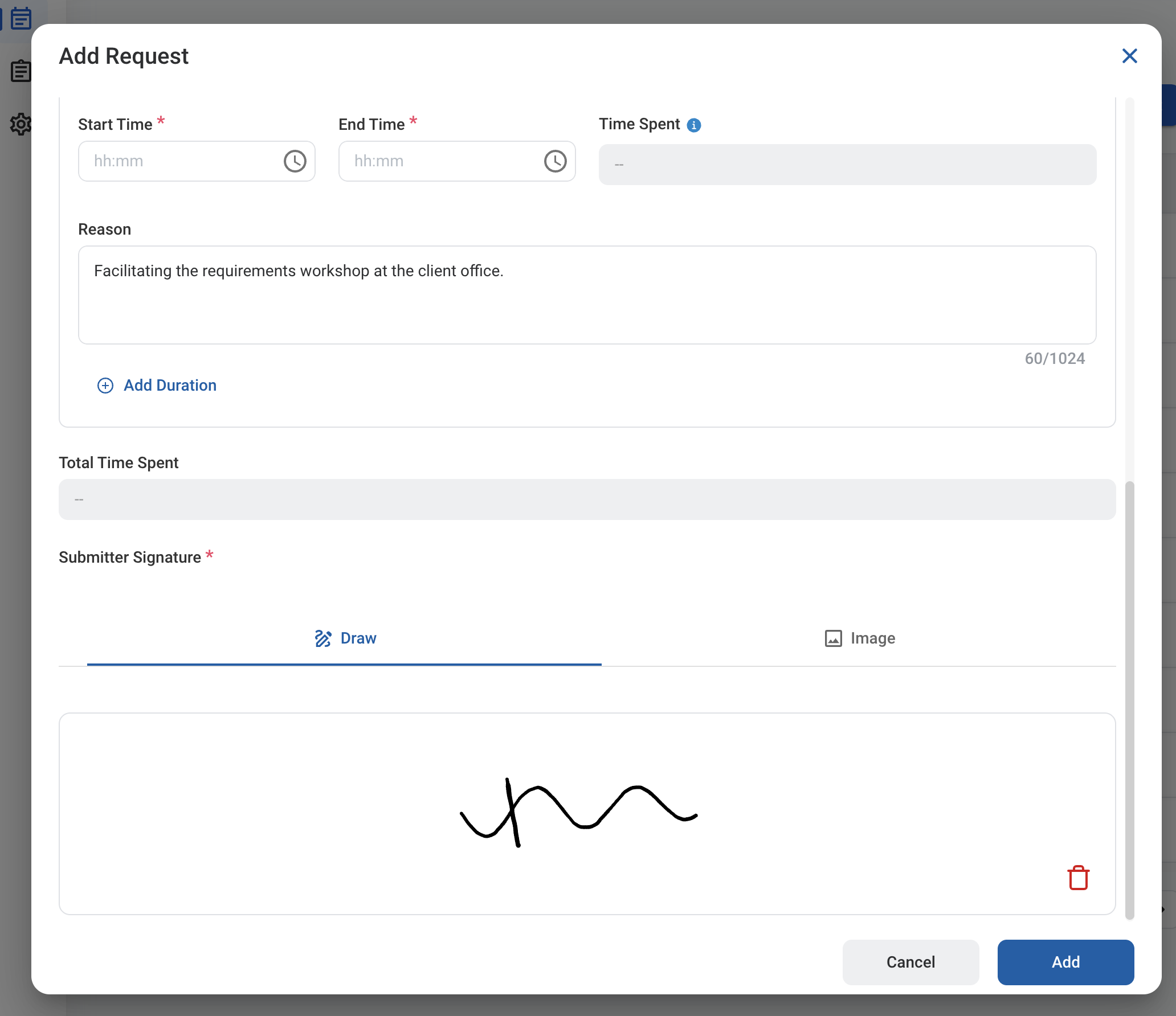
Complete the required information.

RQ OB Form 1

Request Information

RQ OB Form 2

Official Business

5

Click Add to send the request for approval.
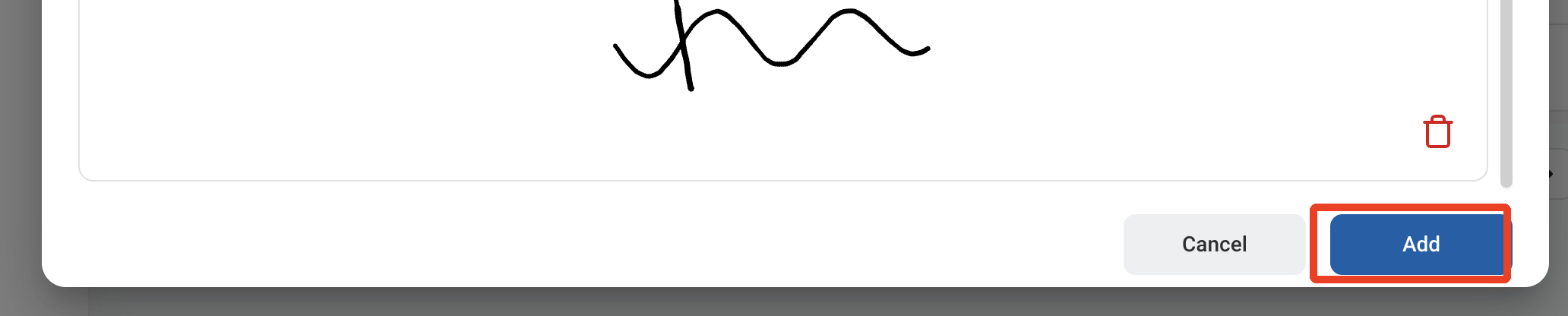
RQ OB Add

Approval Workflow

The request is reviewed by your Immediate Supervisor, then by your L2 Manager.

Review an Official Business Request

To review a submitted Official Business request and approve, reject, or discard it, see Timekeeping > Request.

Manage the Official Business Business Process

To manage the workflow for Official Business requests, see Admin > Business Processes > Business Processes Overview.