Create a Termination Request
Prerequisites
Before submitting a Termination request:- You must have an active employee account.
- You must be able to request termination for the employee: HR users with the Request Termination permission can request for any employee, Organizational Level managers for employees in their level and its child levels, L2 and L3 managers for employees in their level, and Program Managers for employees on their programs.
- The employee must not already have a Termination request that is Submitted, In Progress, or Completed.
1
Navigate to Requests Module.

2
Click Add Request.

3
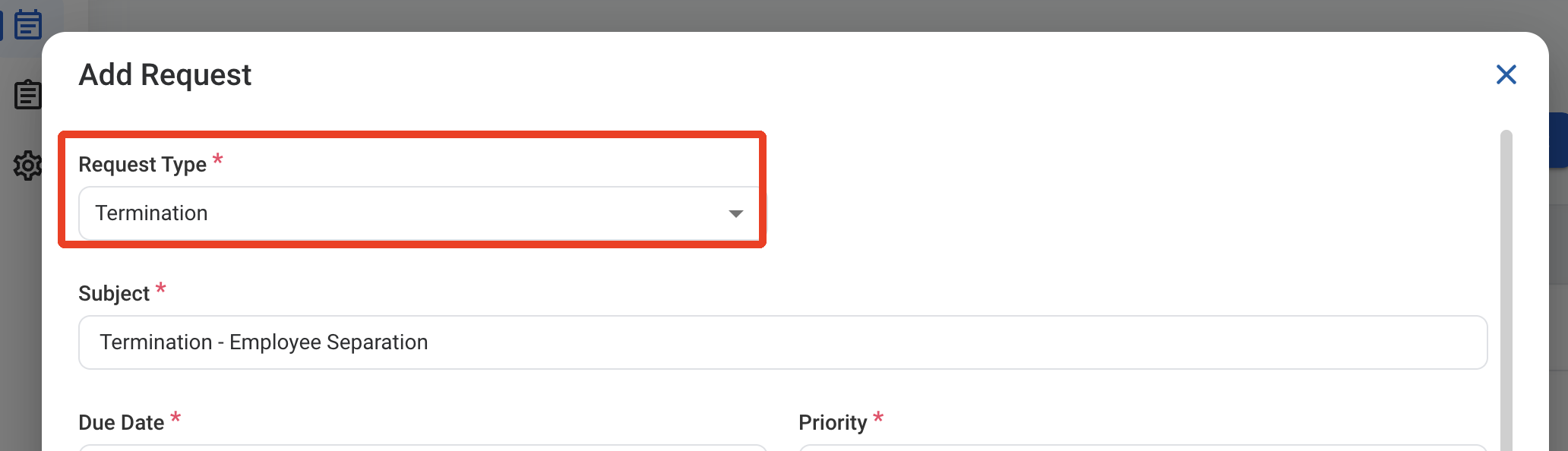
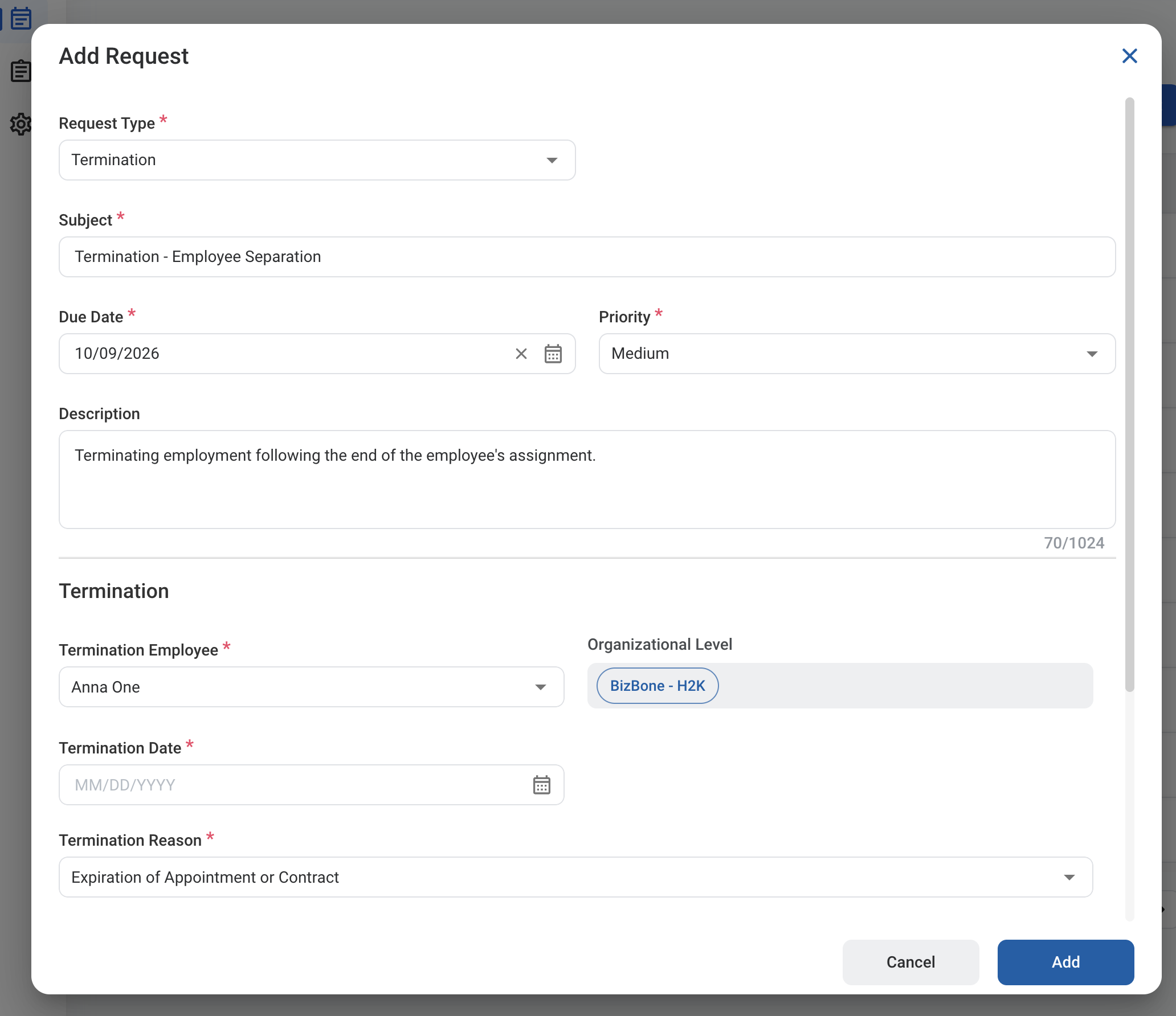
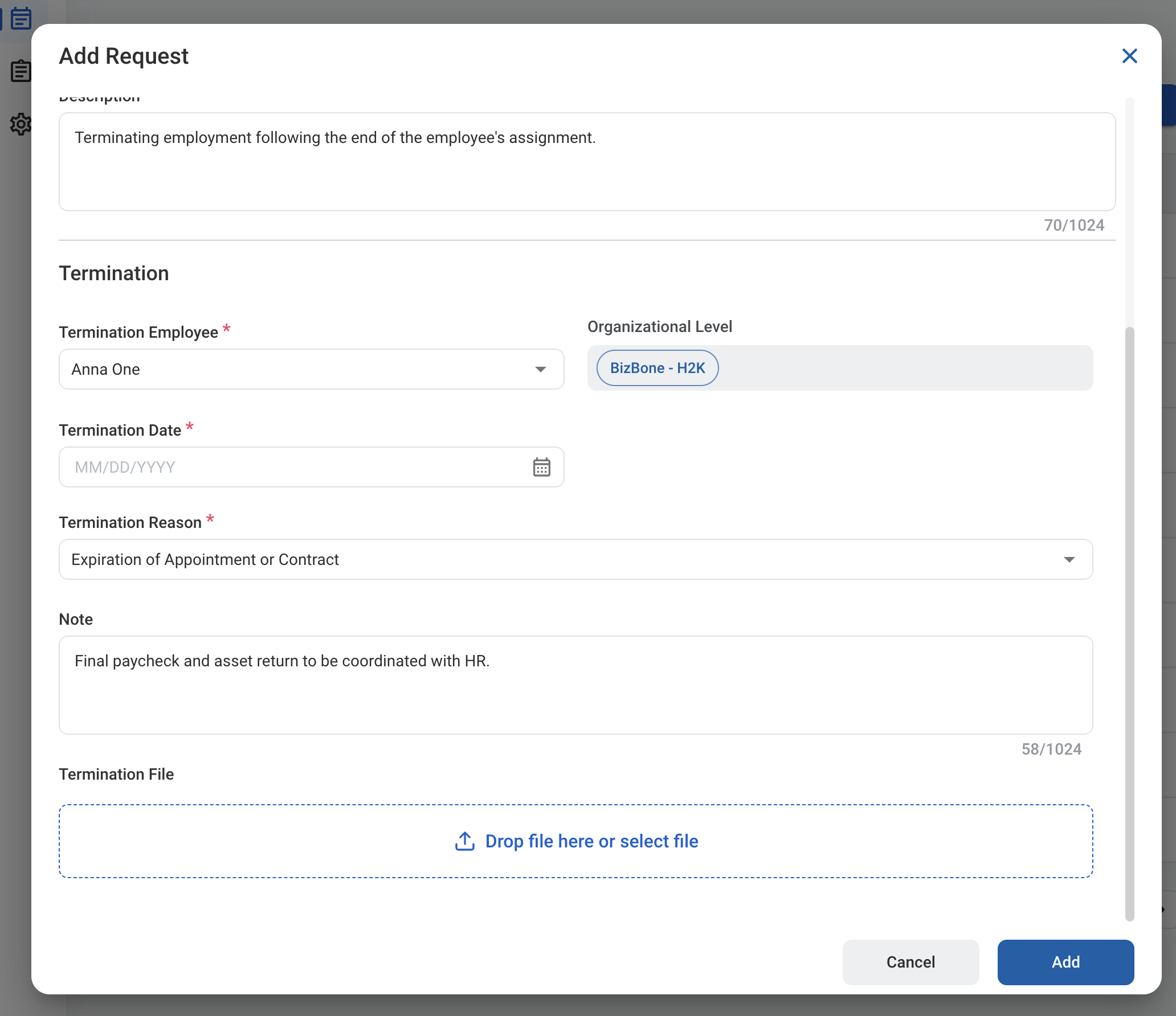
Select Termination as the request type.
5
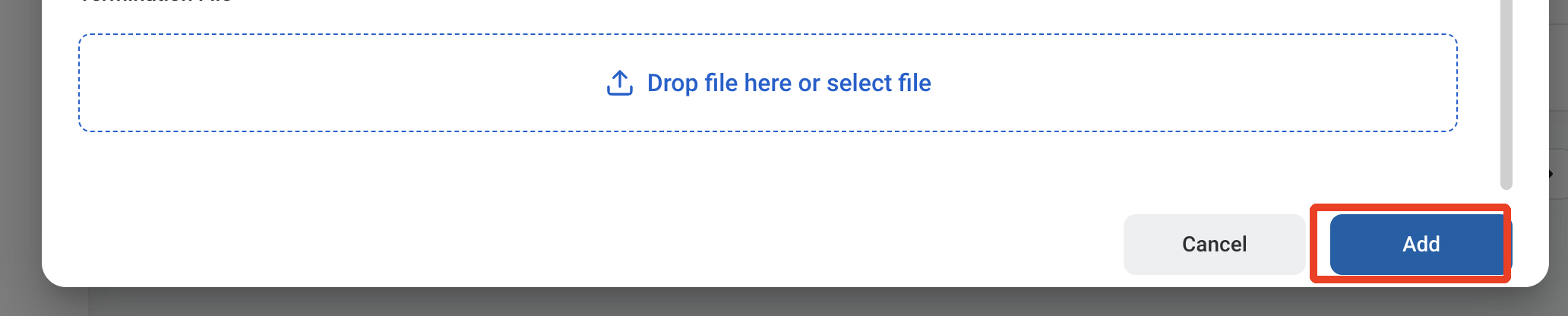
Click Add to send the request for approval.