
Create a Modification Agreement for Internal Department Request
Prerequisites
Before submitting a Modification Agreement for Internal Department request:- You must have an active employee account.
- The consultant agreement must be active. See Consultant Agreement for Internal Department.
1
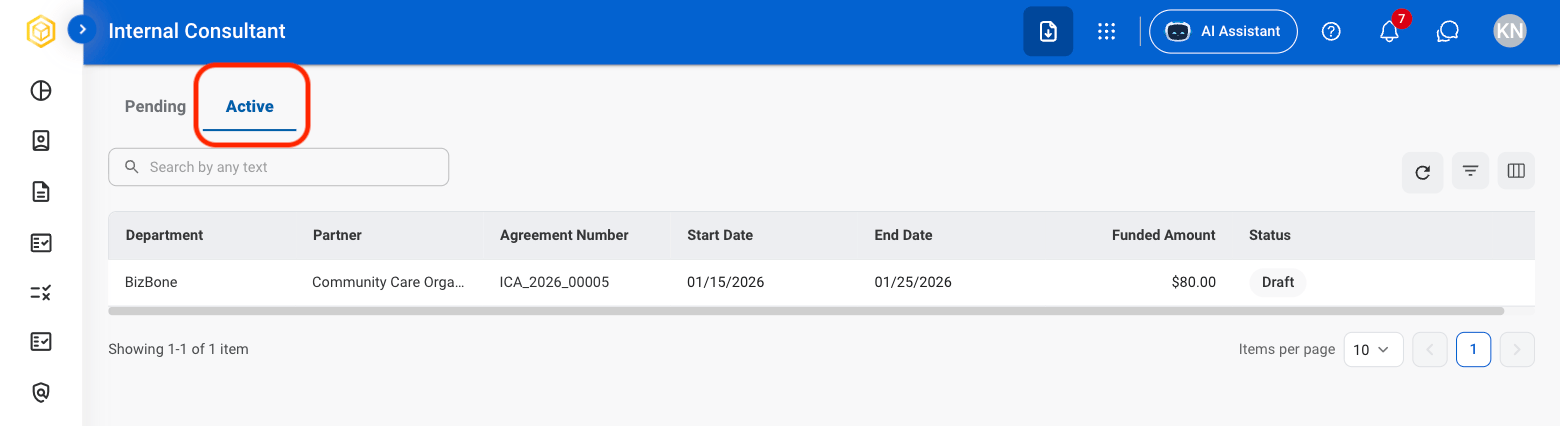
In Self Service > Internal Consultant, select the Active tab.
2
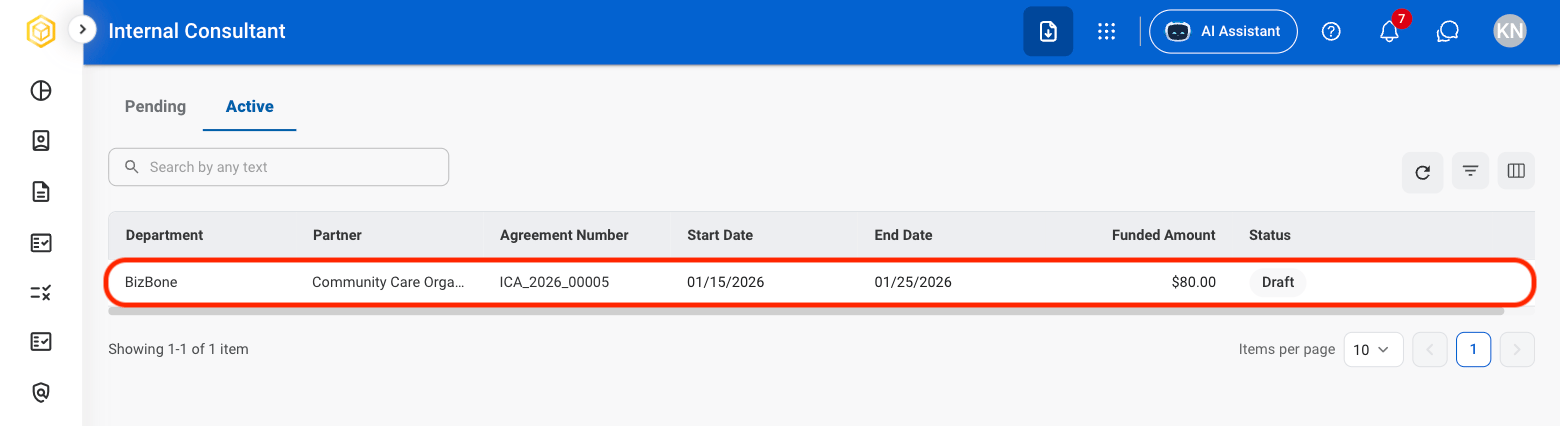
Select an agreement.
3
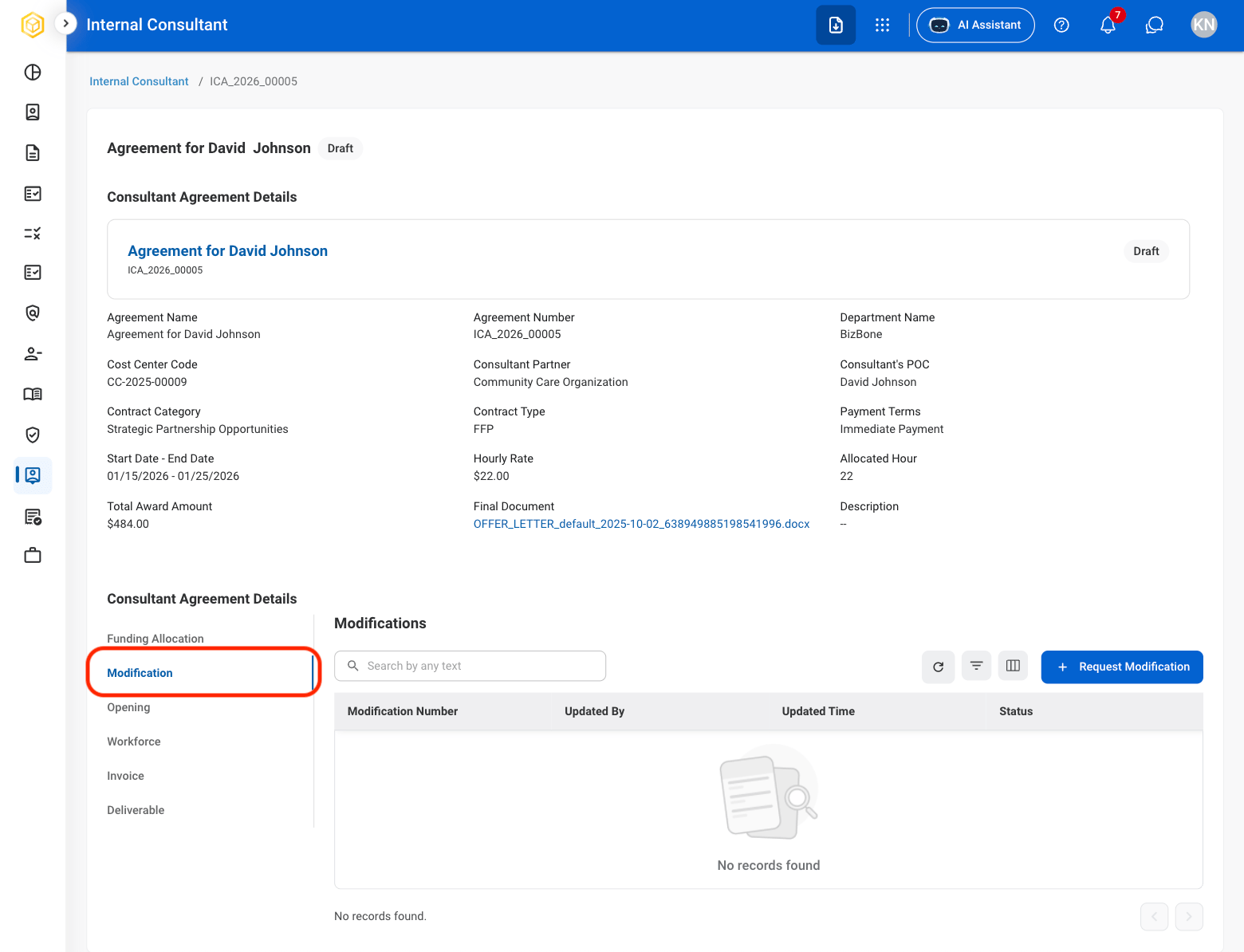
Select Modification.
4
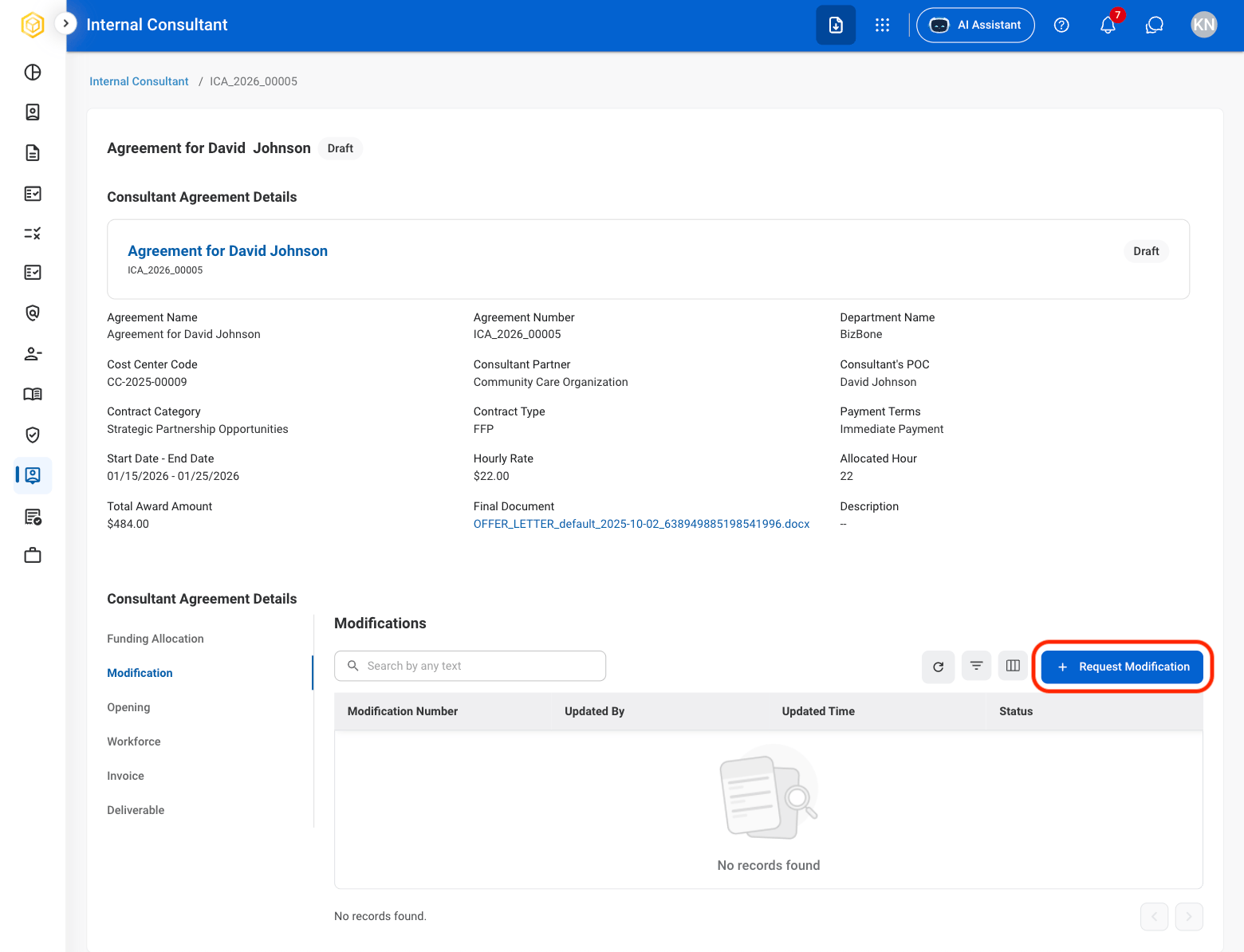
Select Request Modification.
5
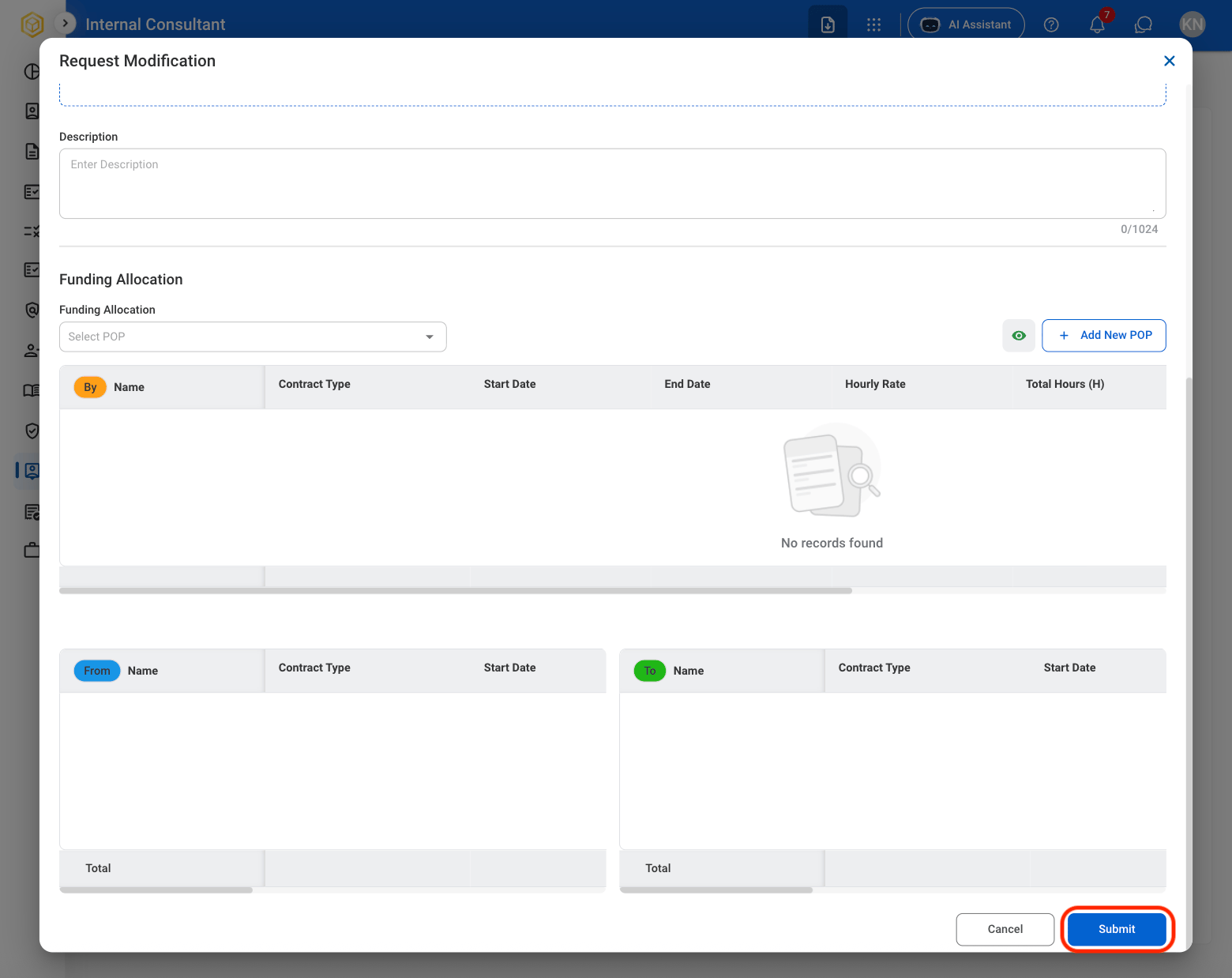
Complete the required information.
6
Click Submit to send the request.