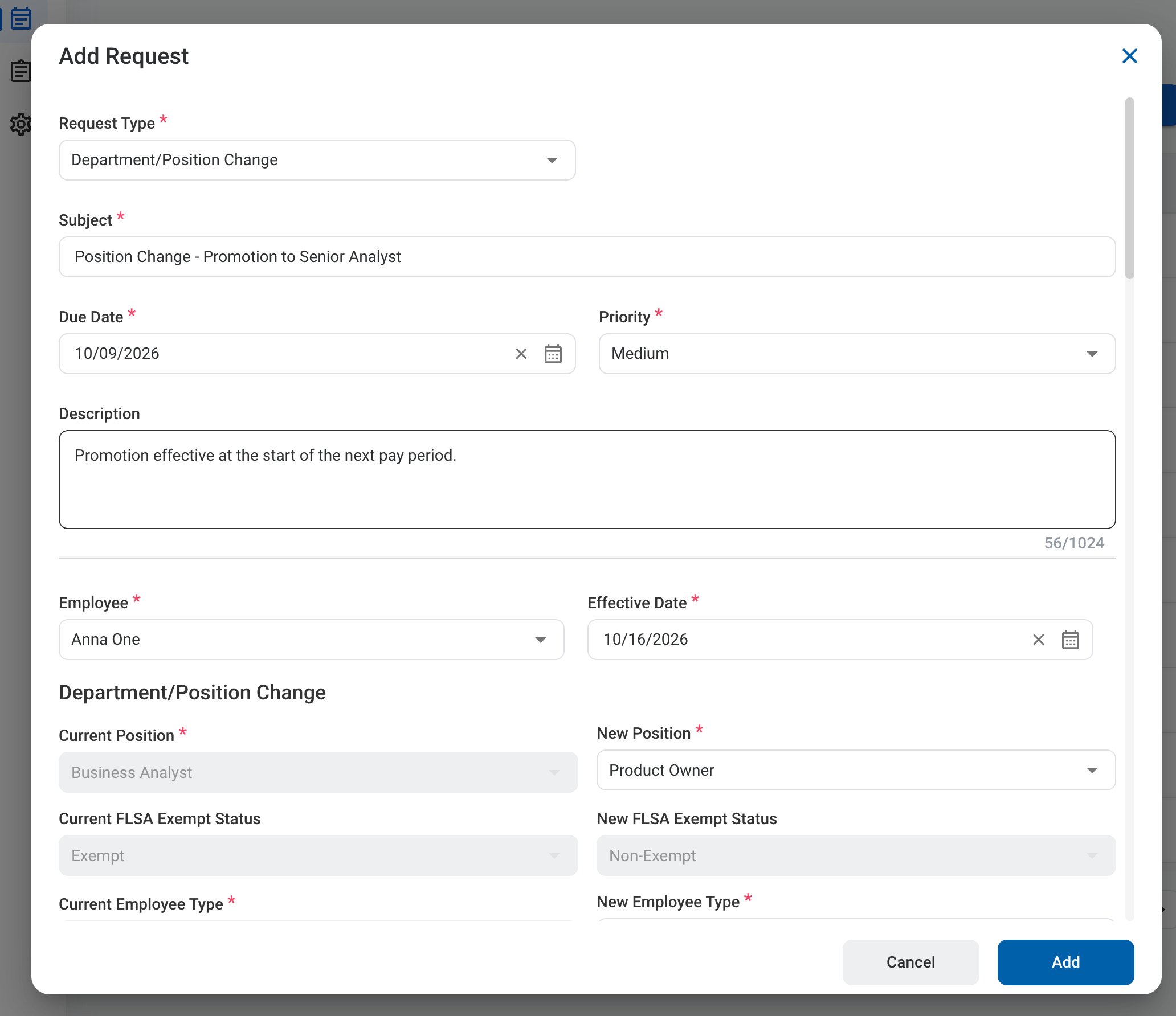
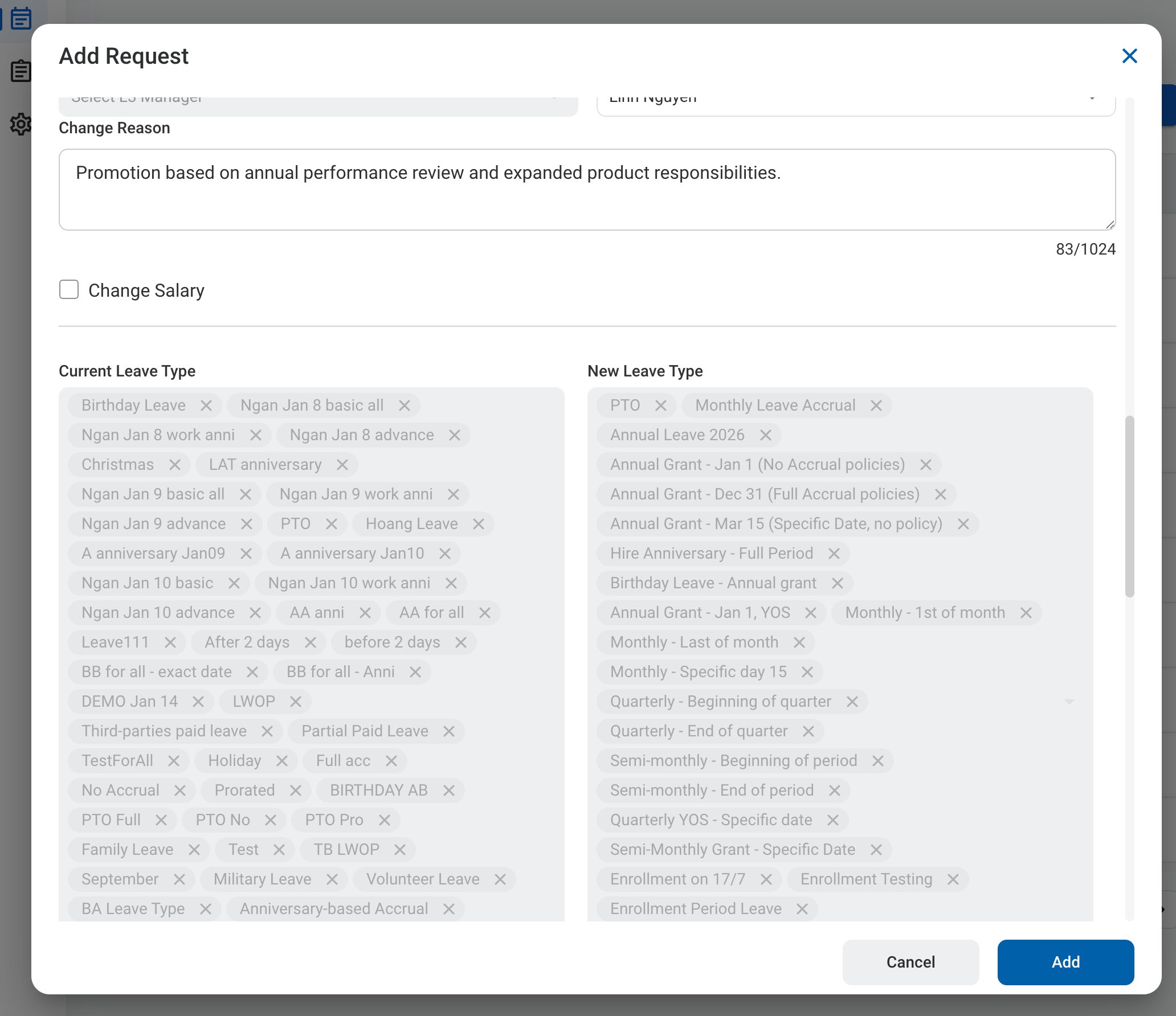
A Department/Position Change request asks for approval to change an employee’s job details, such as a promotion, transfer, or change of manager. The form shows each current value next to the new value. After you submit it, the request follows the configured approval workflow before being approved, rejected, or returned for revision.

Create a Department/Position Change Request

Prerequisites

Before submitting a Department/Position Change request:
  • You must have an active employee account.
  • You must have permission to request changes for the selected employee.
1

Navigate to Requests Module.

RQ Nav
2

Click Add Request.

RQ Add
3

Select Department/Position Change as the request type.
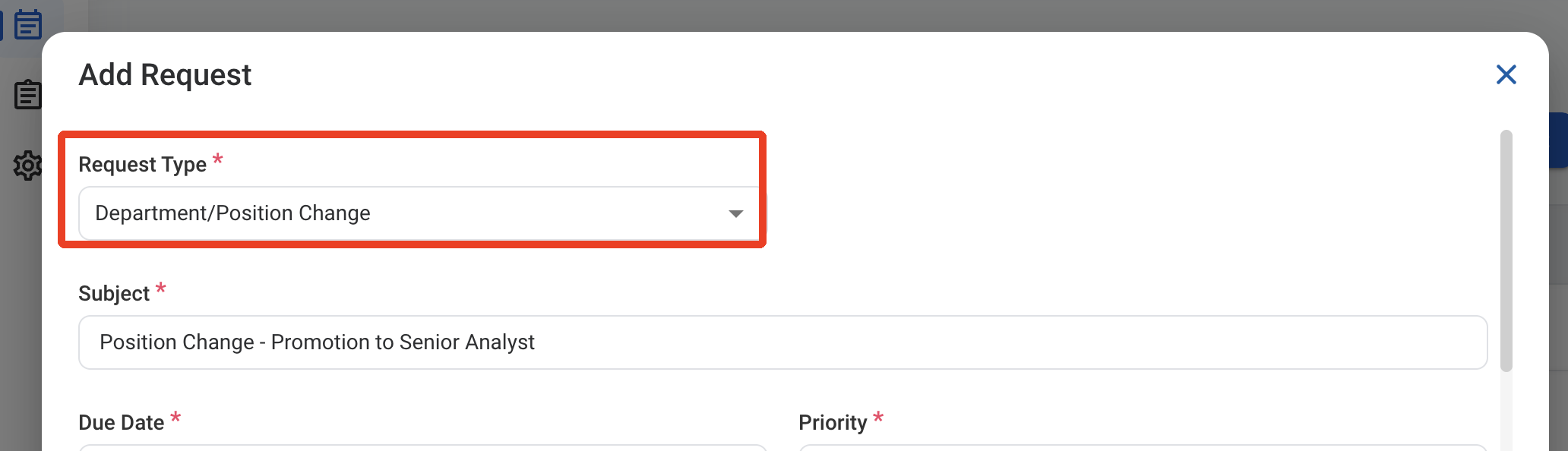
RQ DP Type
4

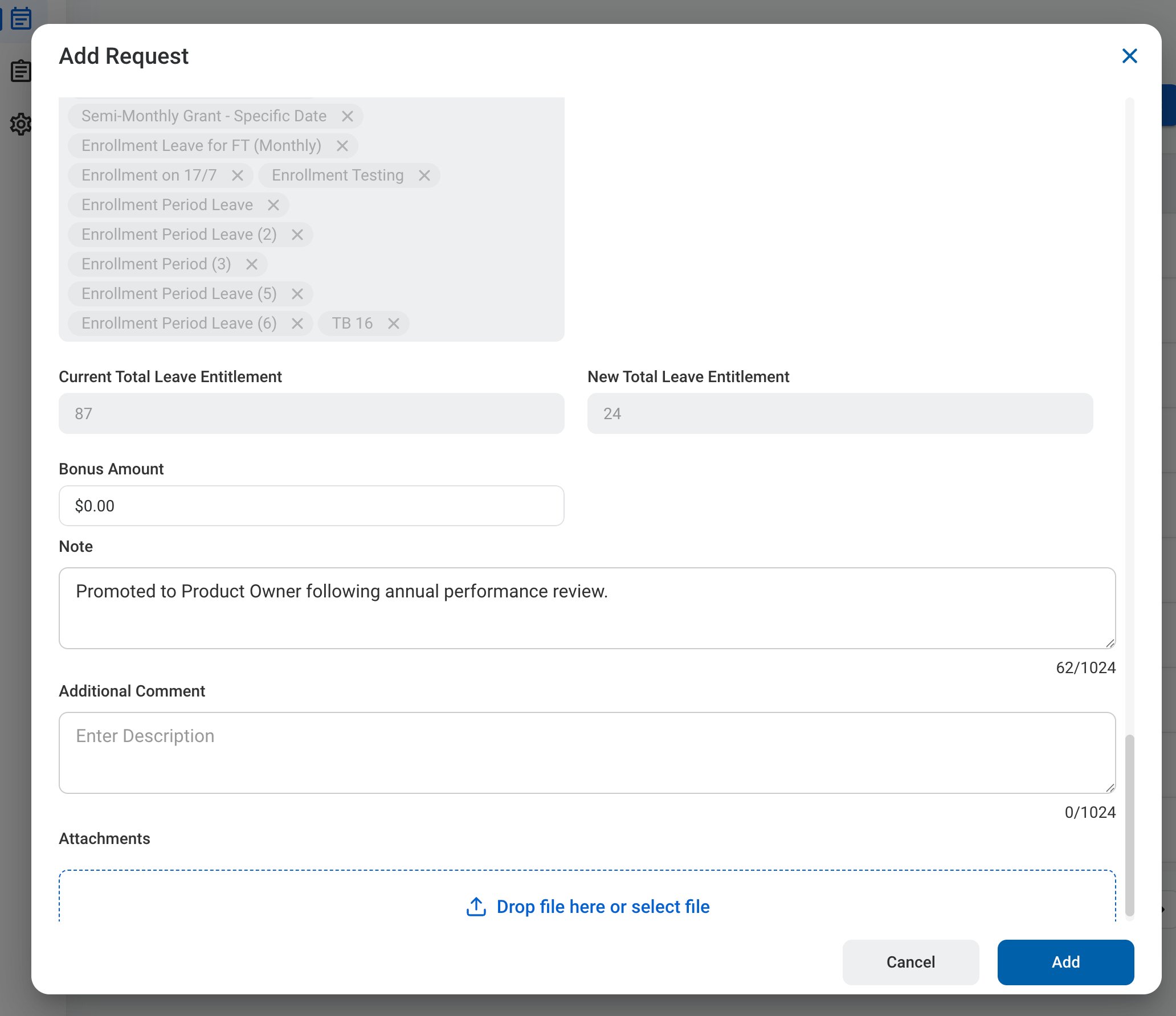
Complete the required information.
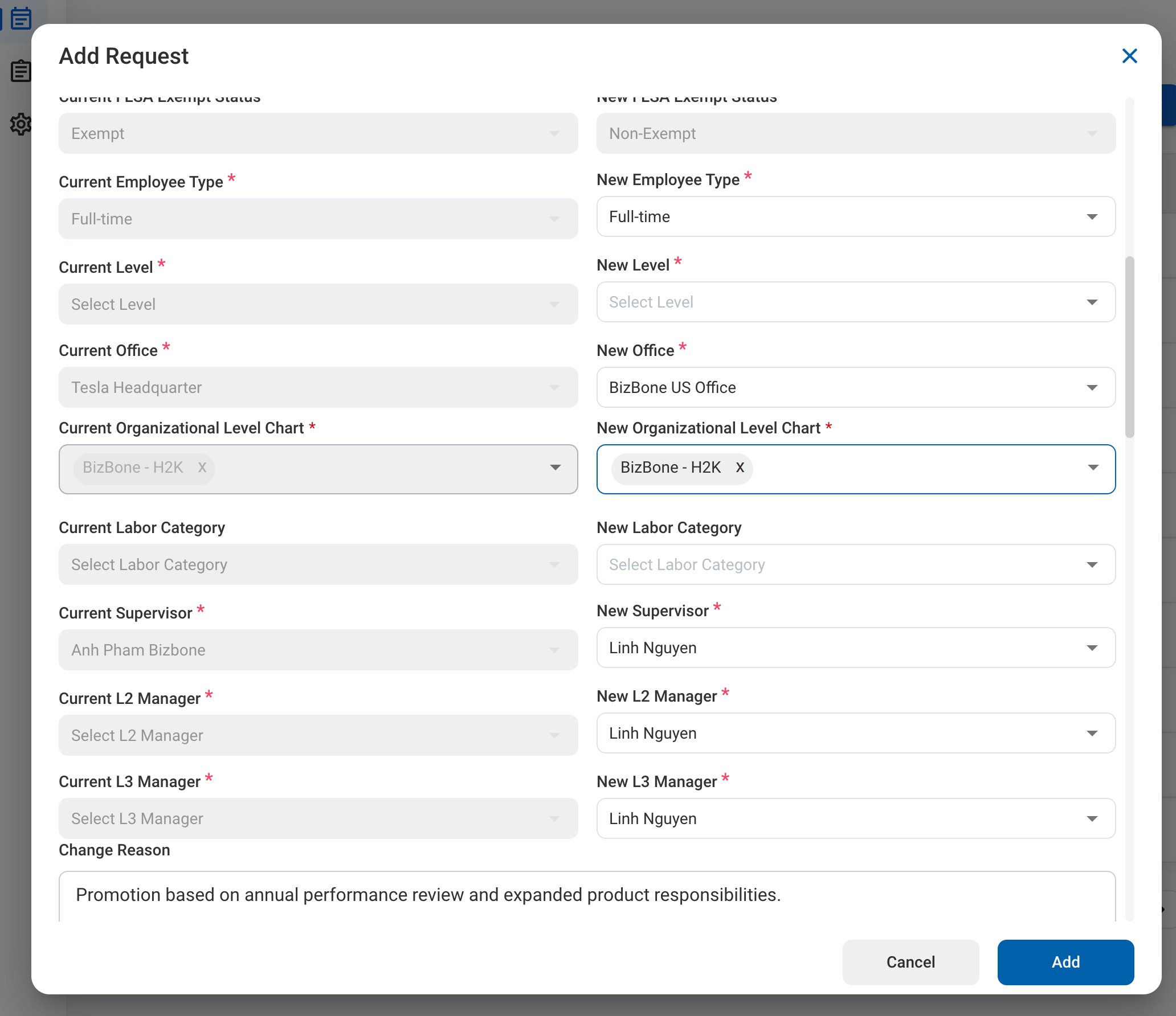
RQ DP Form 1

Request Information

RQ DP Form 2

Department/Position Change

Current values are filled in from the employee’s record and cannot be edited. Enter the new values.
RQ DP Form 3

Leave

The employee’s current leave types are listed next to the leave types that apply after the change.
RQ DP Form 4

Additional Information

5

Click Add to send the request for approval.
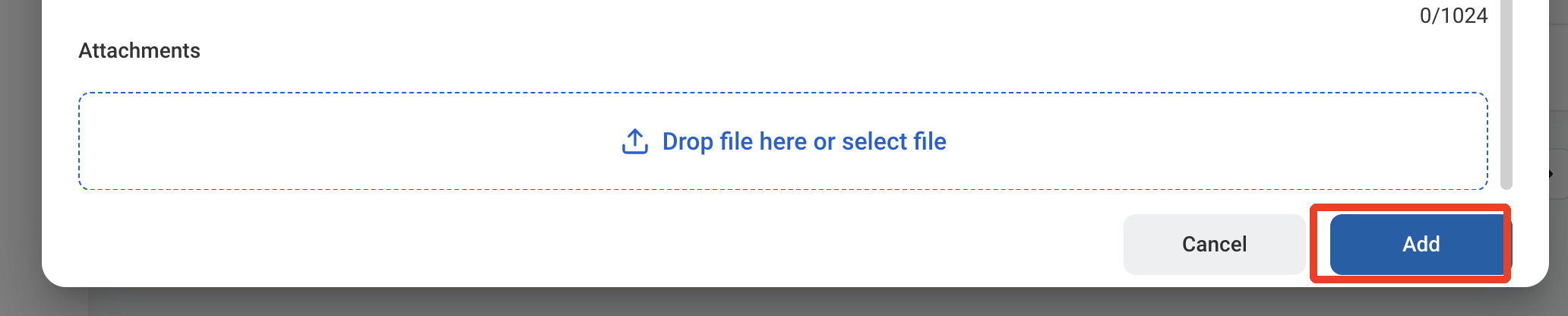
RQ DP Add

Review a Department/Position Change Request

To review a submitted Department/Position Change request and approve, reject, or discard it, see HR > Request.

Manage the Department/Position Change Business Process

To manage the workflow for Department/Position Change requests, see Admin > Business Processes > Business Processes Overview.