A Leave Request allows employees to request time off from work. Once submitted, the request follows the configured approval workflow before being approved, rejected, or returned for revision. Label

Create a Leave Request

Prerequisites

Before submitting a leave request:
  • You must have an active employee account.
  • Your leave balance must be sufficient (if applicable).
  • The leave dates must comply with your organization’s leave policy.
1

Navigate to Requests Module.
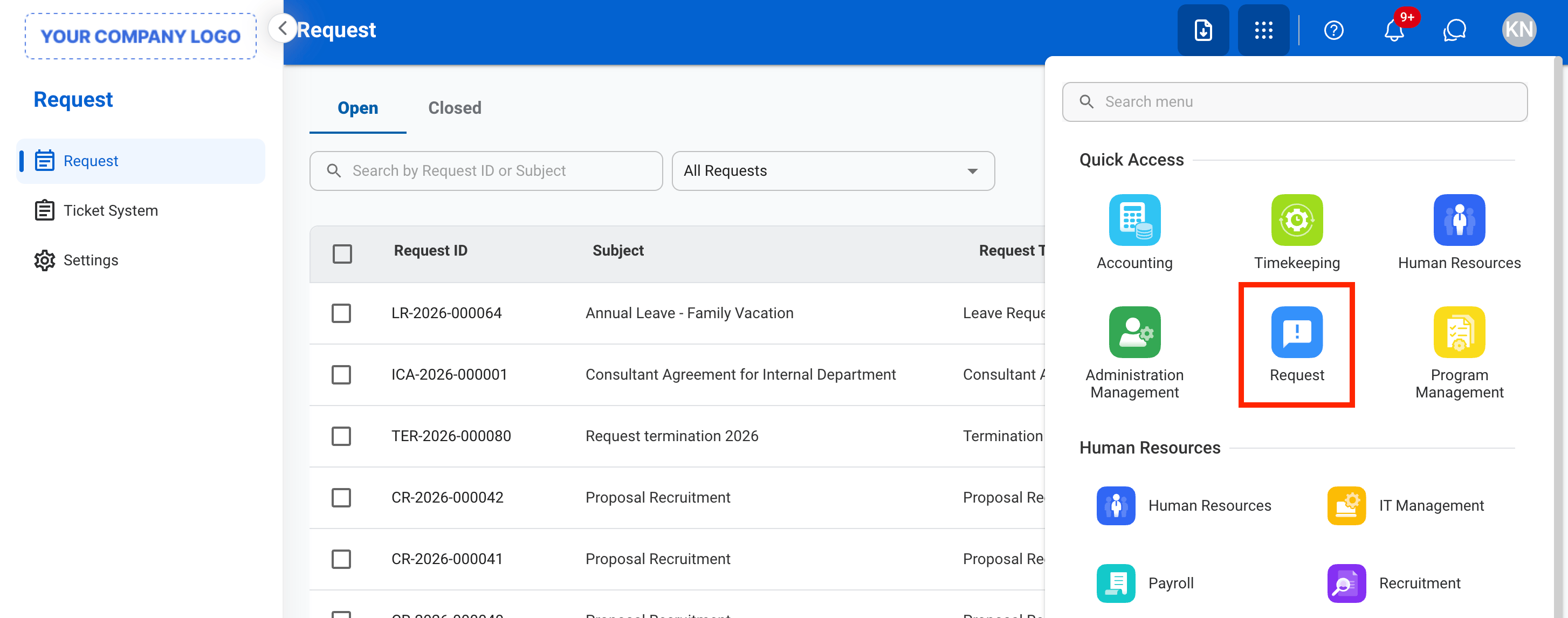
Screenshot 2026 06 22 At 9 38 19 AM 1
2

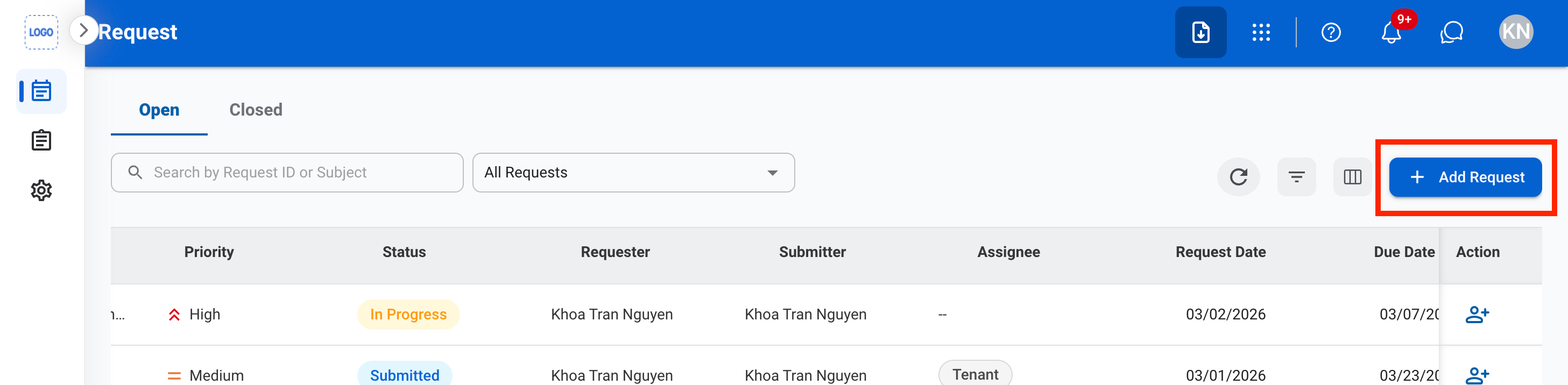
Click New Request.

Screenshot 2026 06 22 At 9 22 24 AM 2
3

Select Leave Request as the request type.
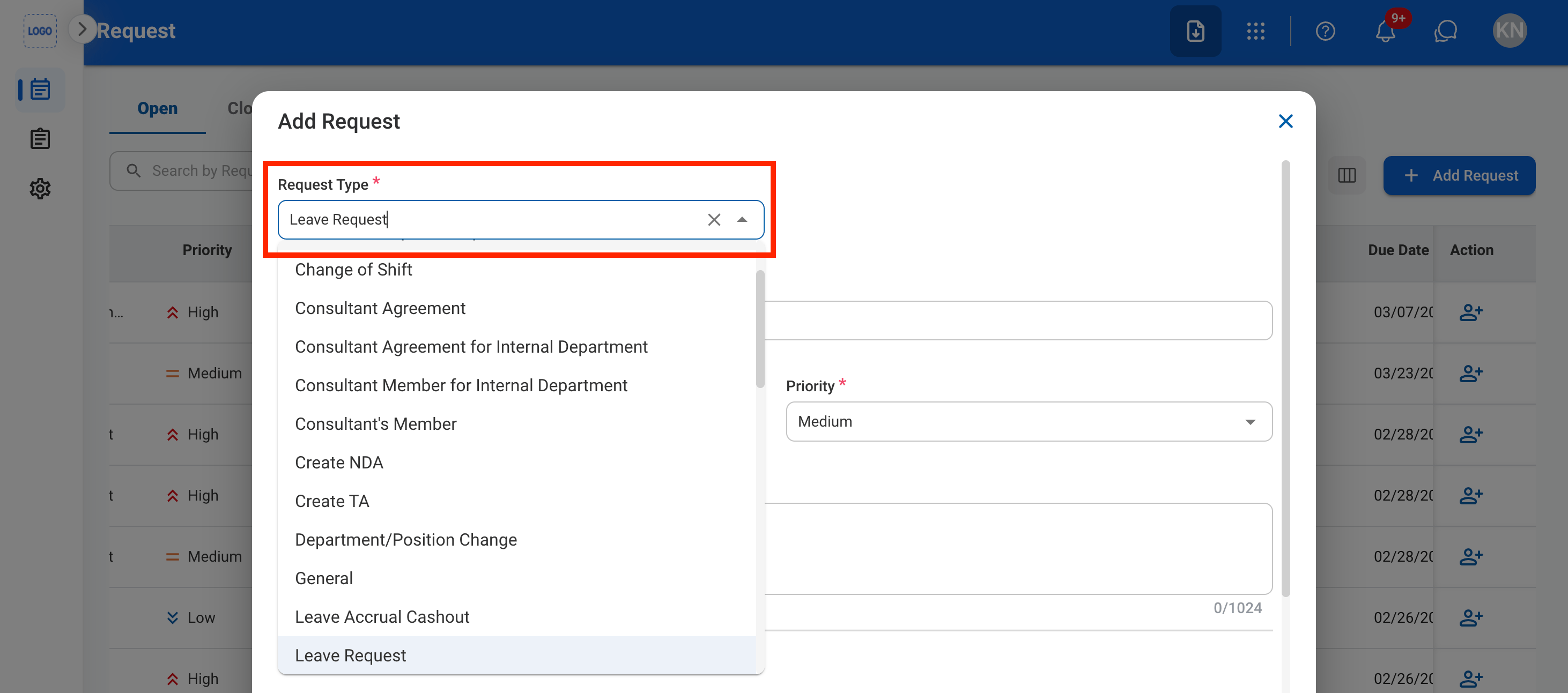
Screenshot 2026 06 22 At 9 23 21 AM 1
4

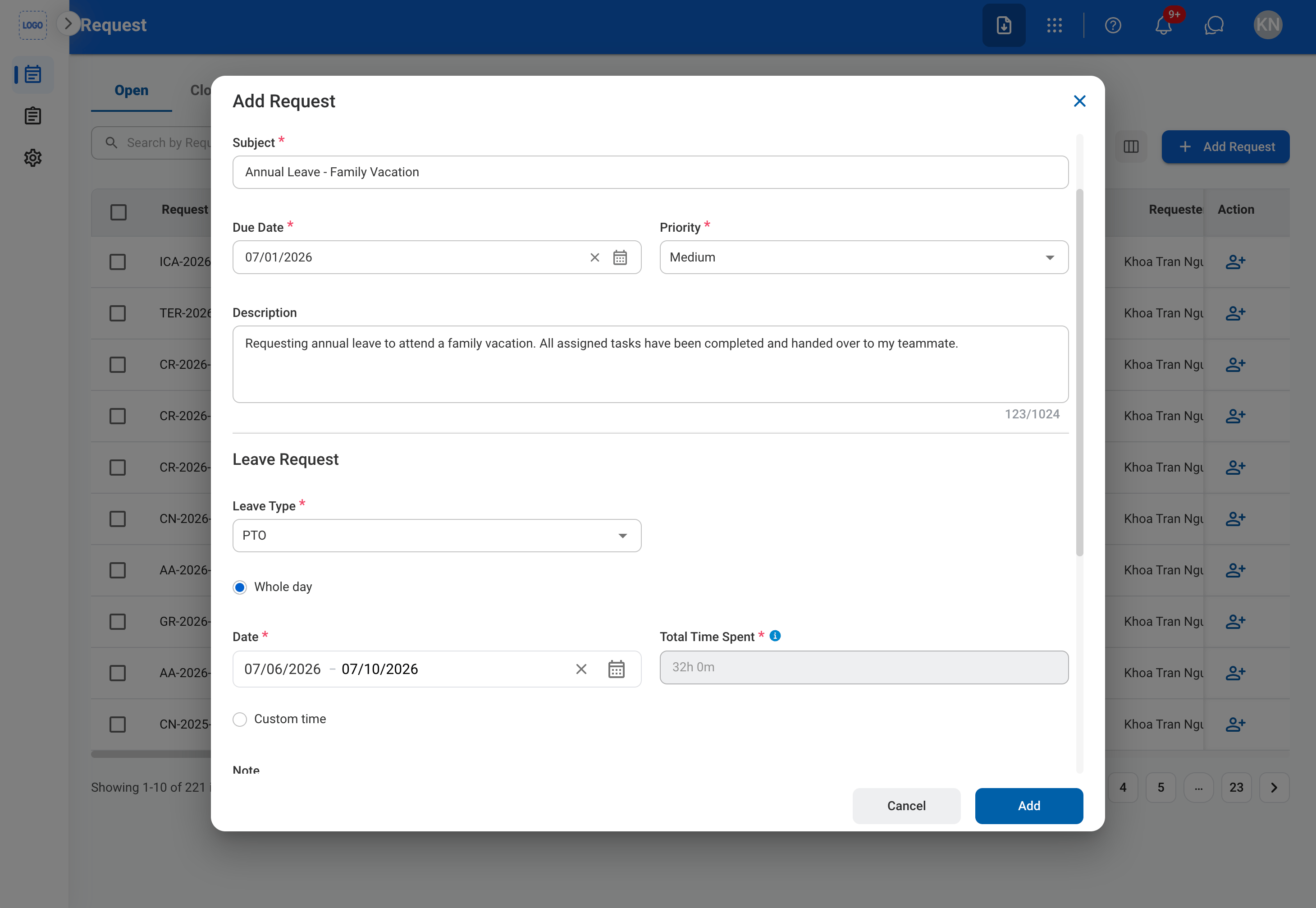
Complete the required information.

Screenshot 2026 06 22 At 9 24 24 AM

Request Information

Leave Information

5

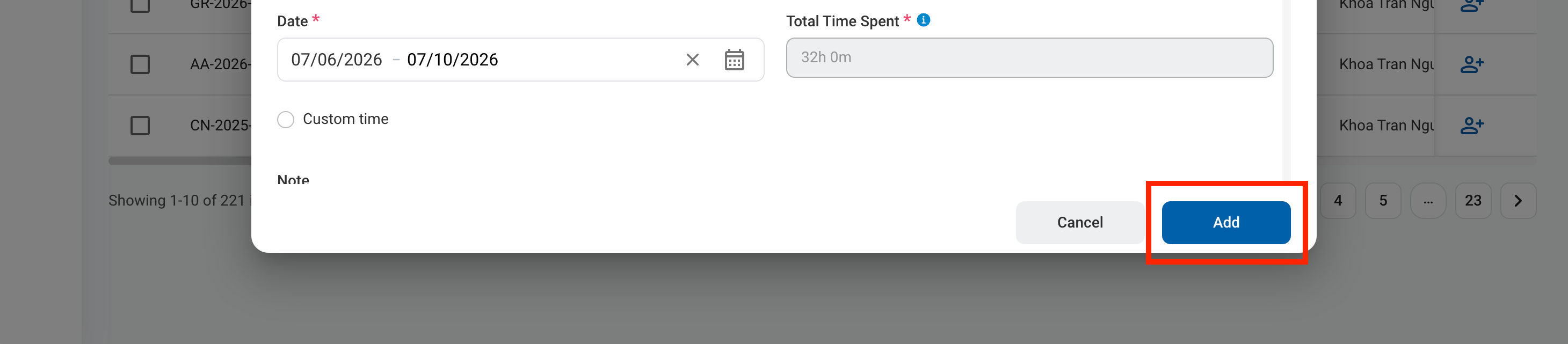
Click Submit to send the request for approval.

Screenshot 2026 06 22 At 9 24 24 AM 1

Review a Leave Request

To review the details of a submitted leave request to approve, reject, or discard see Timekeeping > Requests > Leave Requests.

Manage Leave Request Business Process

To manage the workflow for Leave Requests, see Admin > Business Processes > Leave Requests.