Create a DTR Correction Request
Prerequisites
Before submitting a DTR Correction request:- You must have an active employee account.
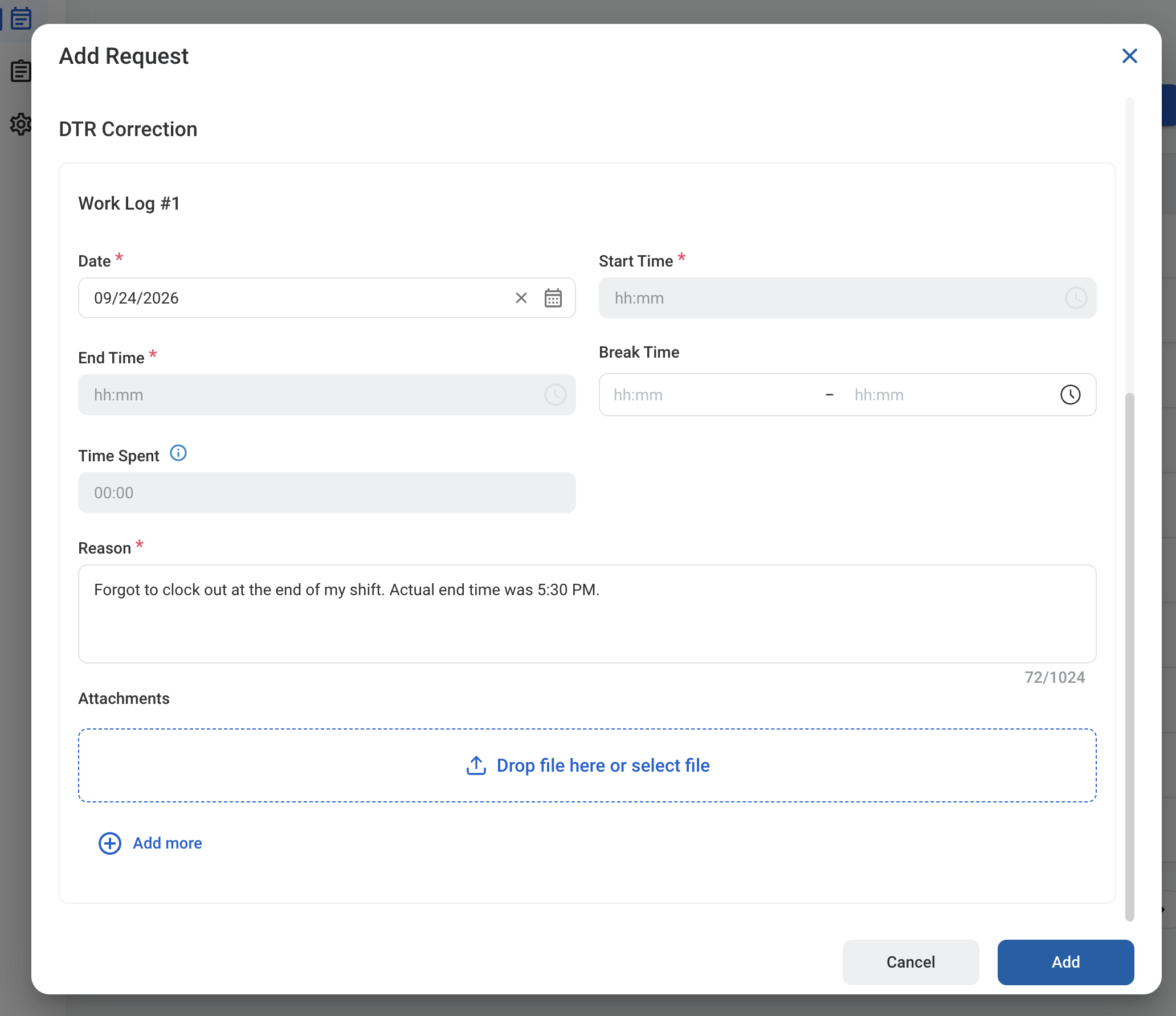
- You must have a work schedule (shift) on the date being corrected. If you have no shift on the selected date, a message is displayed and the request cannot be added.
1
Navigate to Requests Module.

2
Click Add Request.

3
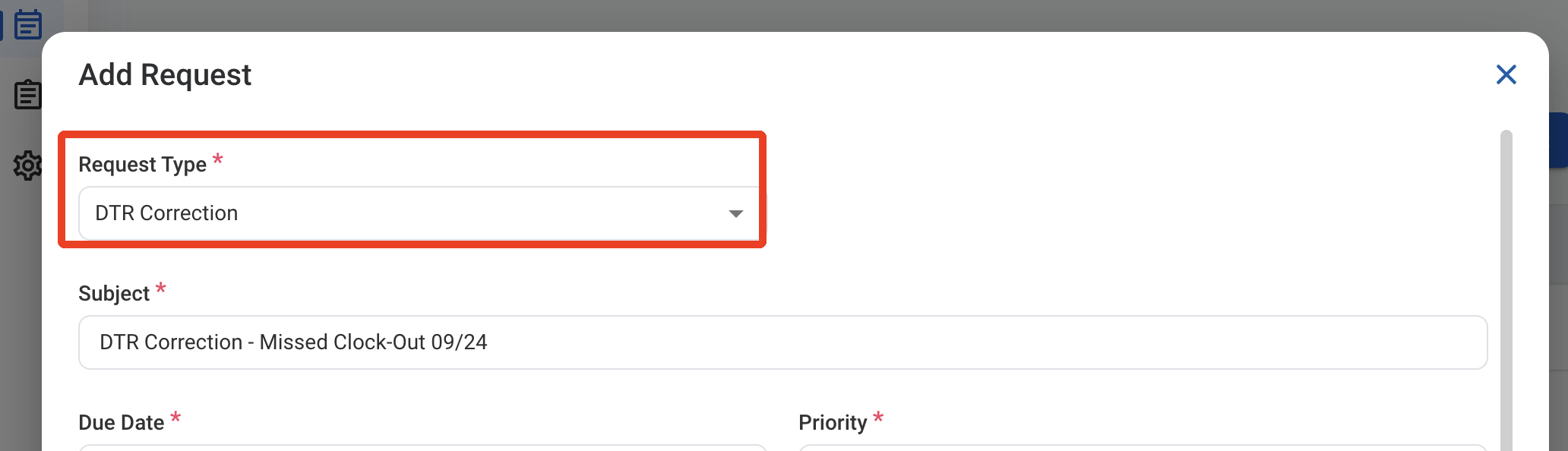
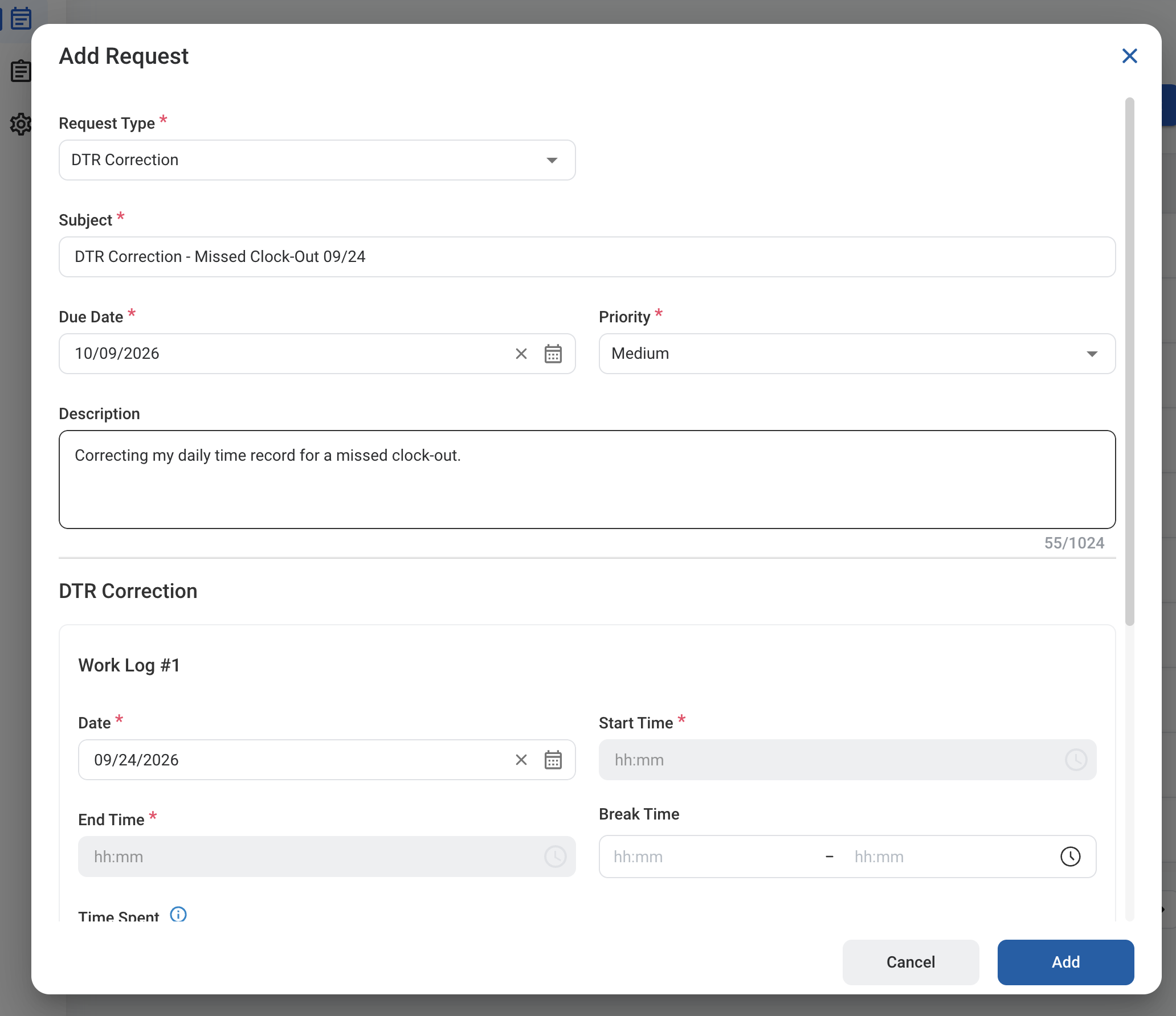
Select DTR Correction as the request type.
5
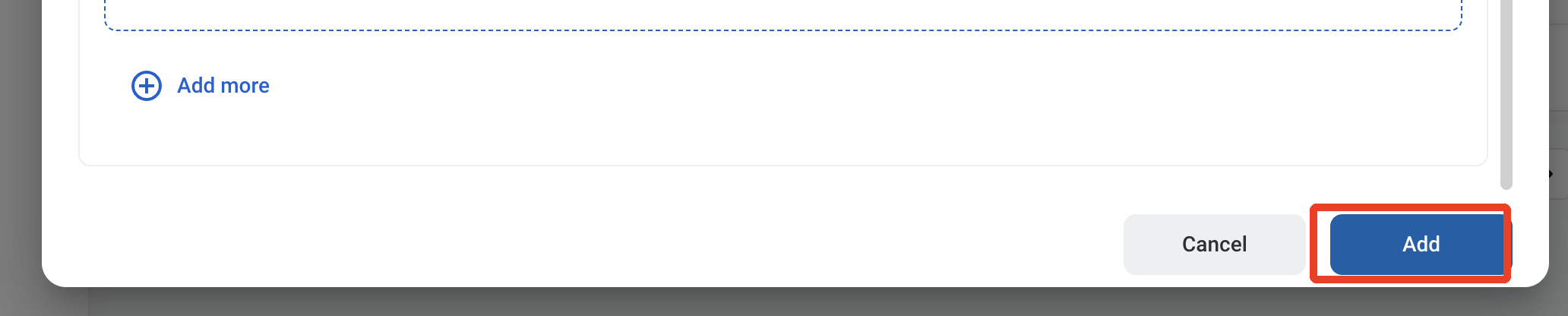
Click Add to send the request for approval.