Create a Subcontractor Request
Prerequisites
Before submitting a Subcontractor request:- You must have an active employee account.
- The subcontractor must be linked to the program through a SubK.
- The subcontractor must have access to the Supplier Portal.
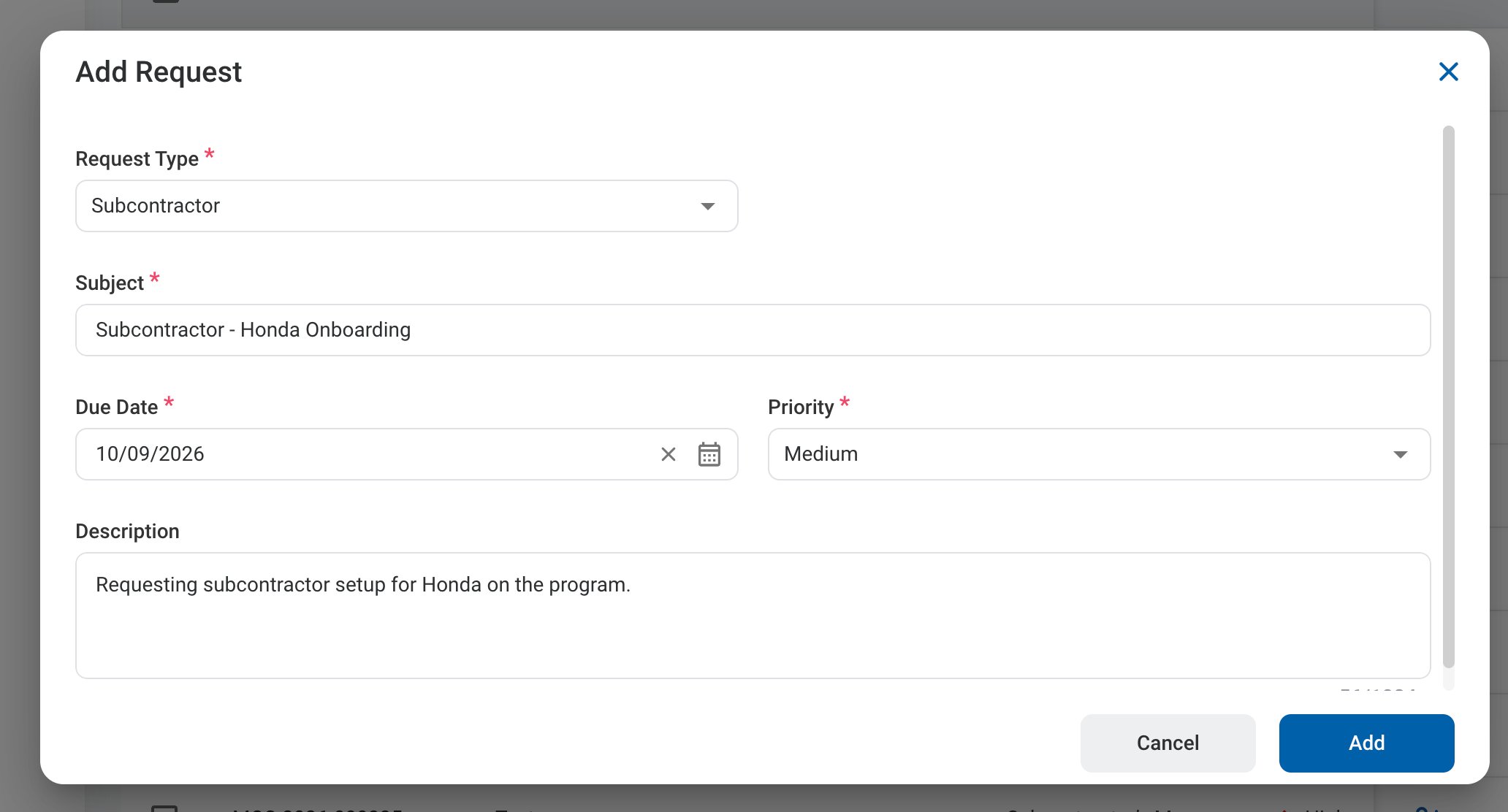
When created from the Requests module, the Subcontractor request includes only the general request fields. Describe what is needed in the Description.
1
Navigate to Requests Module.

2
Click Add Request.

3
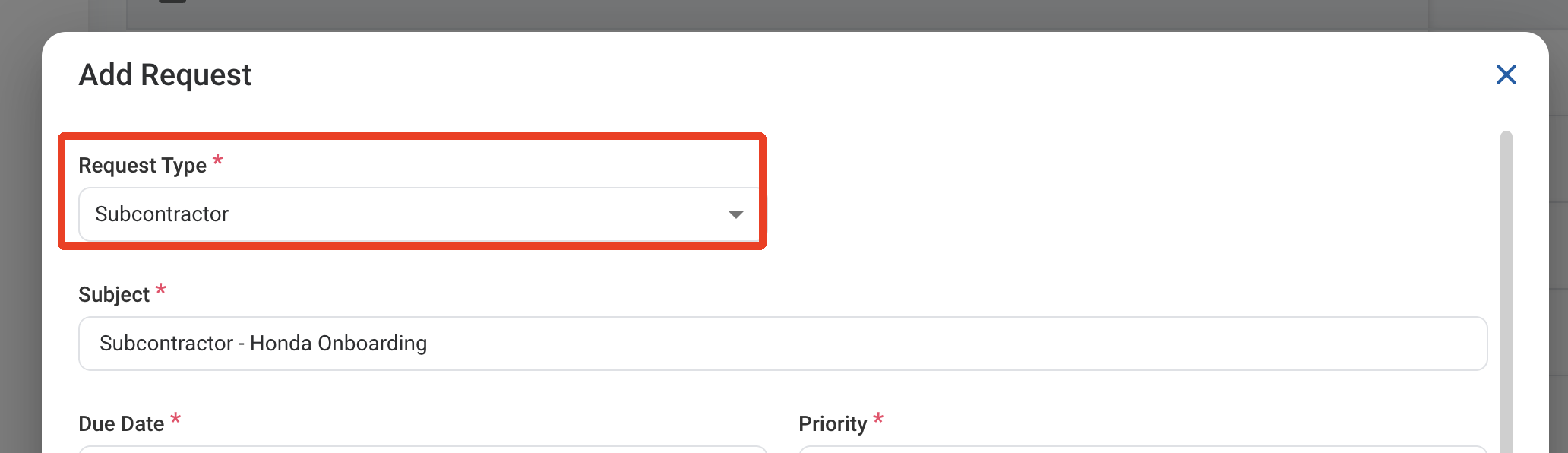
Select Subcontractor as the request type.
4
Complete the required information.
5
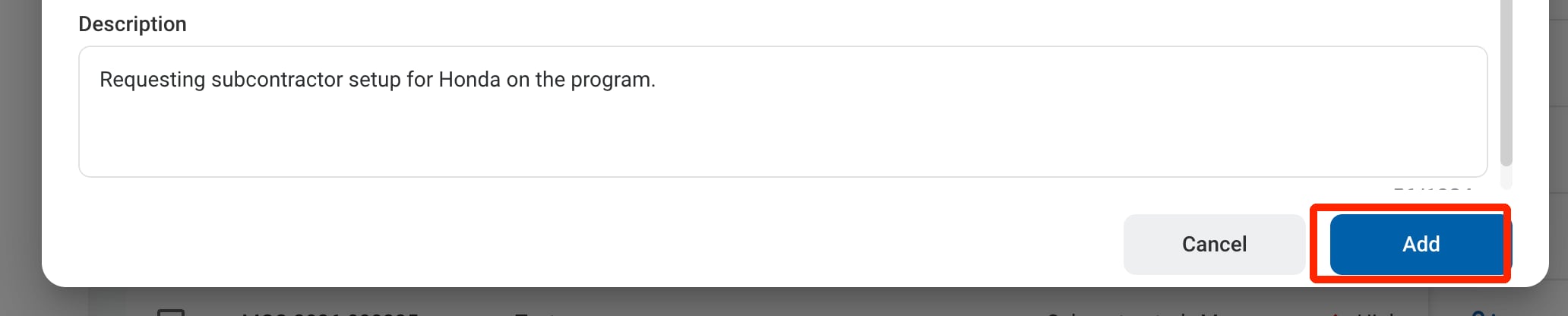
Click Add to send the request for approval.