
Create a Consultant Member for Internal Department Request
Prerequisites
Before submitting a Consultant Member for Internal Department request:- You must have an active employee account.
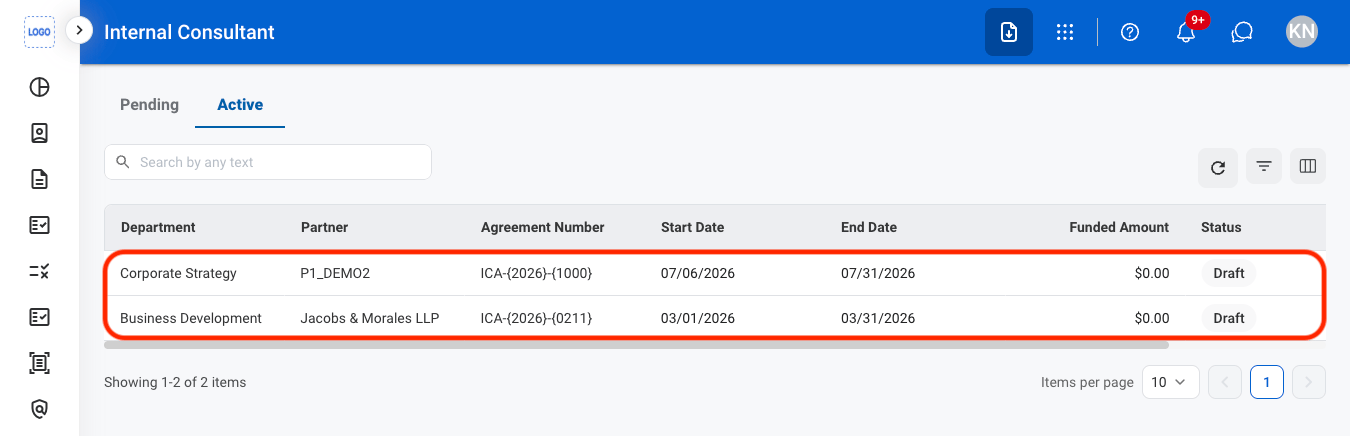
- The internal department consultant agreement must be active. The Request Consultant Member button is disabled for agreements in Draft. See Consultant Agreement for Internal Department.
1
In Self Service > Internal Consultant, select the Active tab, then select the agreement.
2
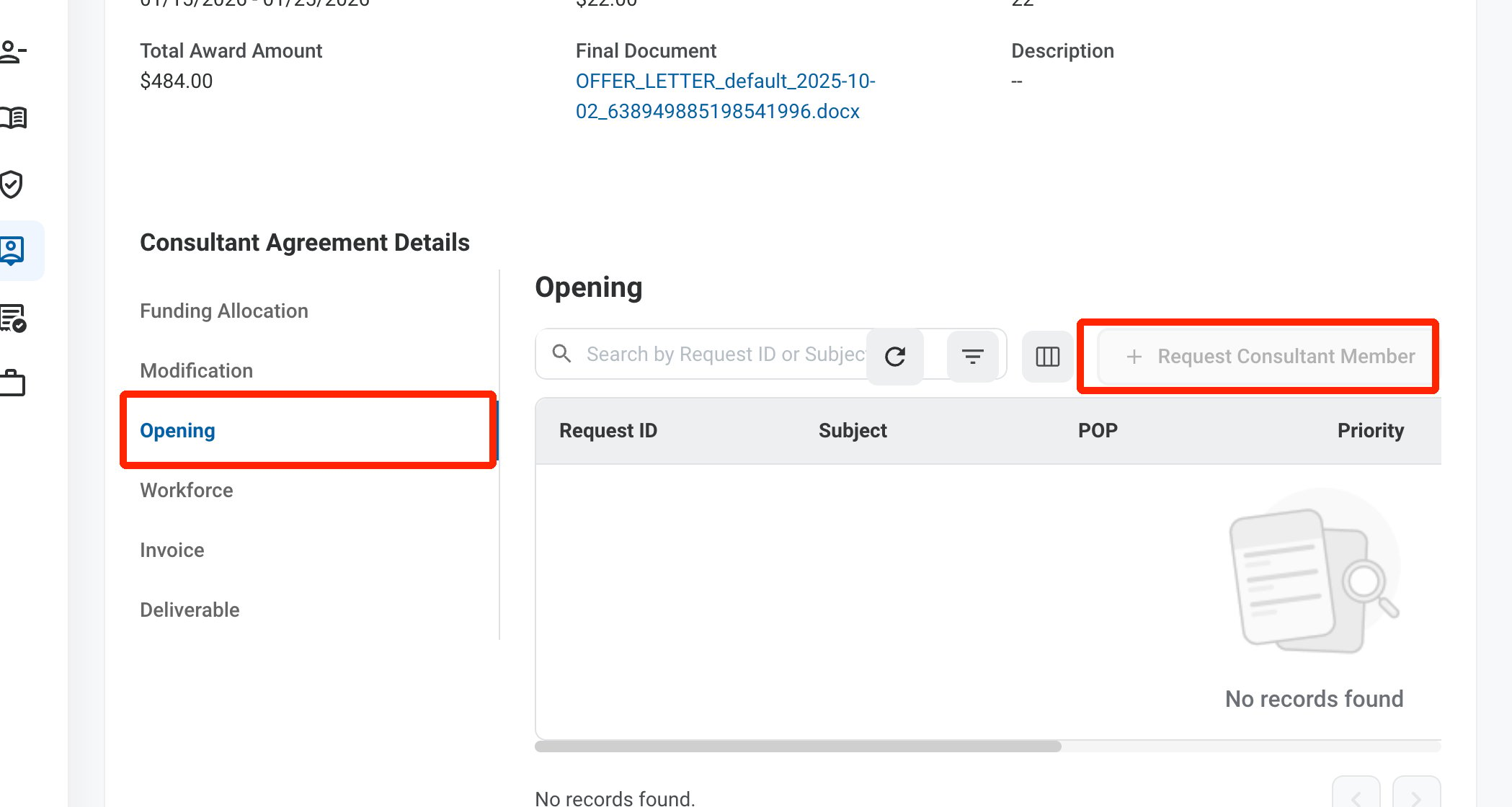
Select Opening, then select Request Consultant Member.
3
Complete the required information.
Consultant Member
Enter the opening details and the consultant members to add, similar to a program Consultant’s Member request.4
Click Add to send the request.
The request is displayed in the Request module and on the agreement’s Opening tab. It is completed when the submitter completes it from Self Service.