View a Request
1
Navigate to Requests
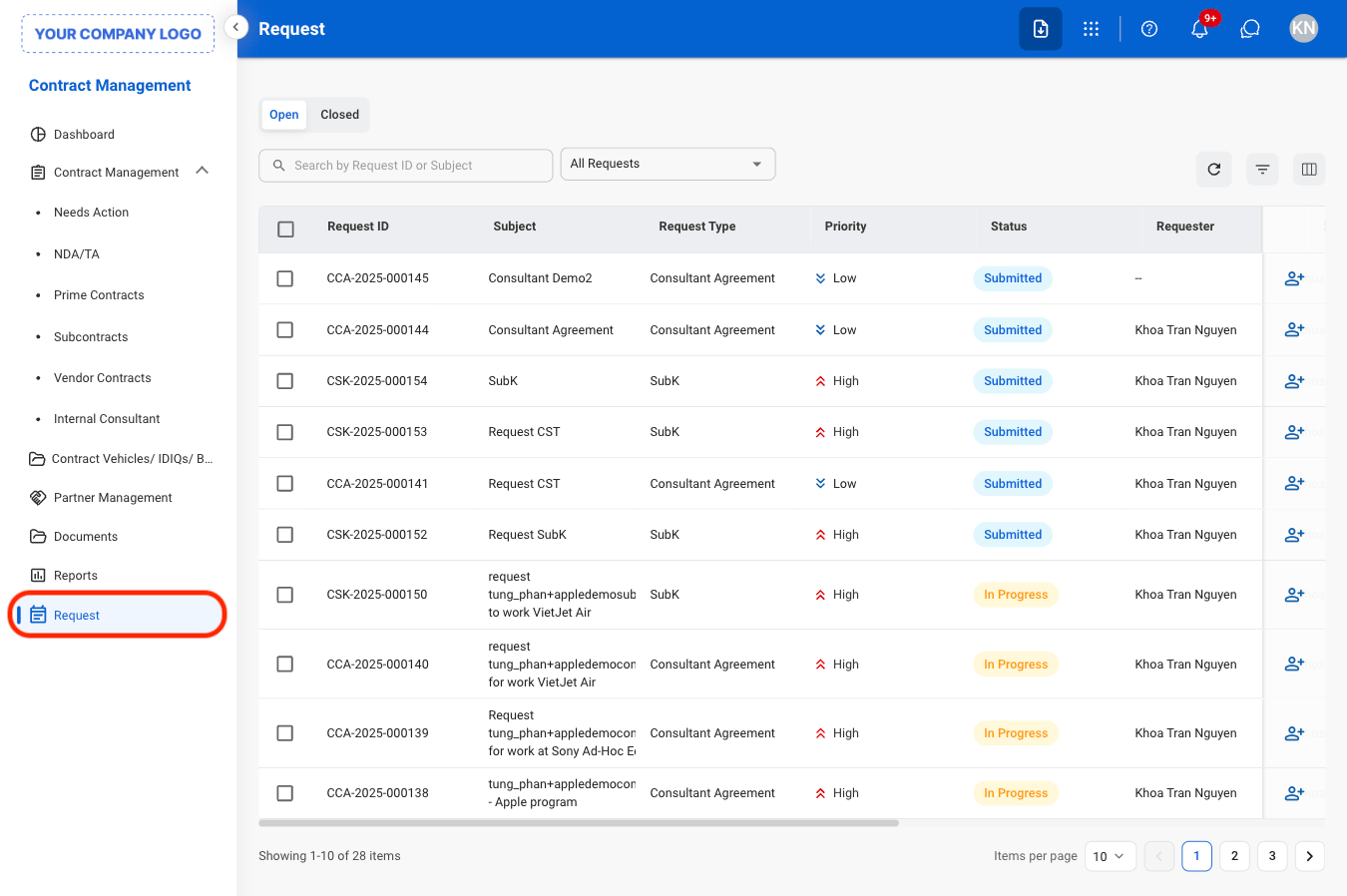
2
Select a view
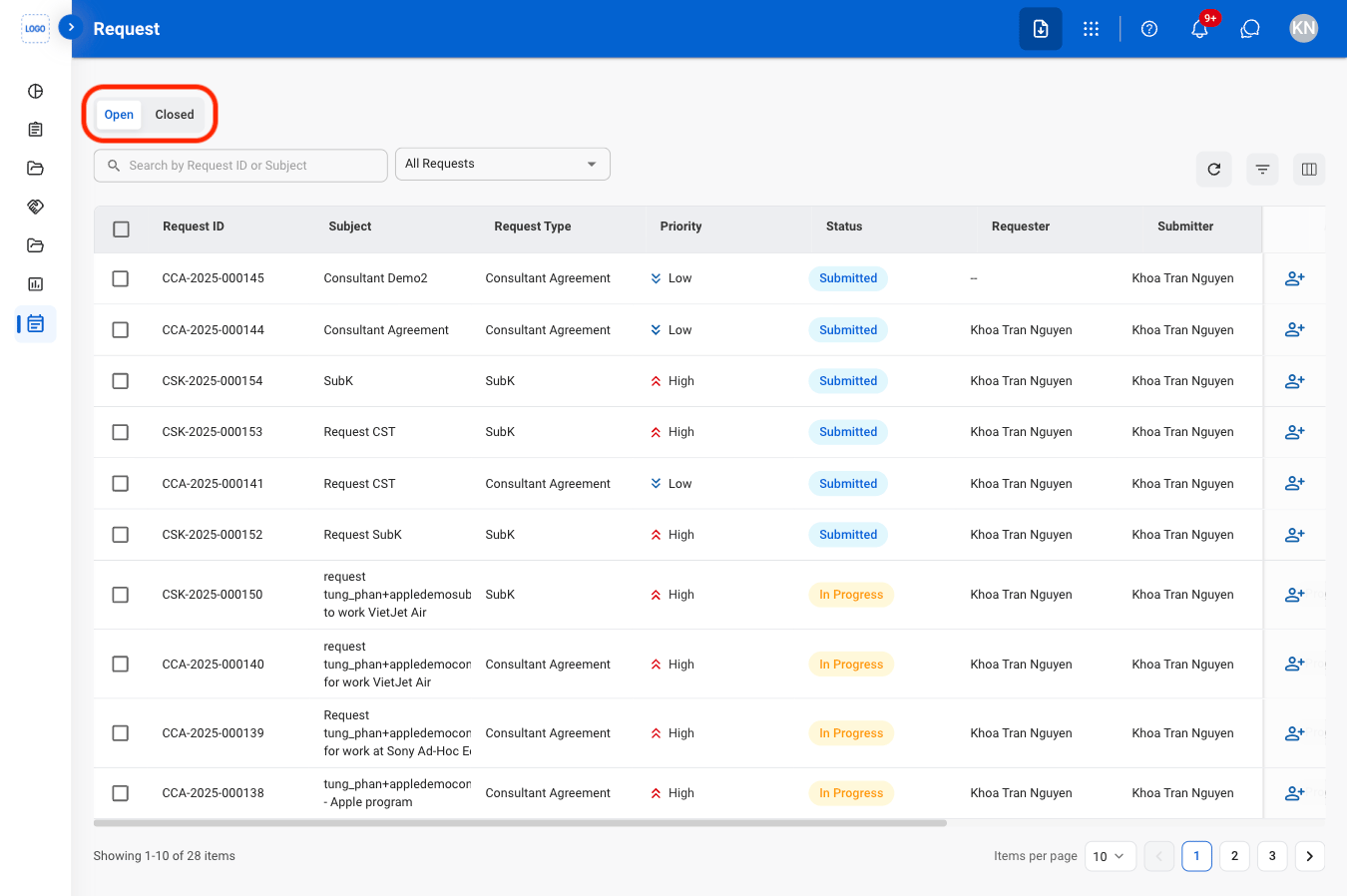
- Open: Currently active requests
- Closed: Resolved requests
3
Search or filter results
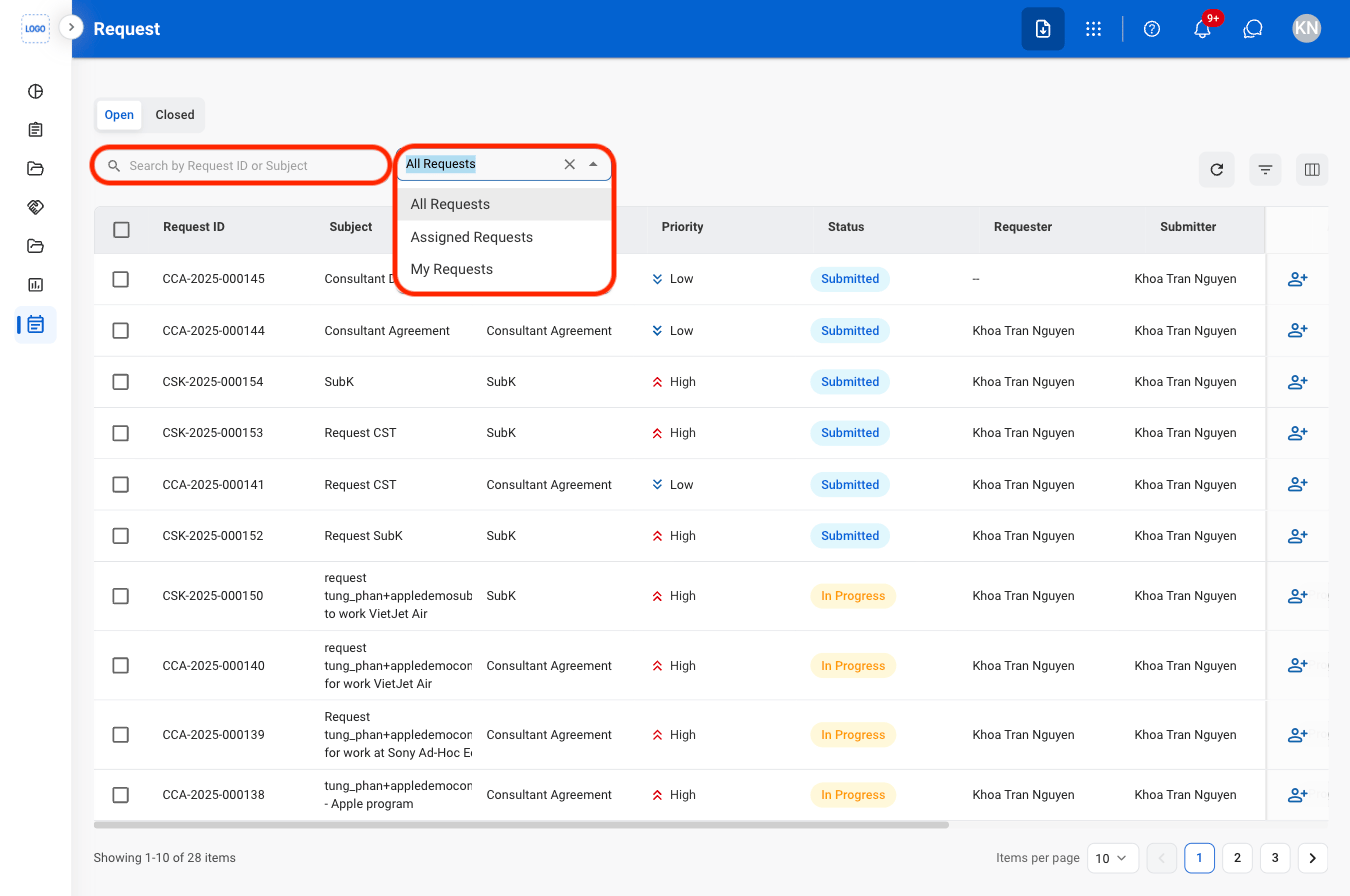
4
Select a request
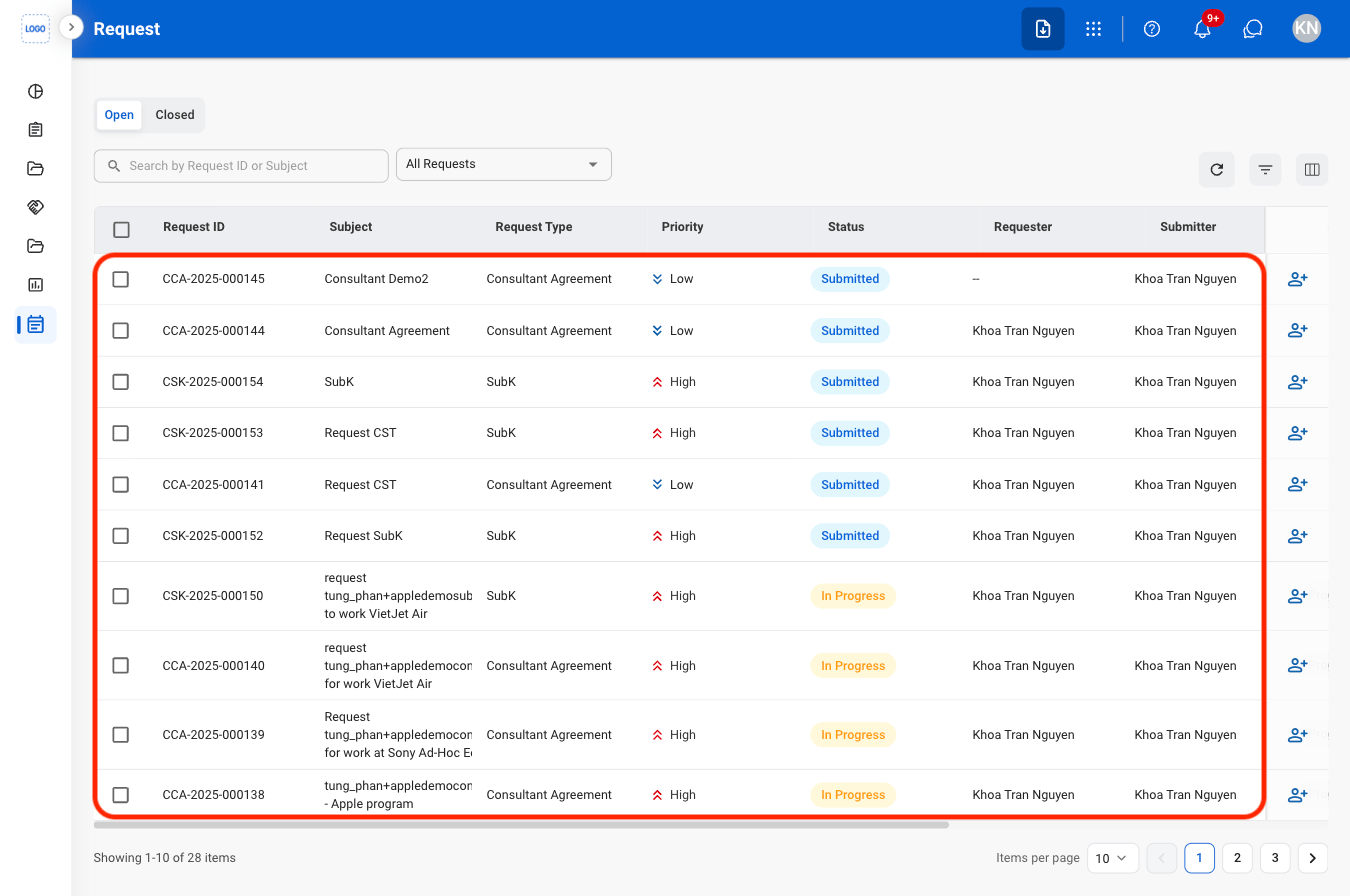
Selecting a request will open the corresponding record in the Requests module
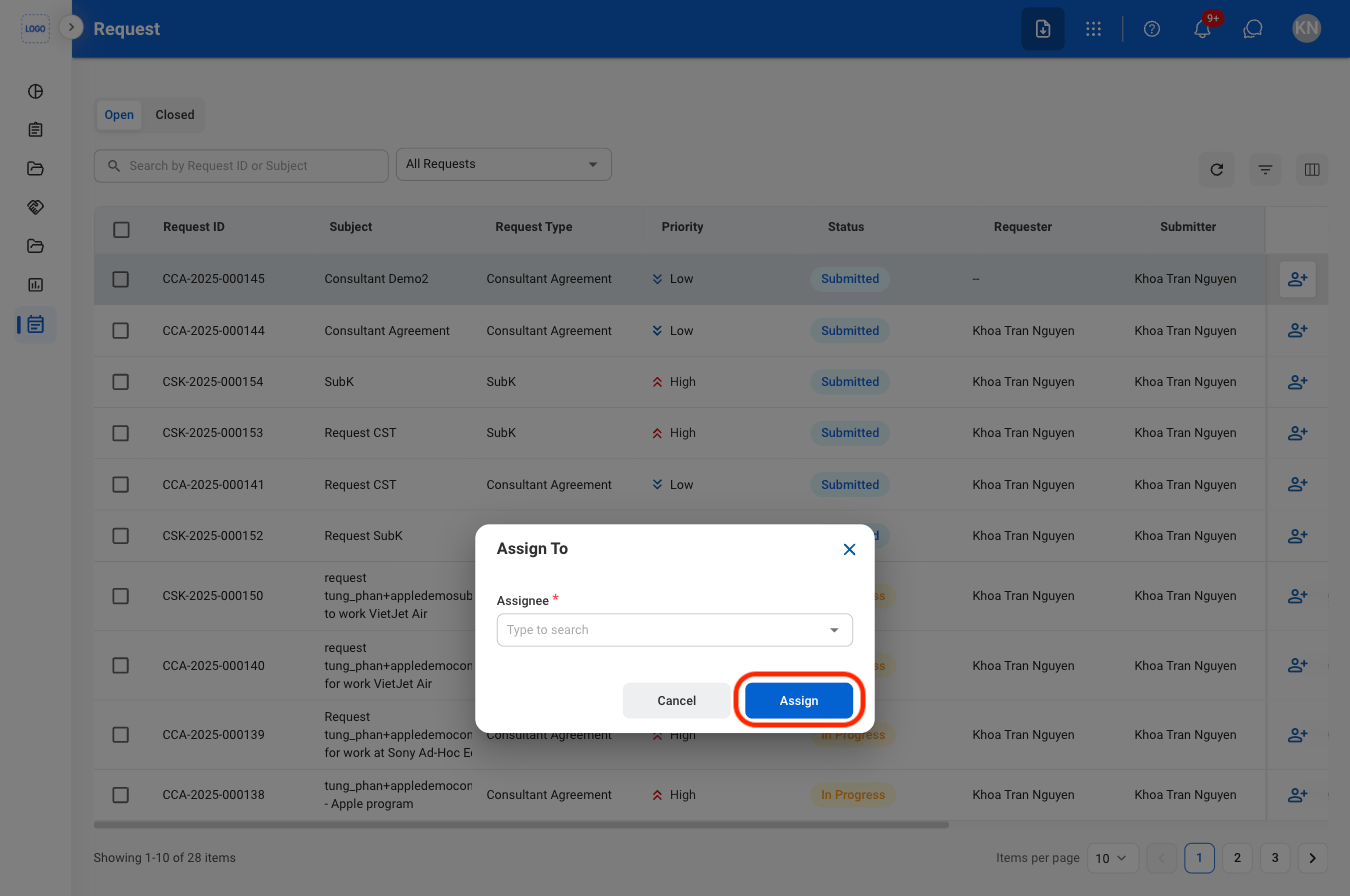
Assign a Request
1
Select the Assign icon
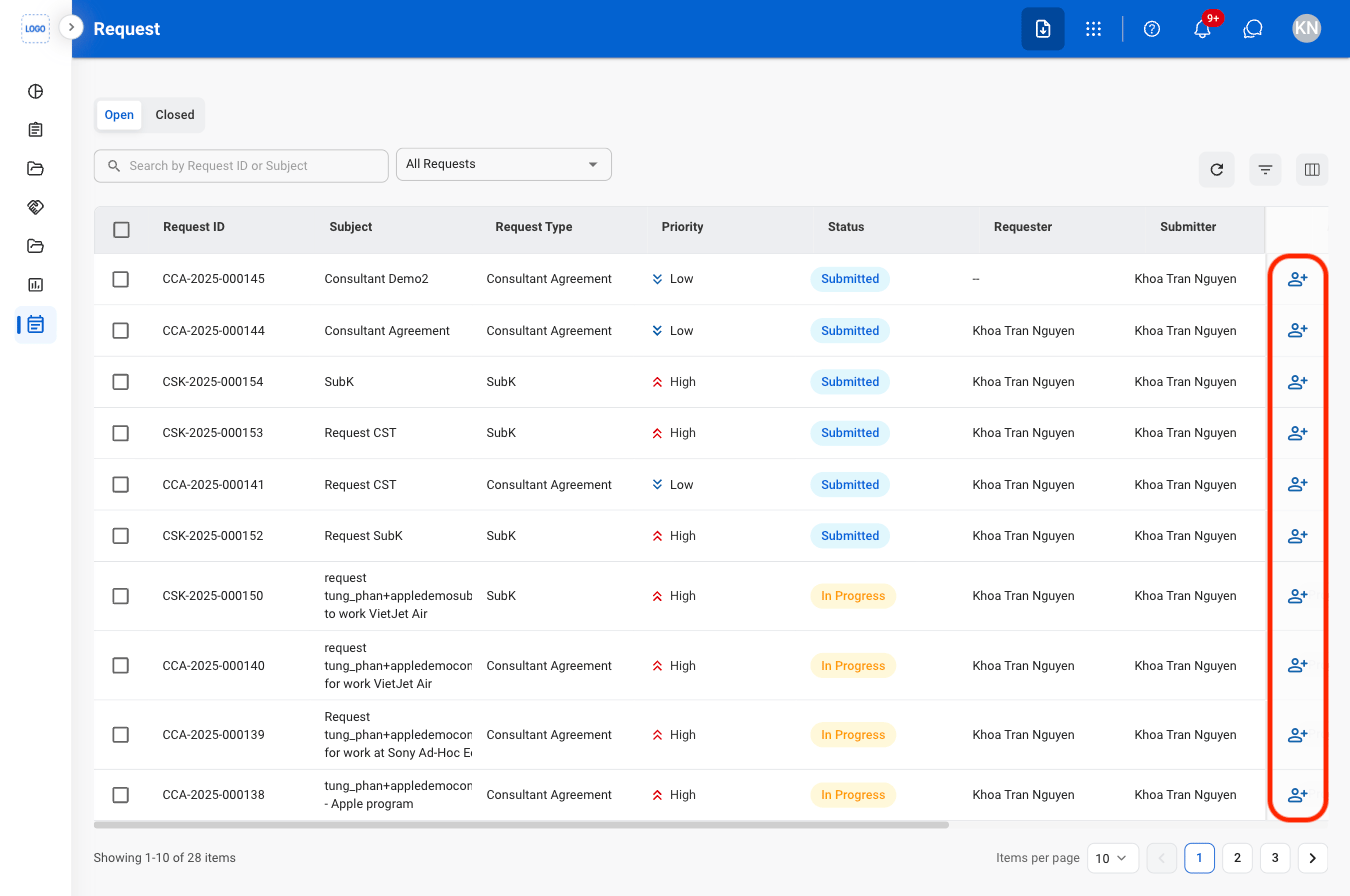
2
Fill in the required information