
View a Contract
1
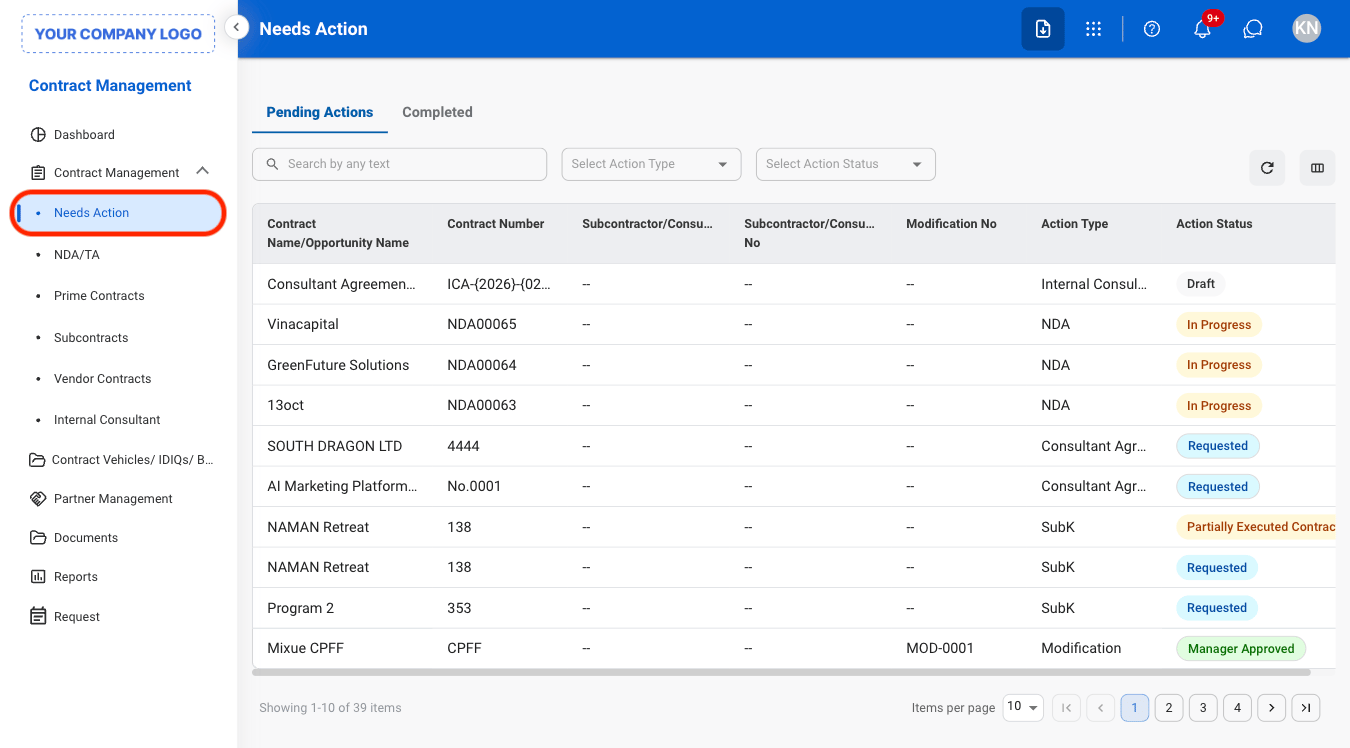
Navigate to Needs Action
2
Select a tab
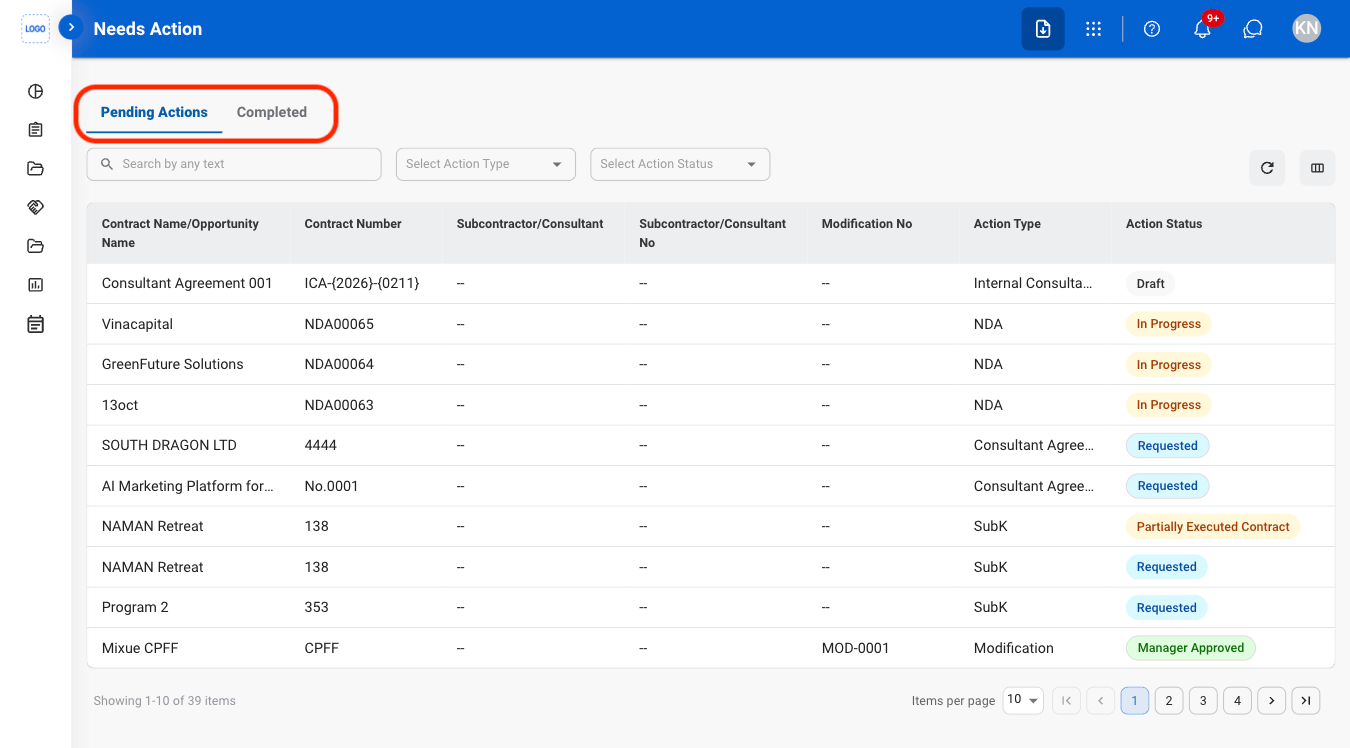
- Pending Actions: View contract items awaiting review, approval, or completion.
- Completed: View contract items that have been processed or completed.
3
Select a contract

Selecting a contract opens the full contract record in its corresponding management section (e.g., NDA/TA, Prime Contracts, Subcontracts, Vendor Contracts, or Internal Consultant Contracts).