Add an NDA
1
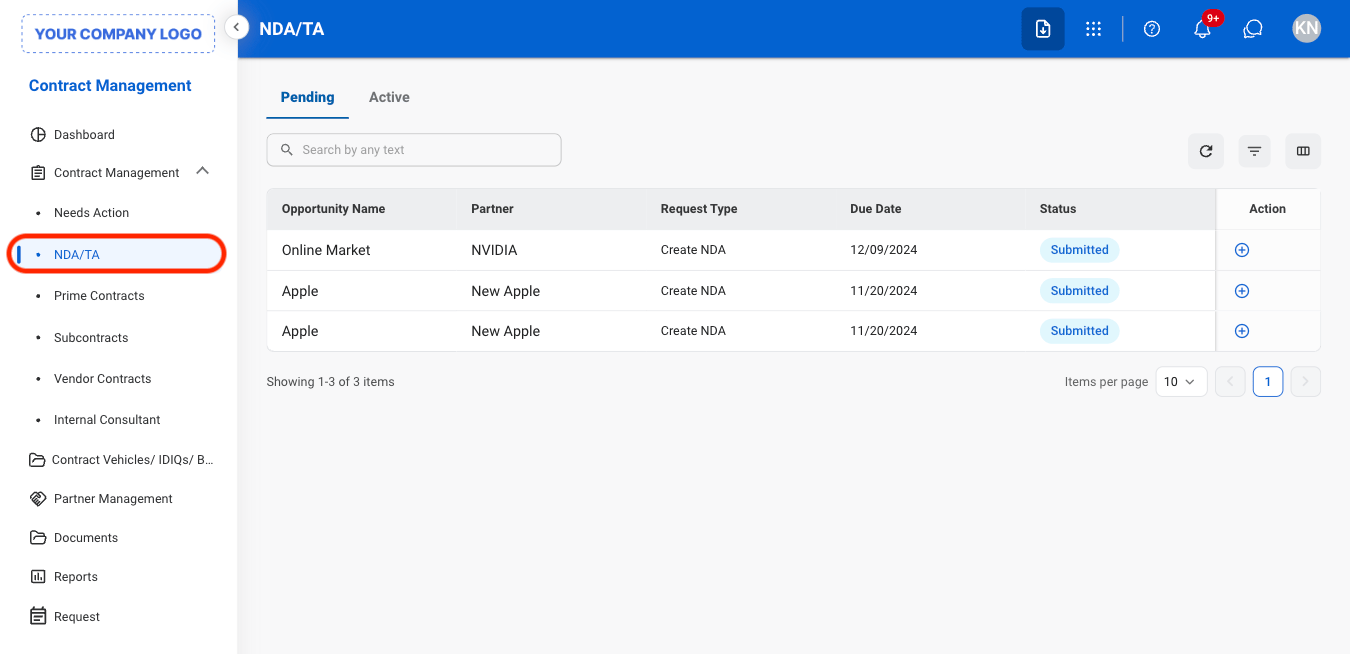
Navigate to NDA/TA
2
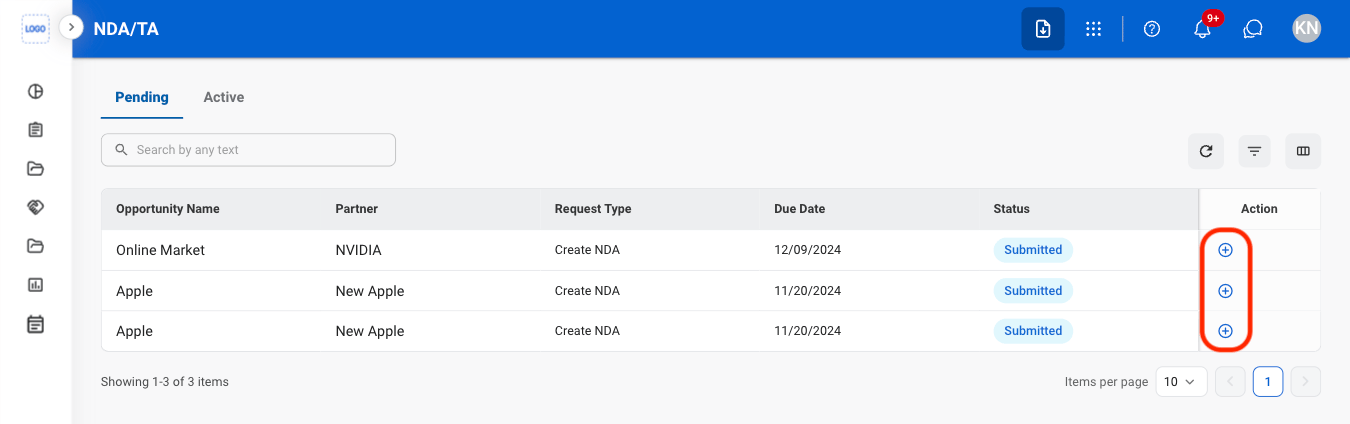
Select the Add icon
3
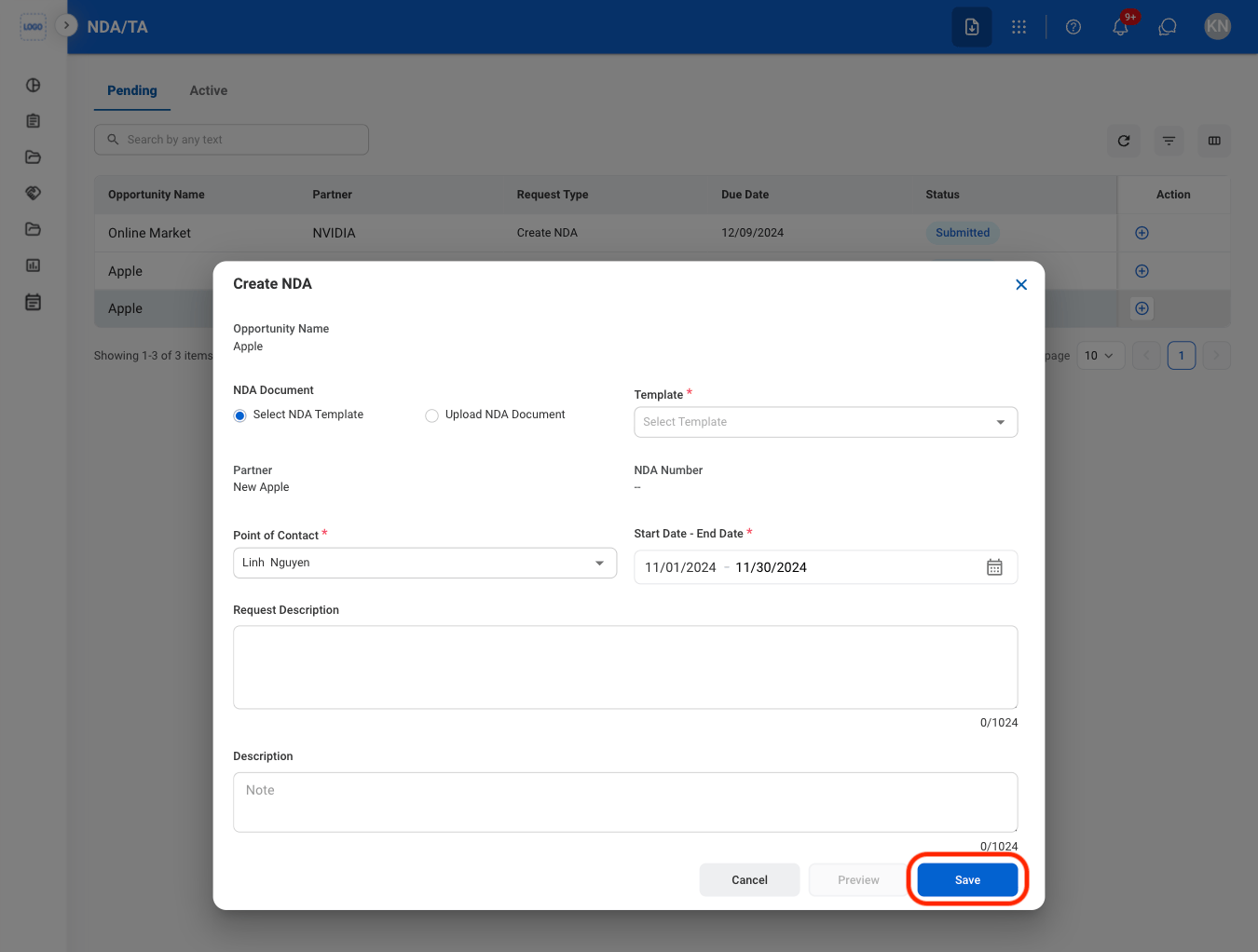
Fill in the required information
Edit an NDA
1
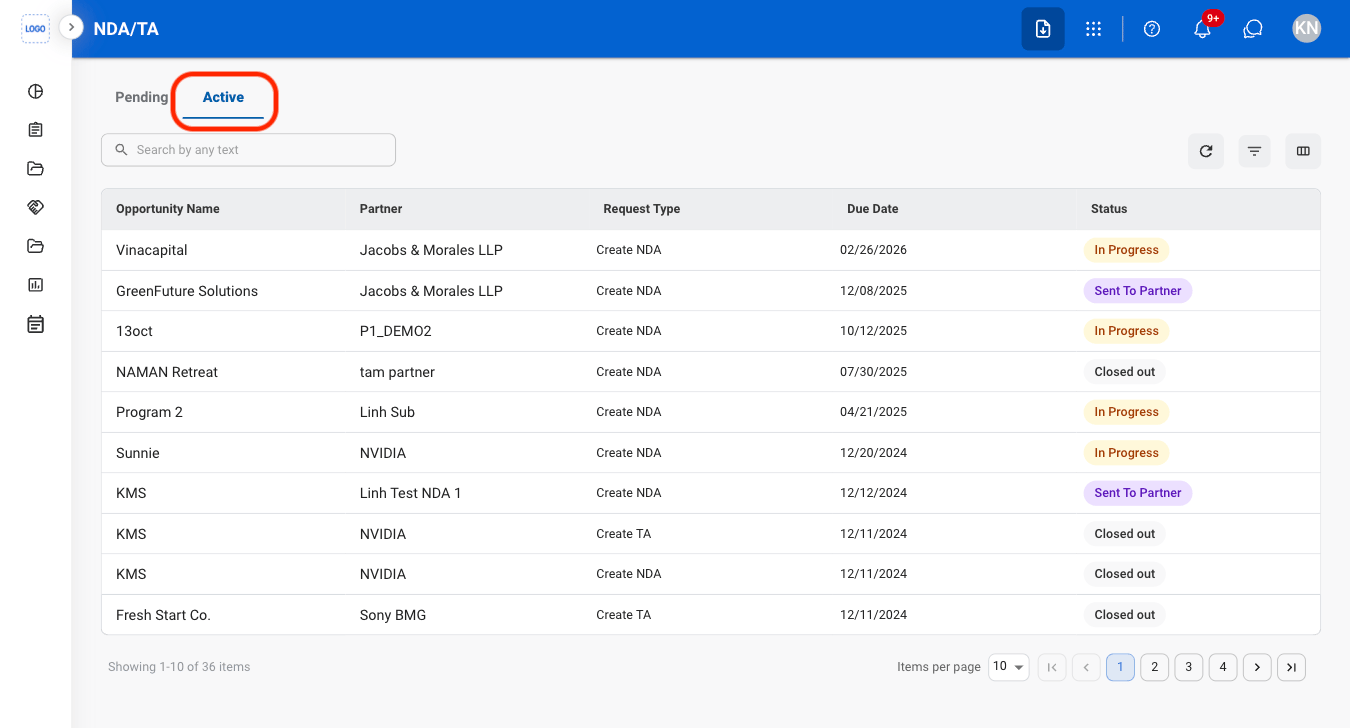
Select the Active tab
2
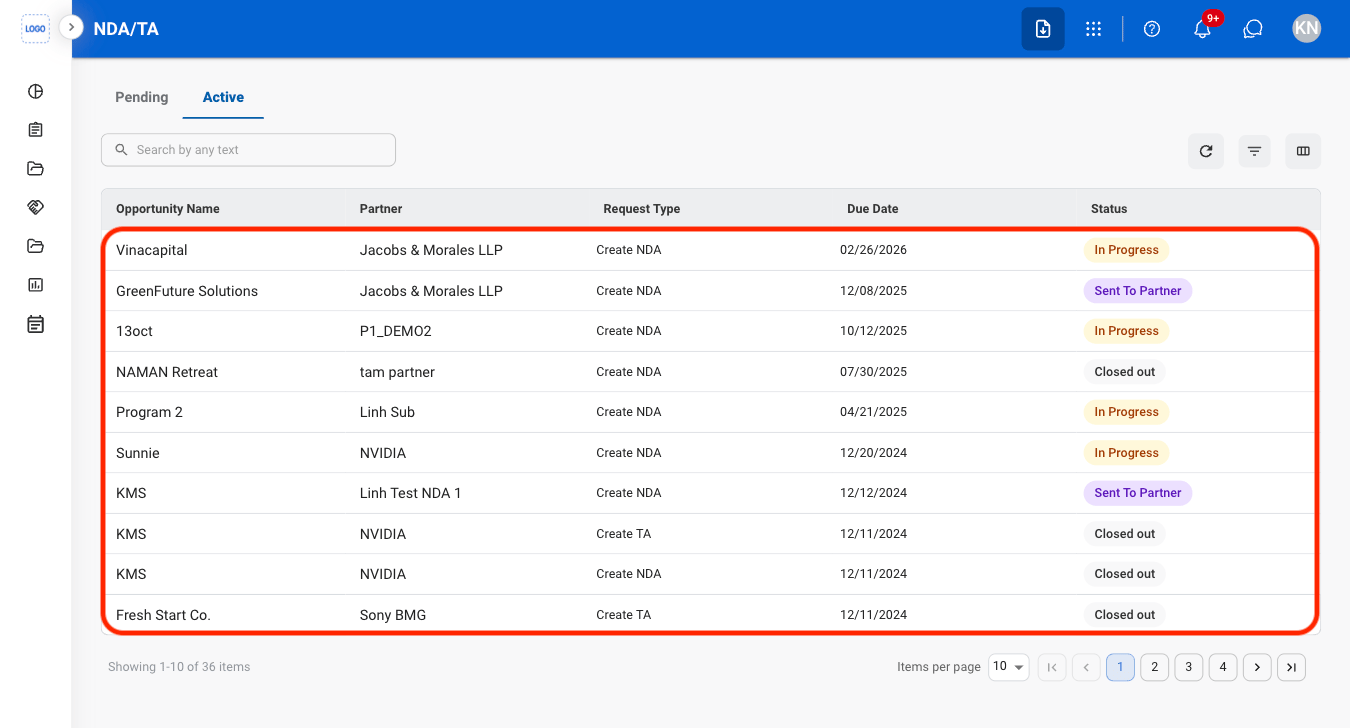
Select an NDA
3
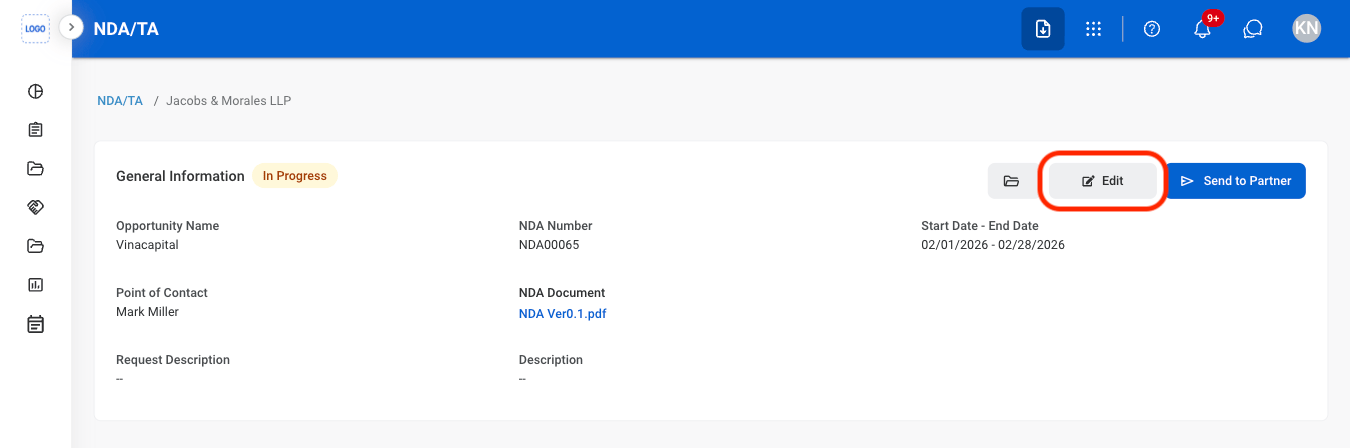
Select Edit
4
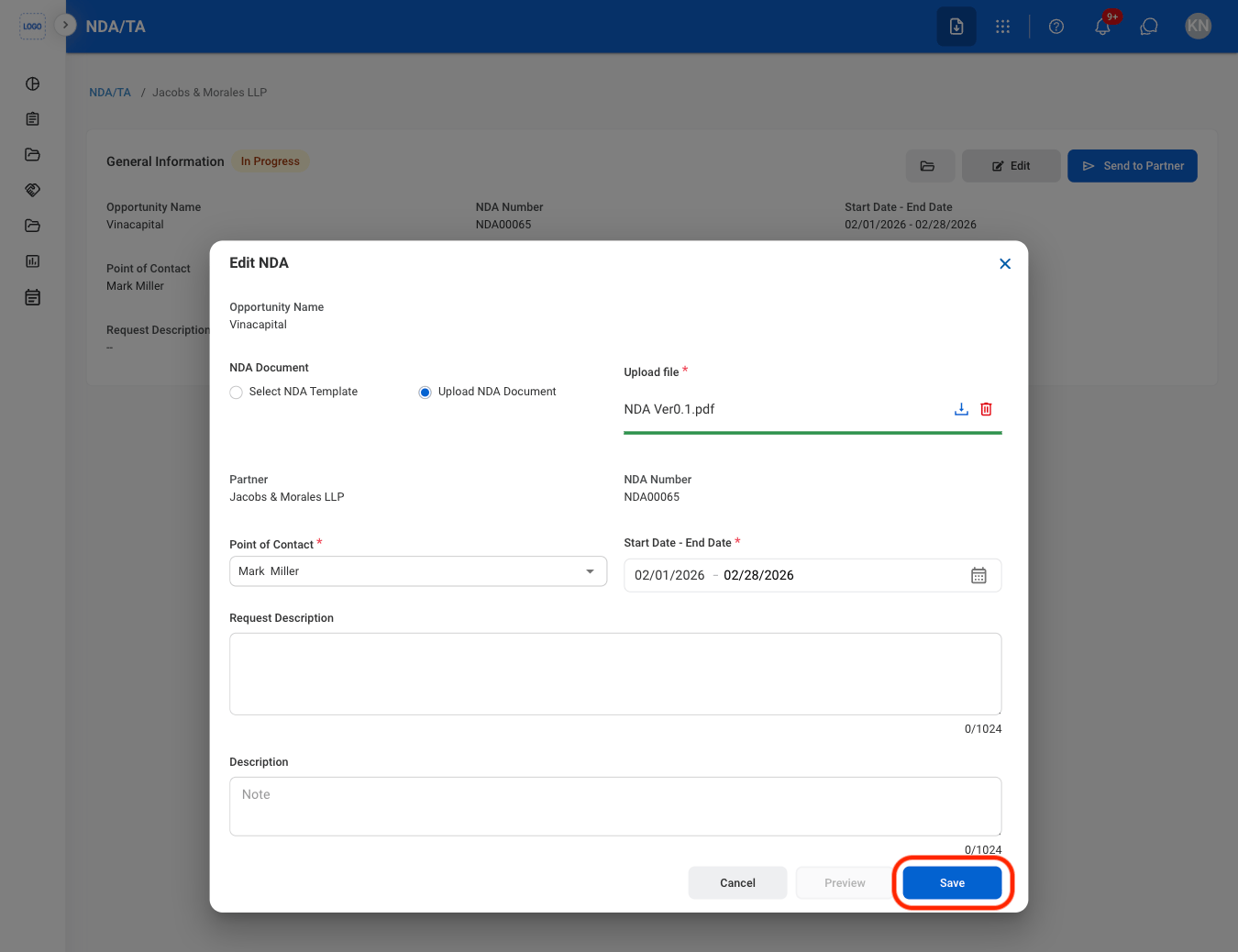
Fill in the required information
Send an NDA to Partner
1
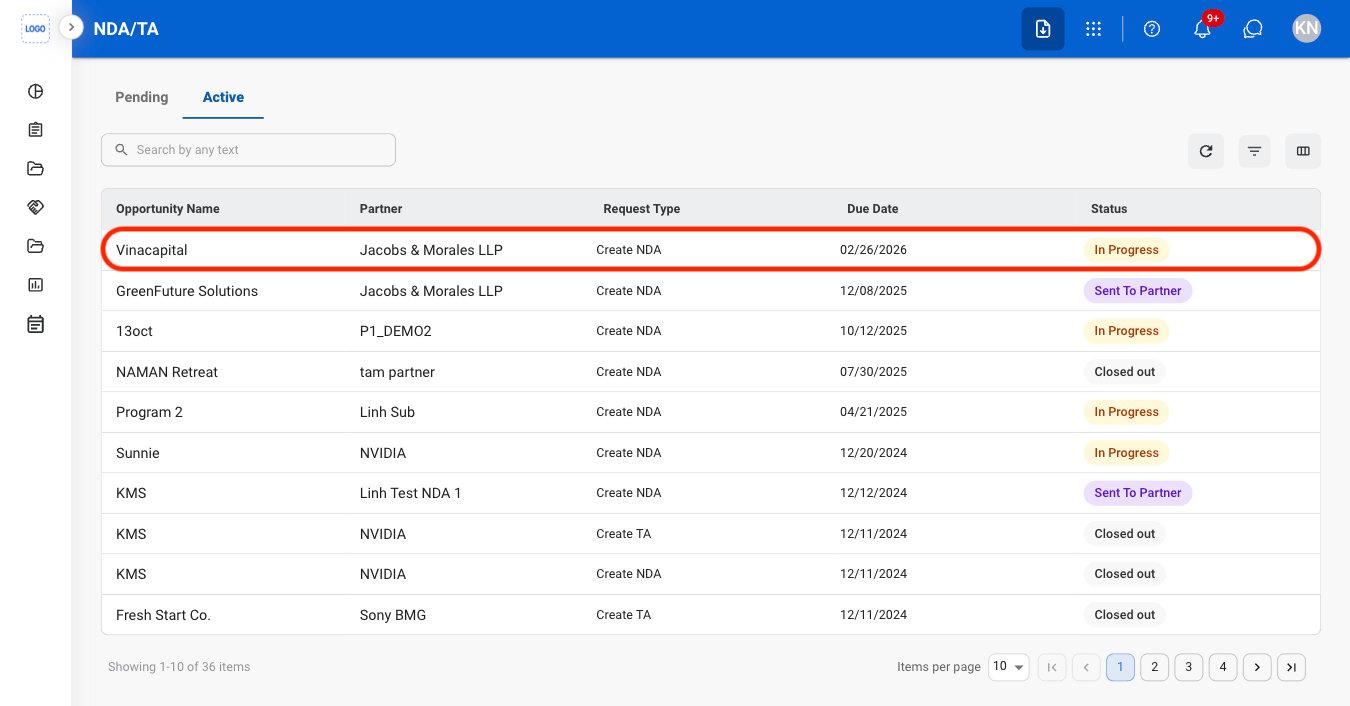
Select the Active tab
2
Select an NDA with the status "In Progress"
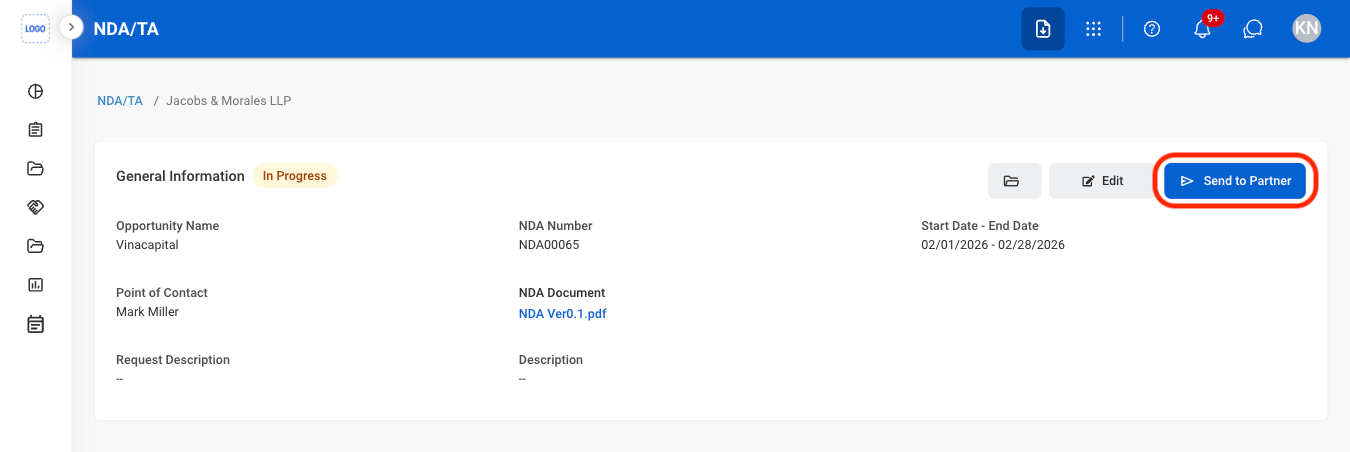
3
Select Send to Partner
View Contract History
1
Select an active NDA
2
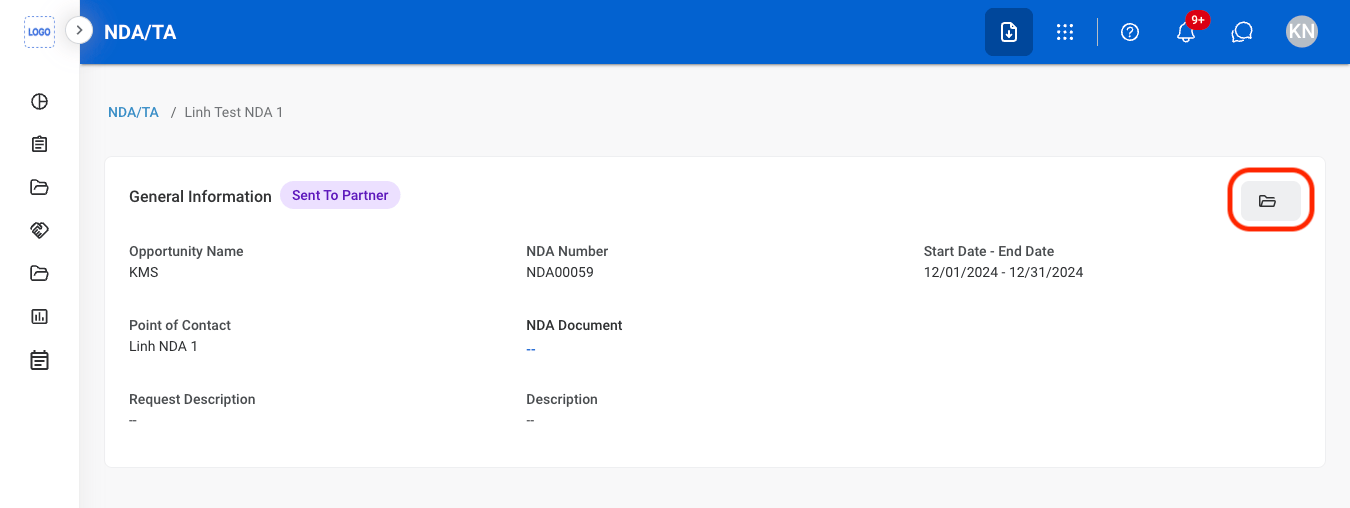
Select the folder icon