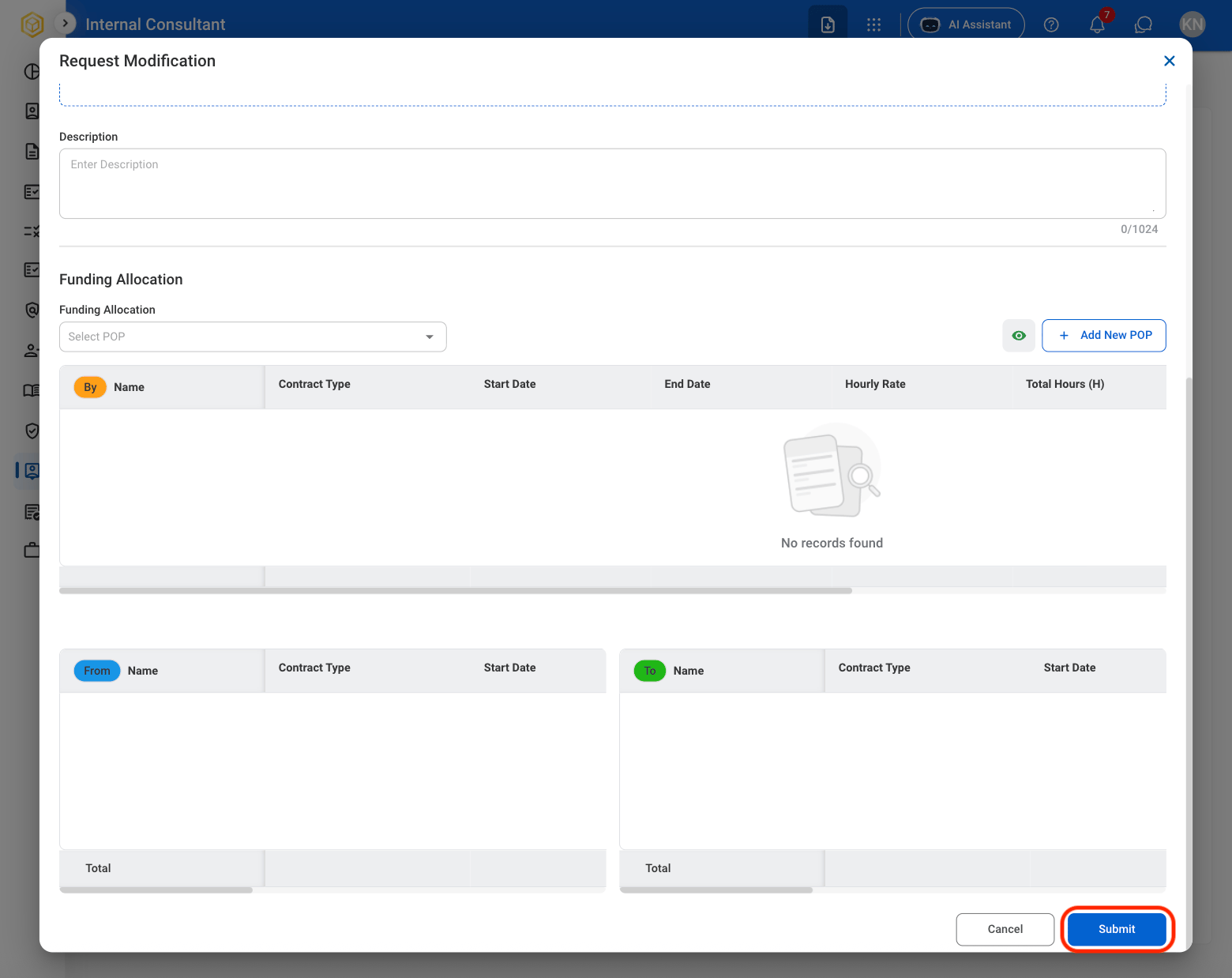
Create an Agreement
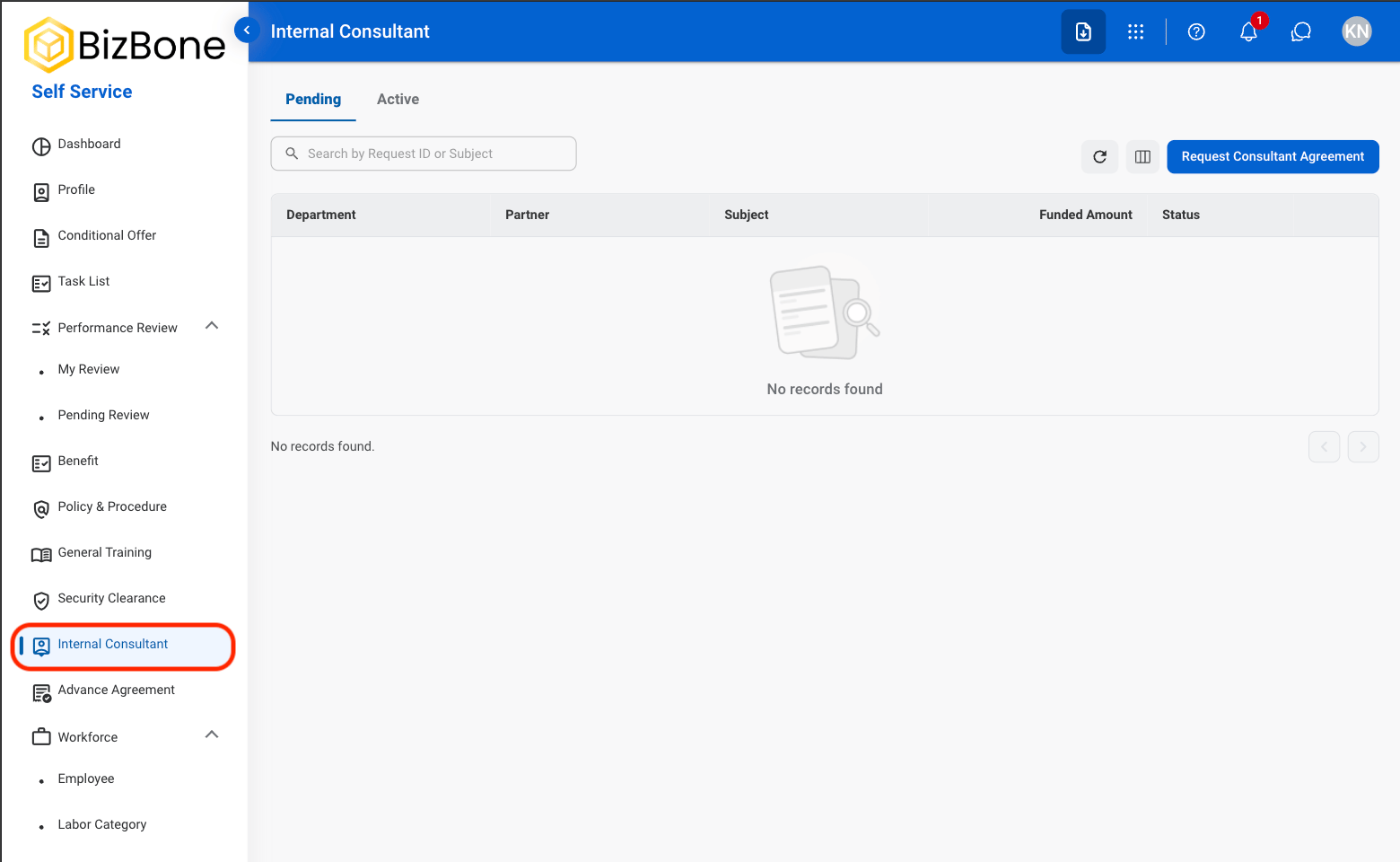
1
Navigate to Internal Consultant
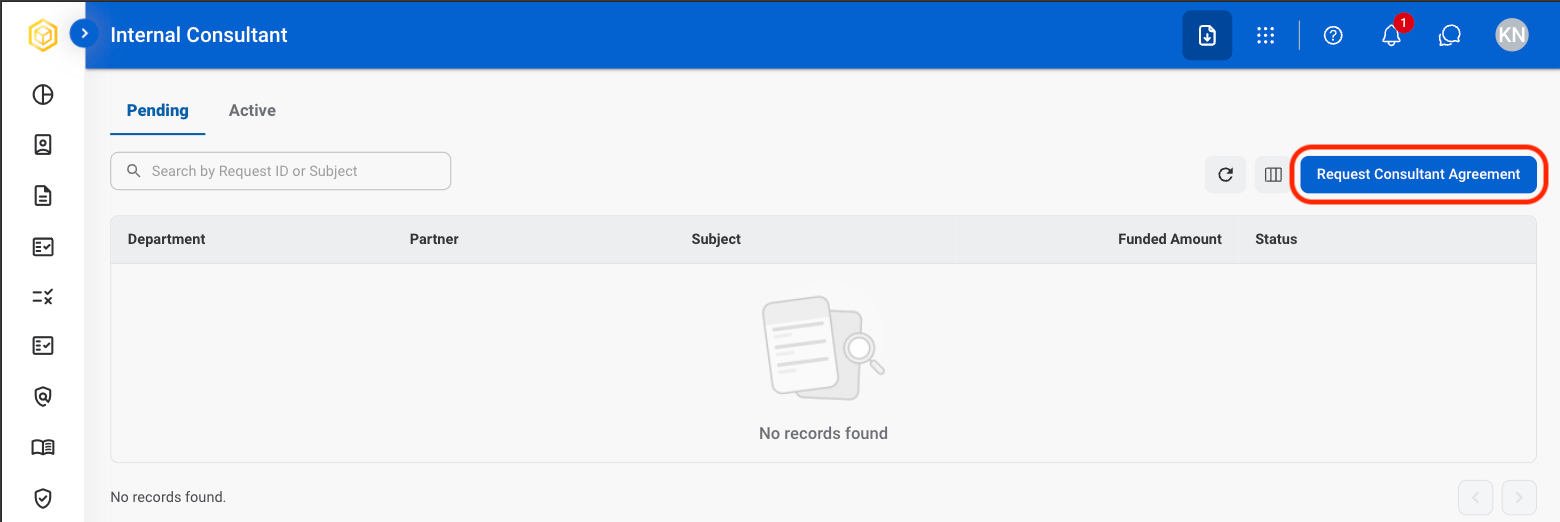
2
Select Request Consultant Agreement
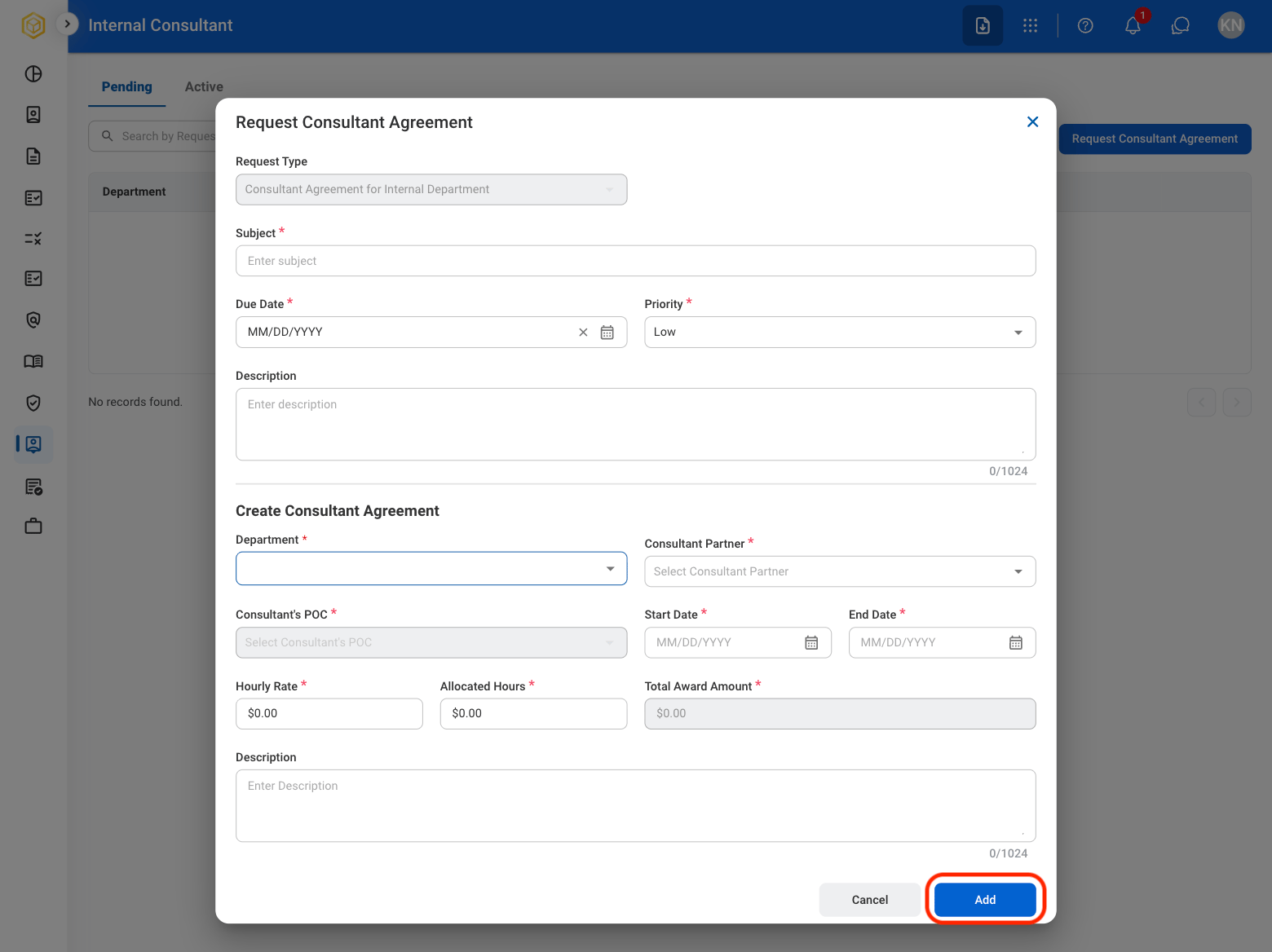
3
Fill in the required information
Active Agreement
Consultant requests must be approved to move from Pending to Active.
View Active Agreement Details
1
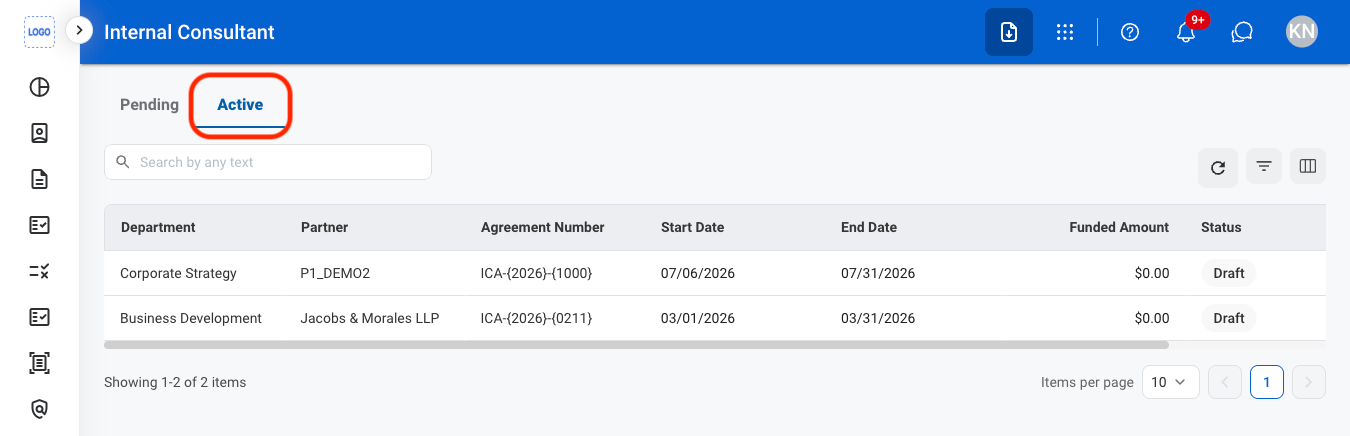
Navigate to the Active tab
2
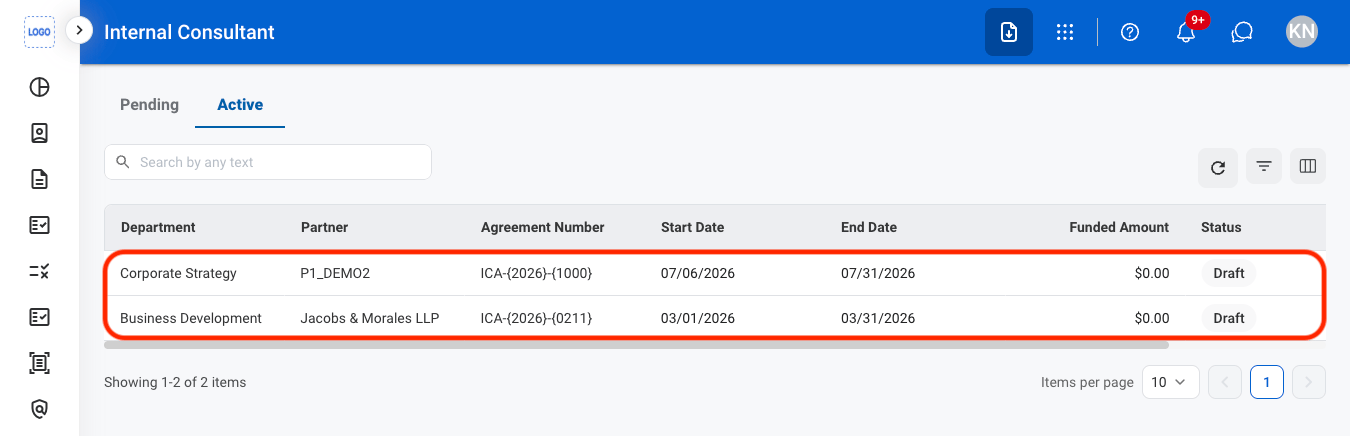
Select an agreement
3
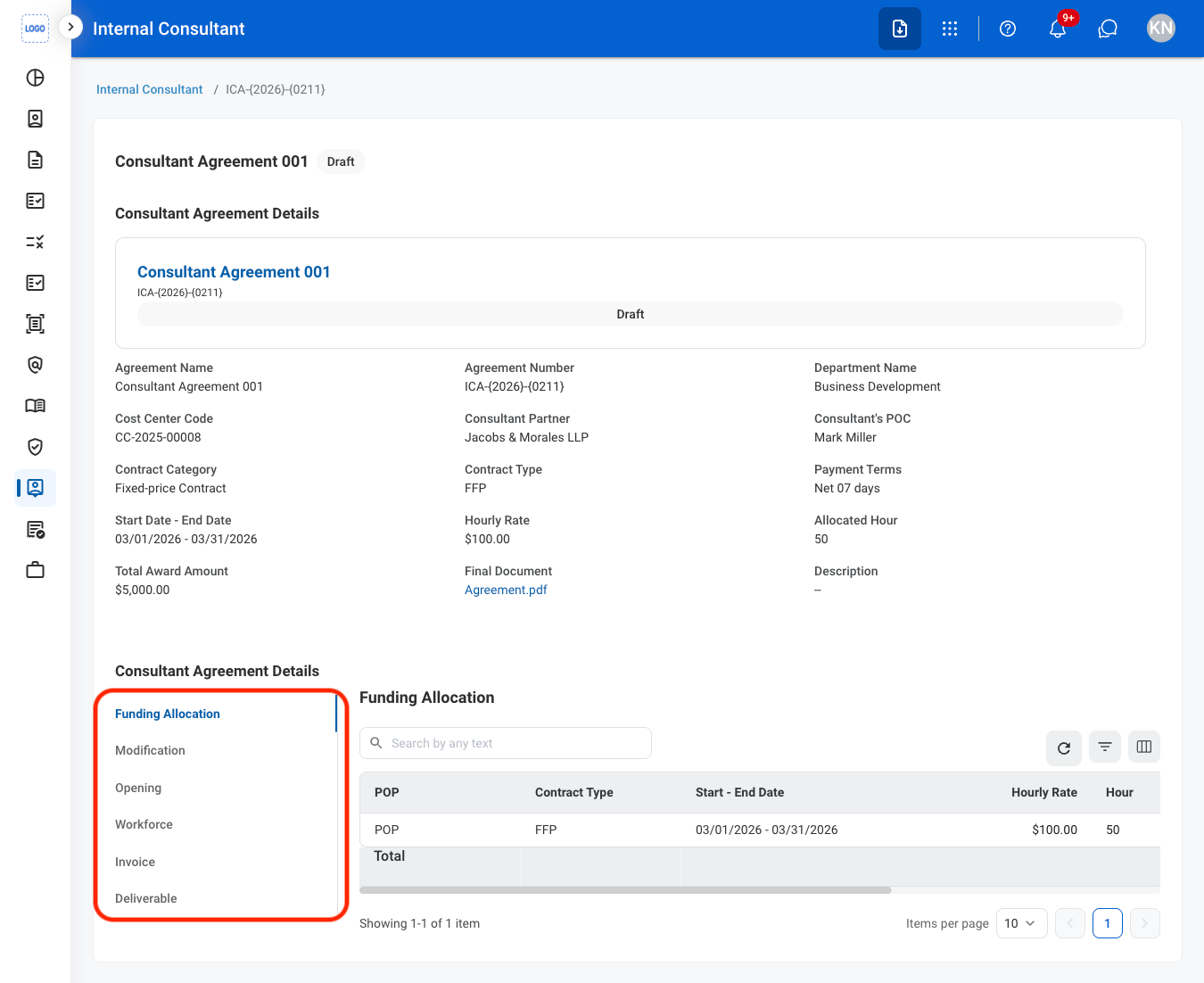
Select a tab to view more details
Request a Modification
1
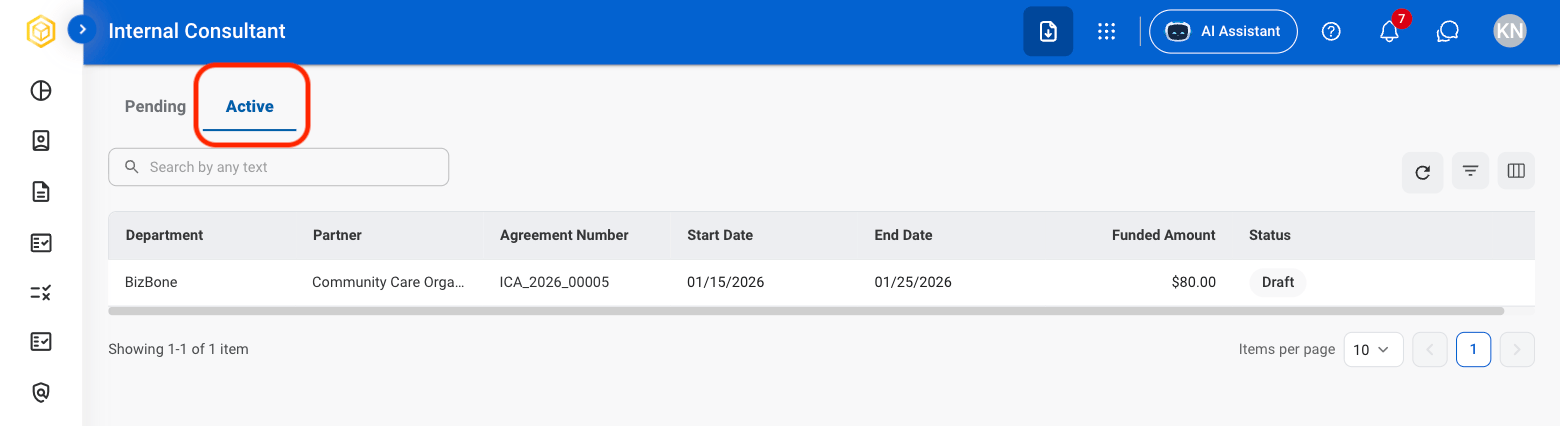
Navigate to the Active tab
2
Select an agreement
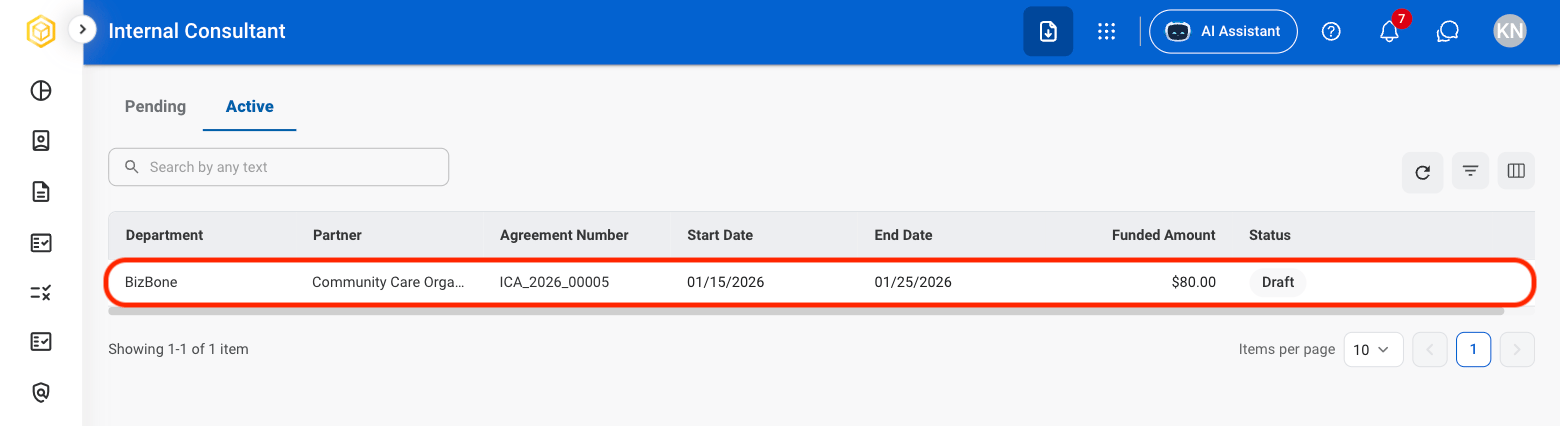
3
Select Modification
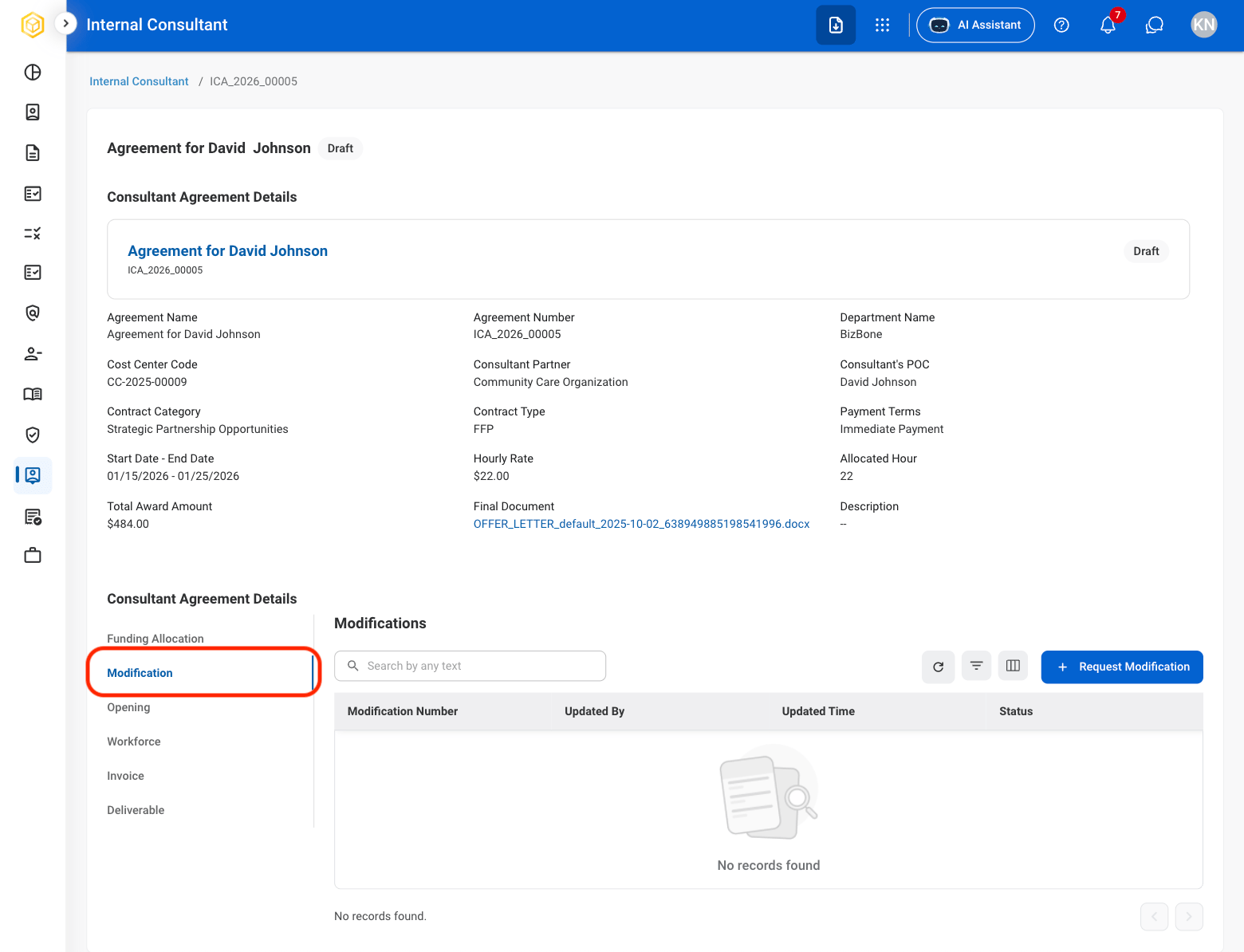
4
Select Request Modification
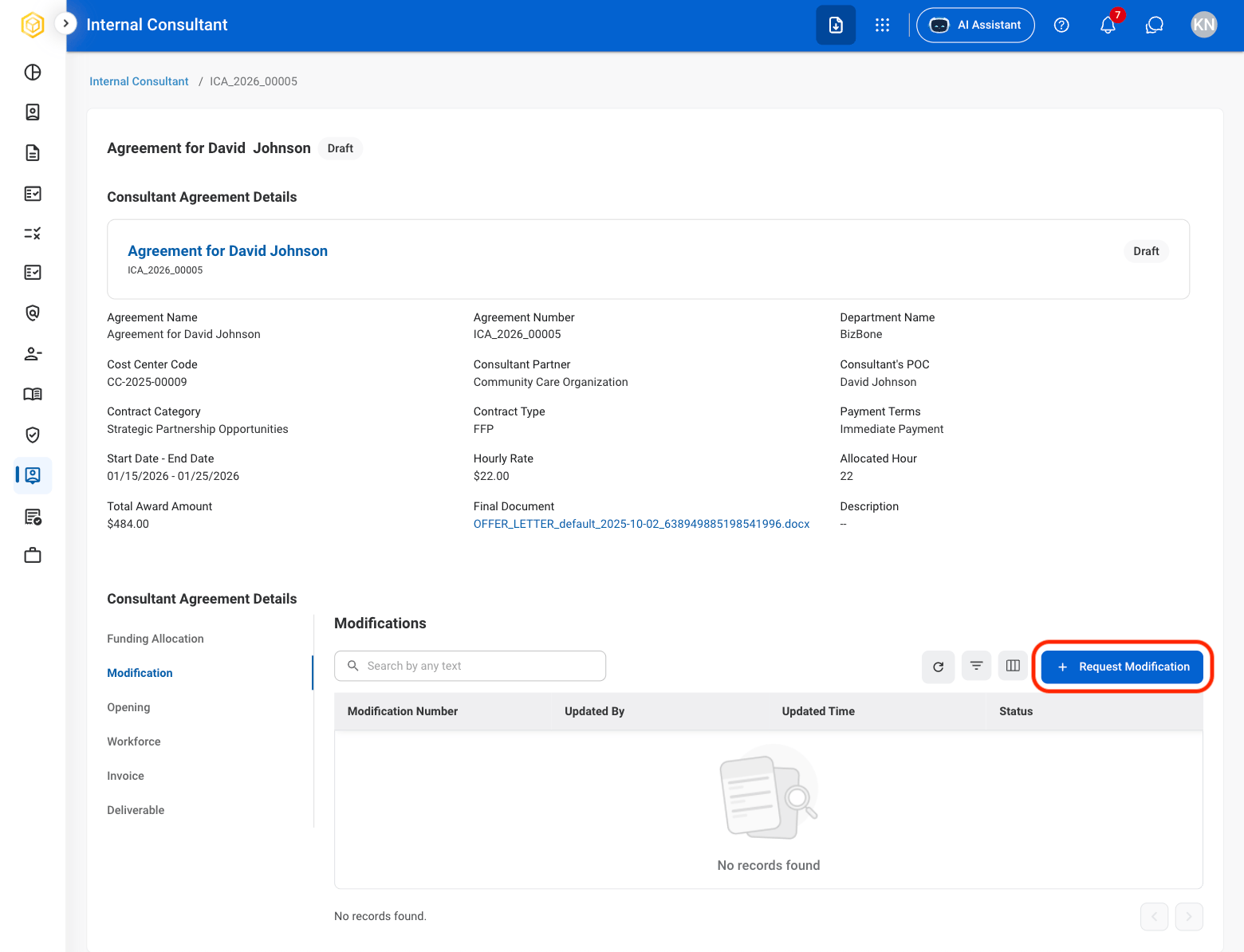
5
Fill in the required information