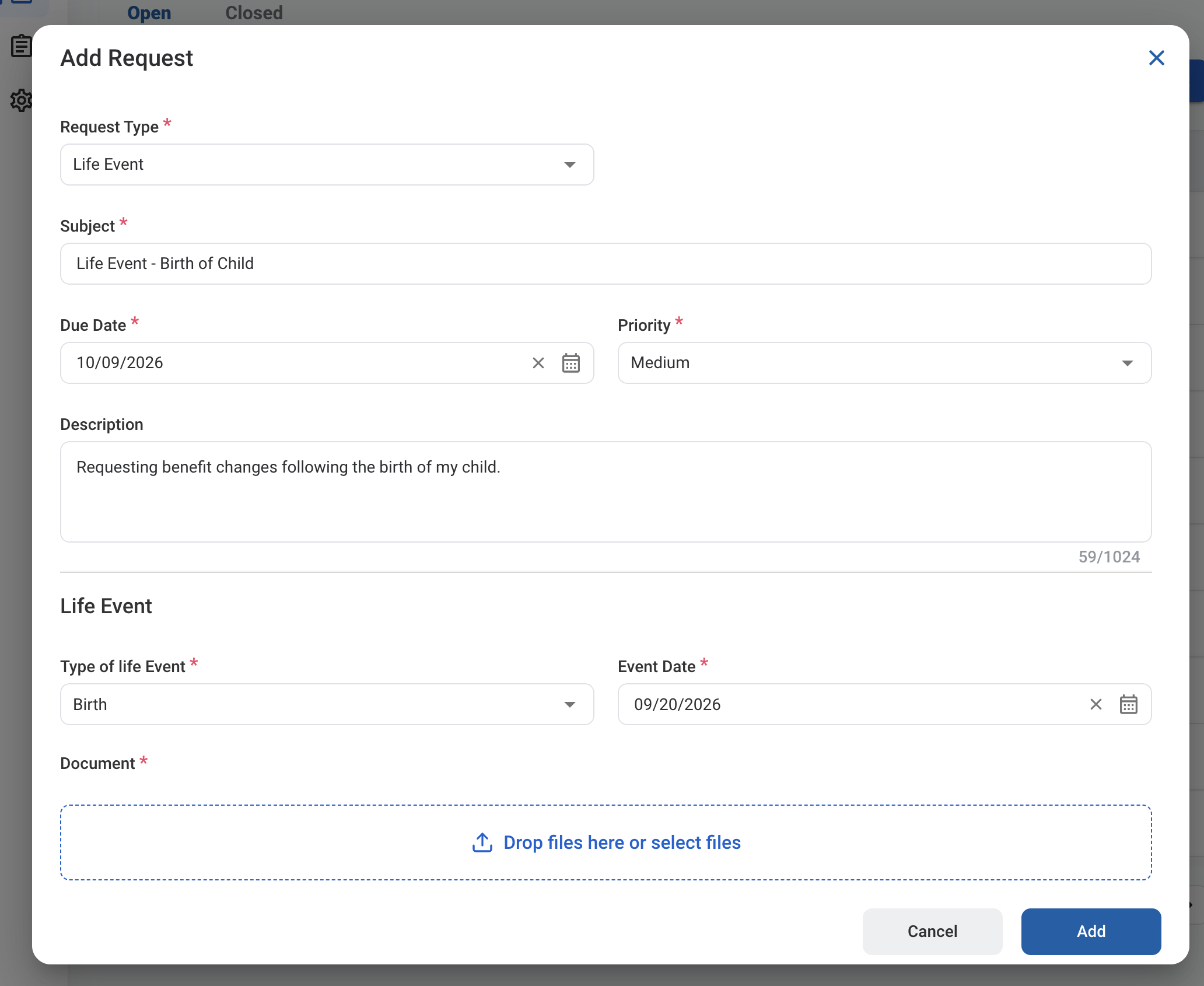
A Life Event request reports a qualifying life event, such as a birth, civil union, or death of a spouse, so your benefits can be updated outside of open enrollment. After you submit it, the request follows the configured approval workflow before being approved, rejected, or returned for revision.

Create a Life Event Request

Prerequisites

Before submitting a Life Event request:
  • You must have an active employee account.
  • Have a supporting document for the event ready to attach, such as a birth or marriage certificate. It is required.
1

Navigate to Requests Module.

RQ Nav
2

Click Add Request.

RQ Add
3

Select Life Event as the request type.
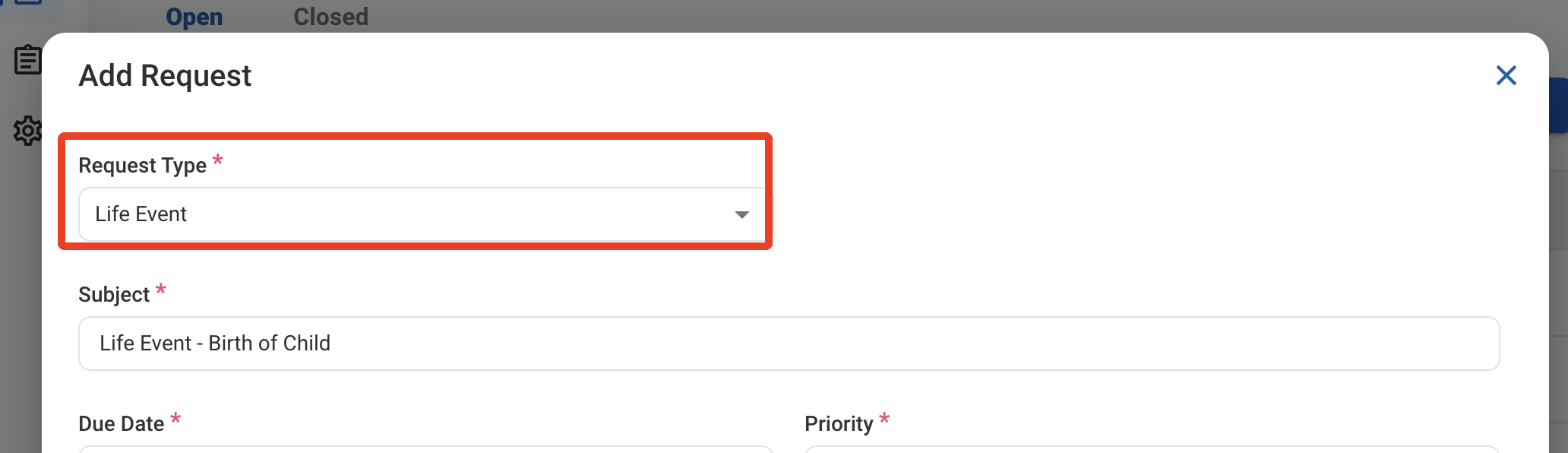
RQ LE Type
4

Complete the required information.

RQ LE Form 1

Request Information

Life Event

5

Click Add to send the request for approval.
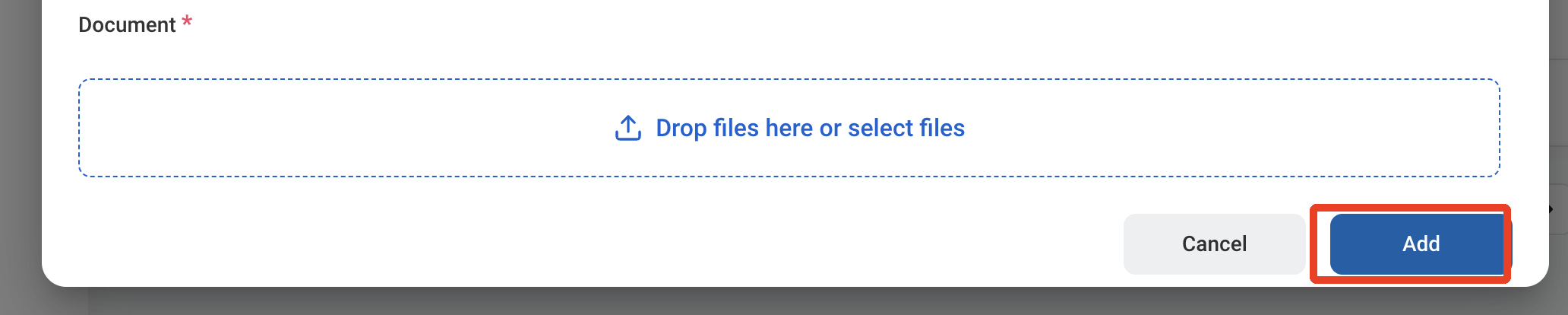
RQ LE Add

Review a Life Event Request

To review a submitted Life Event request and approve, reject, or discard it, see HR > Request.

Manage the Life Event Business Process

To manage the workflow for Life Event requests, see Admin > Business Processes > Business Processes Overview.