
Create a SubK Request
Prerequisites
Before submitting a SubK request:- You must have an active employee account.
- The subcontractor must be set up as a business partner on the selected program. Partners that already have a SubK or Consultant Agreement with the program are not listed.
1
Navigate to Requests Module.

2
Click Add Request.

3
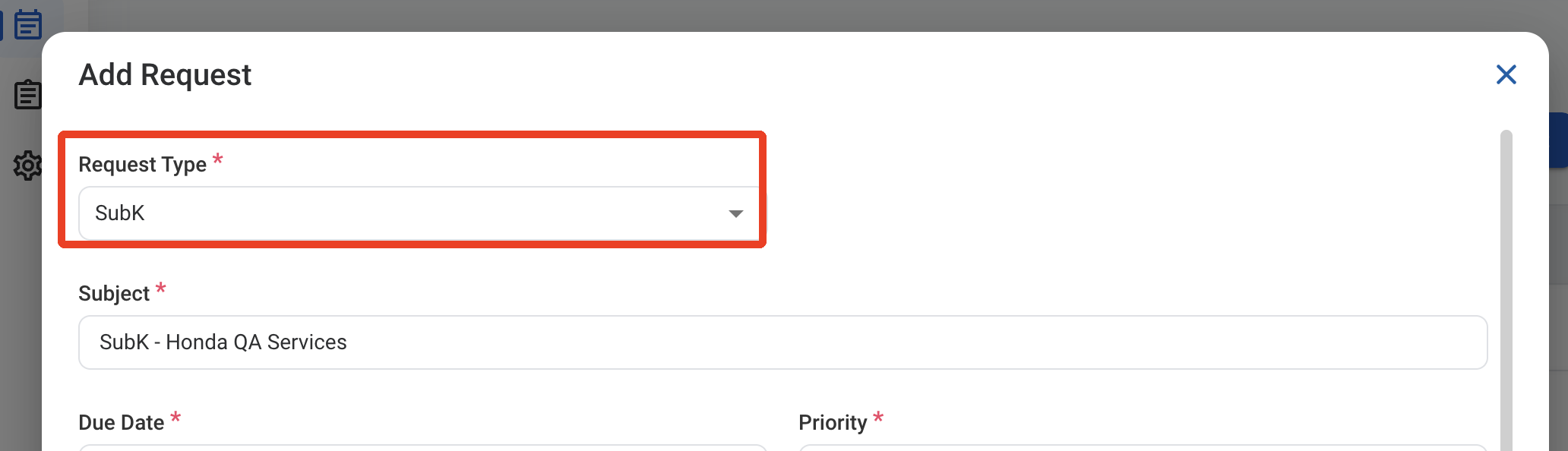
Select SubK as the request type.
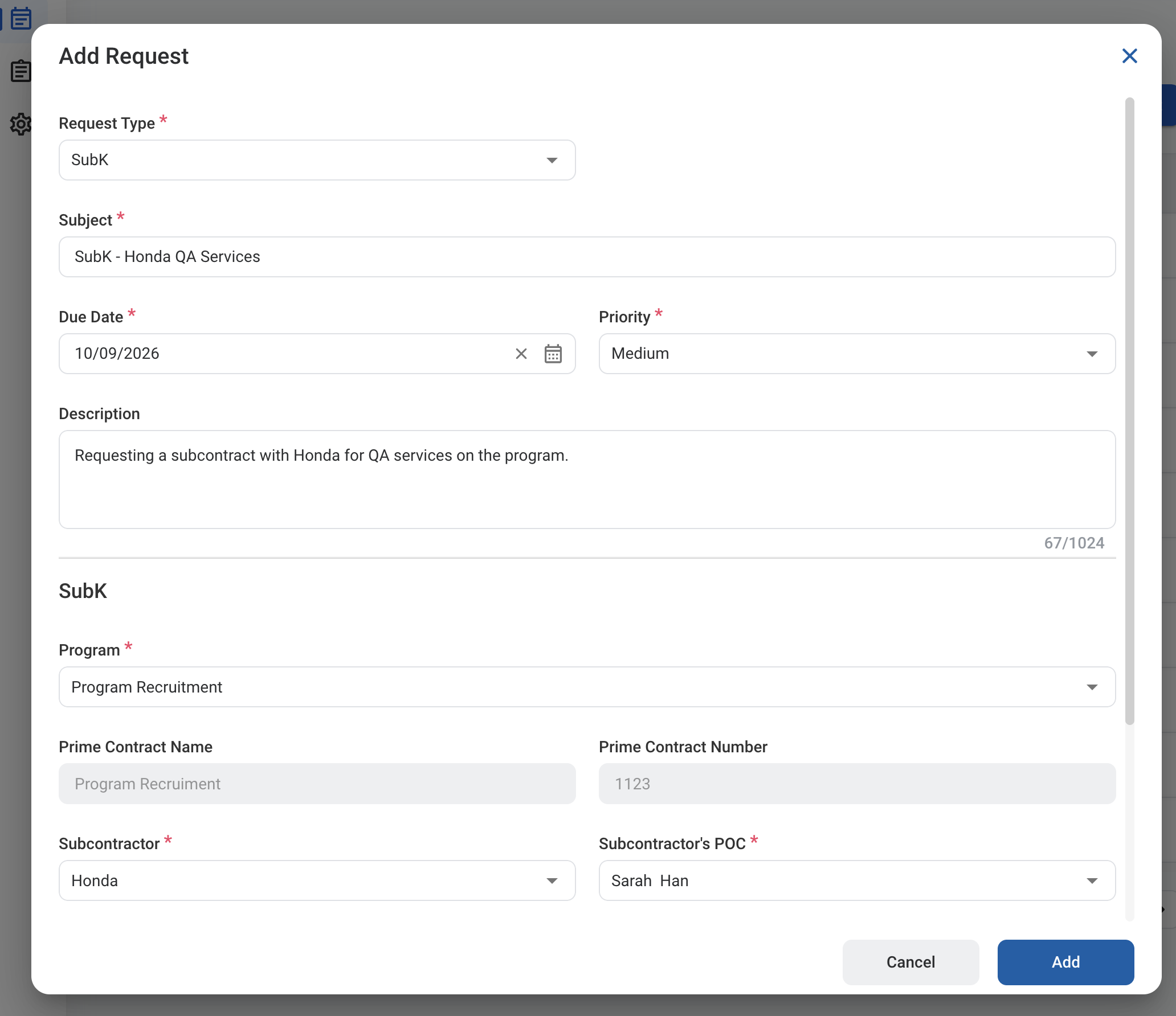
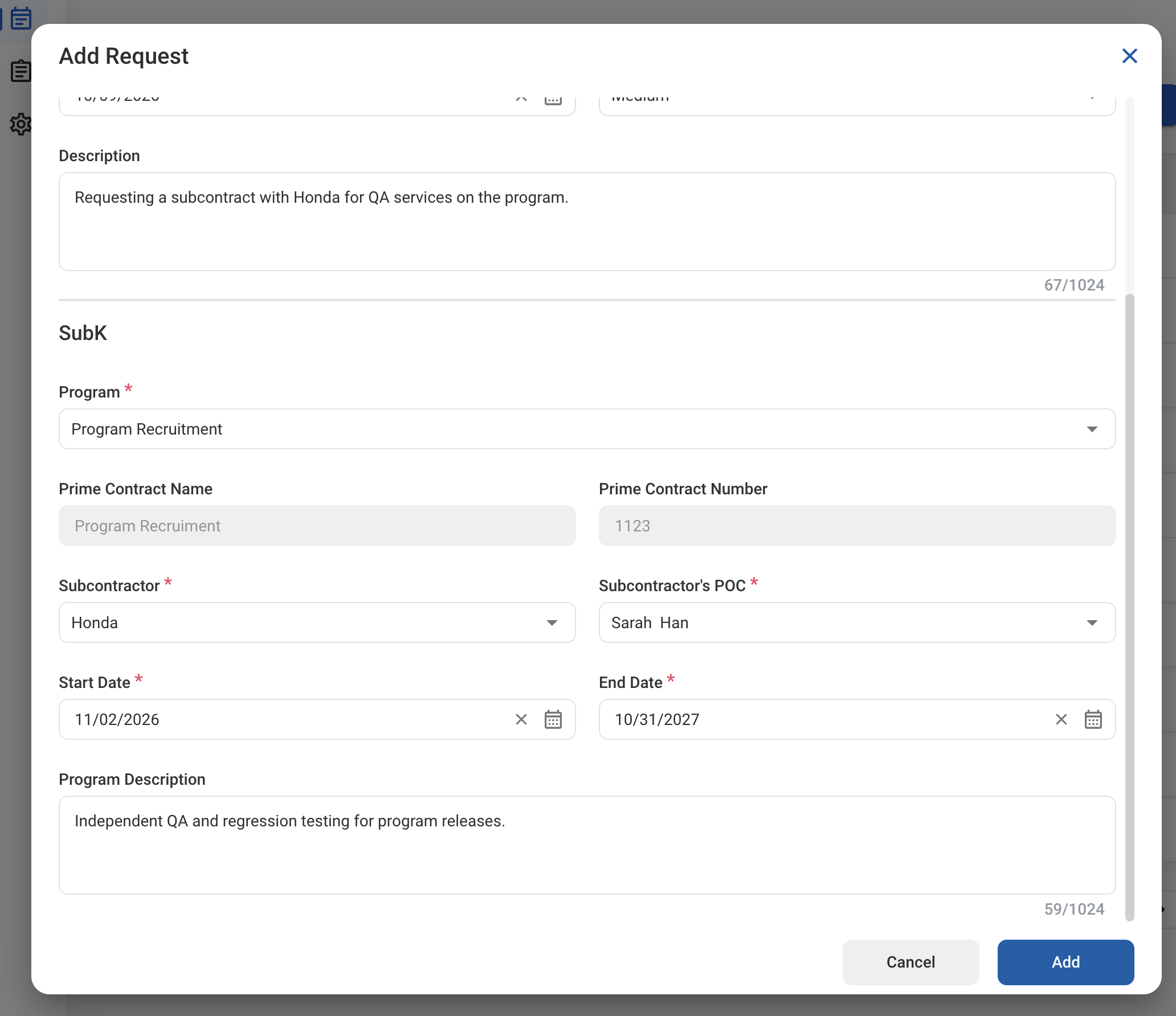
5
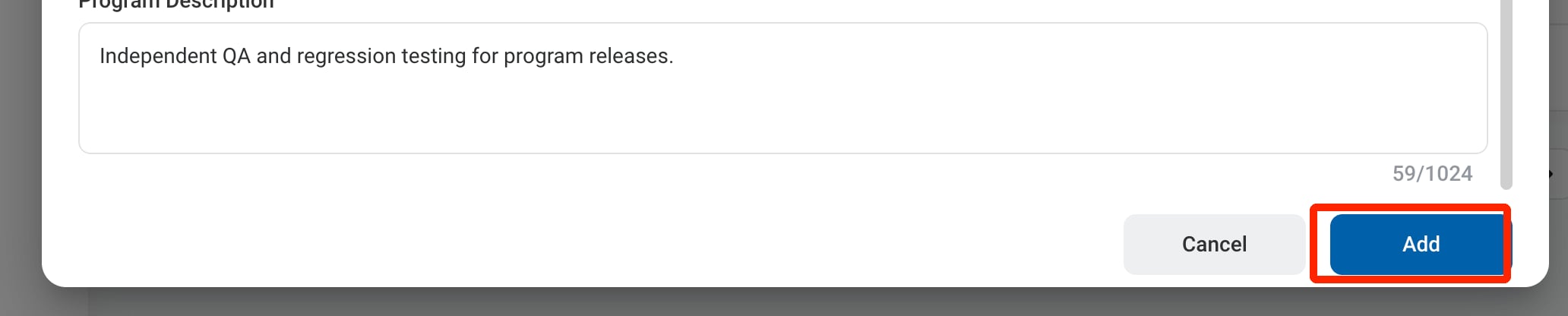
Click Add to send the request for approval.
After approval, the subcontract is listed in Contracts > Contract Management > Subcontracts.