An Update Tax Information request submits a new or updated tax form, such as a Federal W-4, a state withholding form, or a tax exemption, for HR and Payroll to apply. After you submit it, the request follows the configured approval workflow before being approved, rejected, or returned for revision.

Create an Update Tax Information Request

Prerequisites

Before submitting an Update Tax Information request:
  • You must have an active employee account.
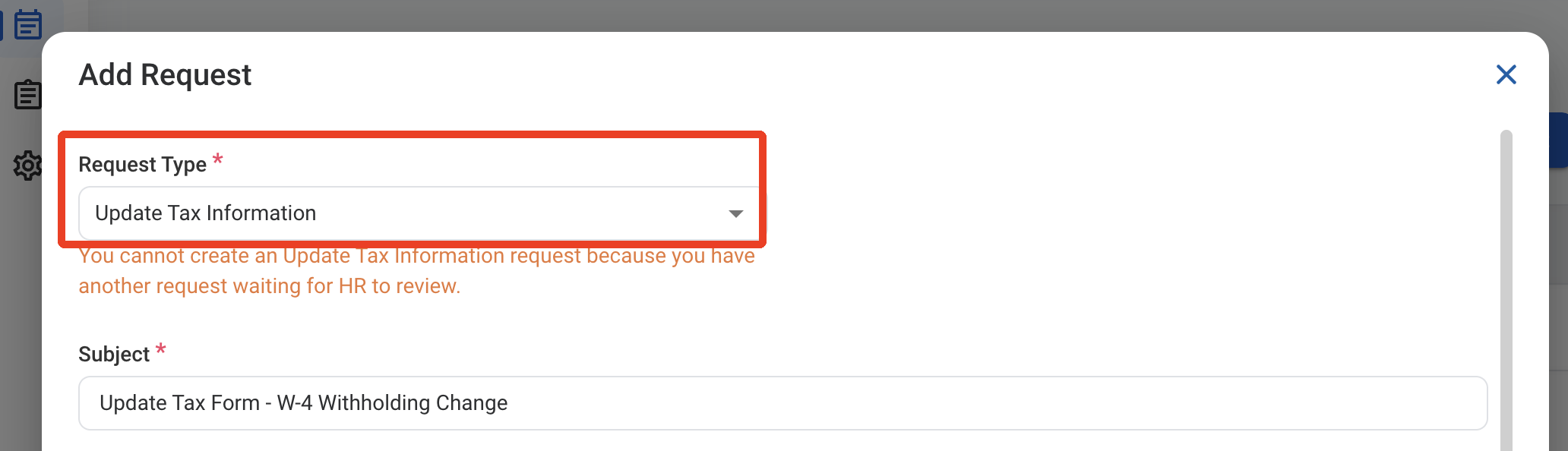
  • You can have only one Update Tax Information request waiting for HR review at a time. If one is already pending, a message is displayed and the request cannot be added.
1

Navigate to Requests Module.

RQ Nav
2

Click Add Request.

RQ Add
3

Select Update Tax Information as the request type.
RQ UT Type
4

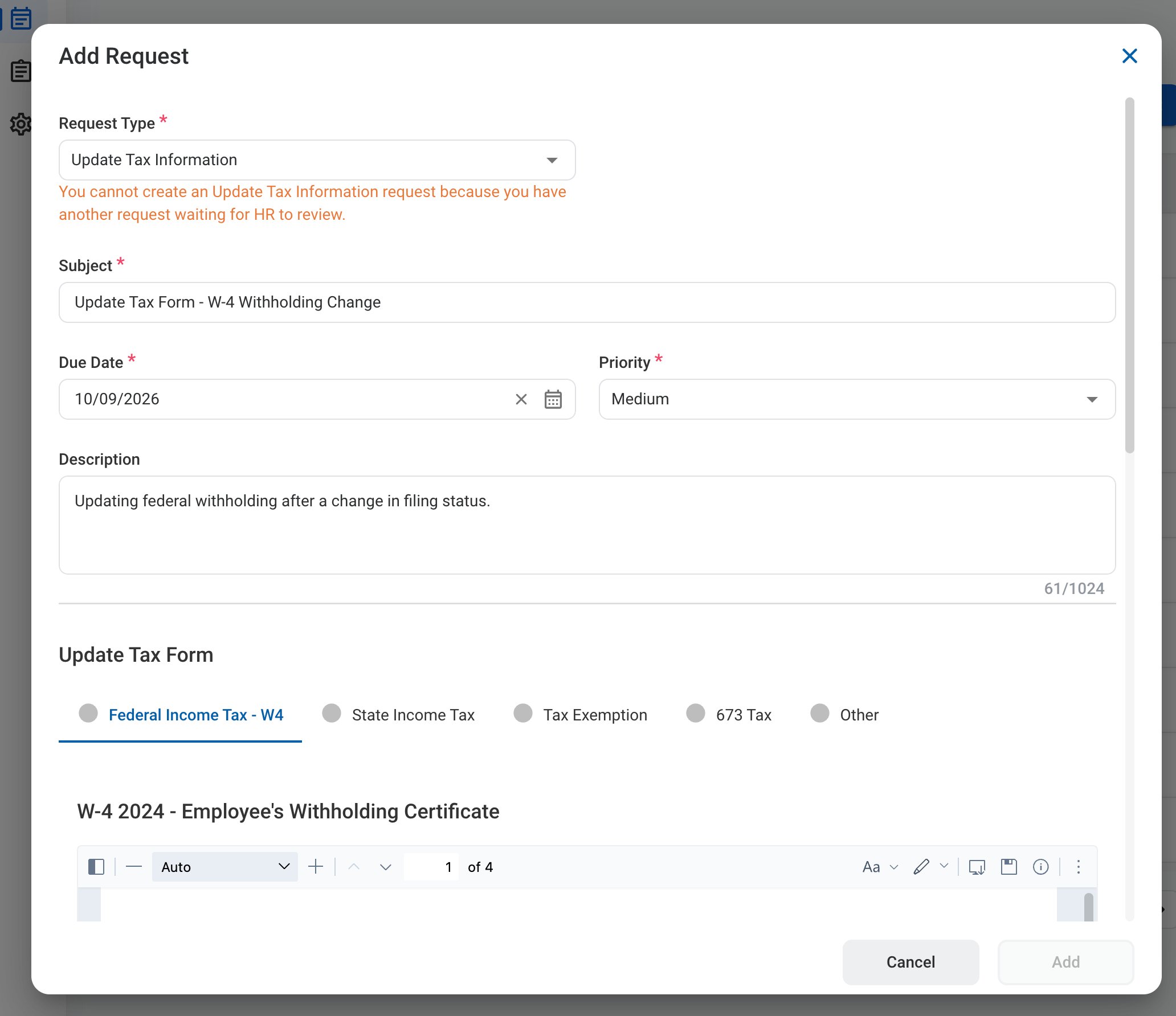
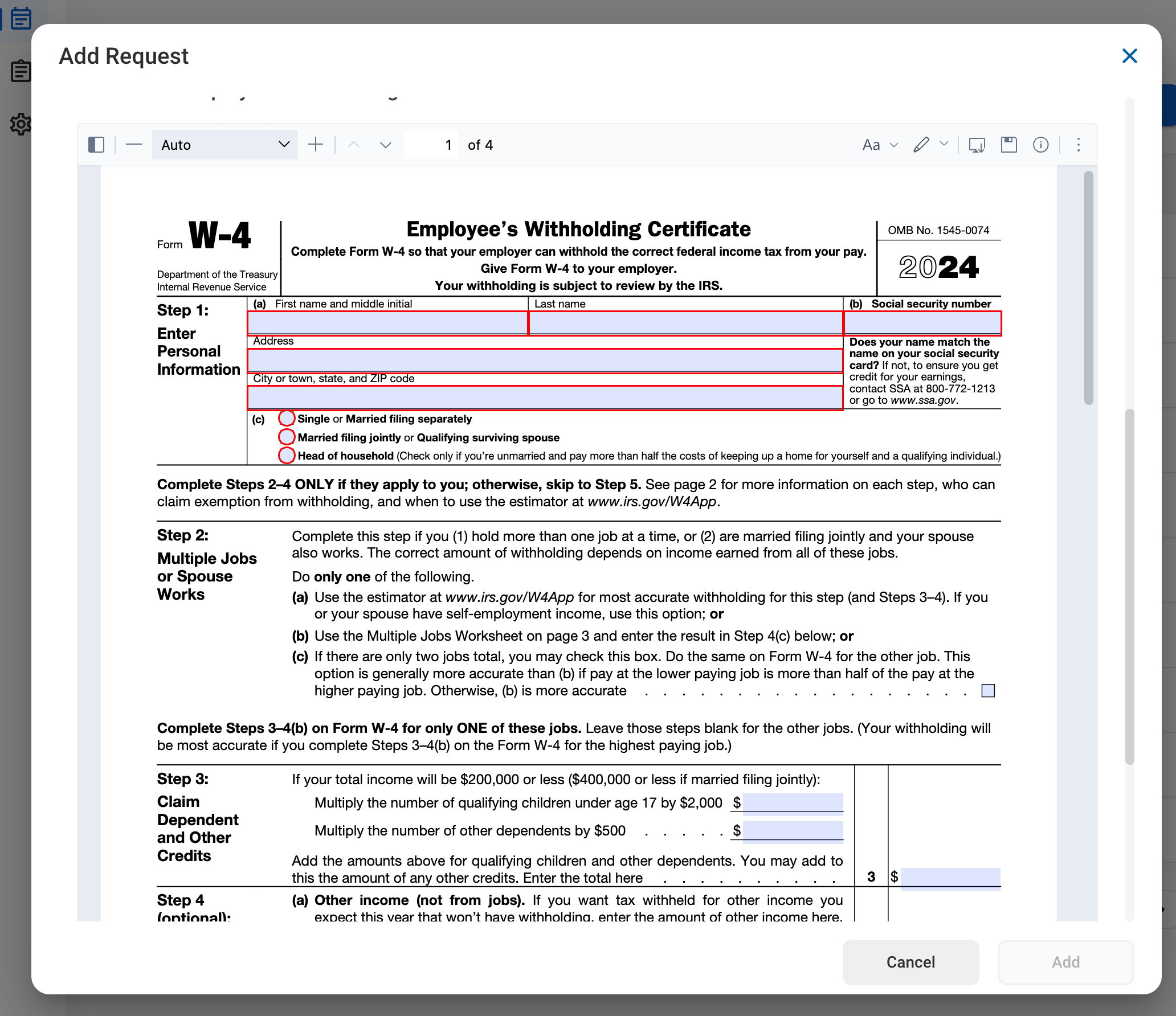
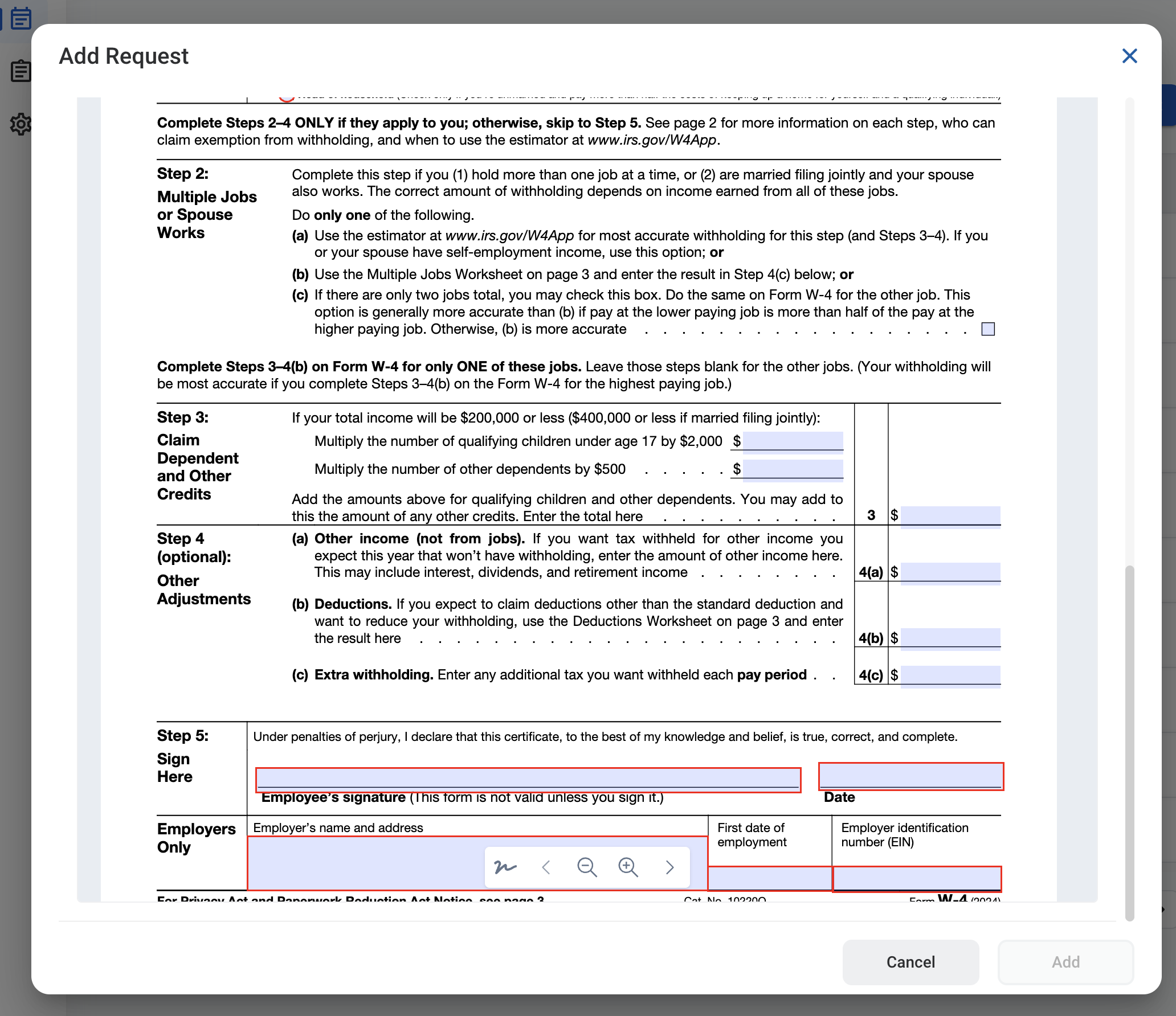
Complete the required information.

RQ UT Form 1

Request Information

RQ UT Form 2
RQ UT Form 3

Update Tax Form

Select the tab for the form you are updating, then complete and sign the form in the viewer.
5

Click Add to send the request for approval.
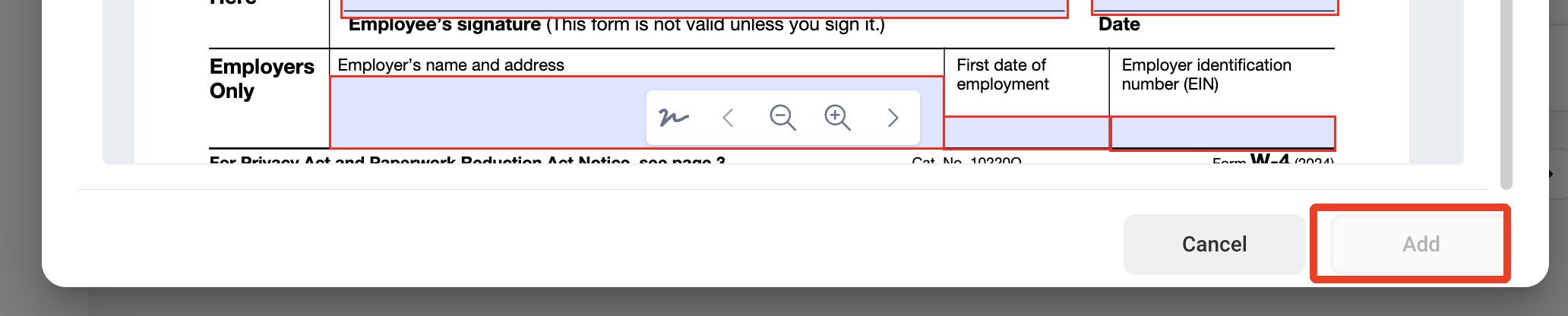
RQ UT Add

Approval Workflow

The request is reviewed by your Supervisor, then by an HR Specialist.

Review an Update Tax Information Request

To review a submitted Update Tax Information request and approve, reject, or discard it, see HR > Request.

Manage the Update Tax Information Business Process

To manage the workflow for Update Tax Information requests, see Admin > Business Processes > Business Processes Overview.