
Add an Indirect Cost Pool
1
Navigate to Pool Settings
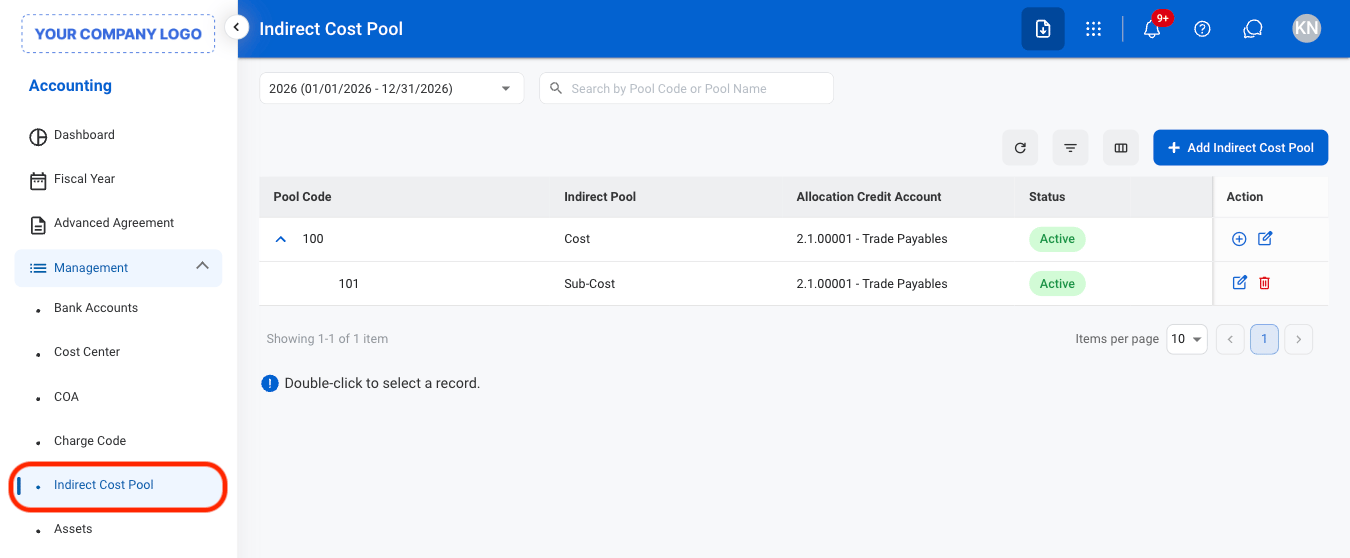
2
Select Add Indirect Cost Pool
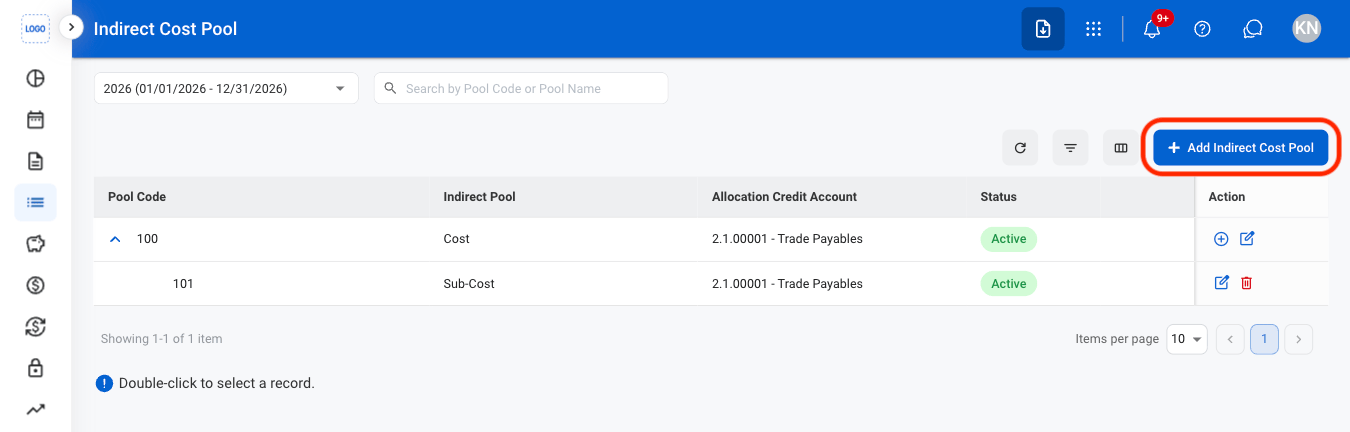
3
Fill in the required information
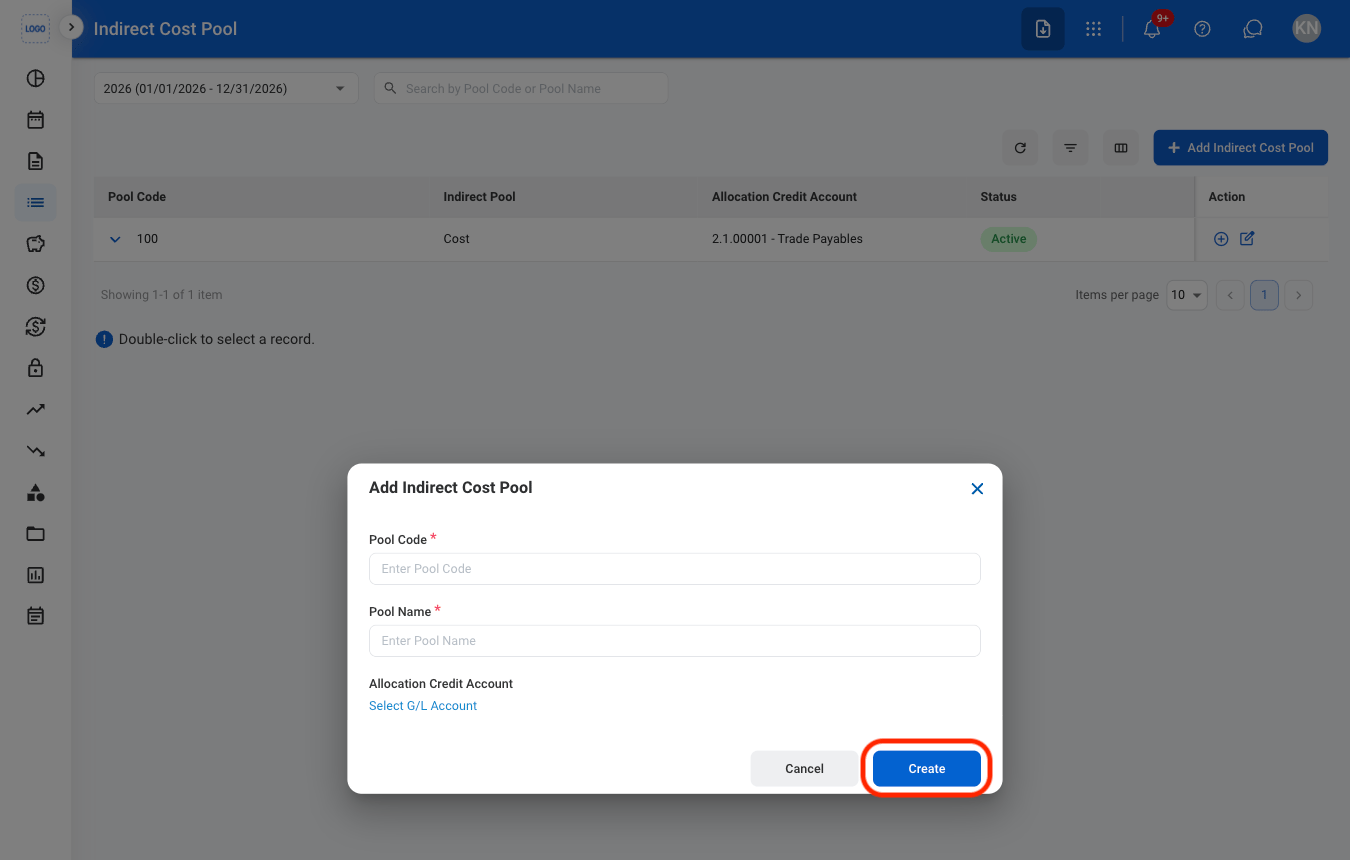
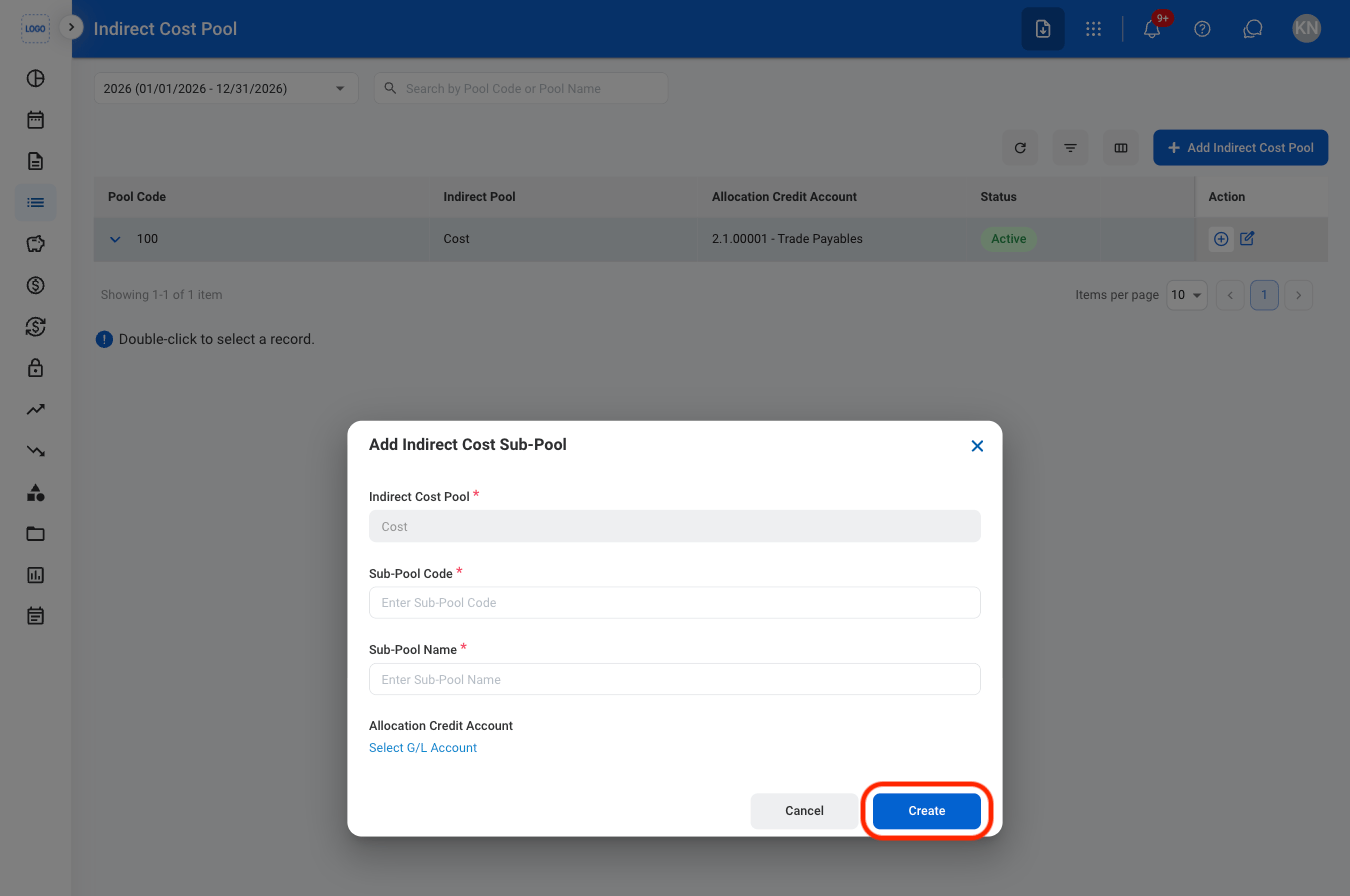
Add an Indirect Cost Sub-Pool
1
Select the Add icon
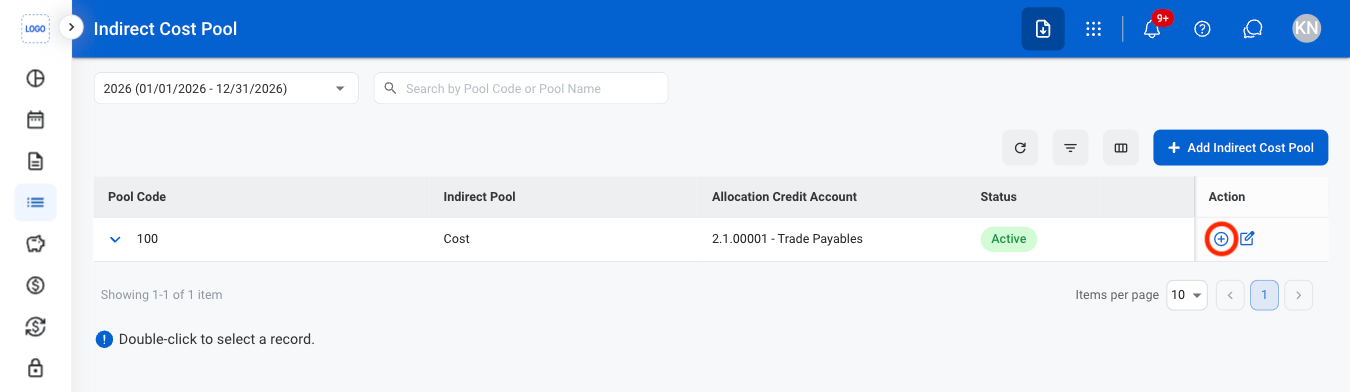
2
Fill in the required information
Edit an Indirect Cost Pool or Sub-Pool
1
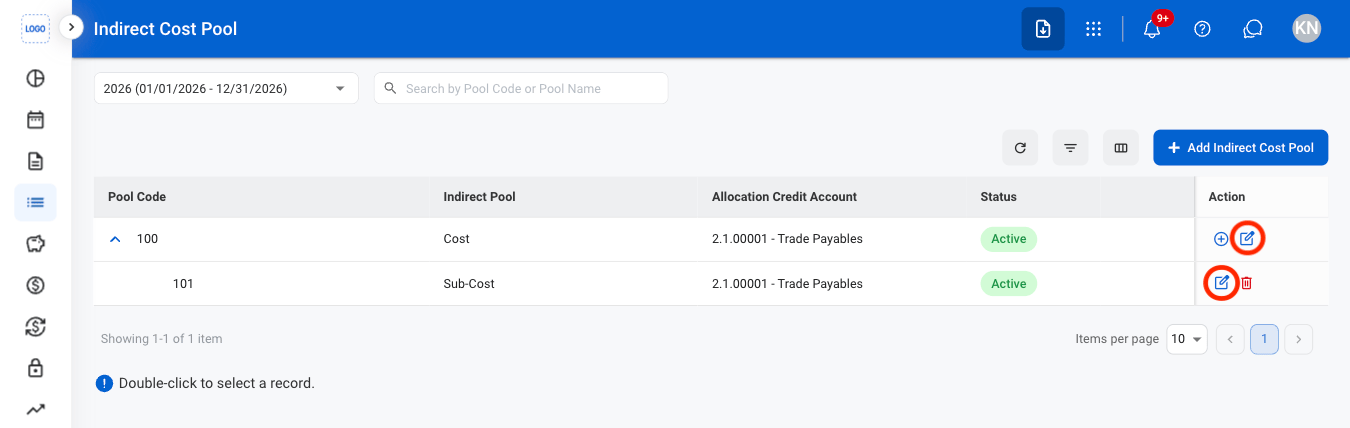
Select the Edit icon
2
Fill in the required information
Select Save to complete or Cancel to exit without saving changes.
Delete an Indirect Cost Sub-Pool
1
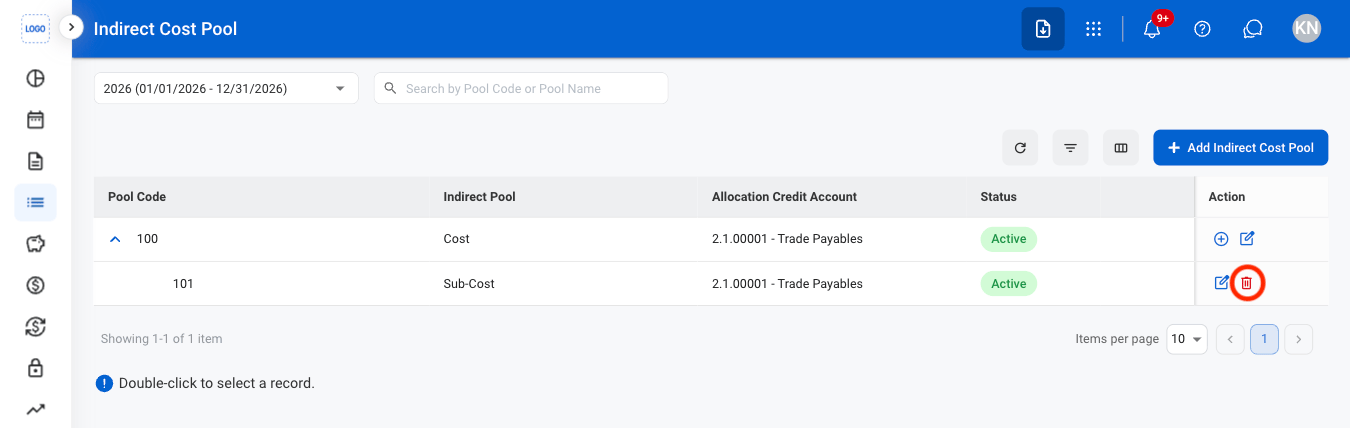
Select the Delete icon
2
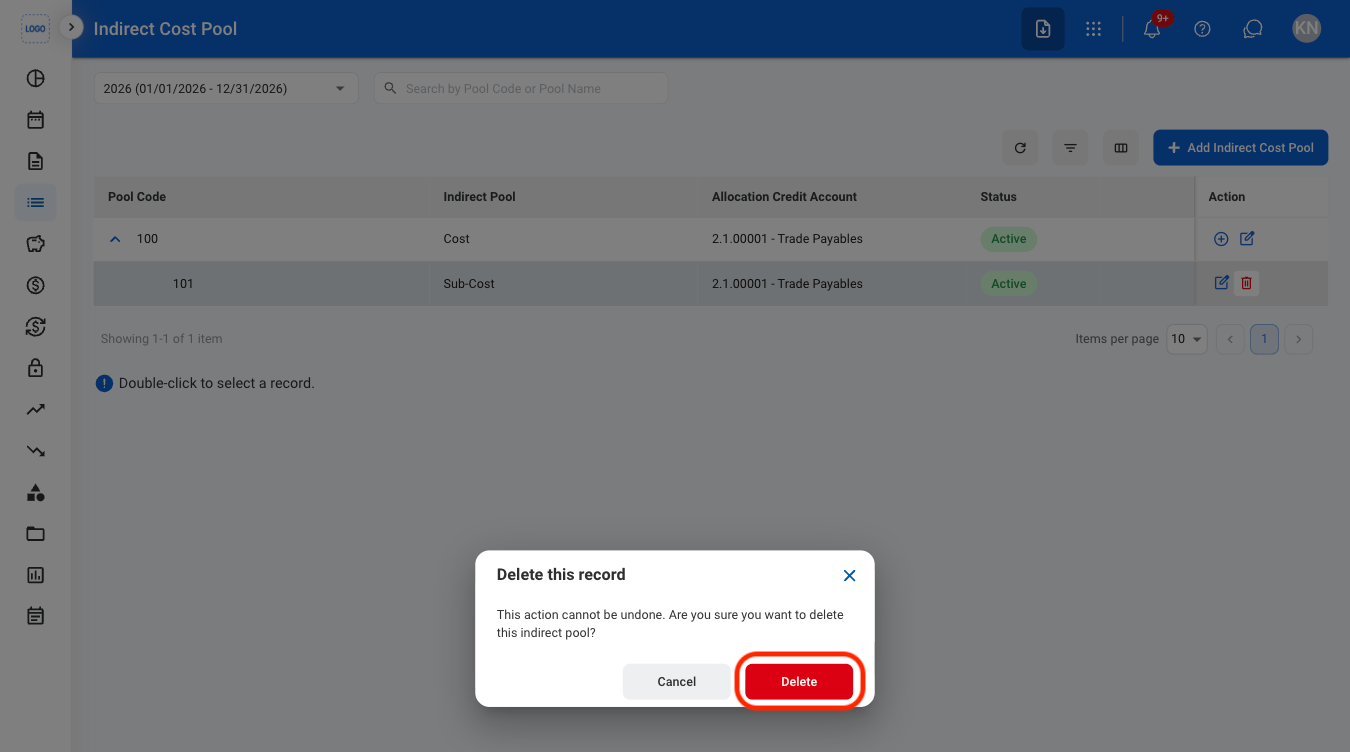
Confirm the action
Modify Pool Cost or Pool Base
The pool cost accounts hold the indirect costs to be allocated. The pool base accounts are the bases the costs are allocated to, each with an allocation account.1
Double-click an indirect cost pool
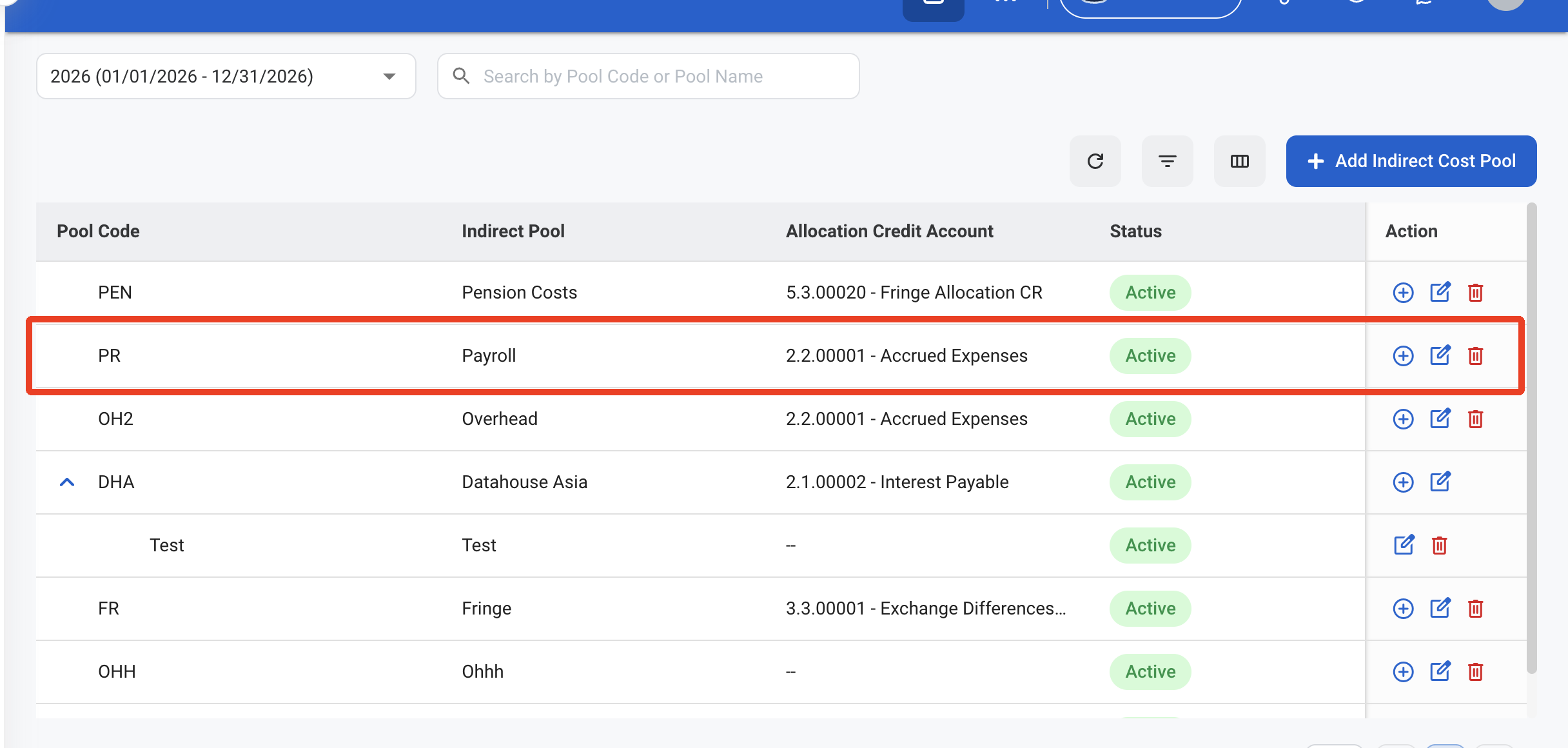
2
Select a tab
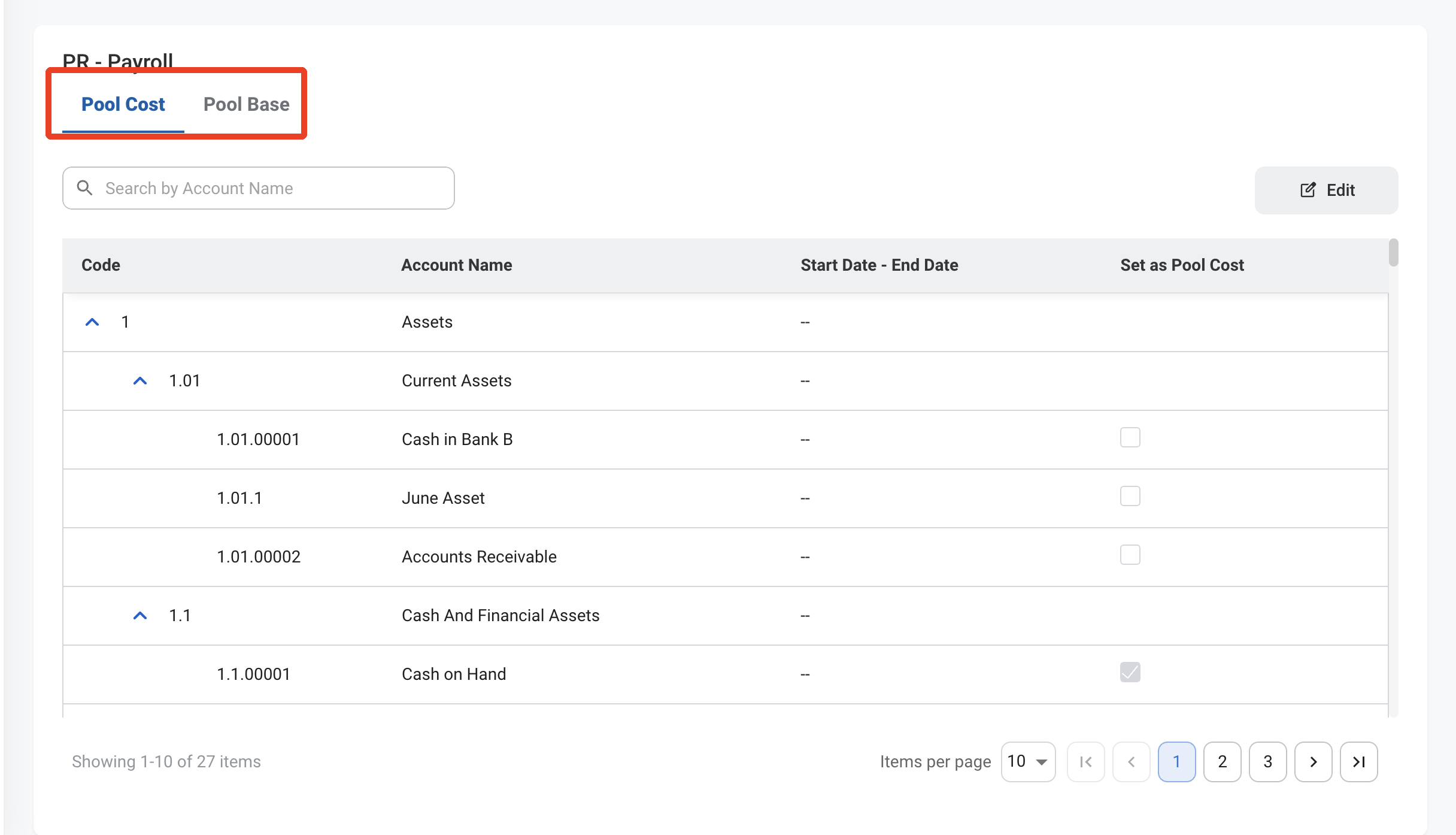
- Pool Cost: Accounts whose costs are included in the pool.
- Pool Base: Accounts used as the allocation base, each with an Allocation Account.
3
Select Edit
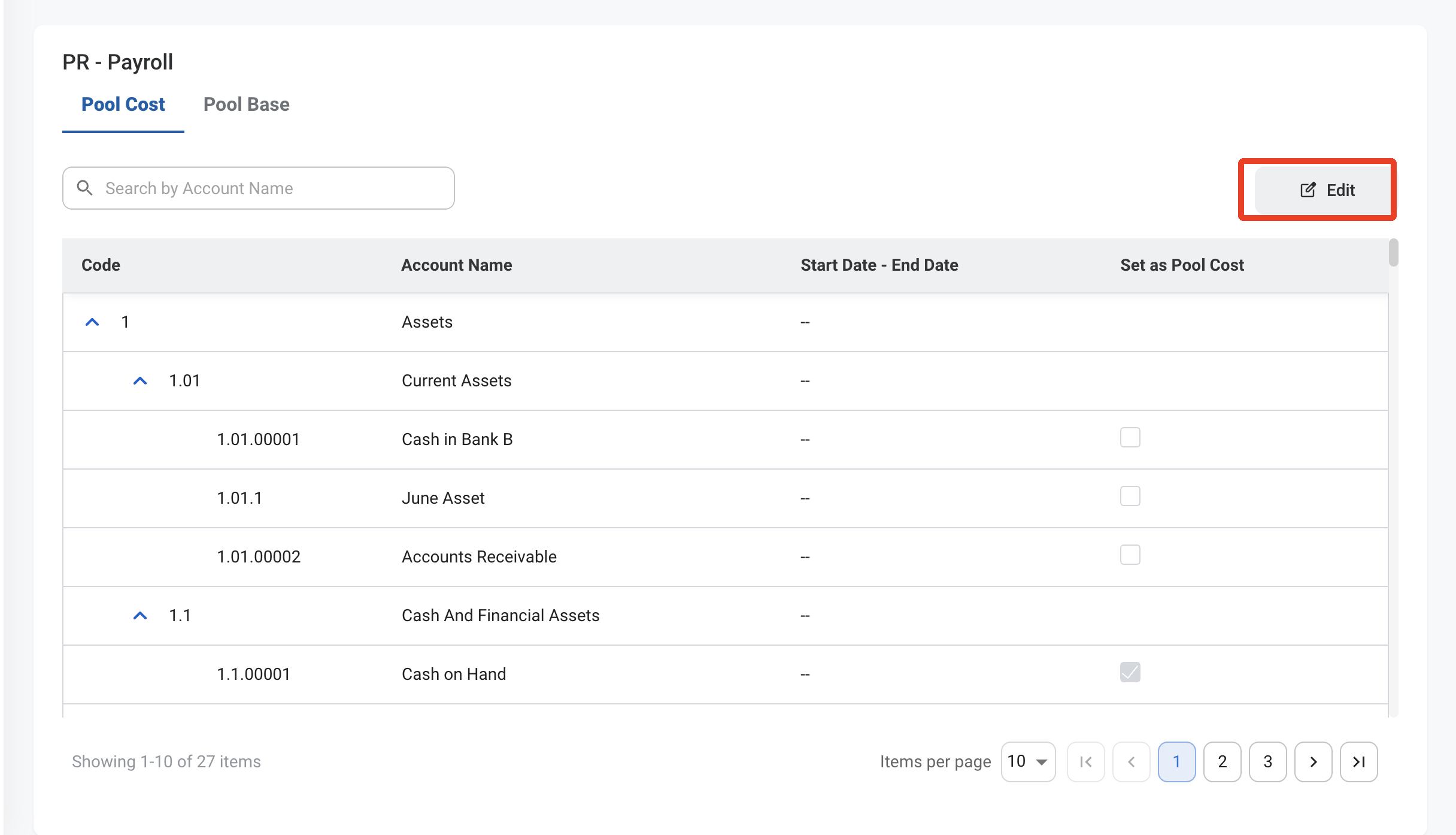
4
Select or clear accounts
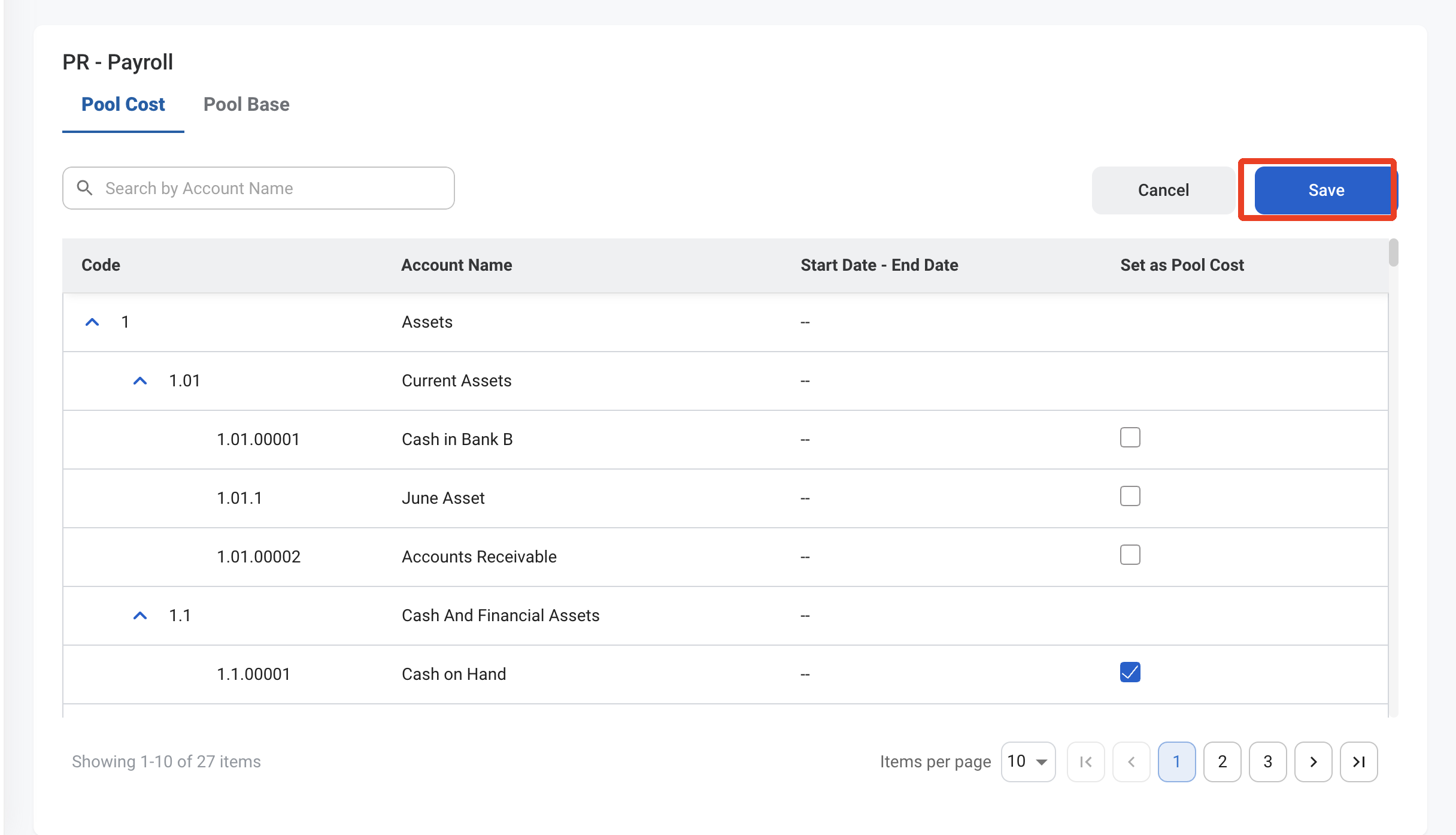
- Pool Cost: Select Set as Pool Cost for each account to include.
- Pool Base: Select Set as Pool Base for each base account and choose its Allocation Account.