View a Grant
1
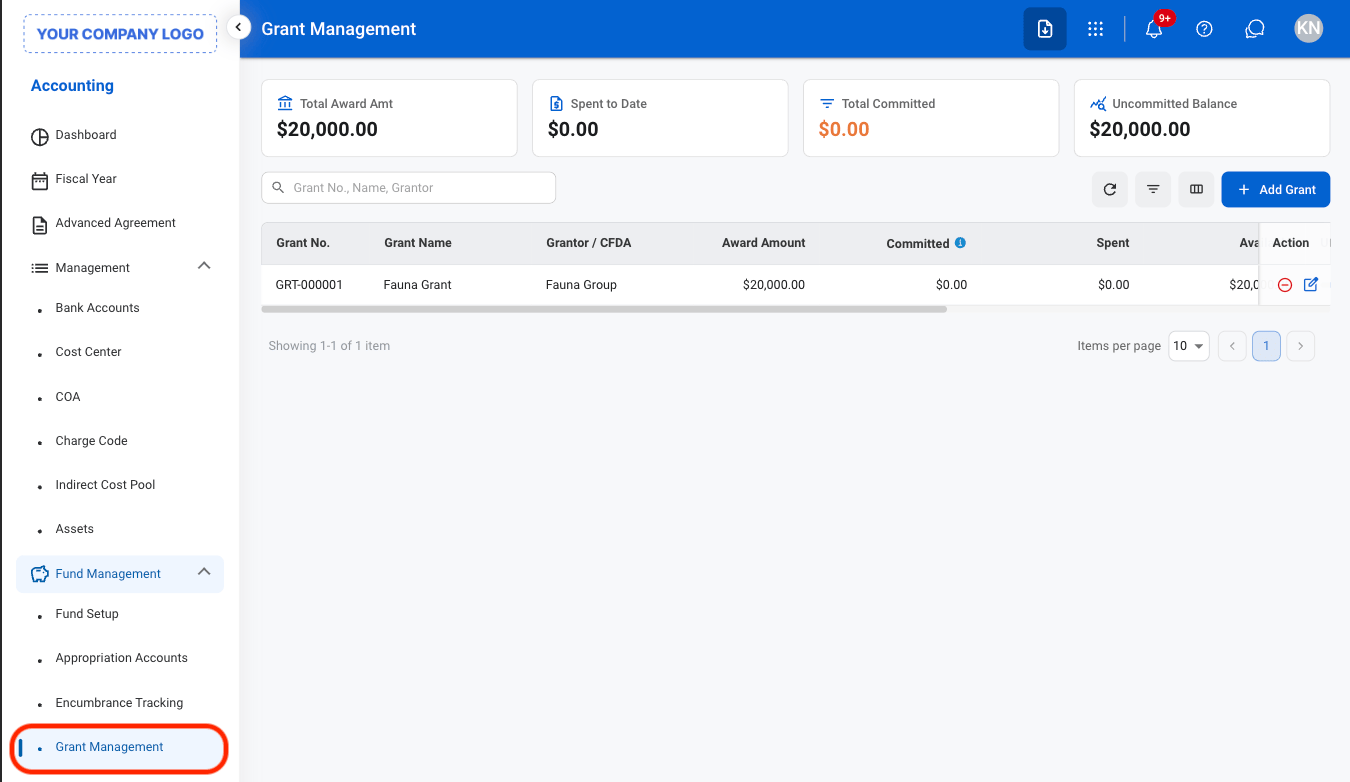
Navigate to Grant Management
2
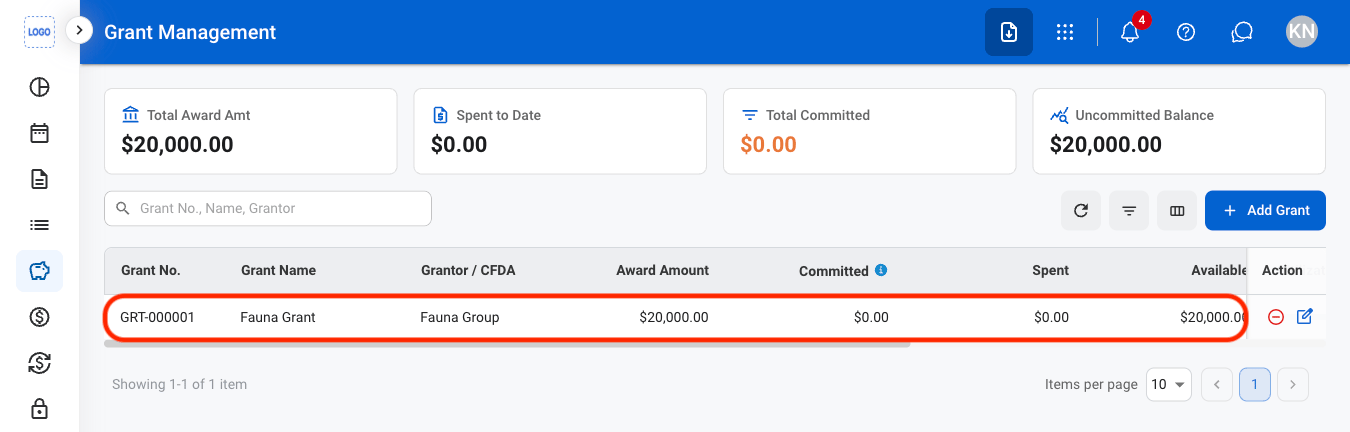
Select a grant
Award Amount
Award Amount
The total amount awarded through the grant.
Committed
Committed
The amount of grant funding committed to approved or planned expenditures.
Spent to Date
Spent to Date
The amount of grant funding spent to date.
Available Balance
Available Balance
The remaining grant funding available after accounting for committed and spent amounts.
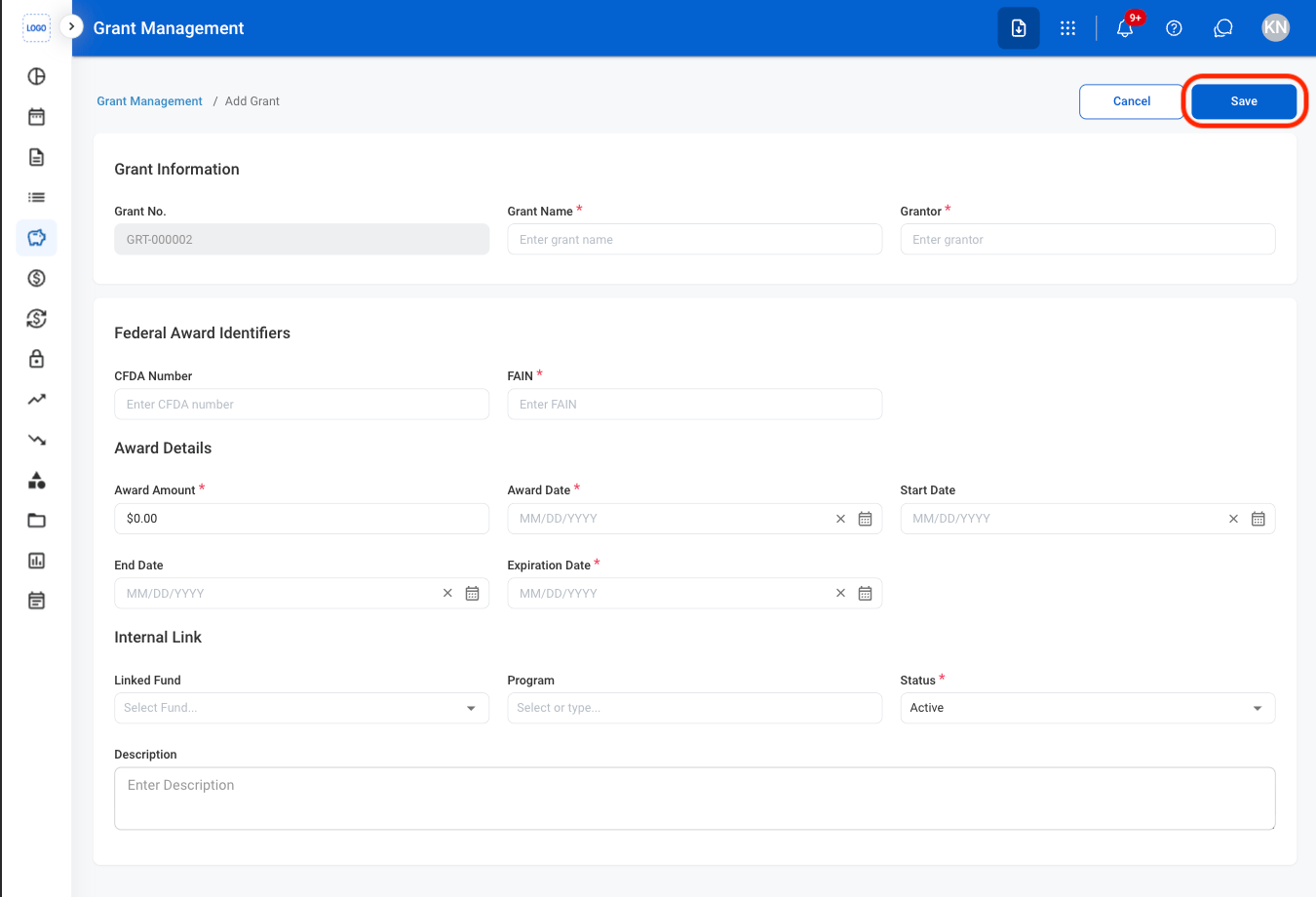
Add a Grant
1
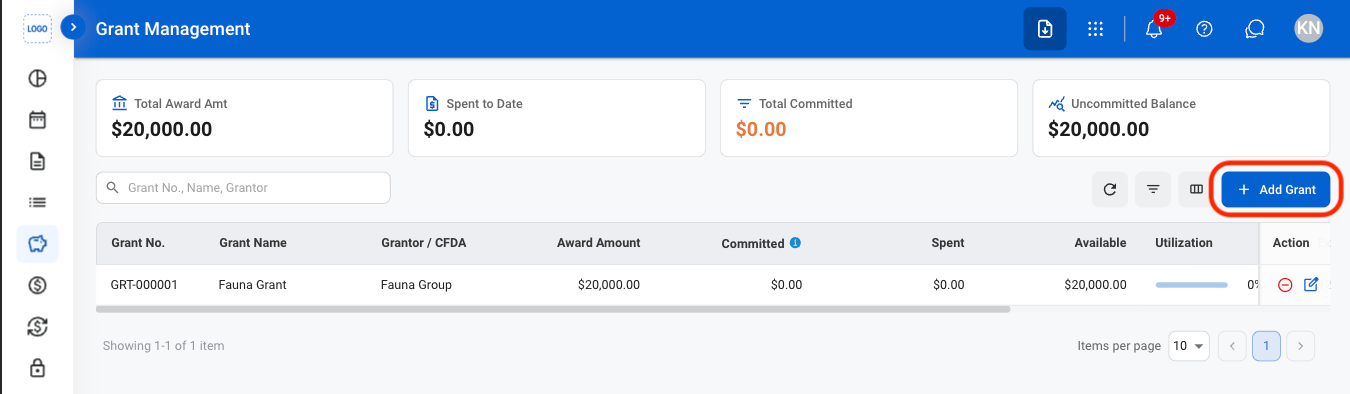
Select Add Grant
2
Fill in the required information
Edit a Grant
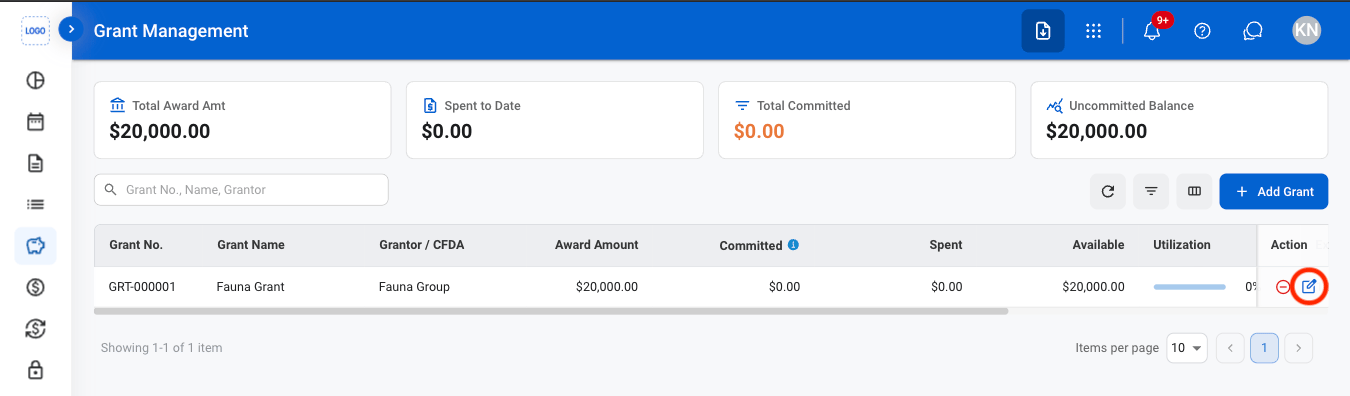
1
Select the edit icon
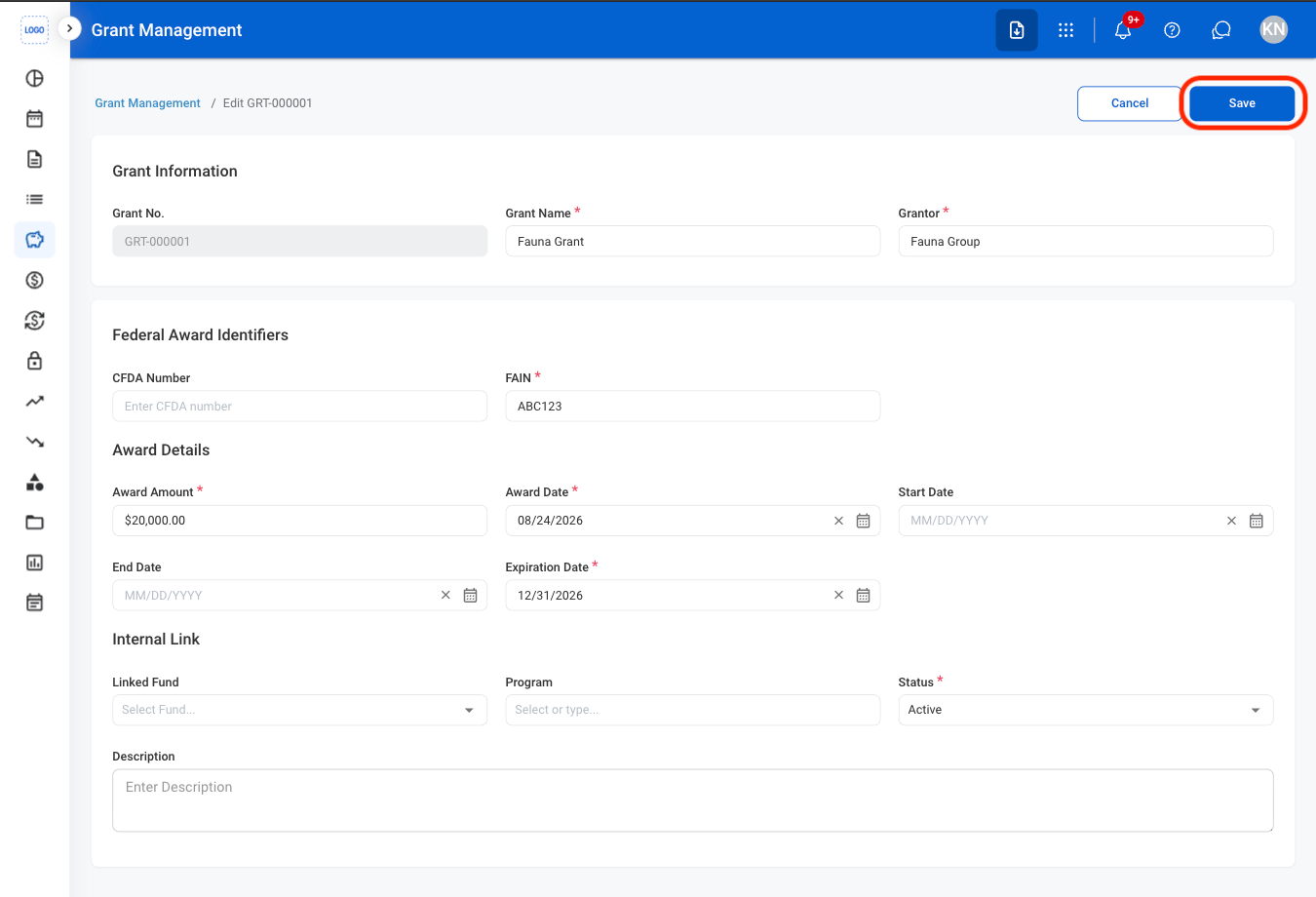
2
Fill in the required information
Deactivate a Grant
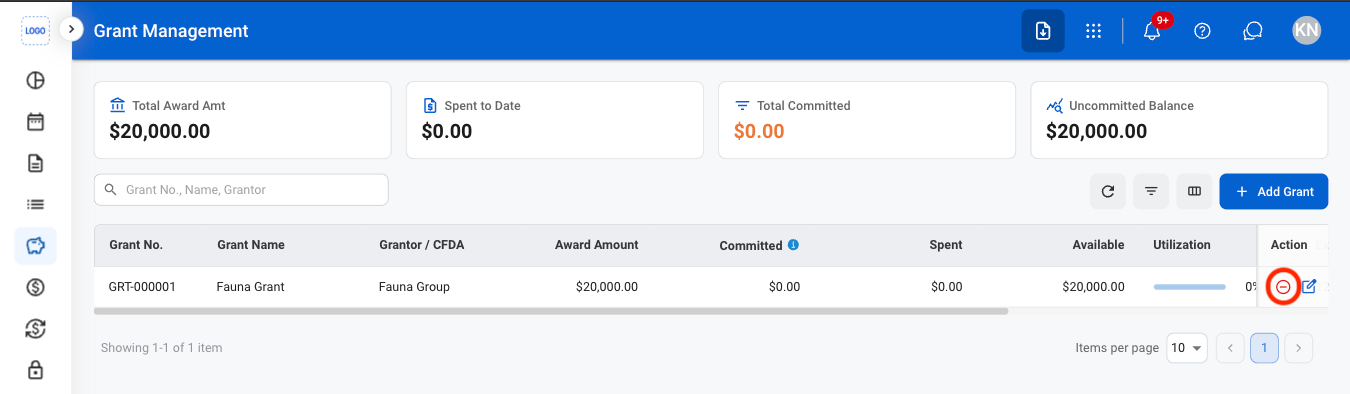
1
Select the Deactivate icon
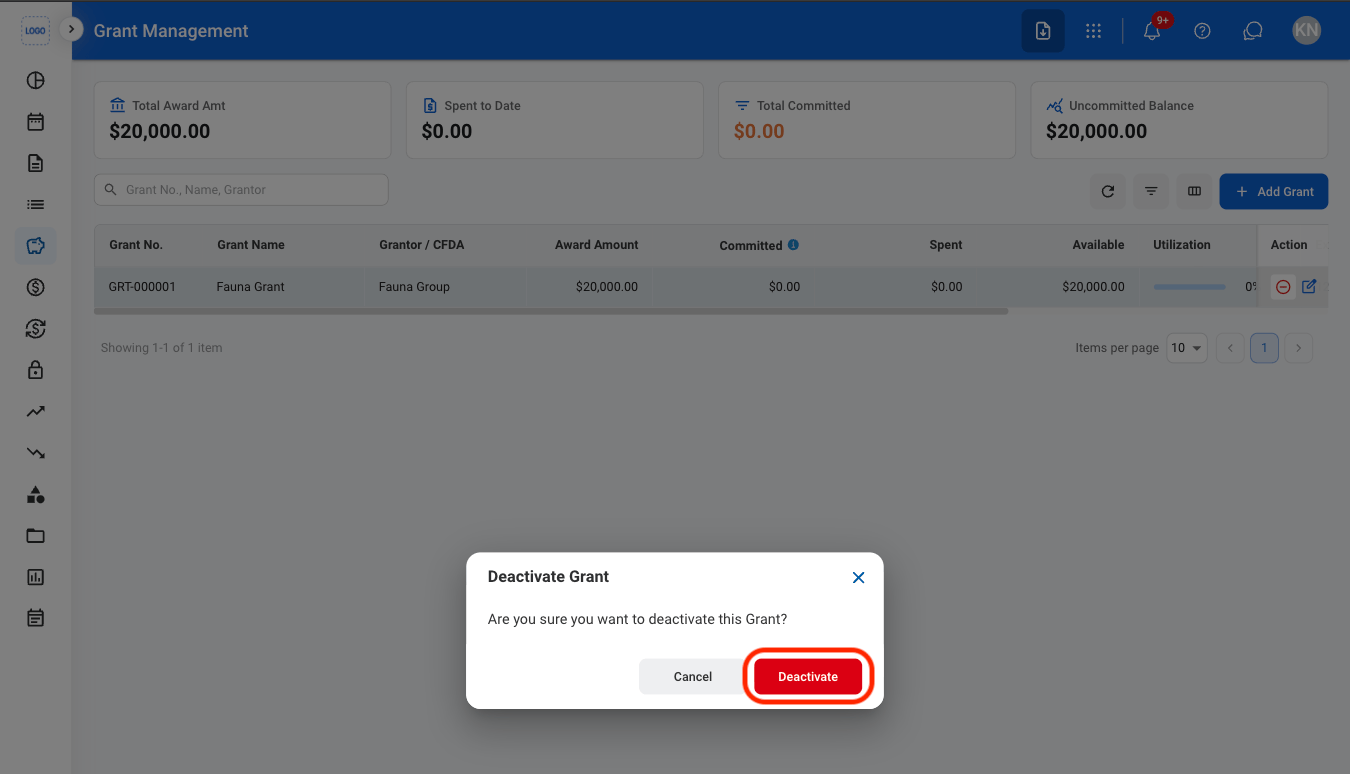
2
Confirm the action