
View General Ledger Records
1
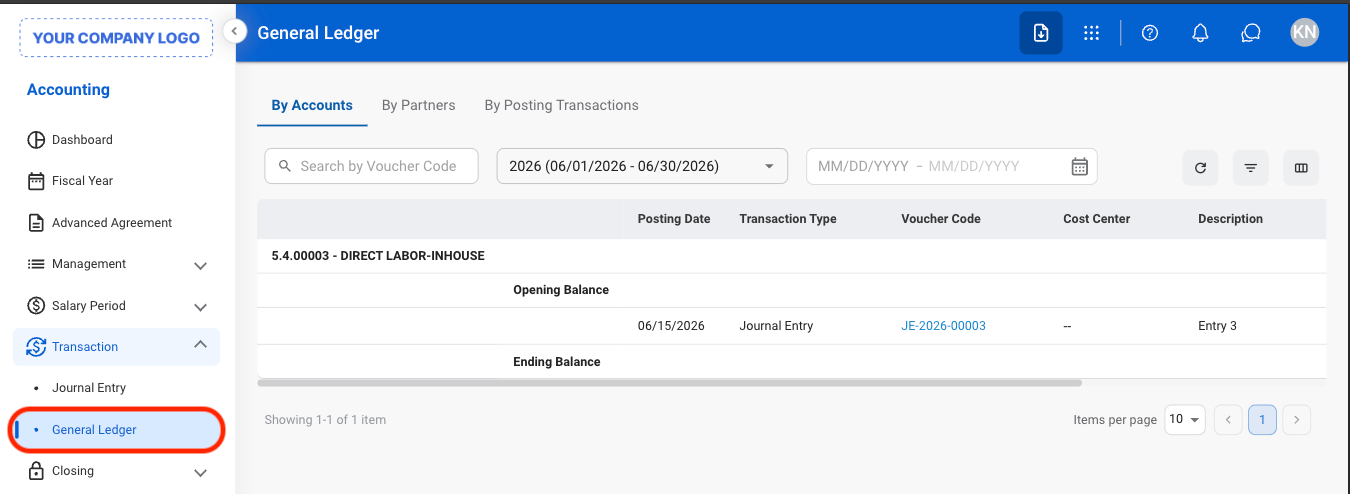
Navigate to General Ledger
2
Select a tab

- By Accounts: View posted transactions and balances organized by General Ledger account.
- By Partners: View posted transactions associated with specific customers, vendors, or partner records.
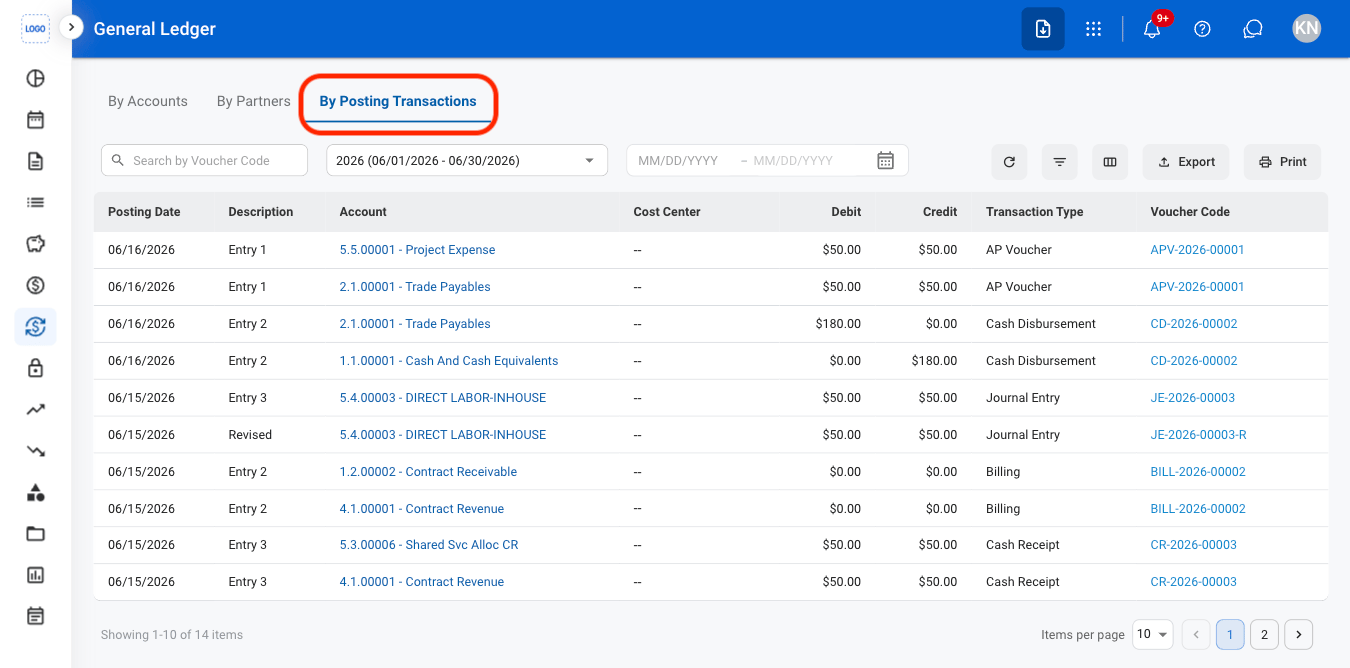
- By Posting Transactions: View individual posted transactions and their associated accounting entries.
3
Select a fiscal year

Export General Ledger
Export functions are only available in By Posting Transactions.
1
Navigate to By Posting Transactions
2
Select an action
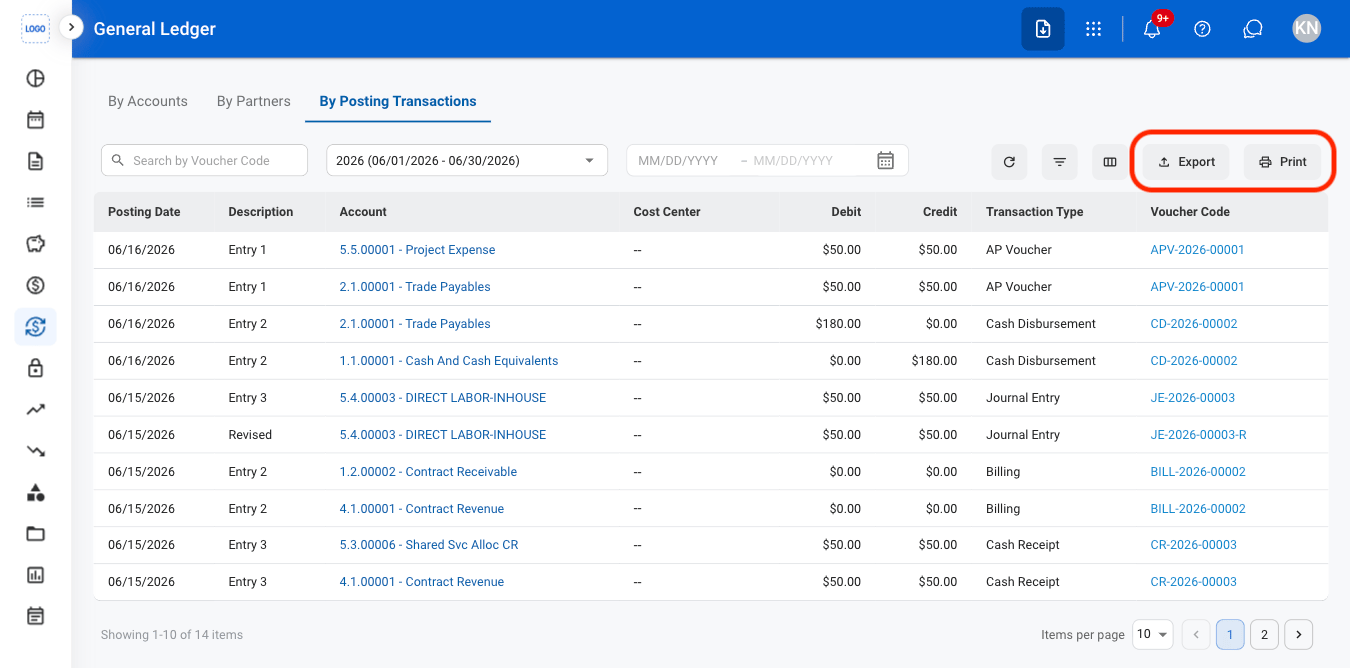
- Export: Download a G/L summary in xlsx.
- Print: Open system print settings to print a G/L summary.