
Modify System Settings
1
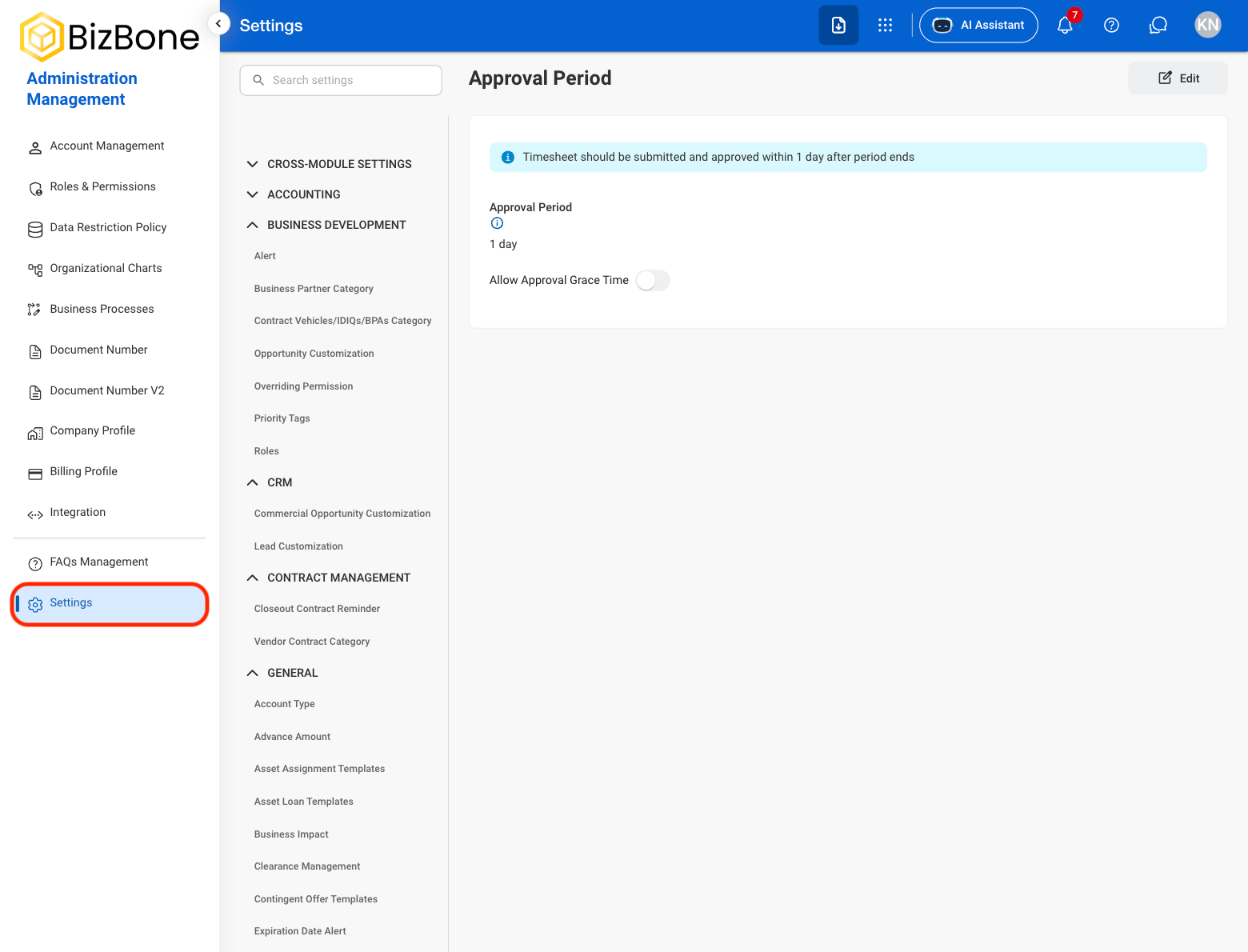
Navigate to Settings
2
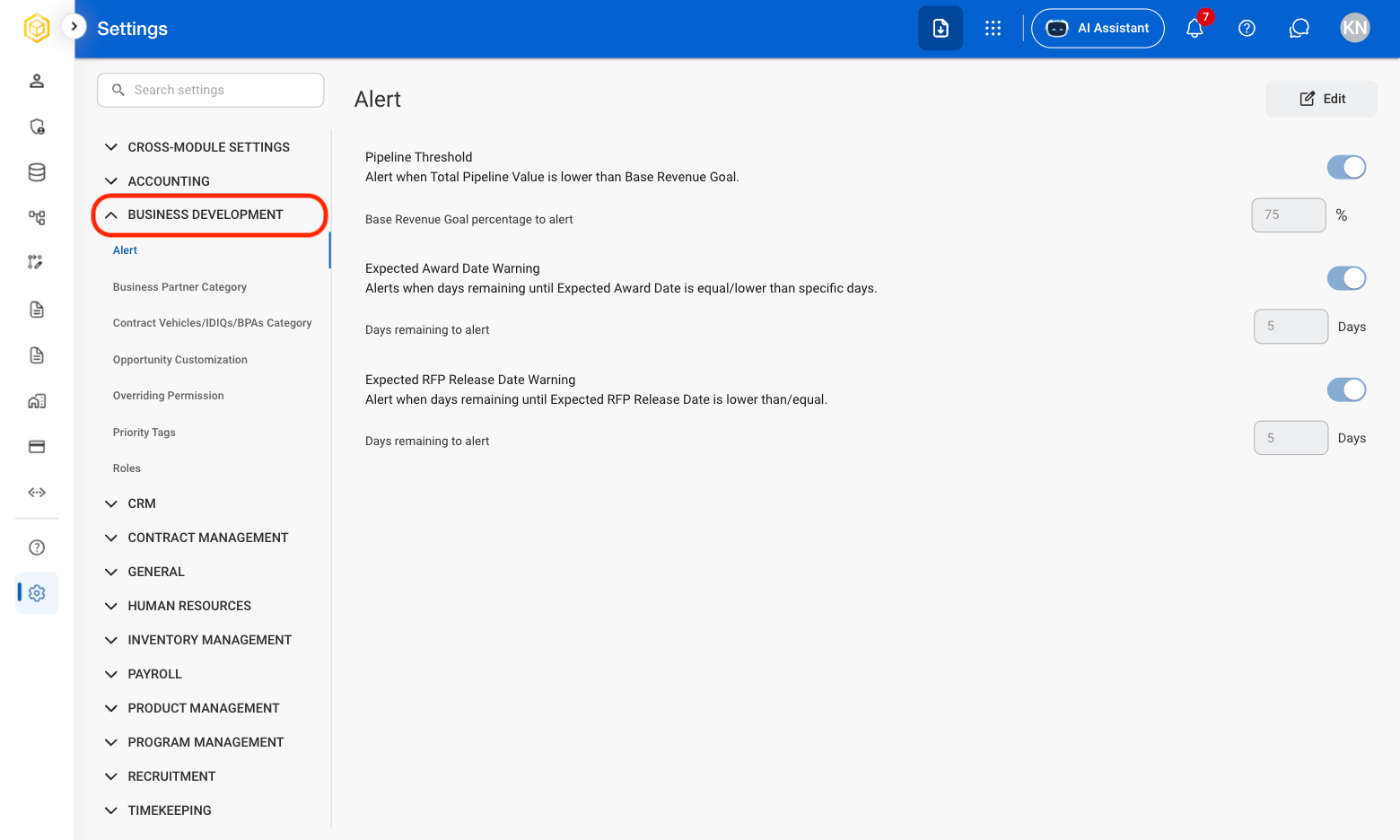
Select a module
3
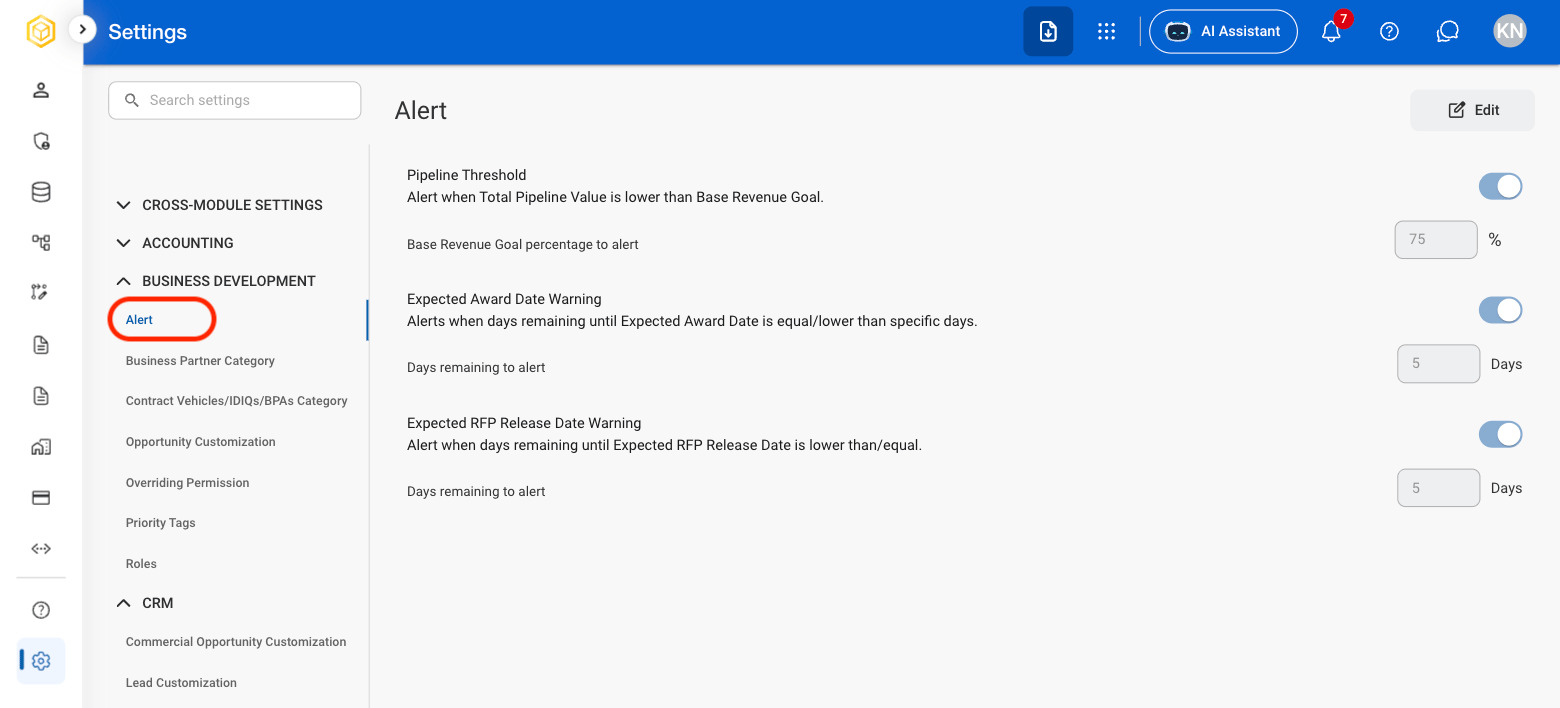
Select a module section
4
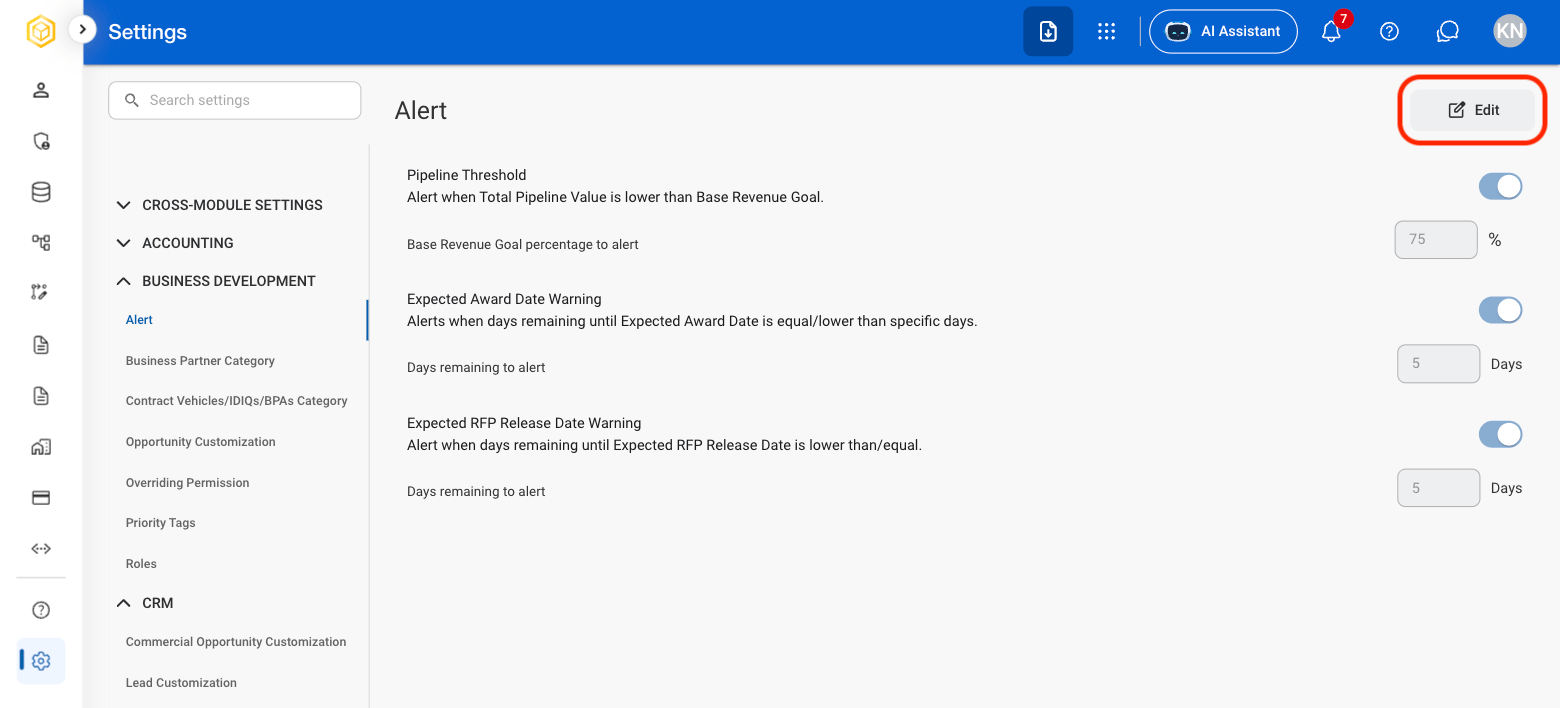
Select Edit
5
Fill in the required information
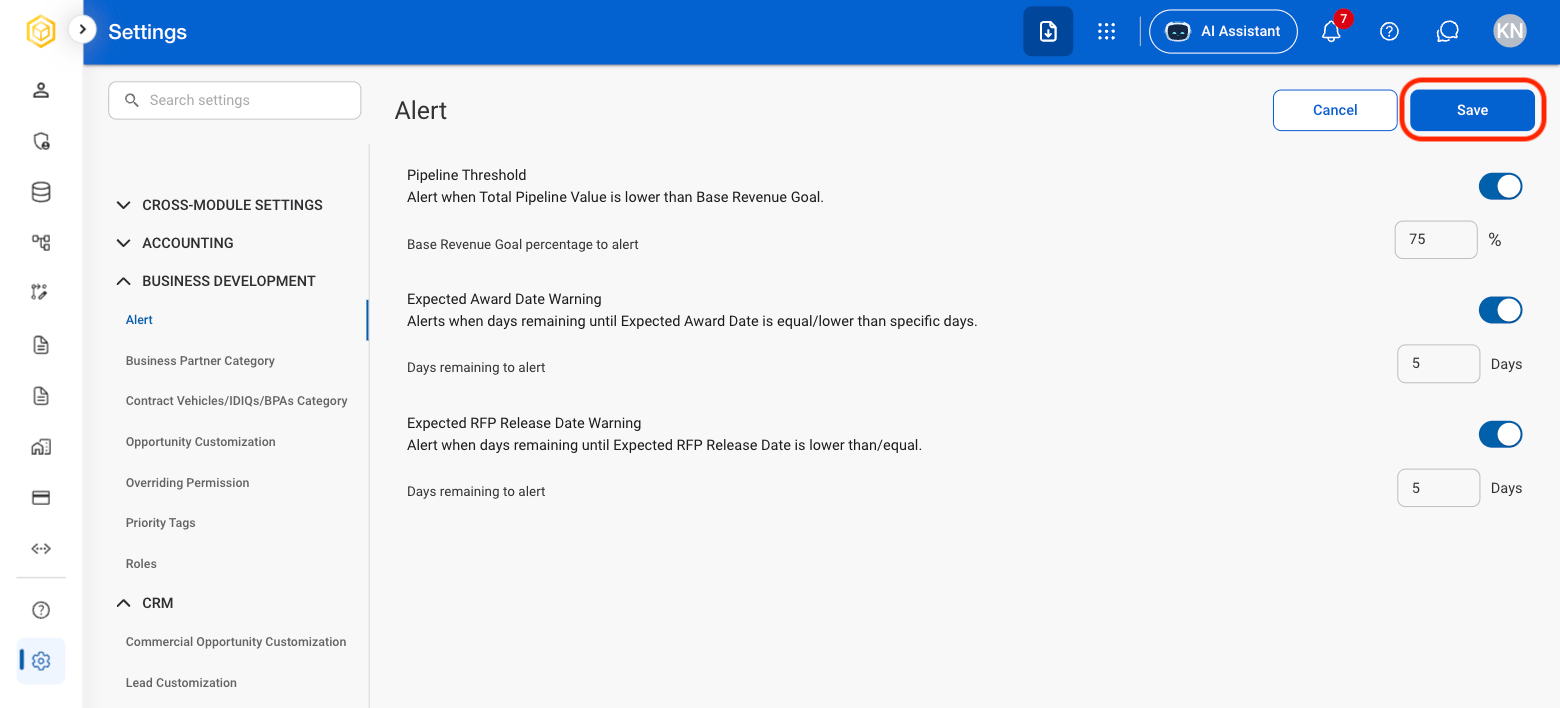
Manage system-wide settings used throughout the application. Supports configuration of preferences, default values, user interface options, and module-specific settings.
Navigate to Settings
Select a module
Select a module section
Select Edit
Fill in the required information