General Information
View General Information
1
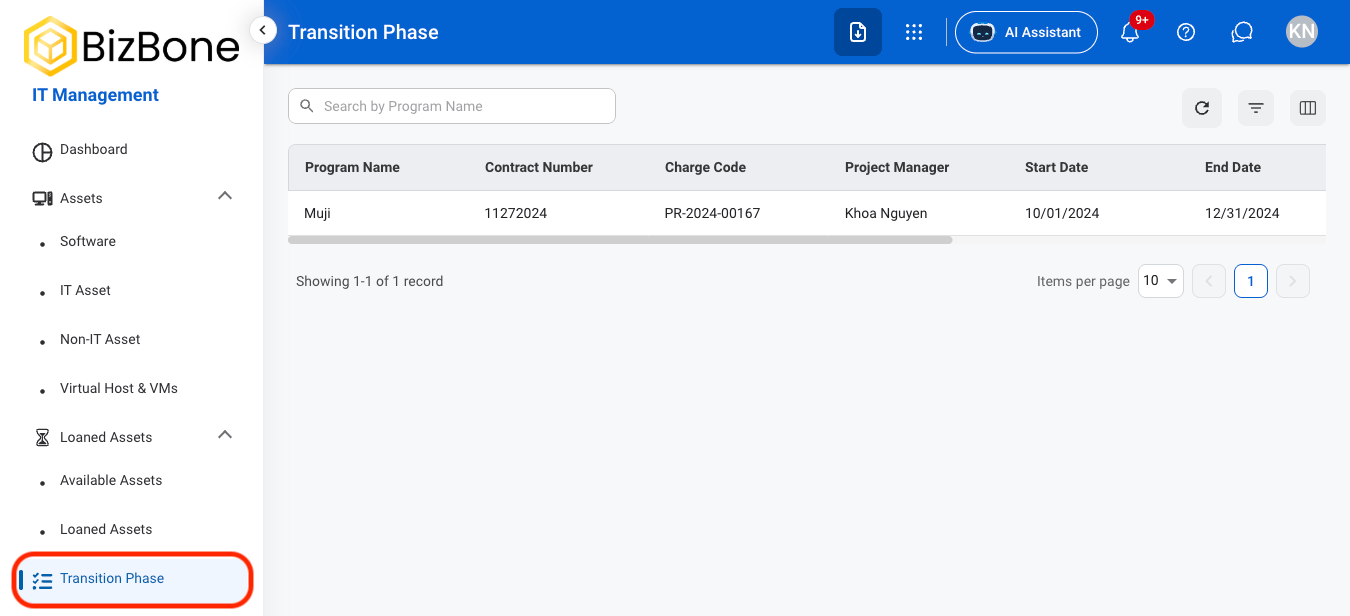
Navigate to Transition Phase
2
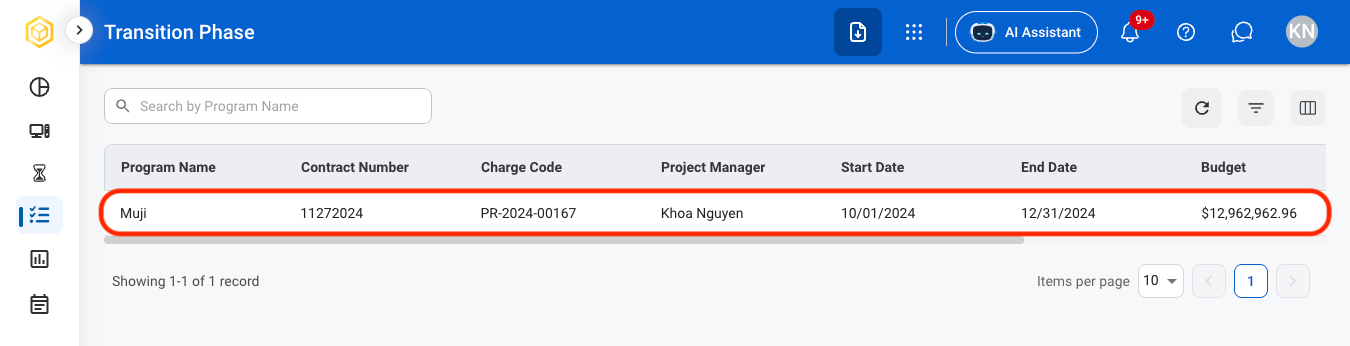
Select a transition activity
3
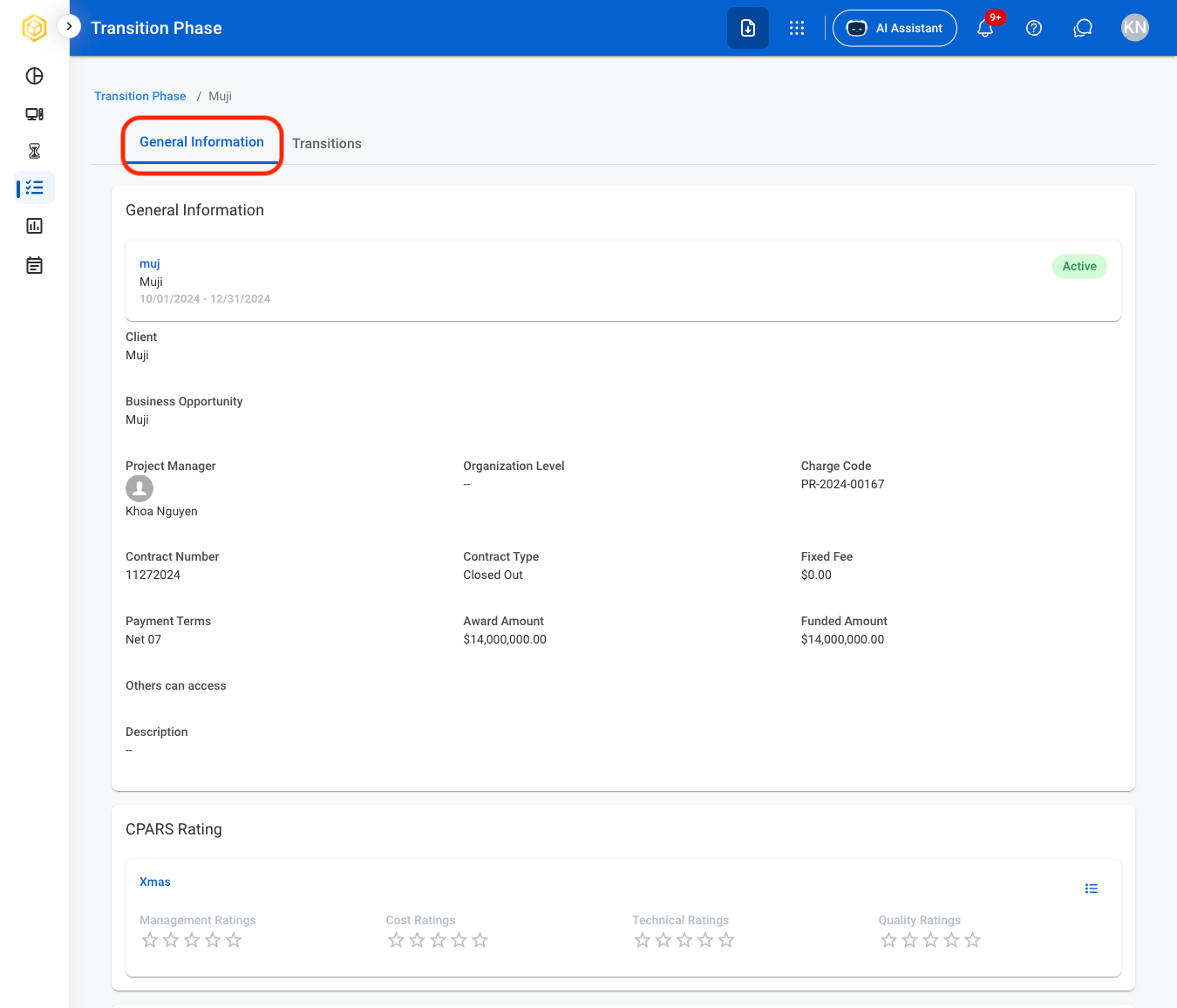
Navigate to General Information
Add a Transition Document
1
Select a transition activity
2
Navigate to General Information
3
Navigate to Programs
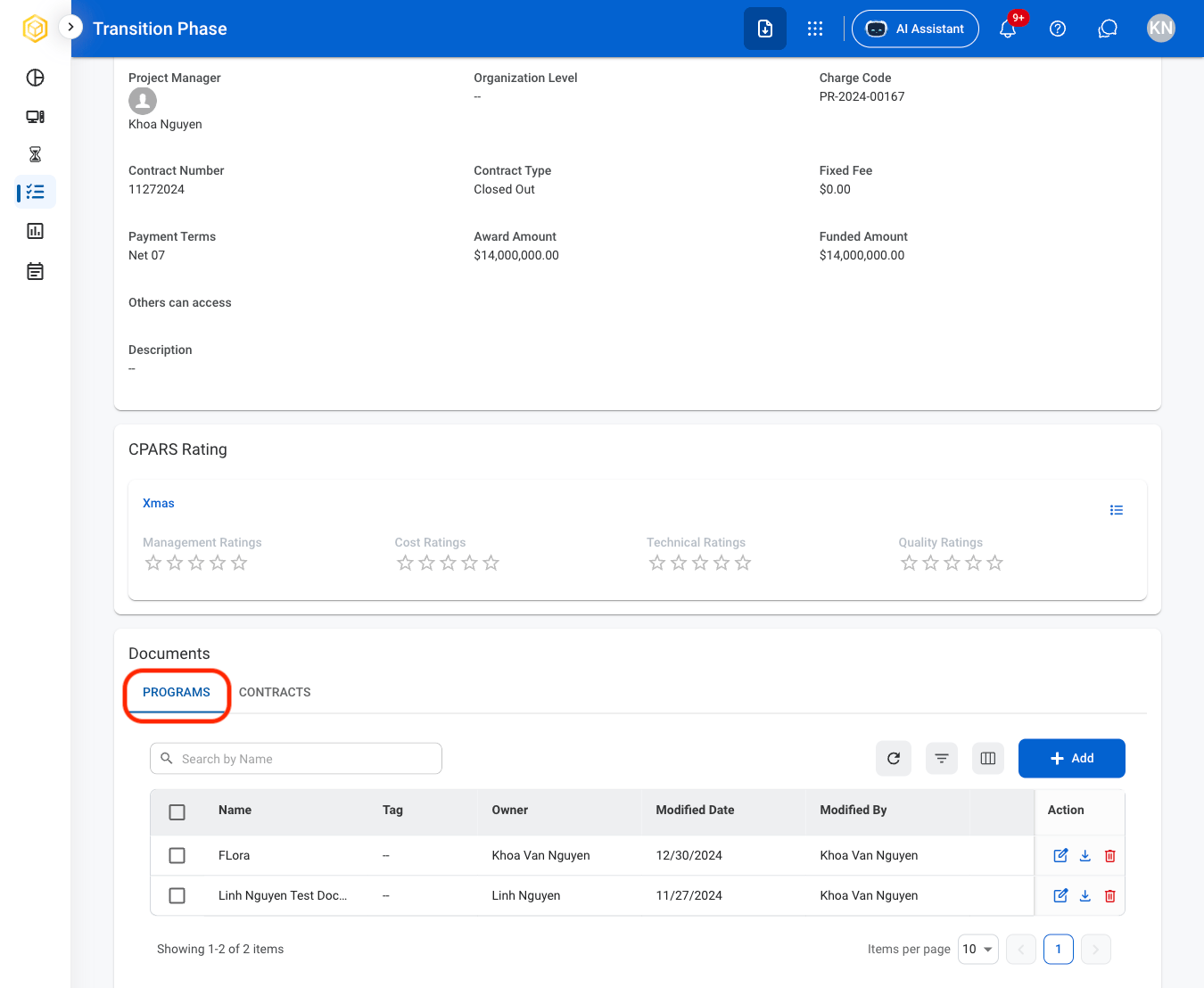
4
Select Add
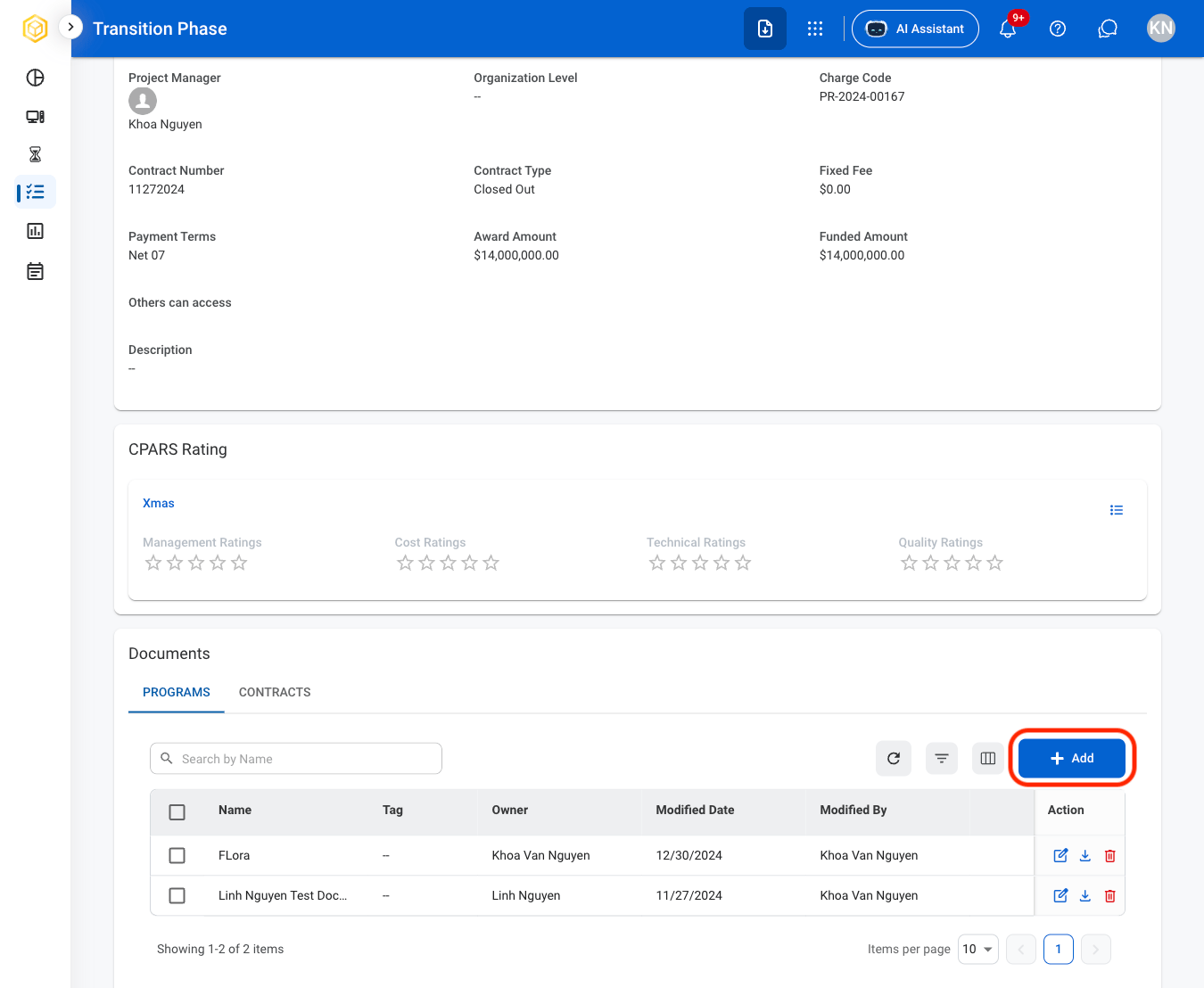
5
Select a document type
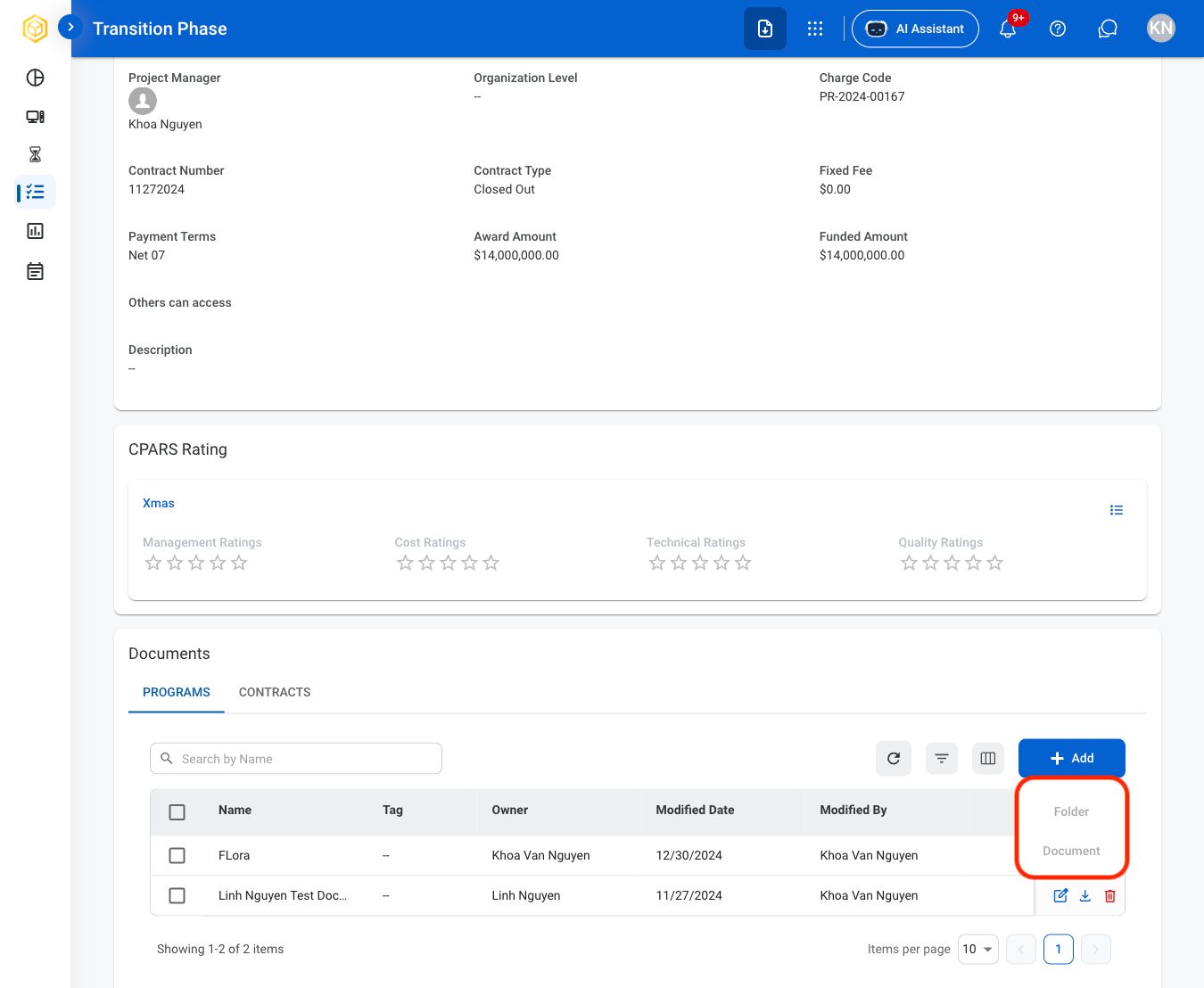
6
Fill in the required information
Select Save to complete or Cancel to exit without saving changes.
Modify or Download a Document
1
Navigate to General Information
2
Navigate to Programs
3
Select an action
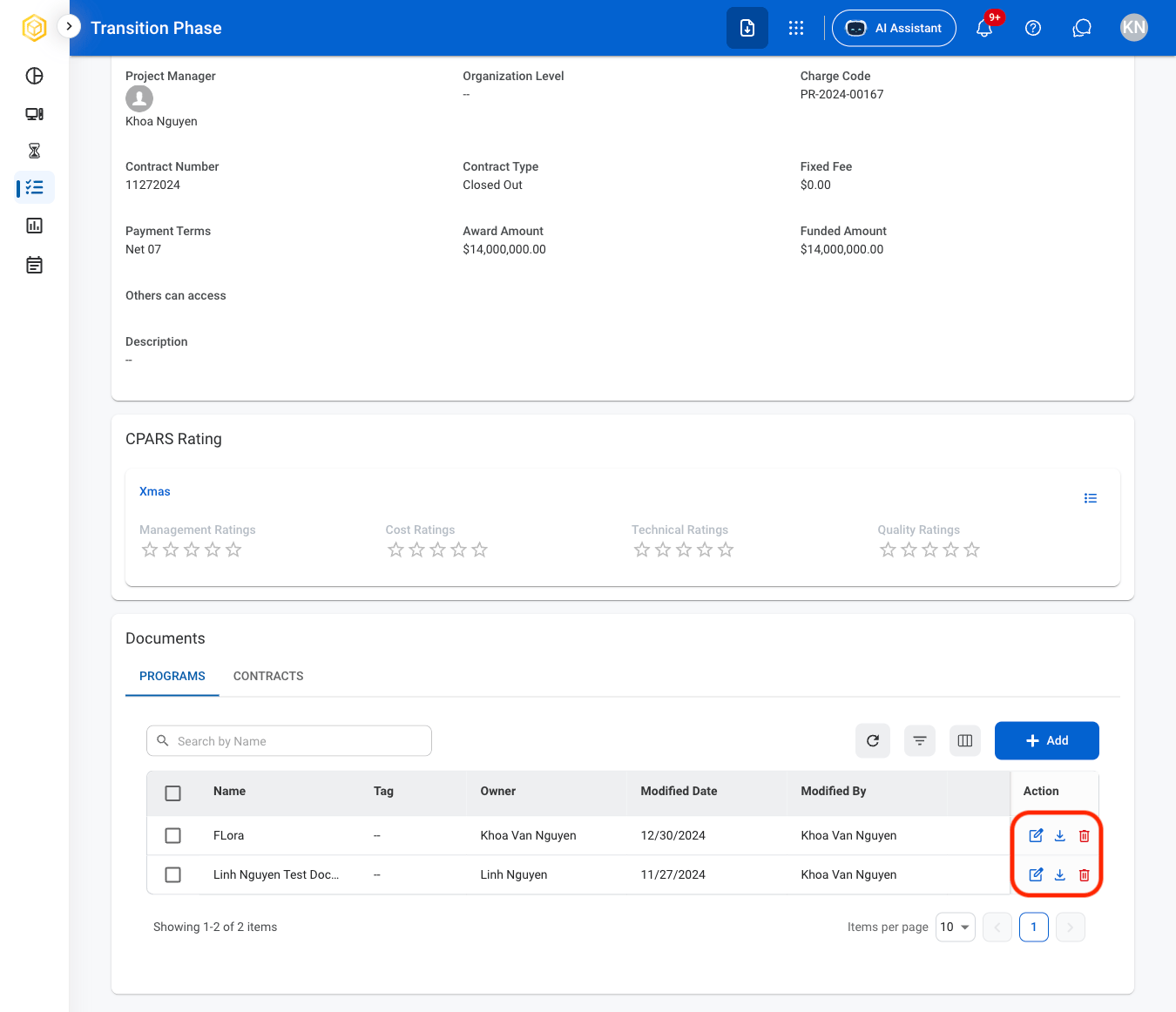
- Edit: Select the edit icon to update an existing entry
- Delete: Select the trash icon to delete an existing entry
- Download: Download will start automatically after selection
4
Confirm the action
- Edit: Fill in the required information. Select Update to complete or Cancel to exit without saving changes.
- Delete: Select Delete to complete or Cancel to exit without saving changes.
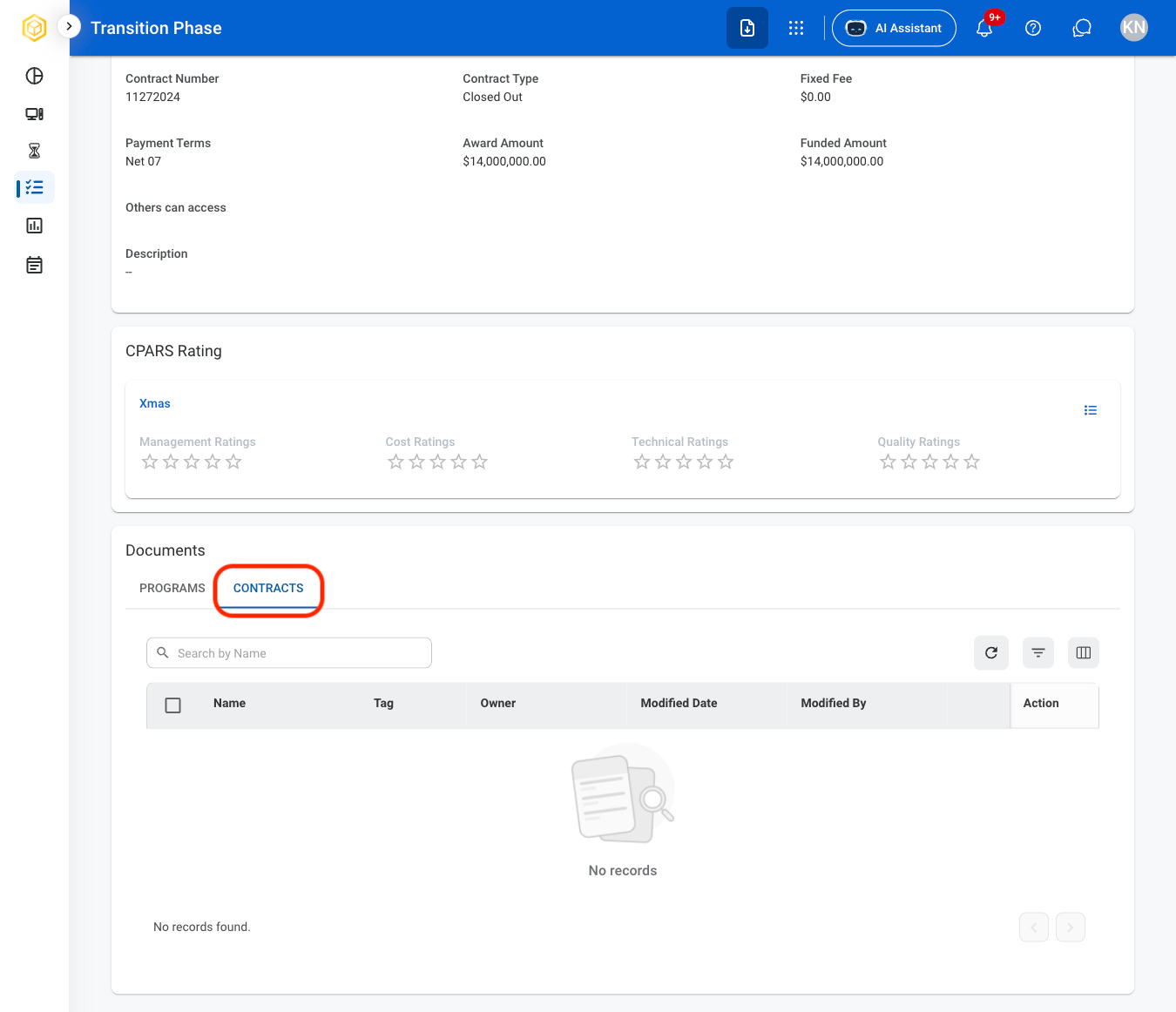
View Contract Documents
1
Navigate to Programs
2
Navigate to Contracts
Transitions
Add a Transition Activity
1
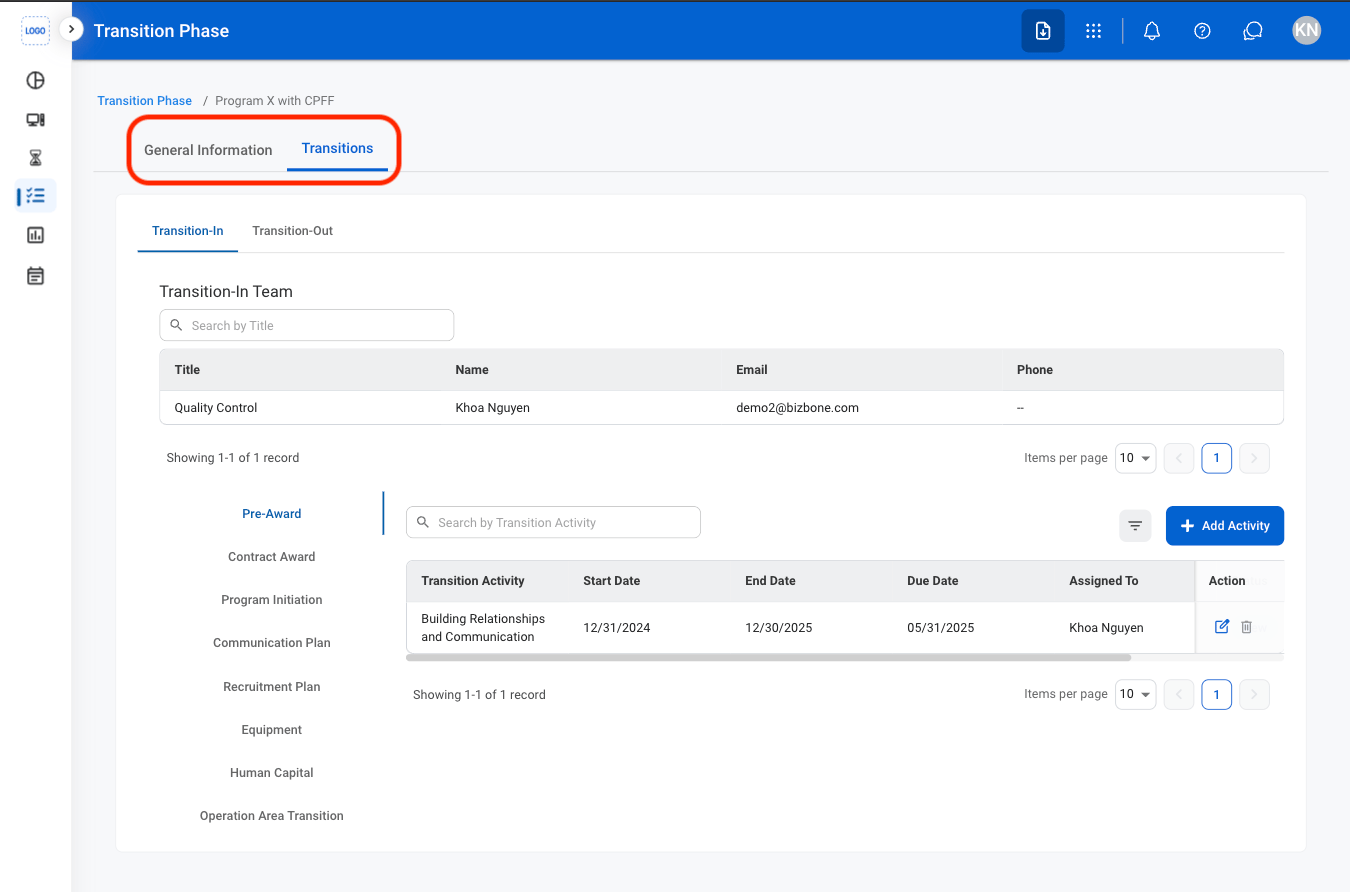
Navigate to Transitions
2
Select a transition phase

- Transition-In: Activities related to transitioning into a newly awarded program or contract.
- Transition-Out: Activities related to contract closeout and disengagement.
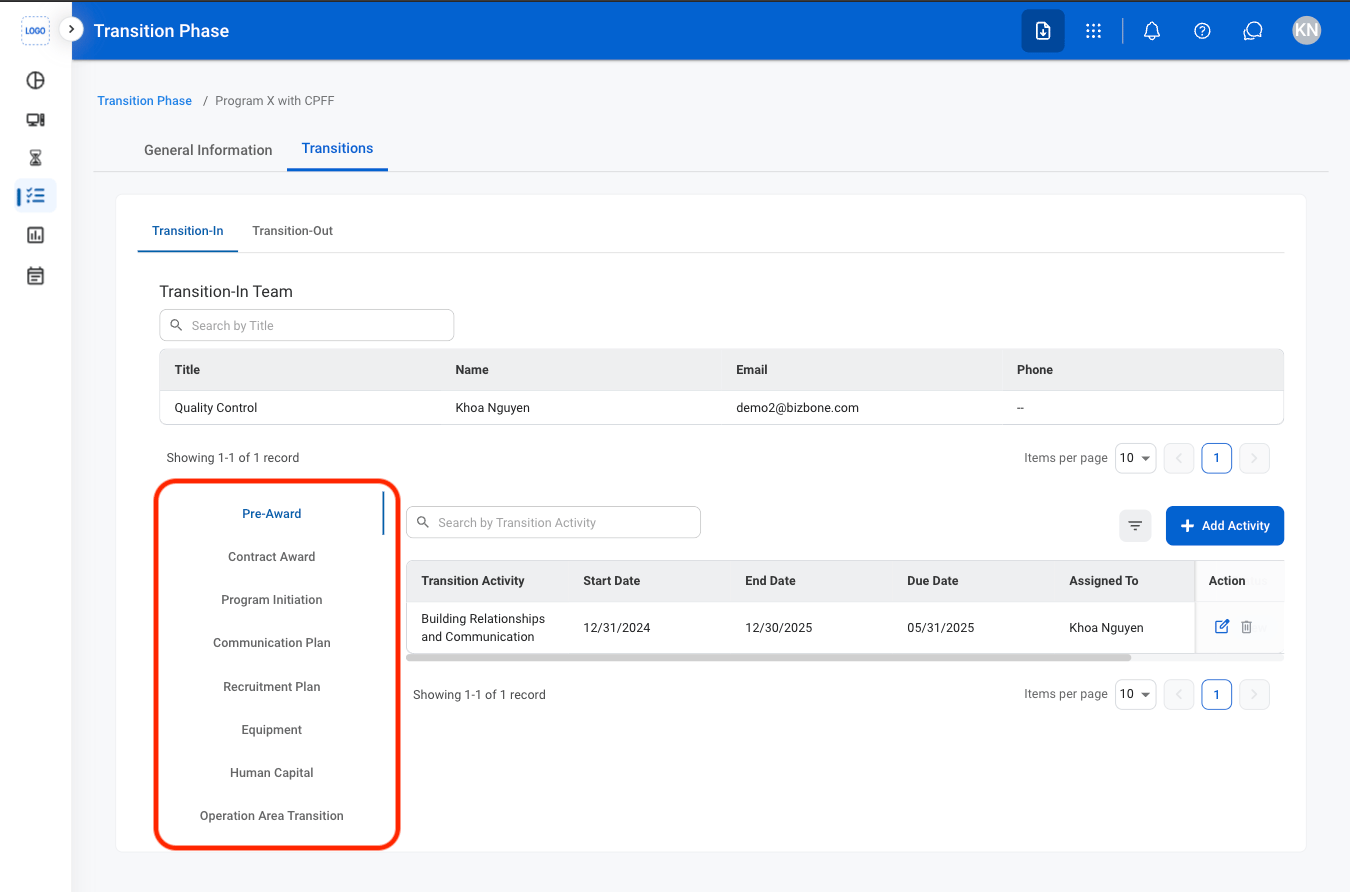
3
Select a category
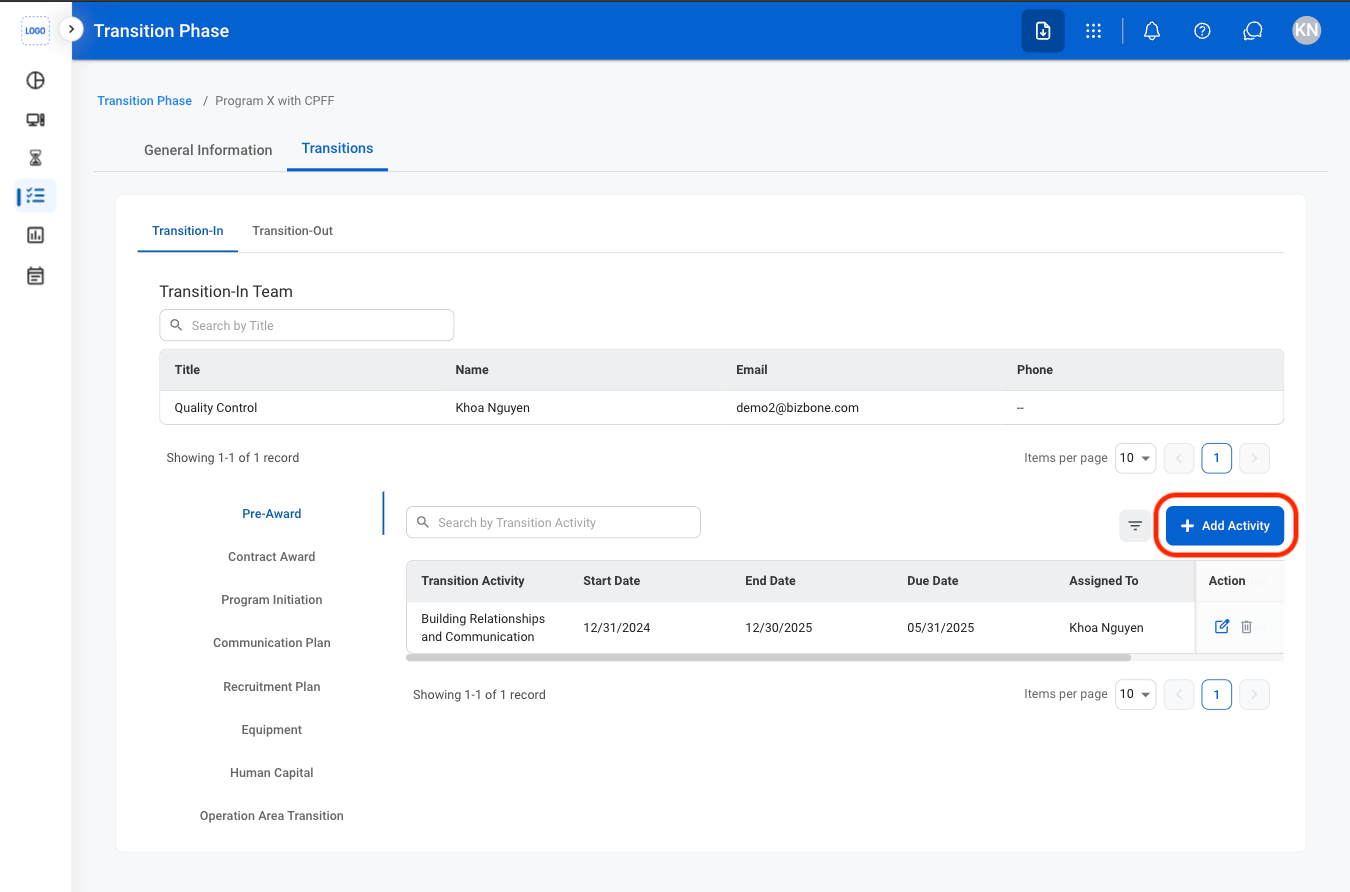
4
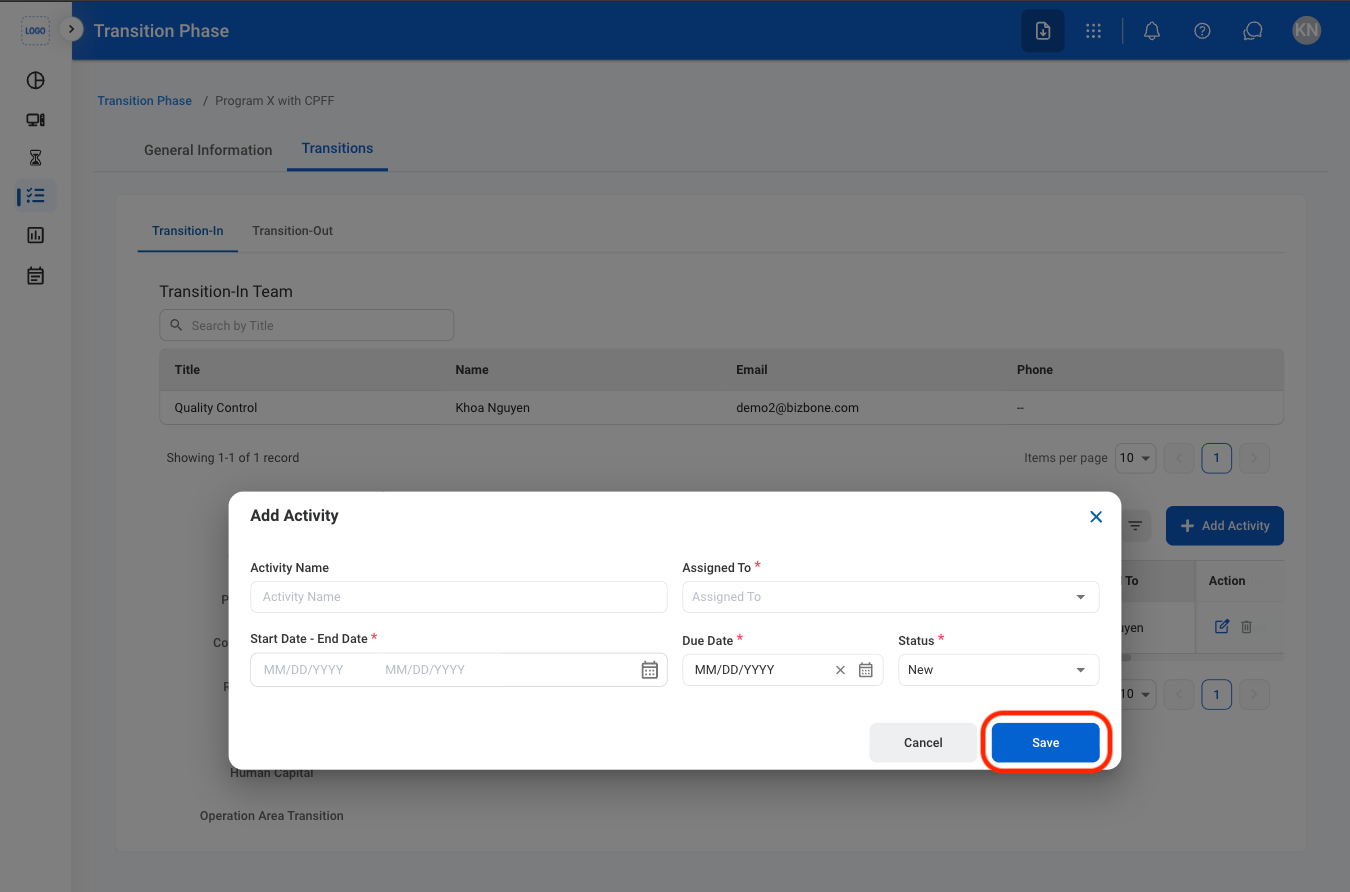
Select Add Activity
5
Fill in the required information