
View Loaned Assets
1
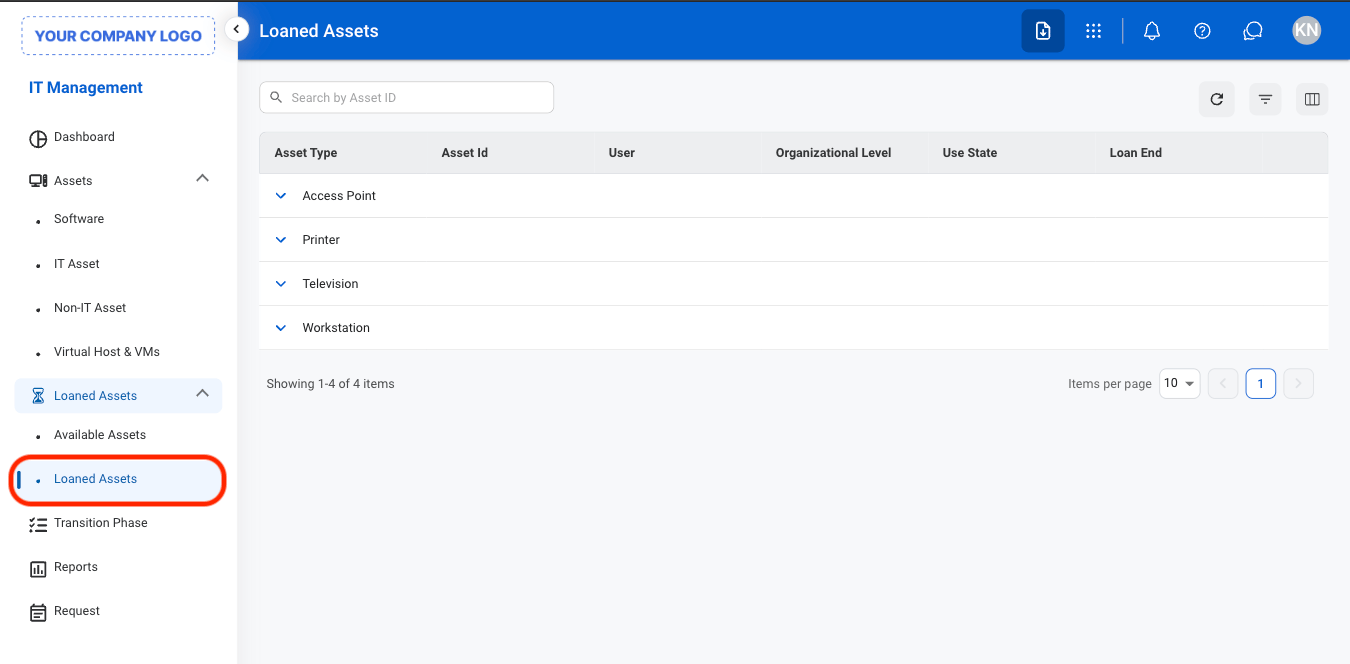
Navigate to Loaned Assets
2
Select an asset type

Selecting an asset from the list opens the asset’s record in the corresponding section (ie. Software, IT Assets, Non-IT Assets, Virtual Host & VM), where you can view and manage its details.