
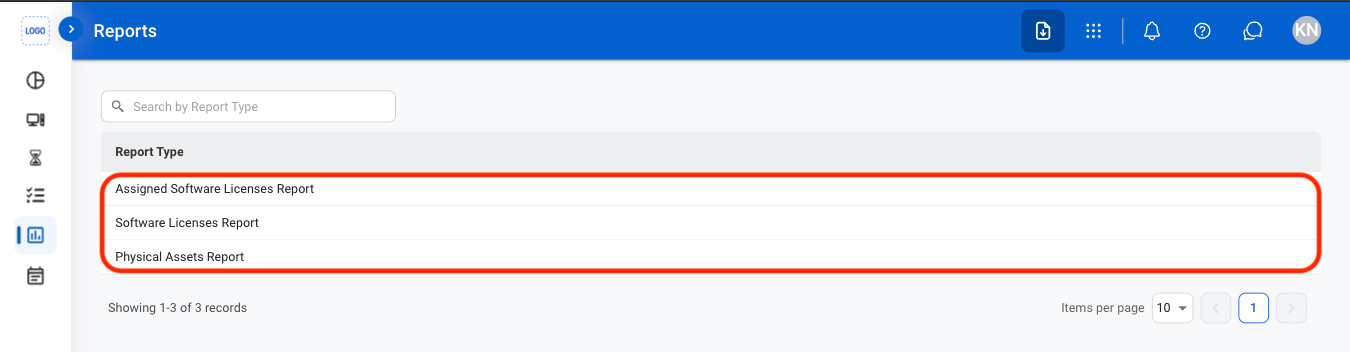
Available Reports
Assigned Software Licenses Report
Assigned Software Licenses Report
Reports on software licenses assigned to employees and associated license information.
Software Licenses
Software Licenses
Reports on software licenses maintained within the system, including license and assignment information.
Physical Assets
Physical Assets
Reports on physical IT assets and related asset information maintained within the system.
Create a Report
1
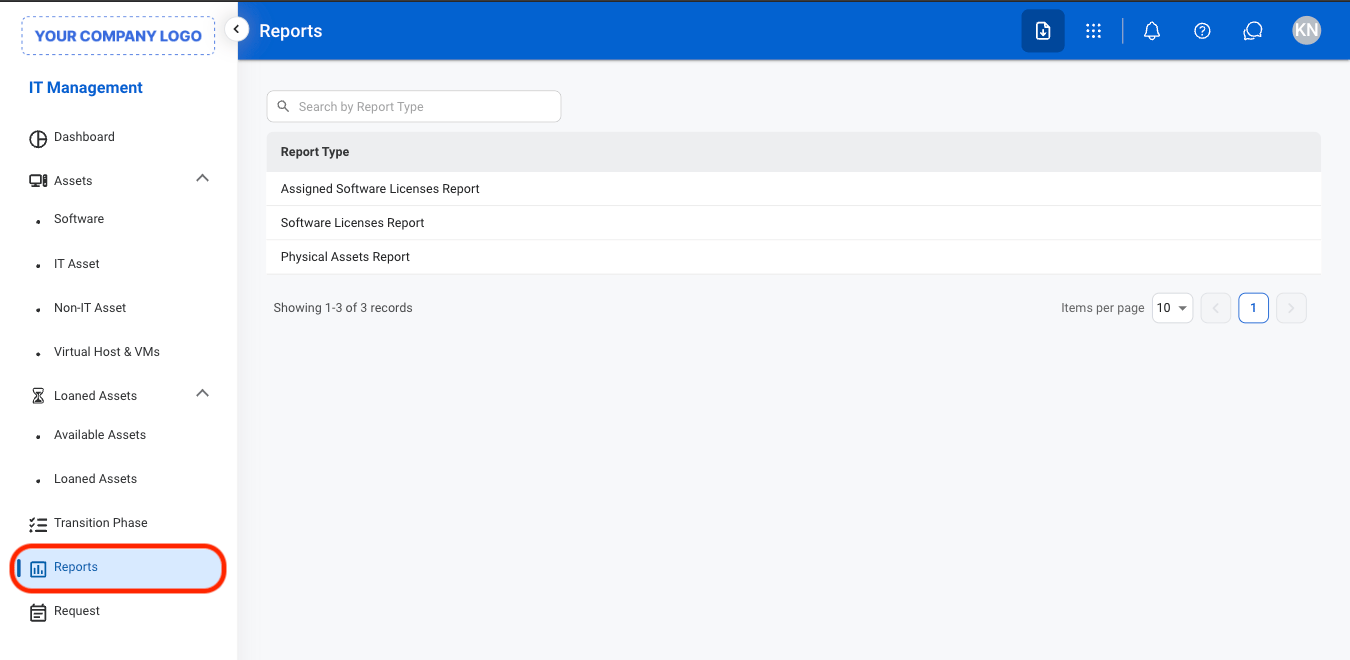
Navigate to Reports
2
Select a report type
3
Select Add

4
Fill in the required information

Modify a Report
1
Select a report type
2
Select an action
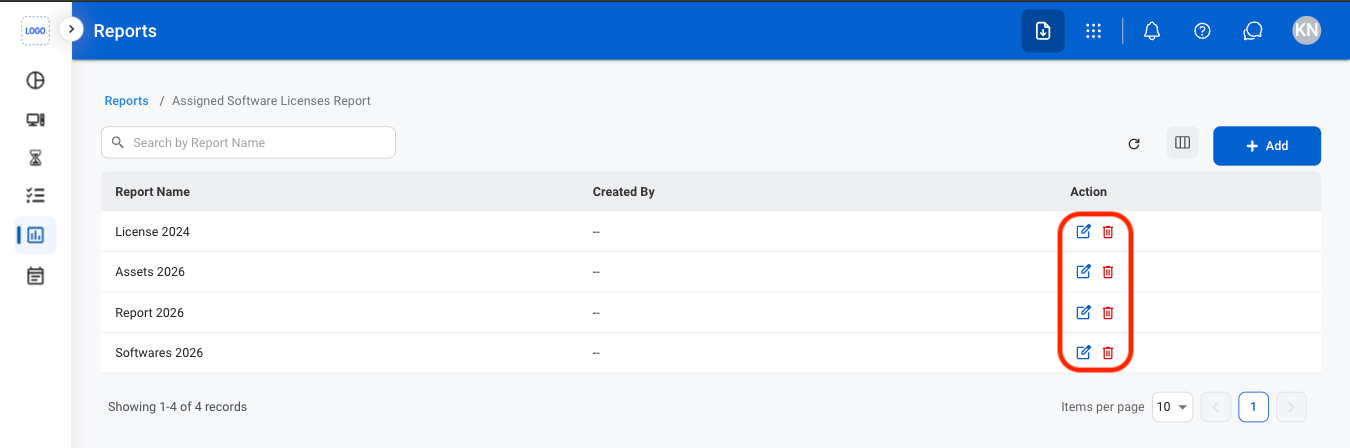
- Edit: Select the edit icon to update an existing entry
- Delete: Select the trash icon to delete an existing entry.
3
Confirm the action
- Edit: Fill in the required information. Select Update to complete or Cancel to exit without saving changes.
- Delete: Select Delete to complete or Cancel to exit without saving changes.
Export a Report
1
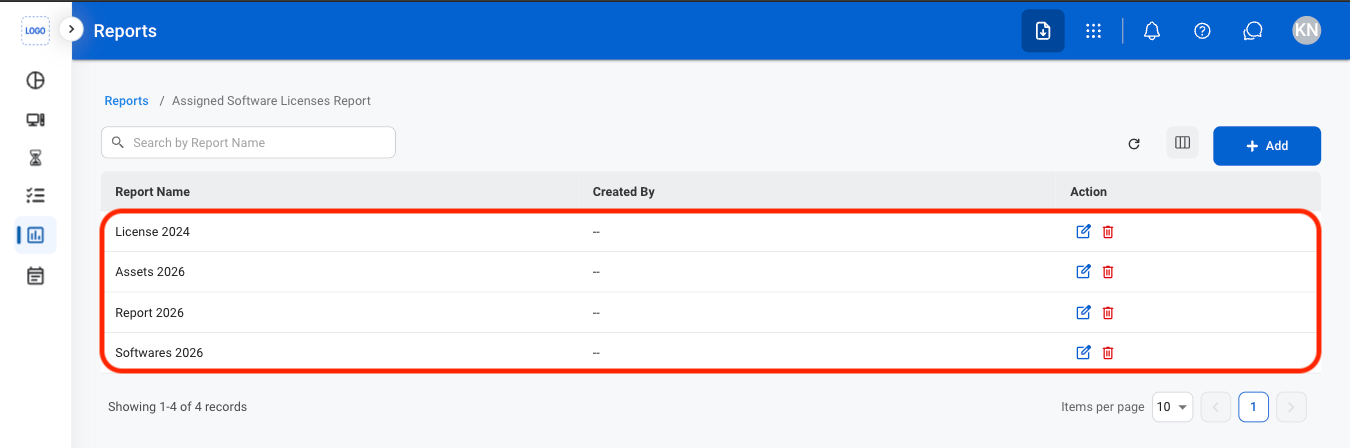
Select a report
2
Select an action
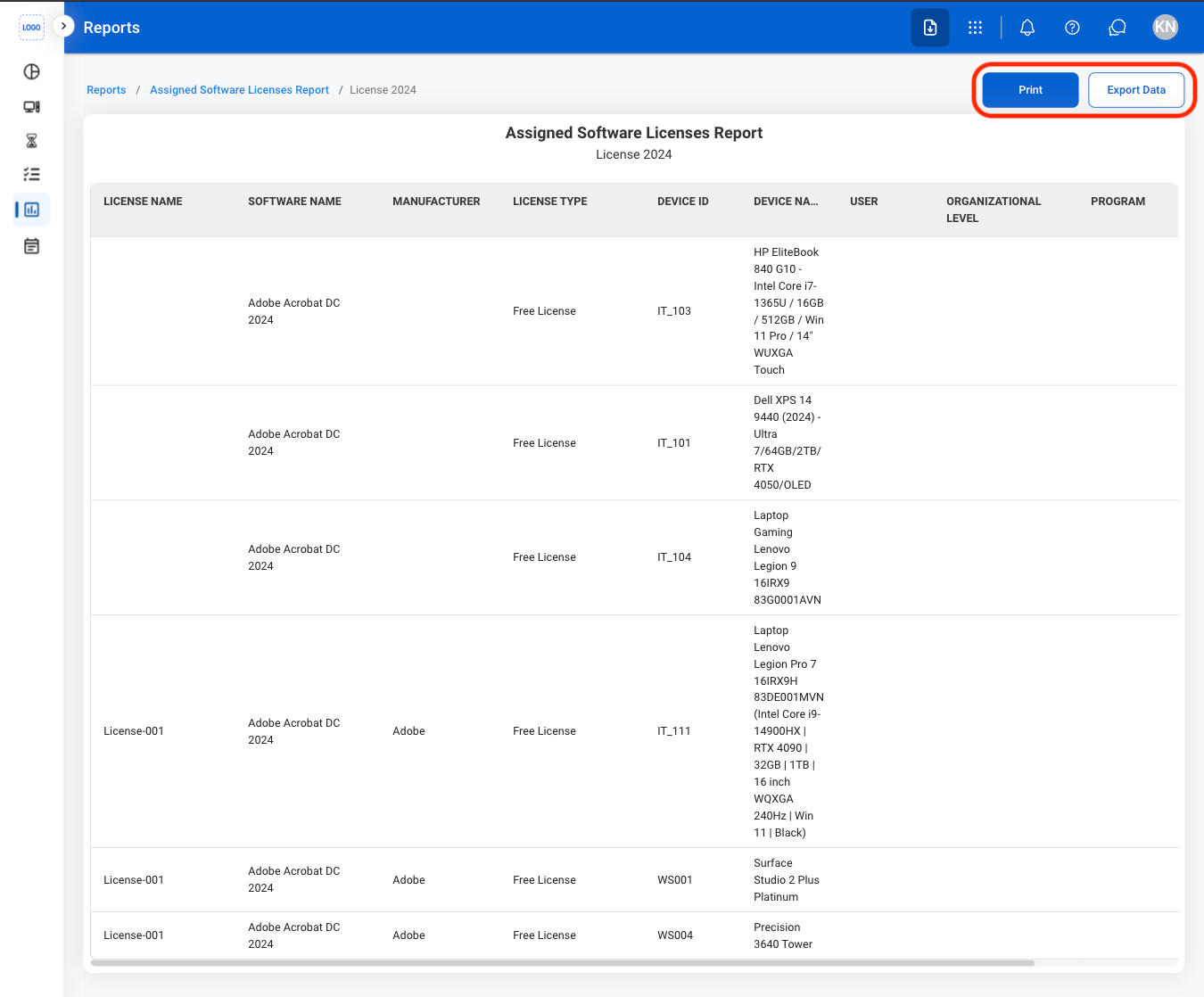
- Print: Open system print settings
- Export Data: Export data in xlsx