Add a Software
1
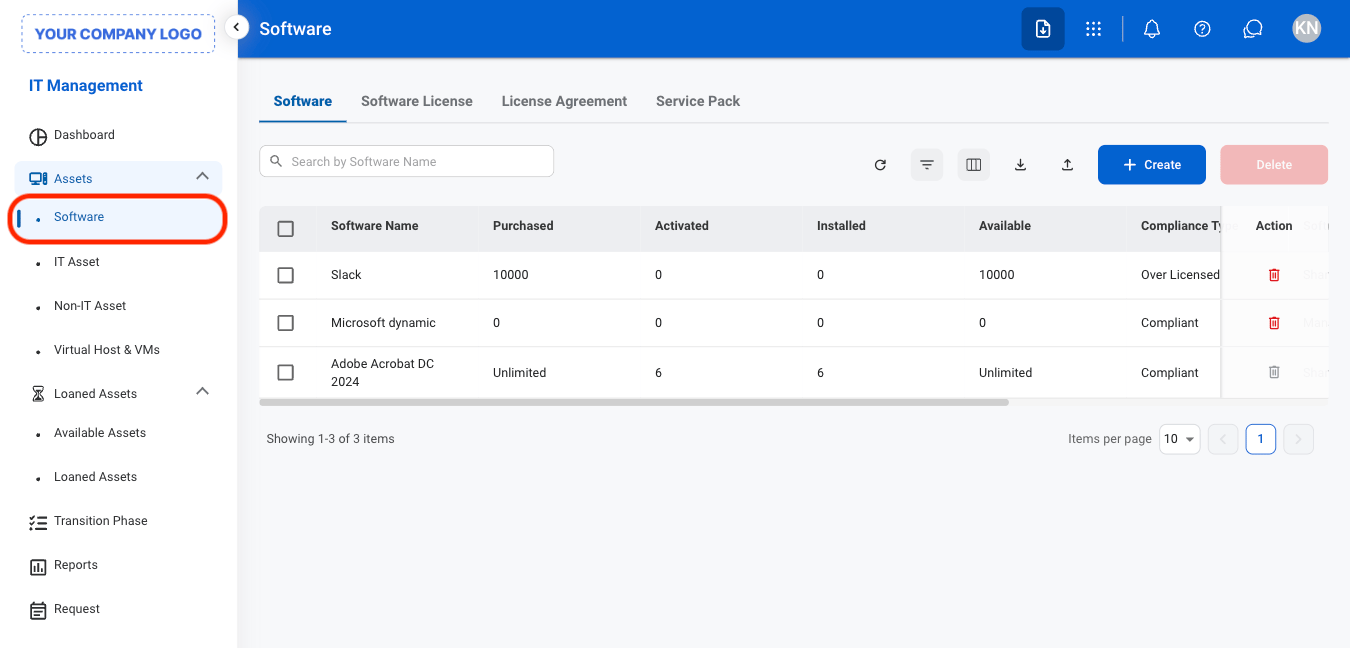
Navigate to Software
2
Select a software type

- Software: Add and manage software asset information, including the software name, version, and related details.
- Software License: Record and manage licenses associated with the software, including license details and usage information.
- License Agreement: Record and manage the terms and details of agreements governing the use of the software.
- Service Pack: Record and manage service packs and updates associated with the software.
3
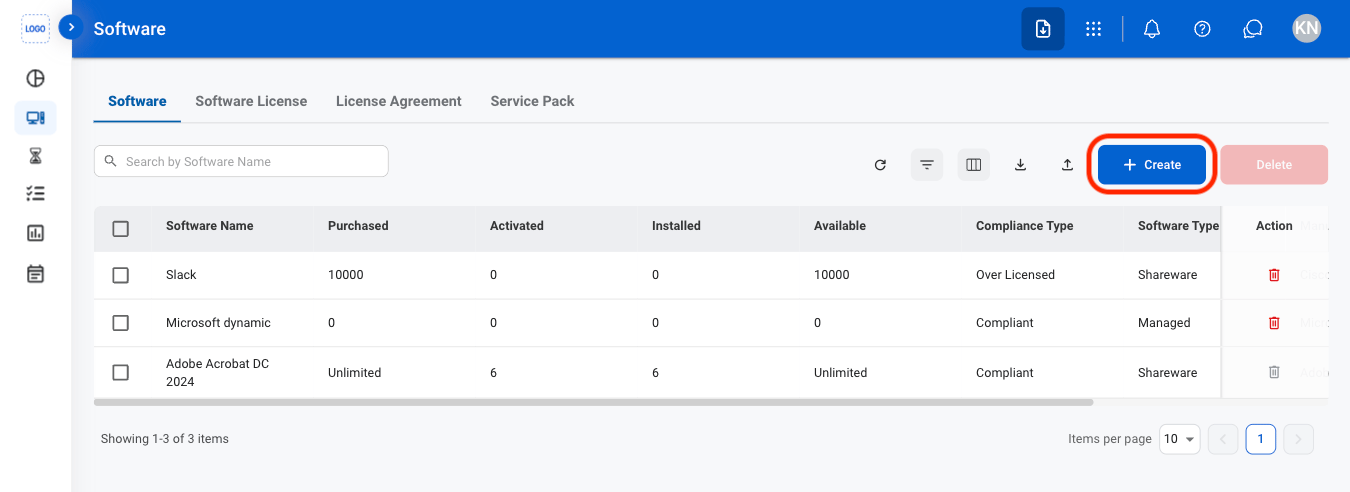
Select Create
4
Fill in the required information

Edit a Software
1
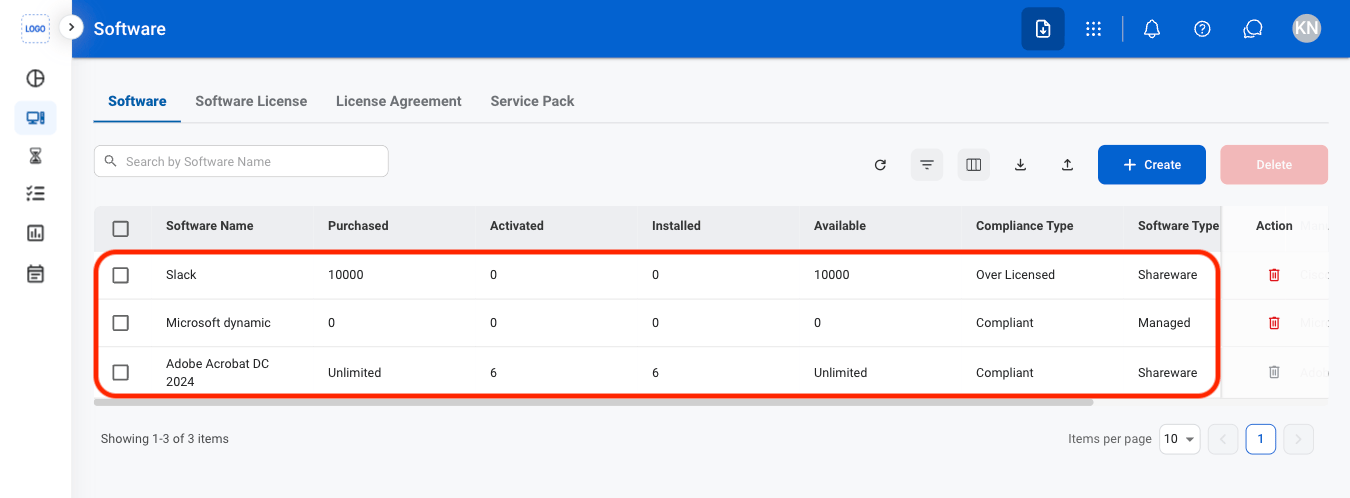
Select a software
2
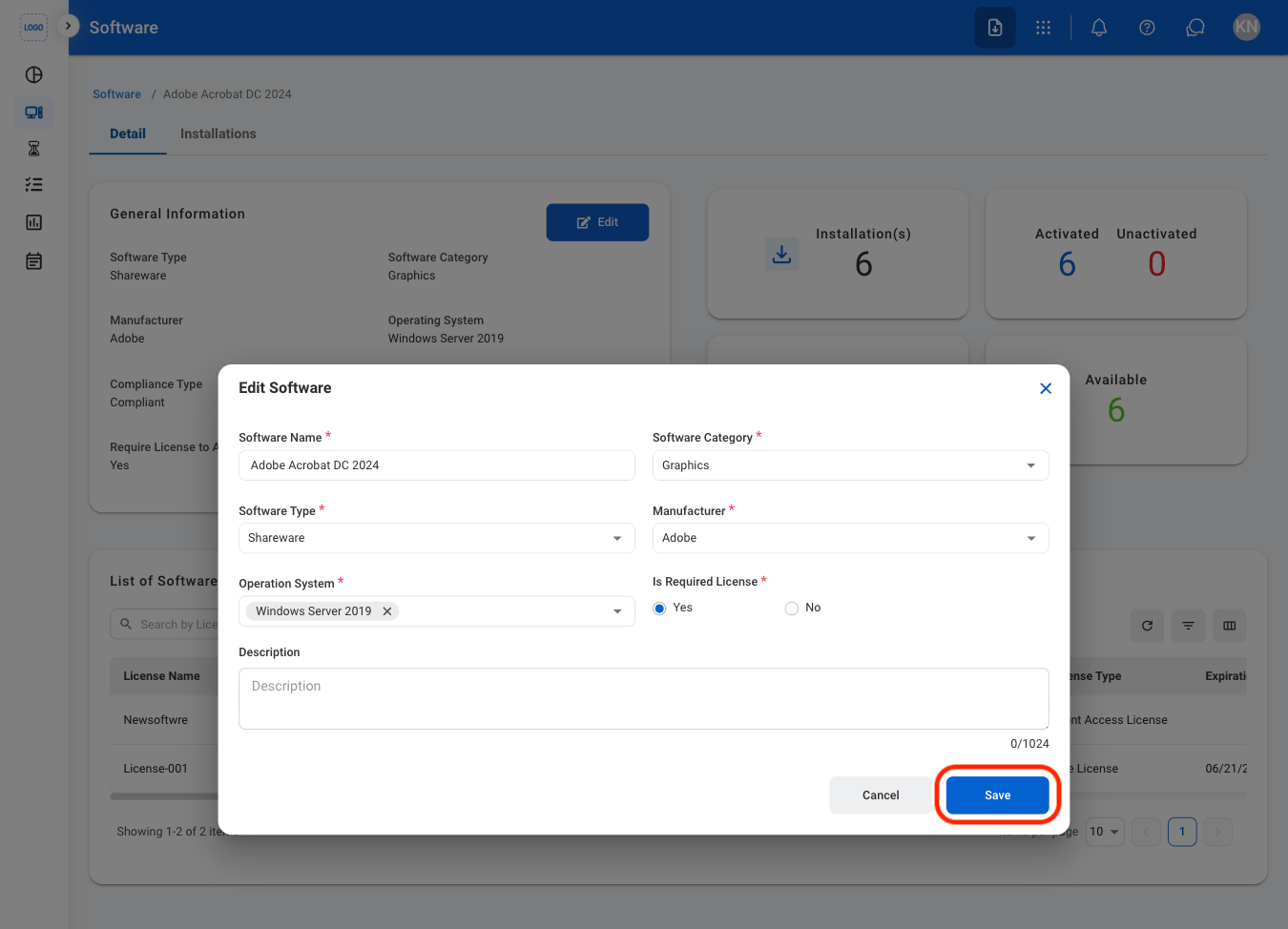
Select Edit

3
Fill in the required information
Delete a Software
1
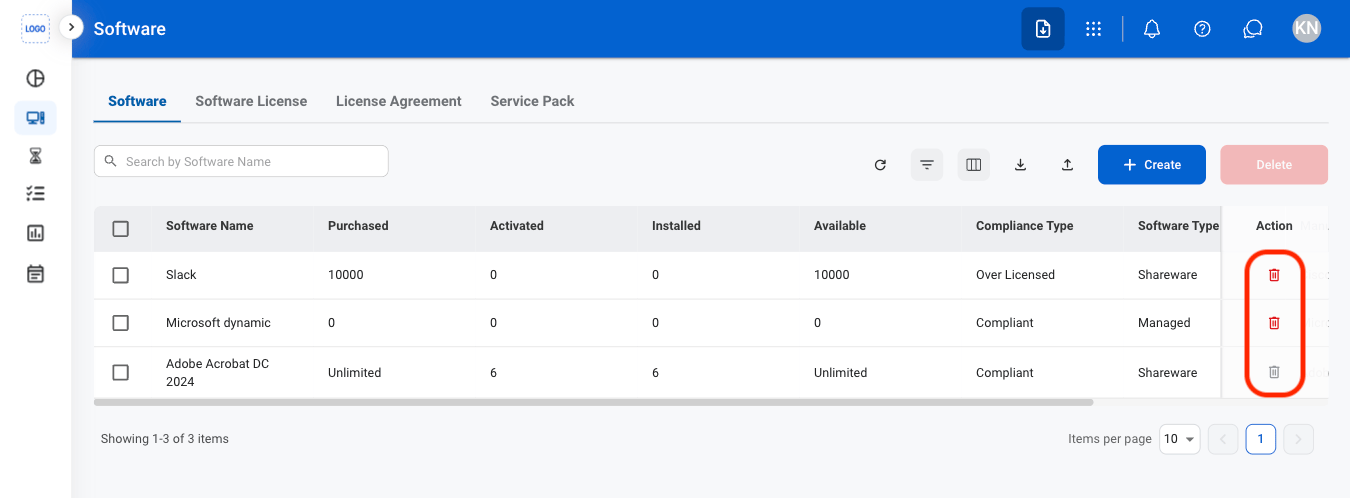
Select the delete icon
2
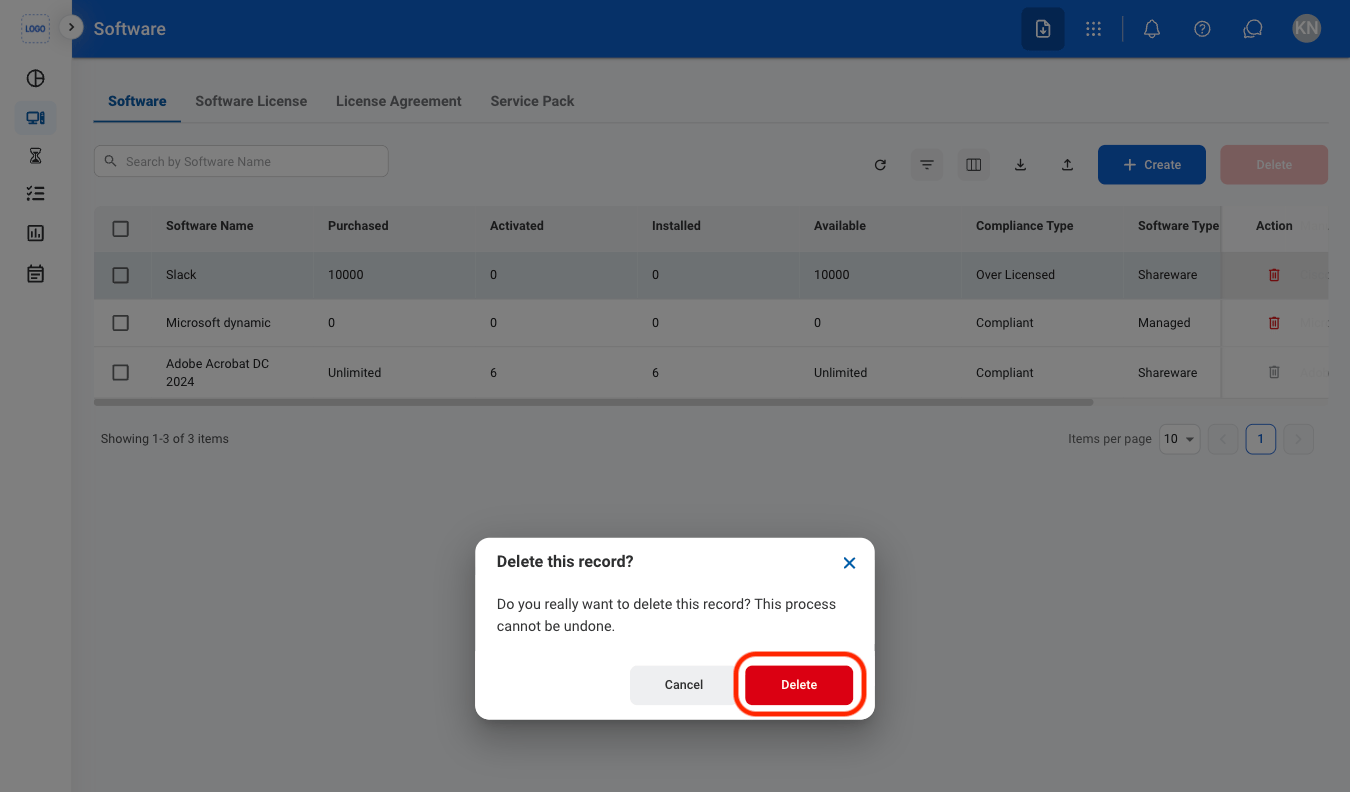
Confirm the action