
Review an Elevated Time Sheet
1
Navigate to Elevated Timesheet
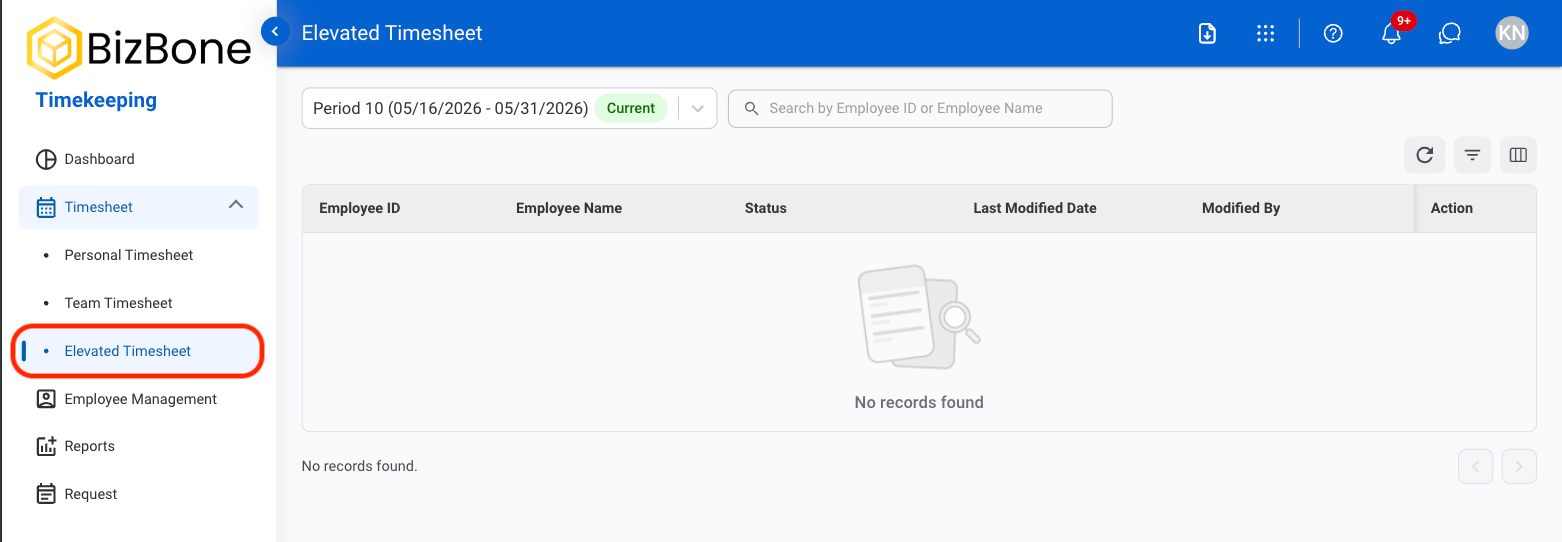
2
Select a time period

3
Select the Edit icon

4
Select an action

- Approve: Select Approve to complete or Cancel to exit without saving changes.
- Reject: Provide a reason for rejection and select Reject to complete or Cancel to exit without saving changes.
5
Confirm action
- Approve: Select Approve to complete or Cancel to exit without saving changes.
- Reject: Provide a reason for rejection and select Reject to complete or Cancel to exit without saving changes.