Product variants must be added in the Product Catalog before they appear in this section. To add a variant, go to Product Catalog > select a product > Variants > add variant attributes. The configured variants will then appear in the Product Variants section.
Edit Product Variants
1
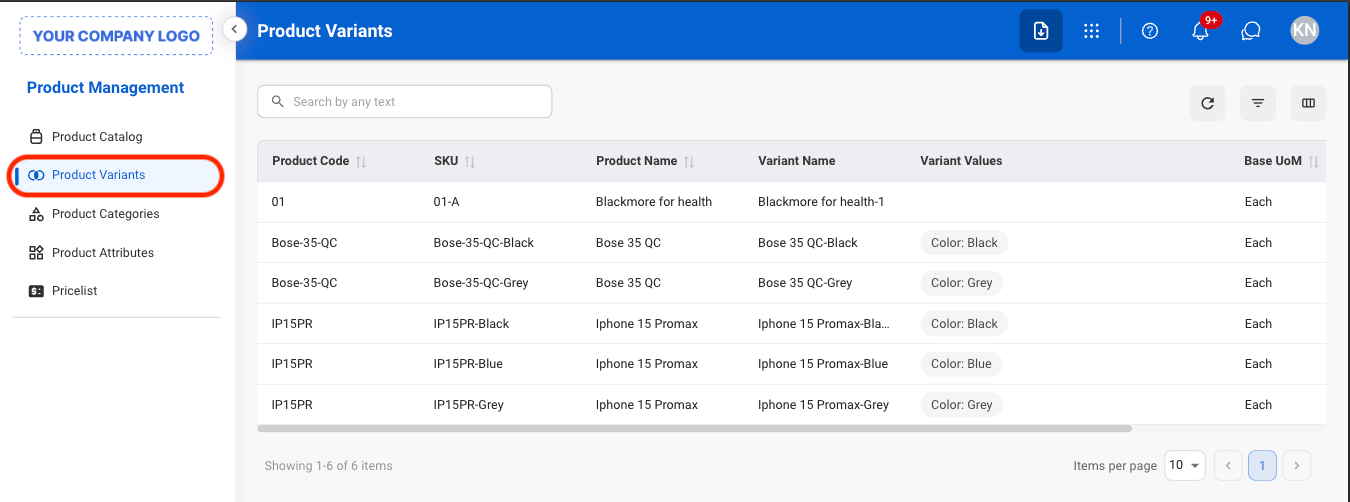
Navigate to Product Variants
2
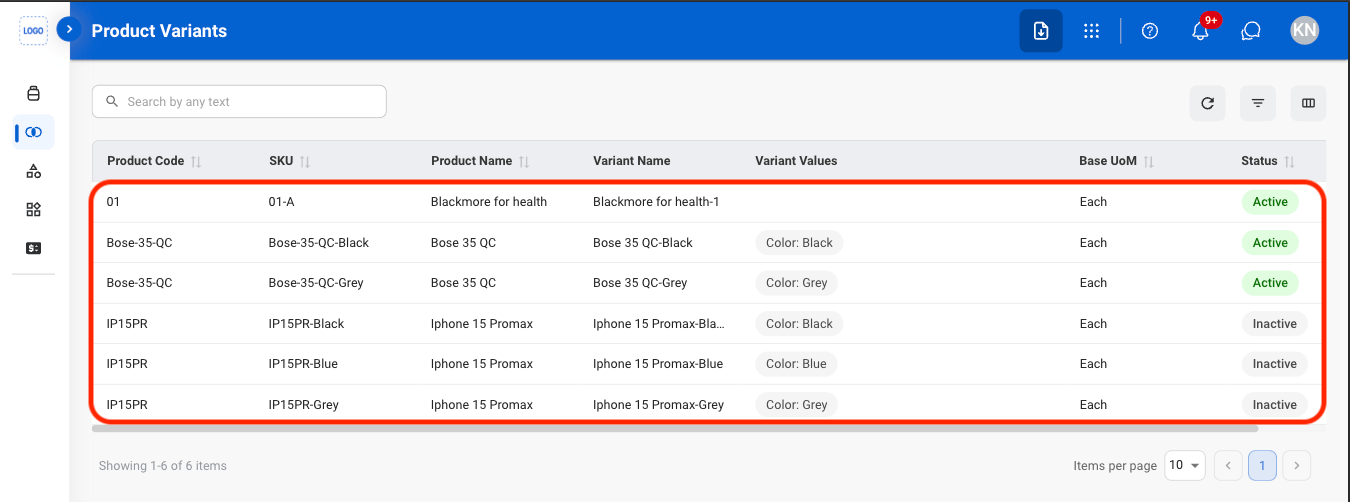
Select a product
3
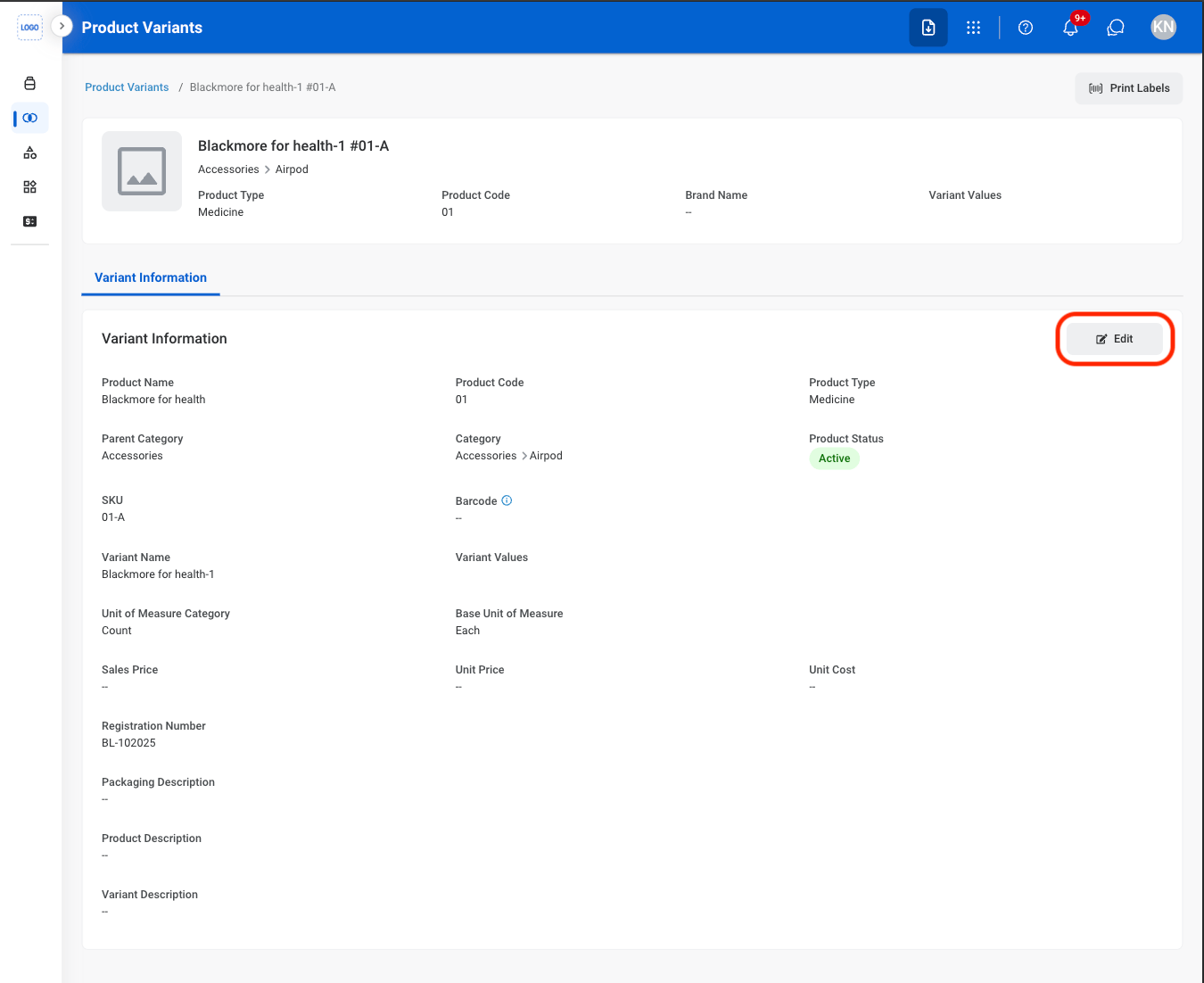
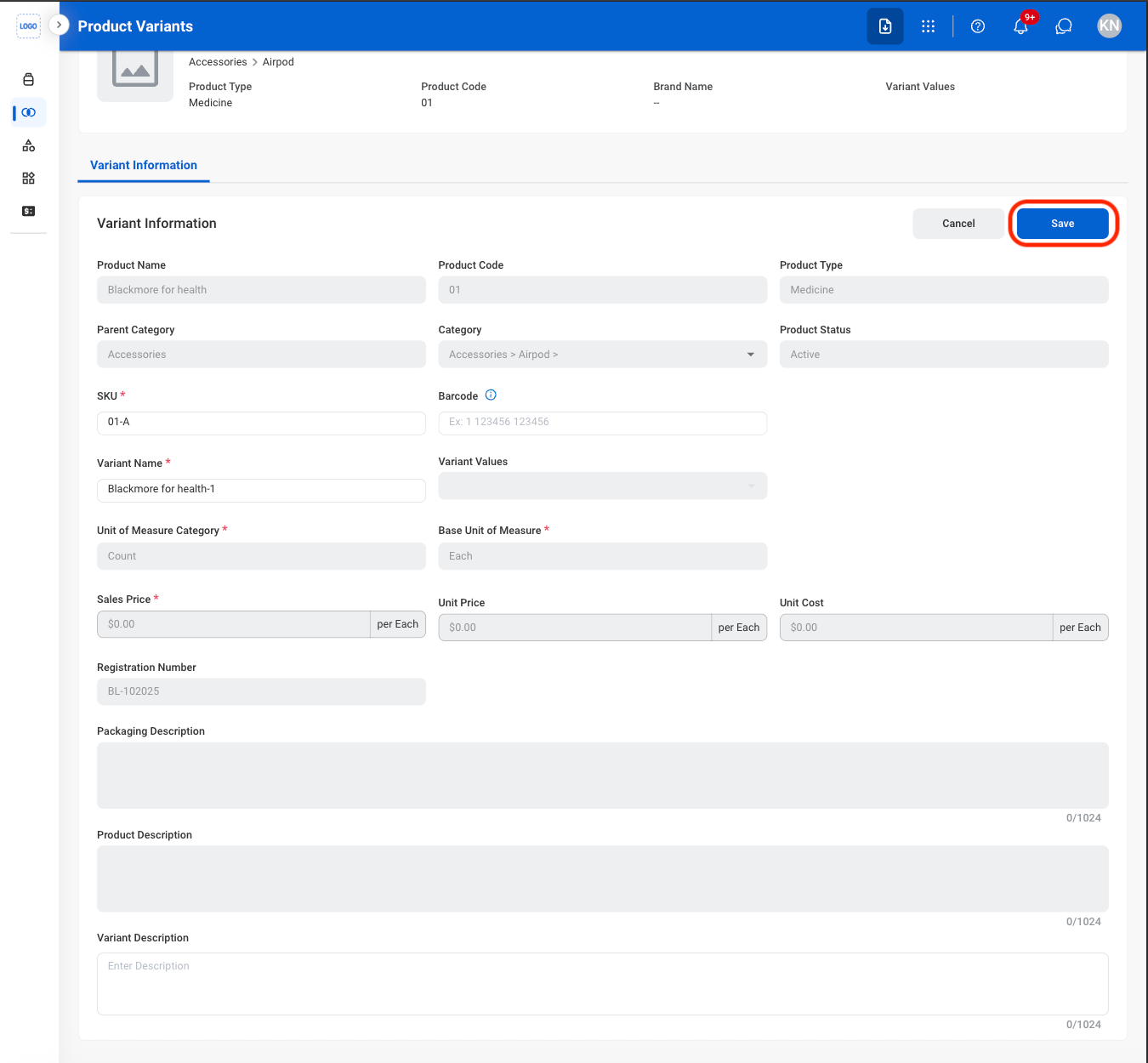
Select Edit
4
Fill in the required information
Print Labels
1
Select a product
2
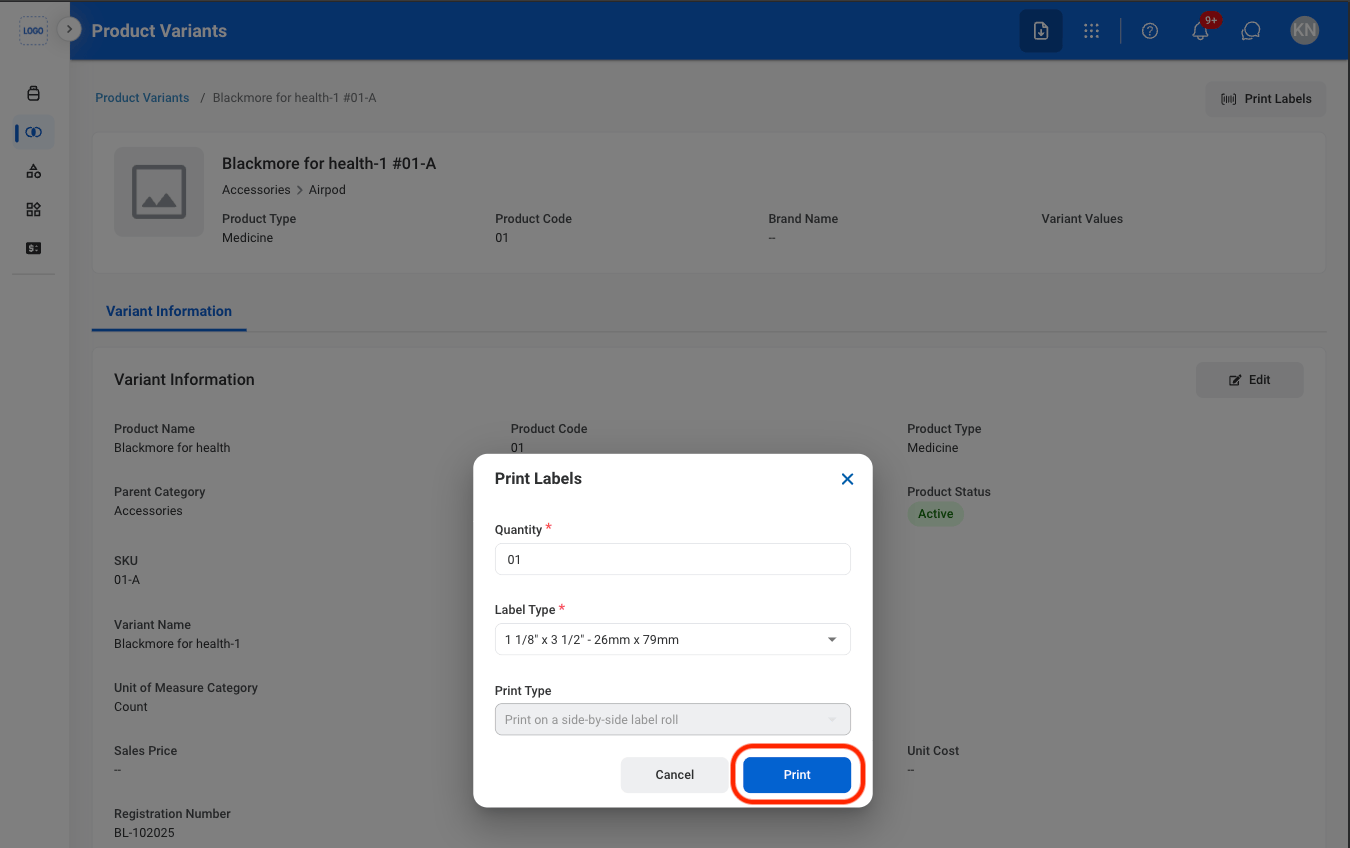
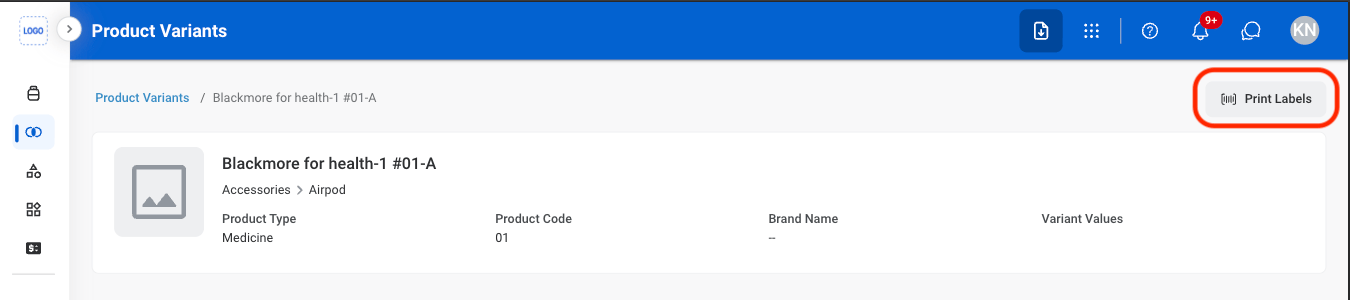
Select Print Labels
3
Fill in the required information