Workload View
Monitor recruitment activity, recruiter workload, and hiring metrics through customizable dashboards.Add a New Dashboard
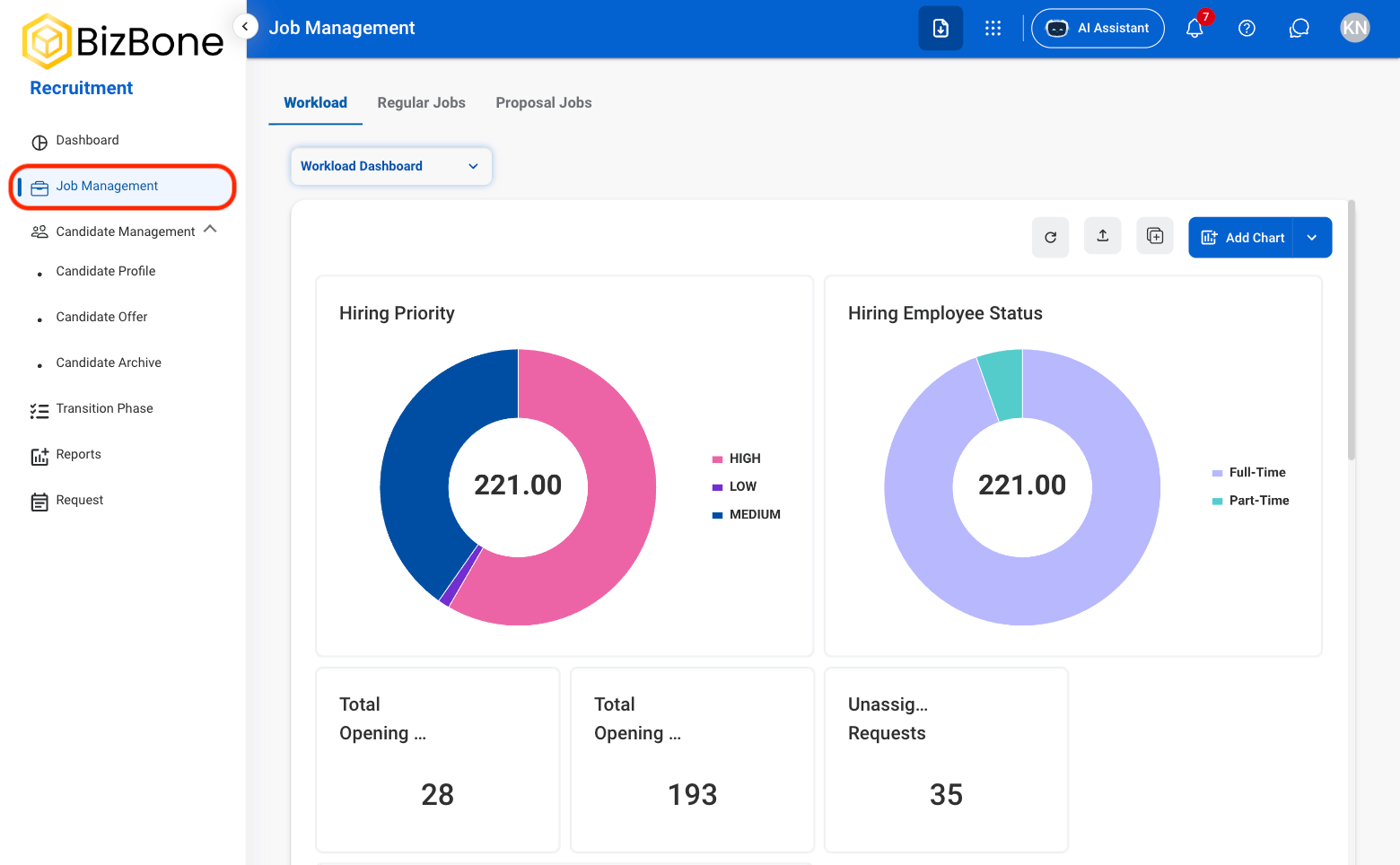
Navigate to Job Management
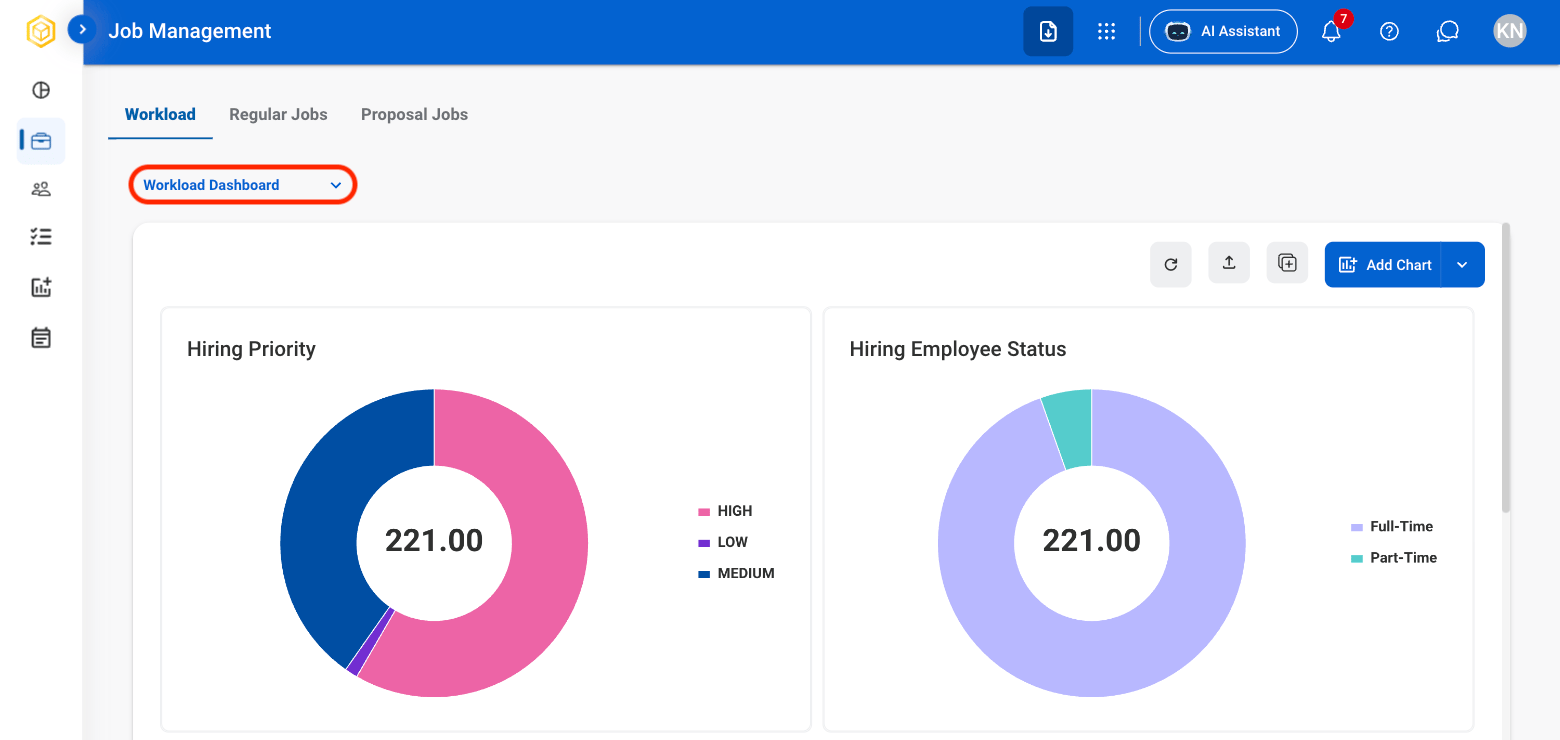
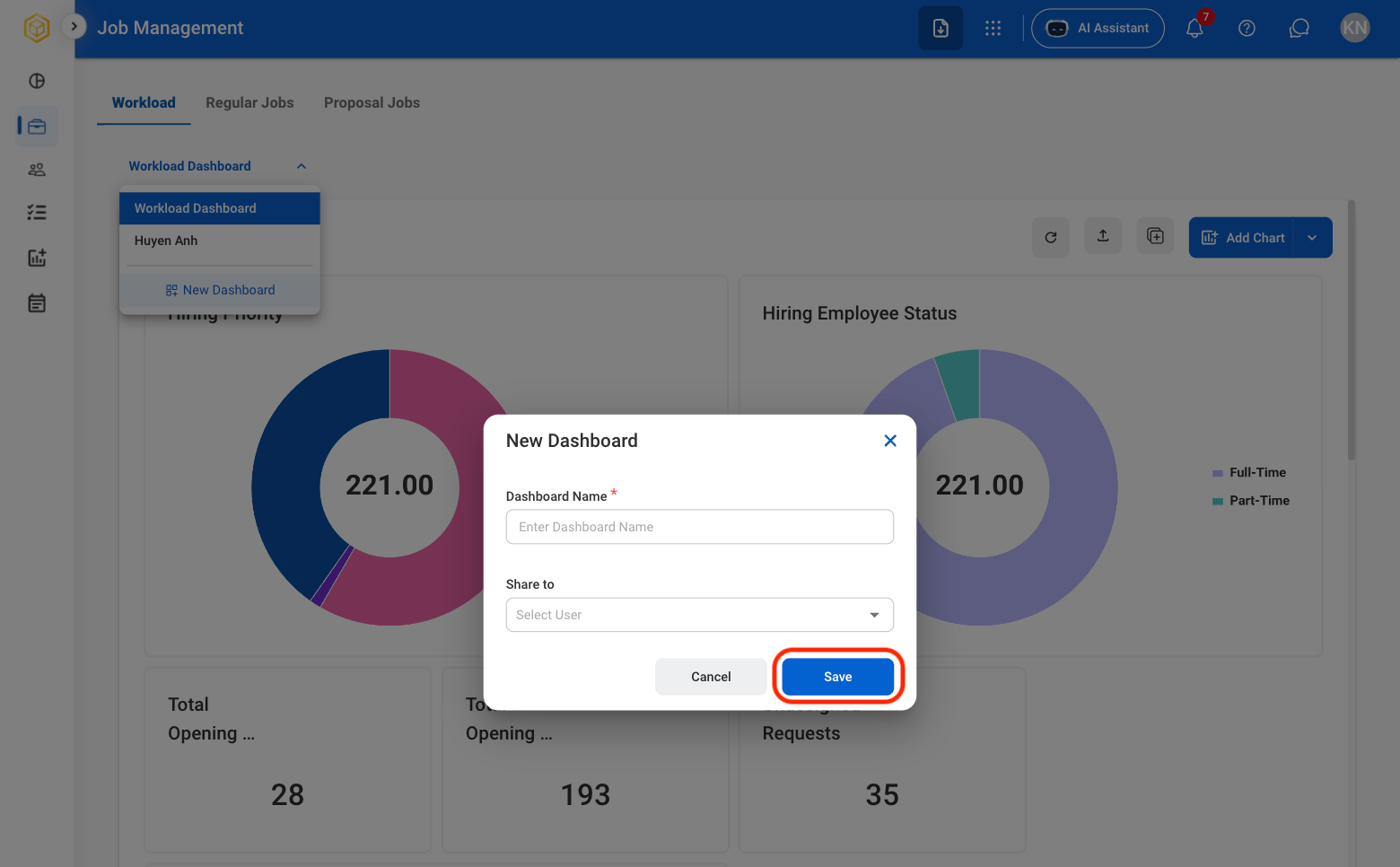
Select the dashboard dropdown
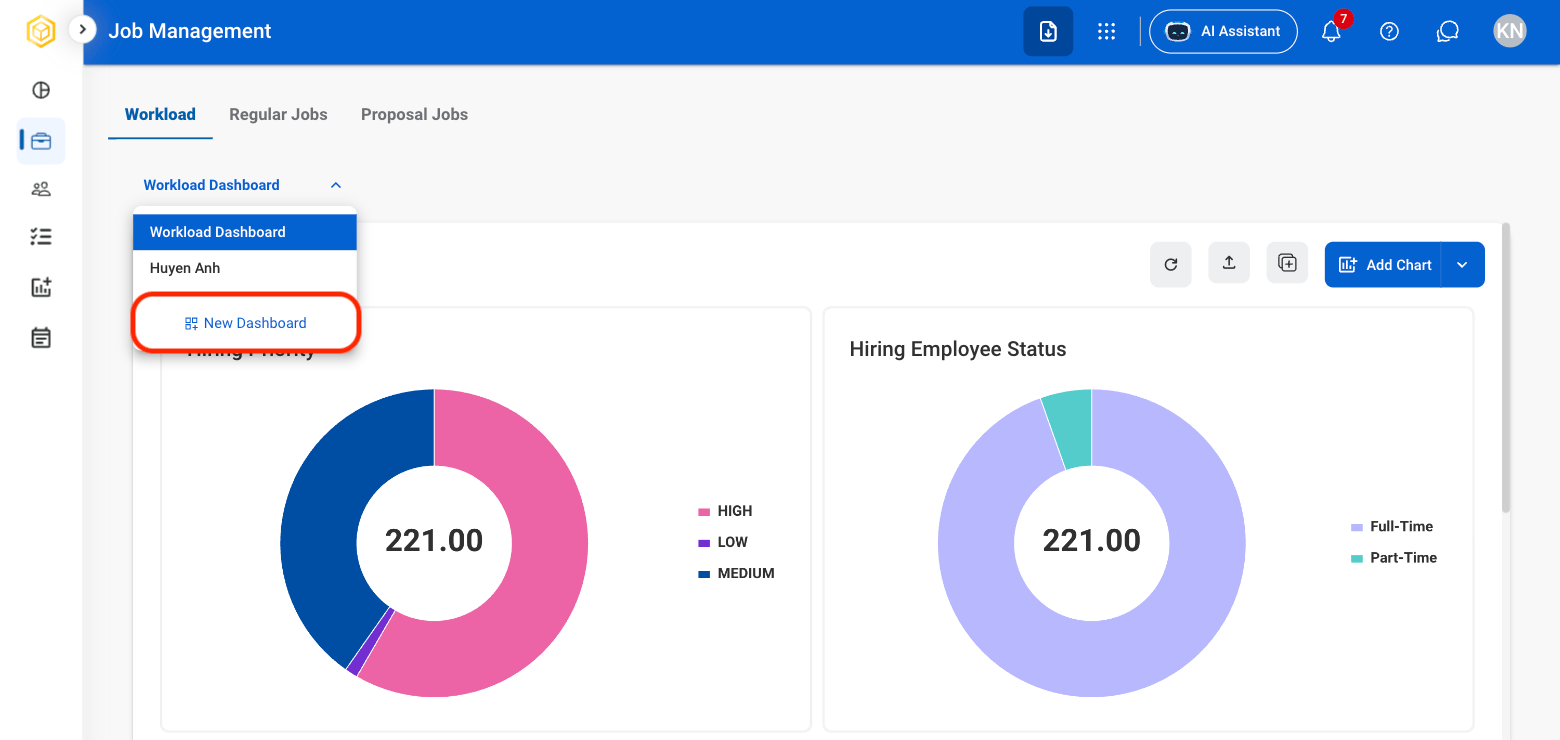
Select New Dashboard
Fill in the required information
Dashboard Actions
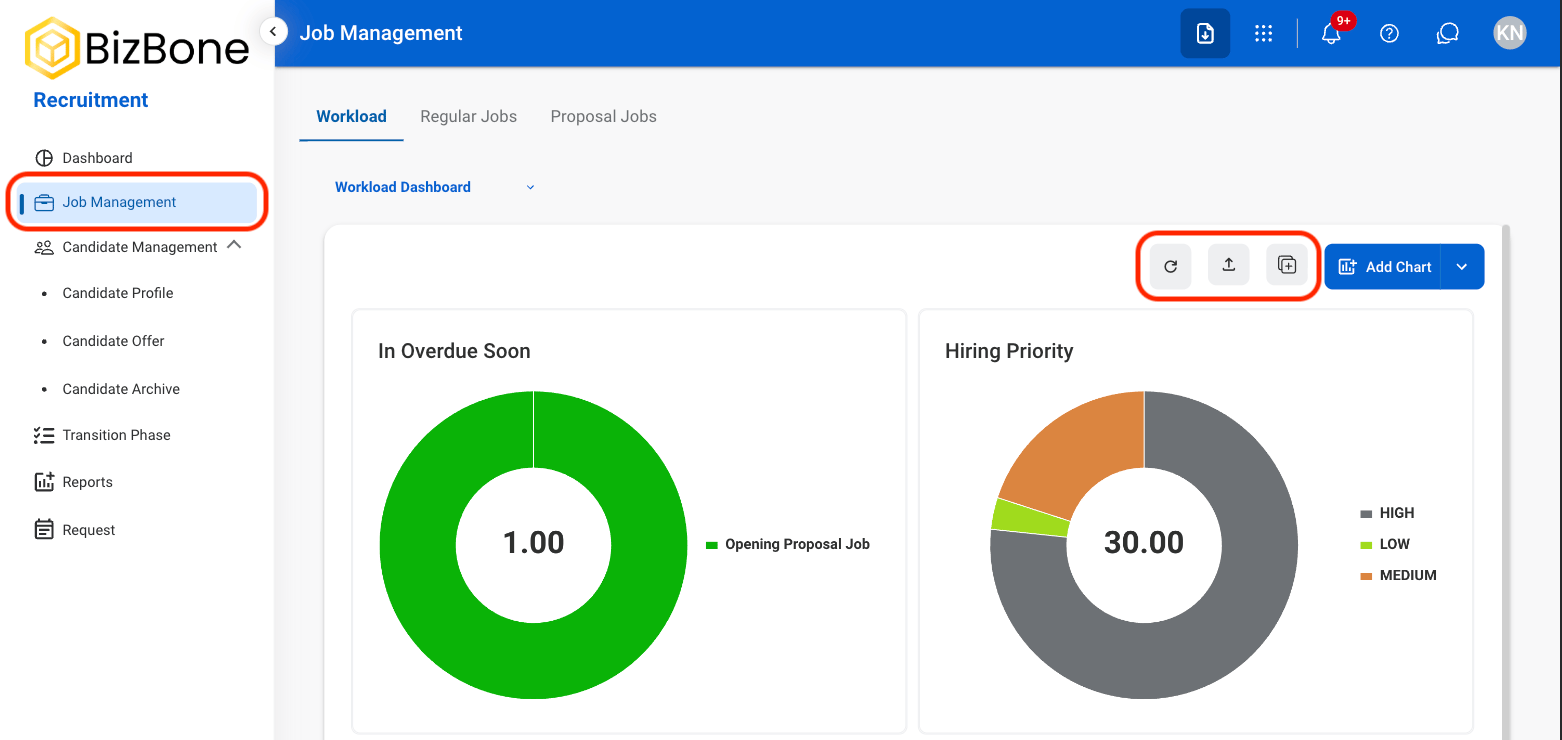
- Refresh icon: Refresh the information of the dashboard
- Export icon: Export the data
- Duplicate icon: Duplicate the dashboard
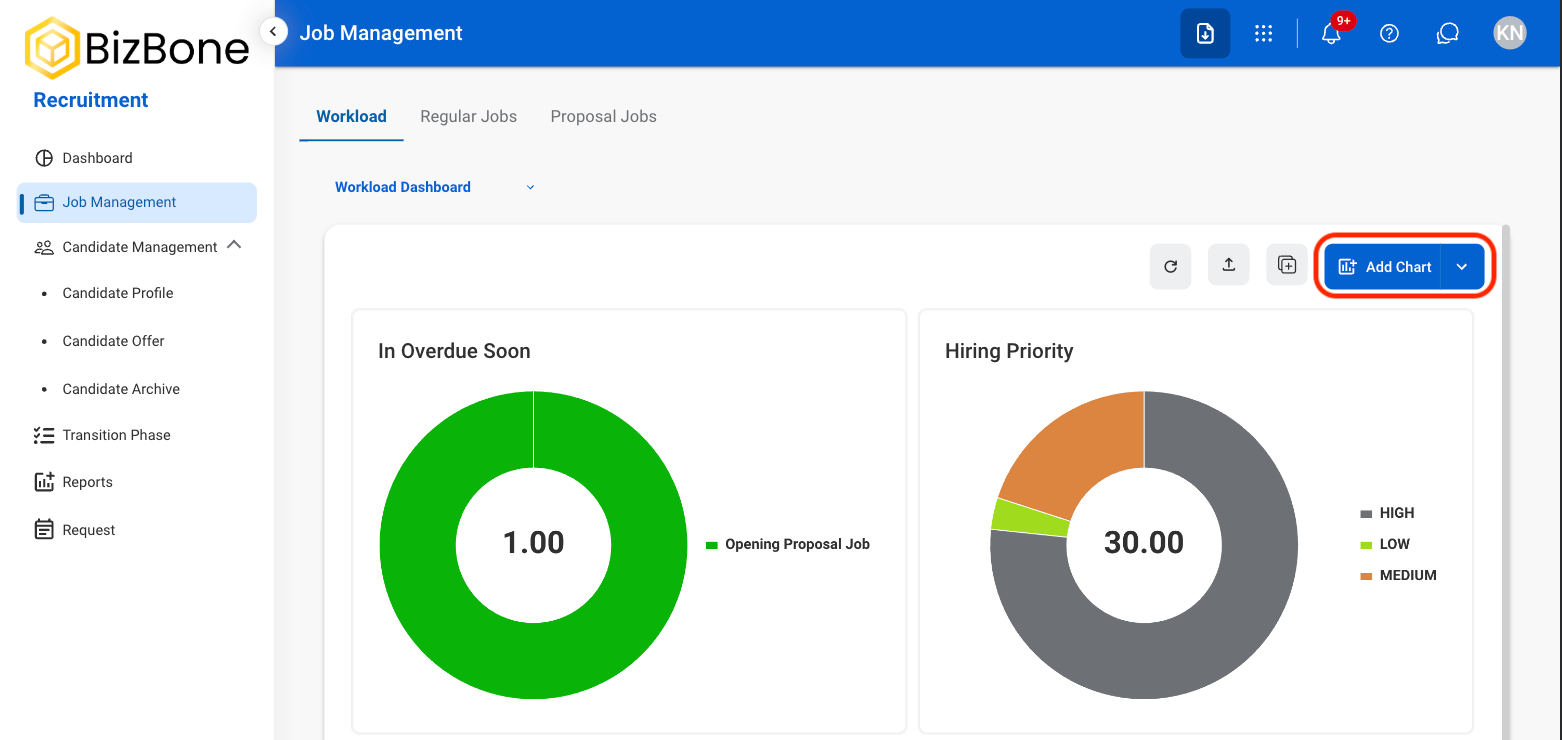
Add Chart
Select Add Chart
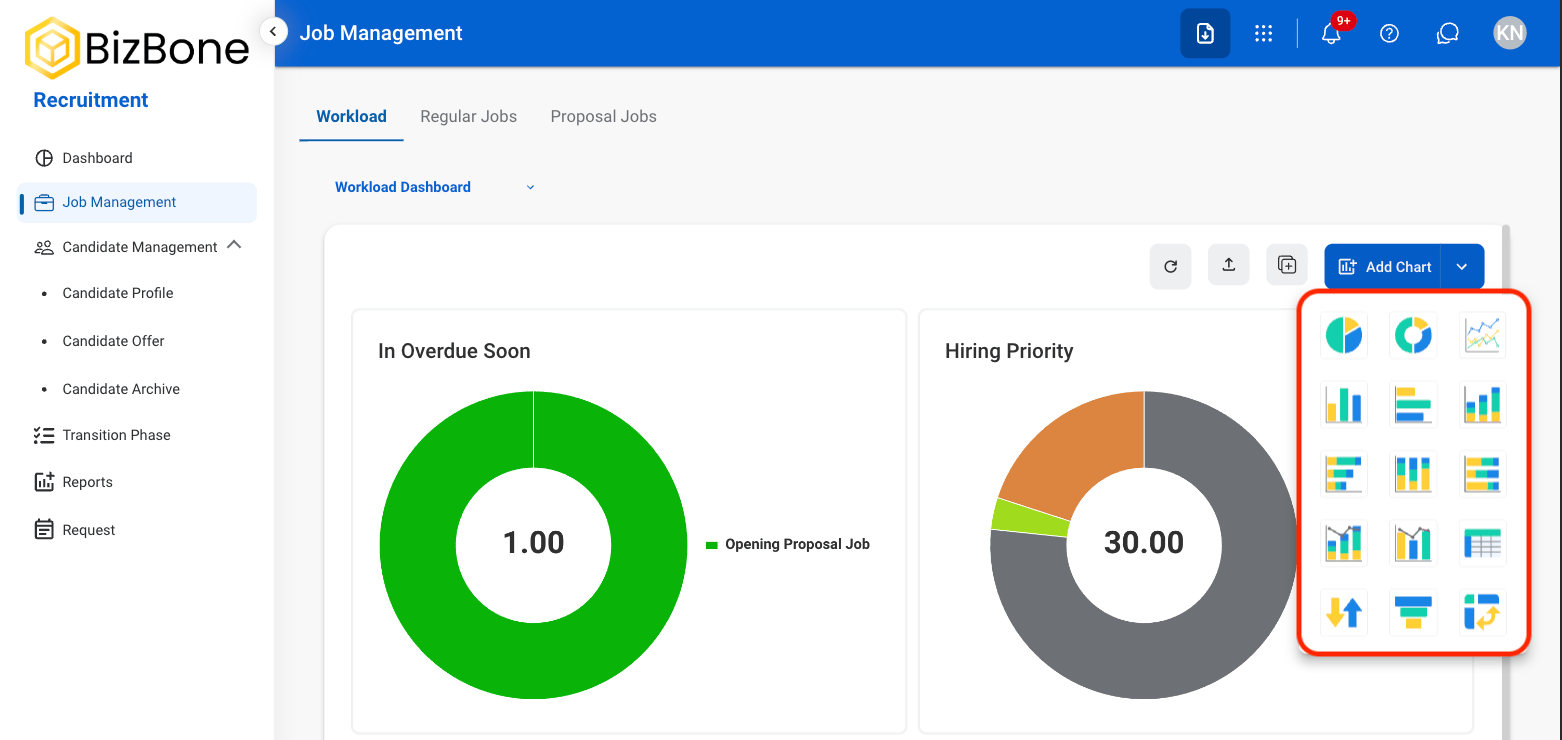
Select the desired chart
Fill the required information
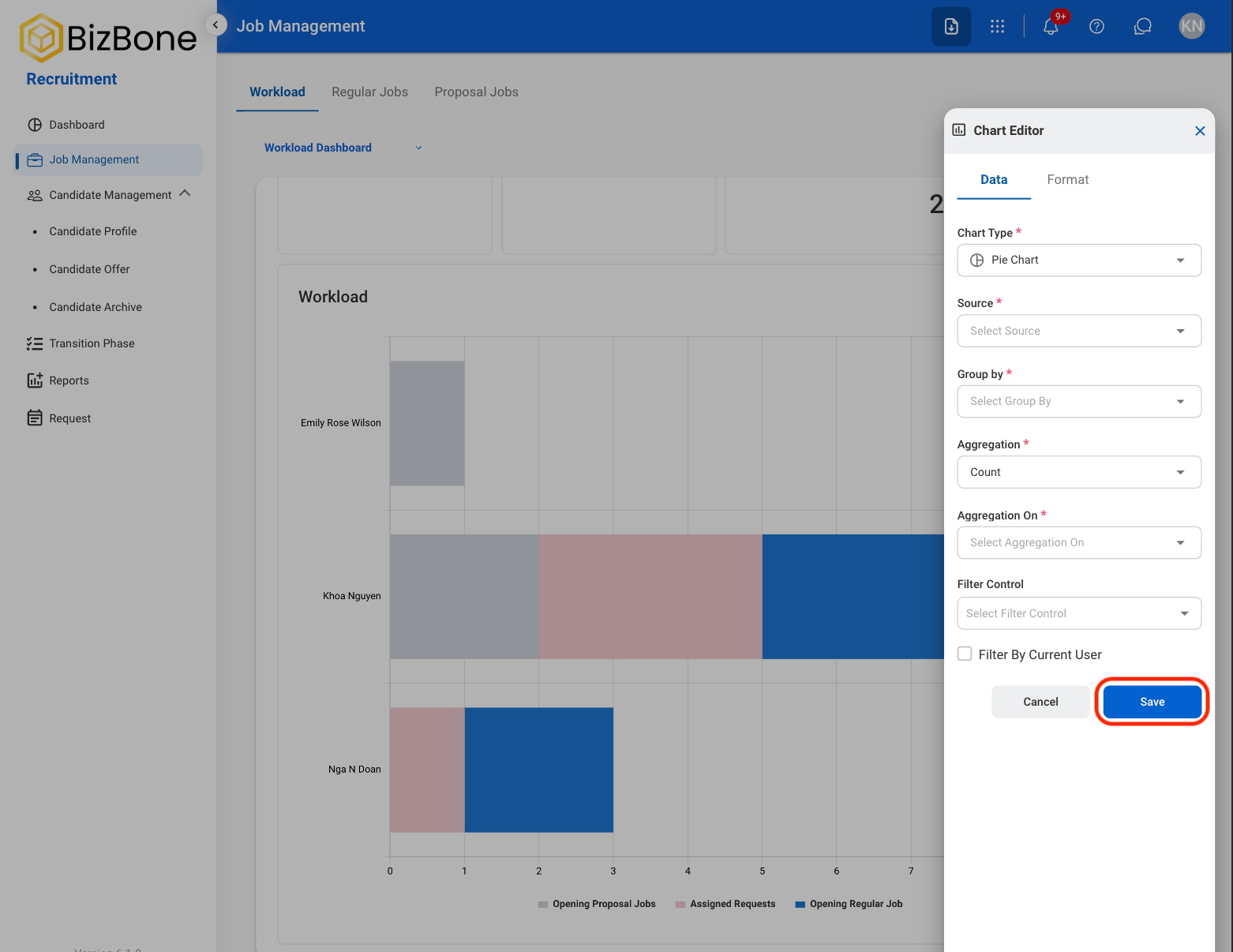
Chart Functions
Select a chart to interact with its functions using the following icons.Refresh
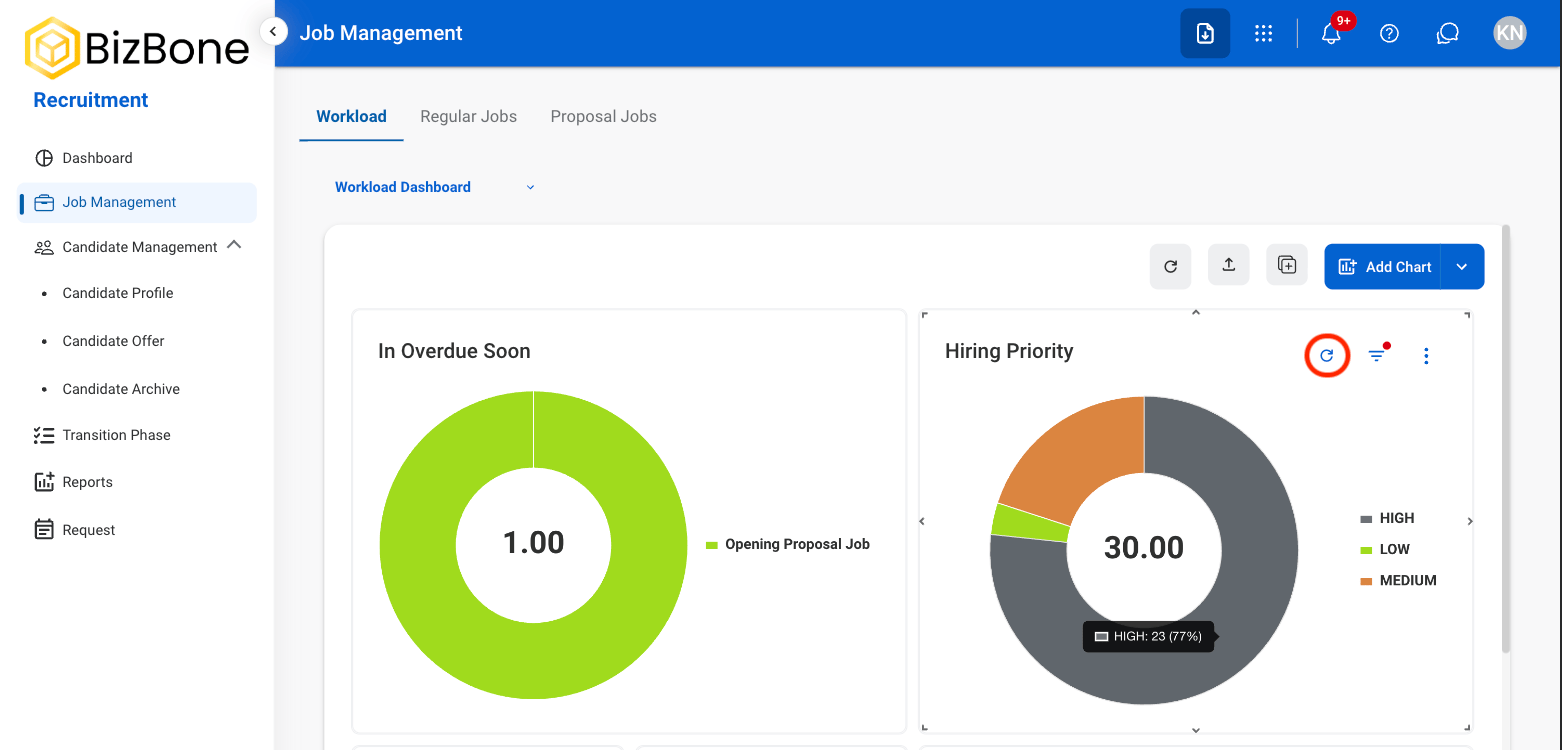
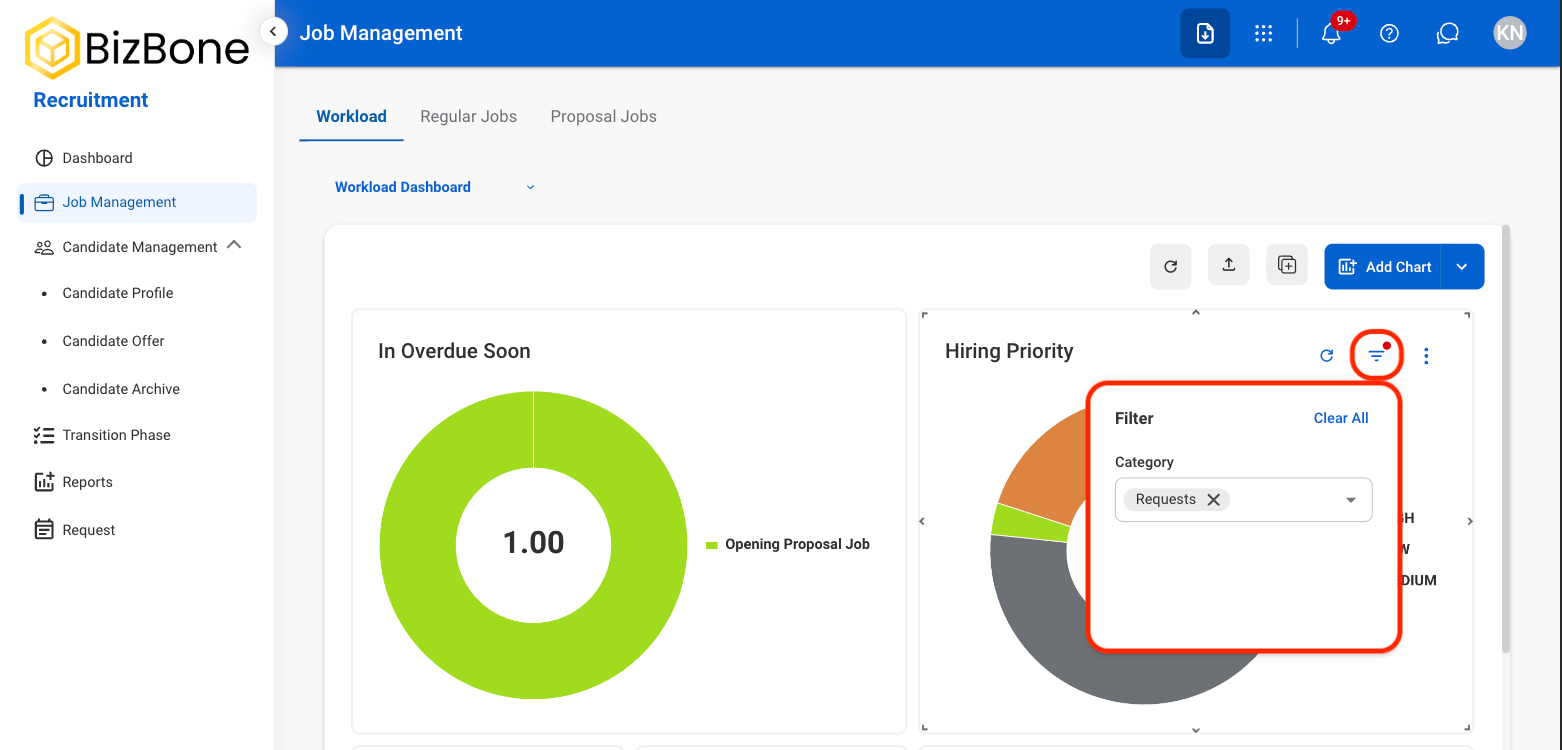
Filter
Additional Functions
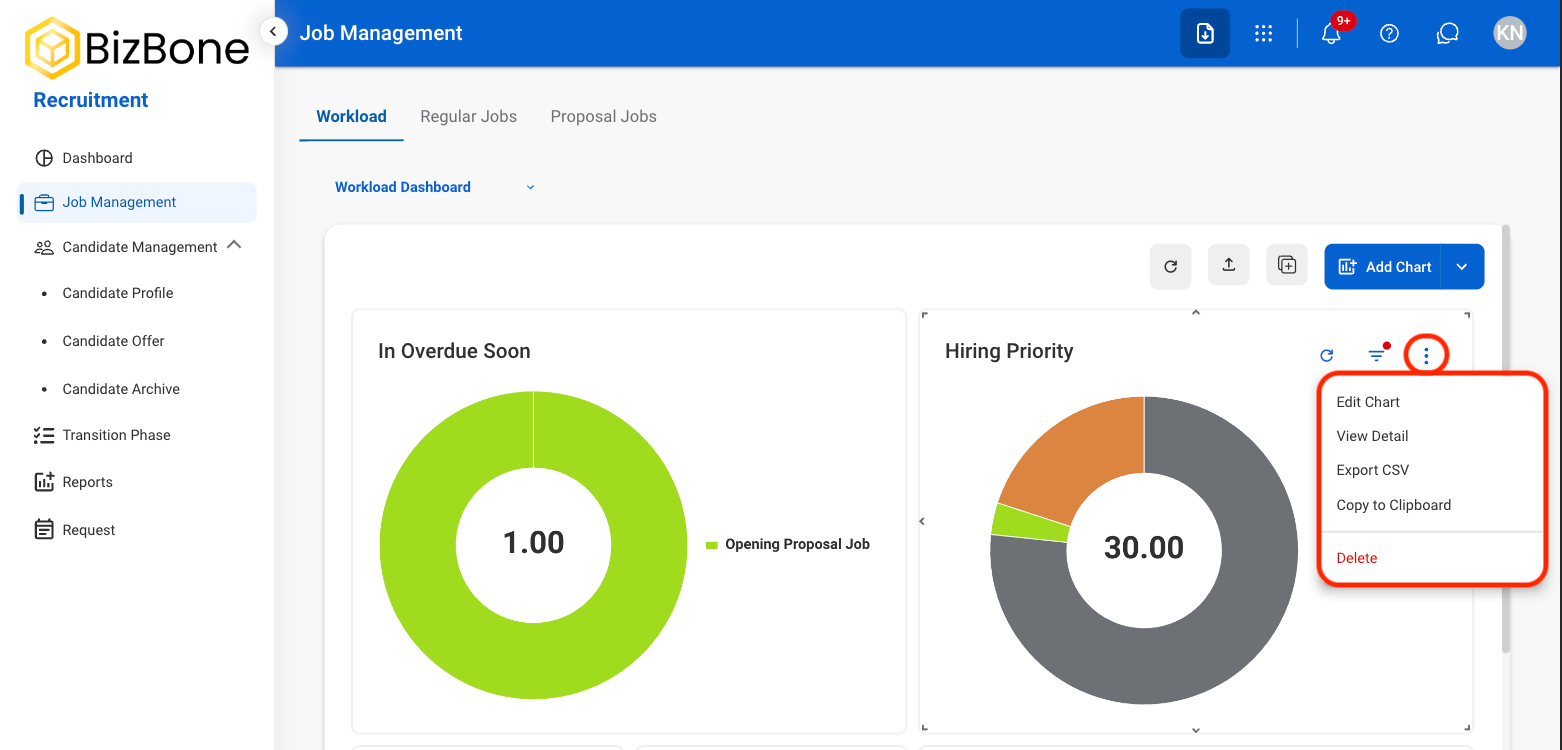
- Edit Chart: Modify chart settings, data, or display options.
- View Detail: View the underlying data used to generate the chart.
- Export CSV: Export the chart data as a CSV file.
- Copy to Clipboard: Copy an image of the chart to the clipboard.
Job Dashboards
Select a Job Type
Select a tab
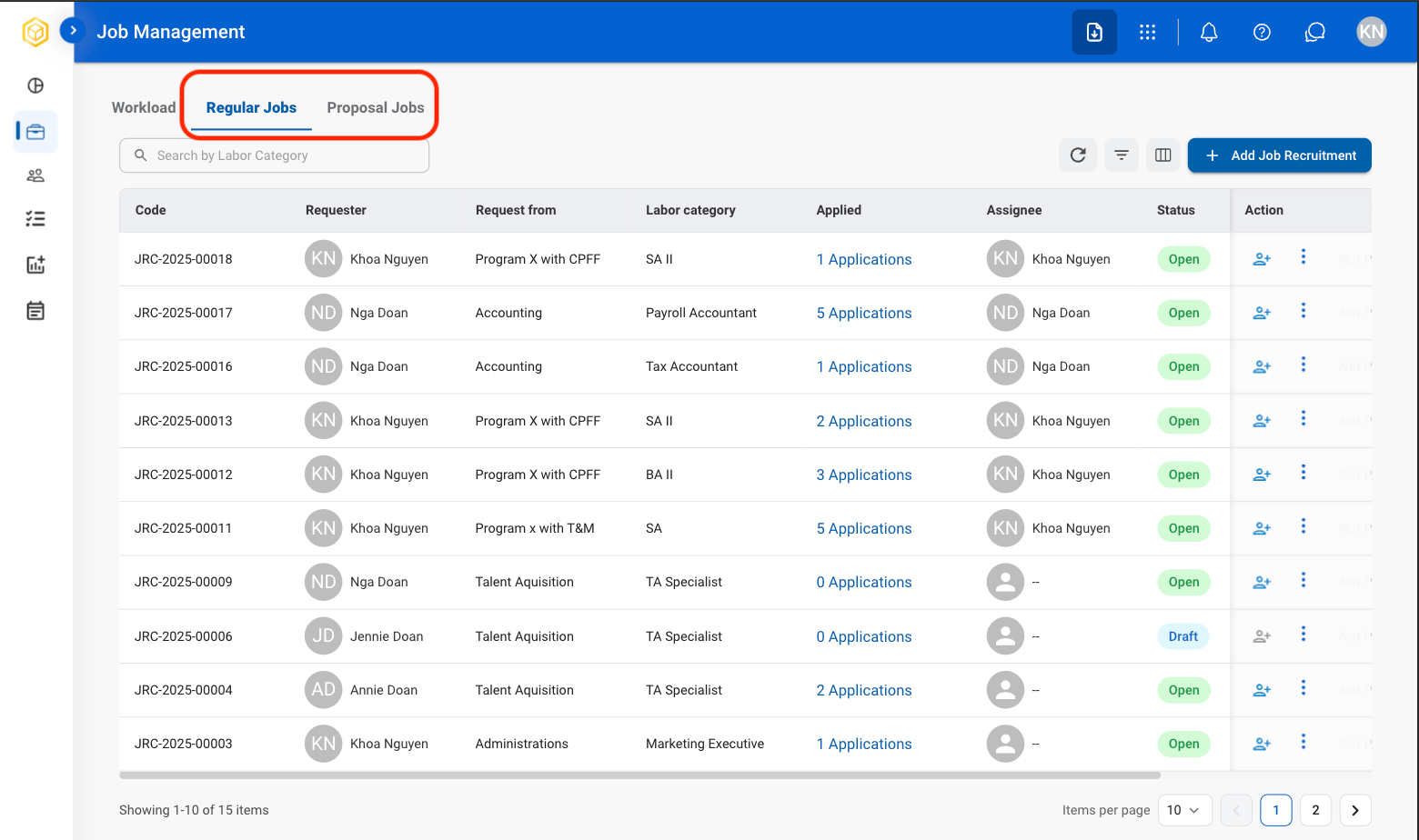
- Regular Jobs: Manage standard recruitment positions, candidate activity, and hiring progress.
- Proposal Jobs: Manage proposal-based recruitment positions, staffing requirements, and recruitment planning activities.
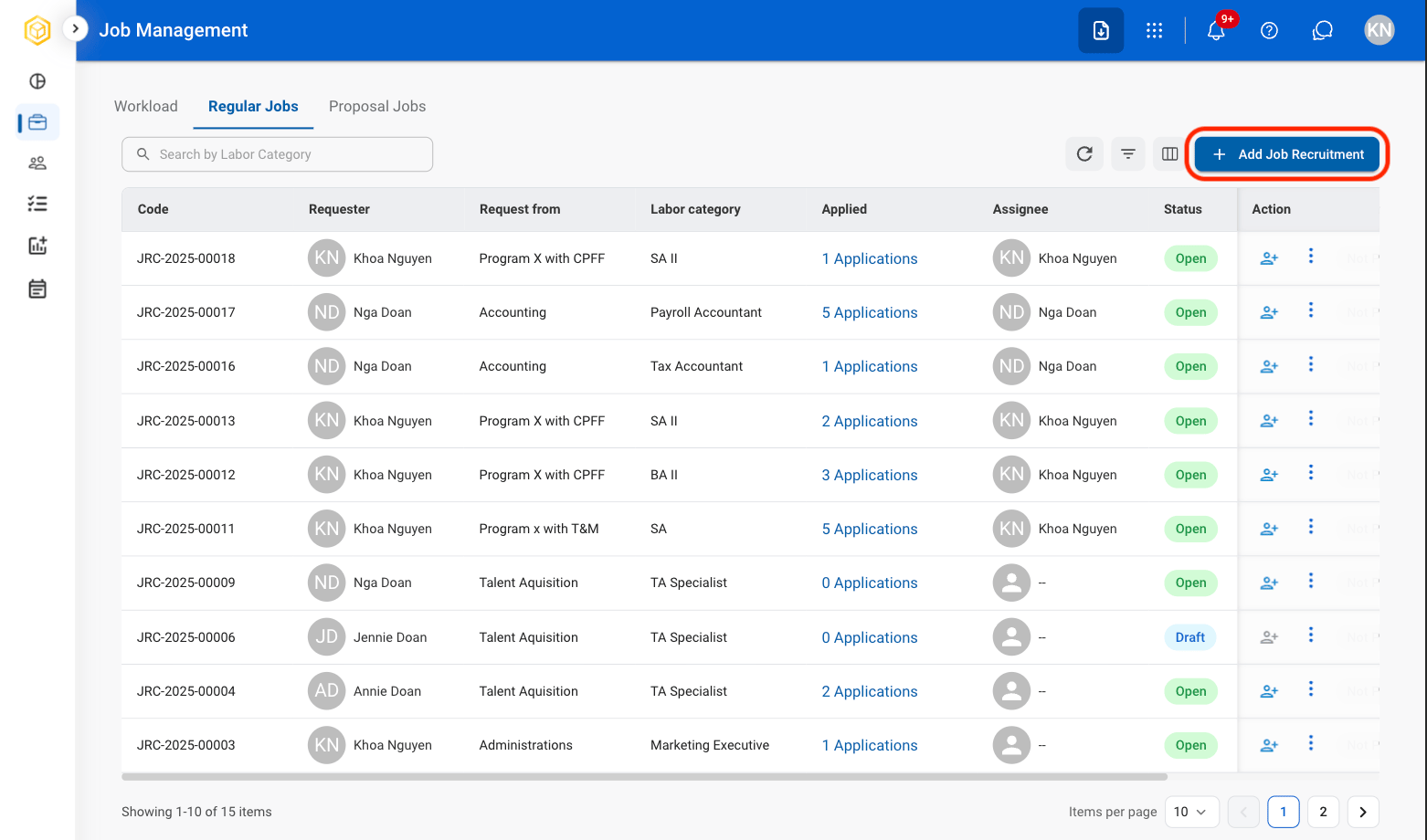
Add Job Recruitment
Select Add Job Recruitment
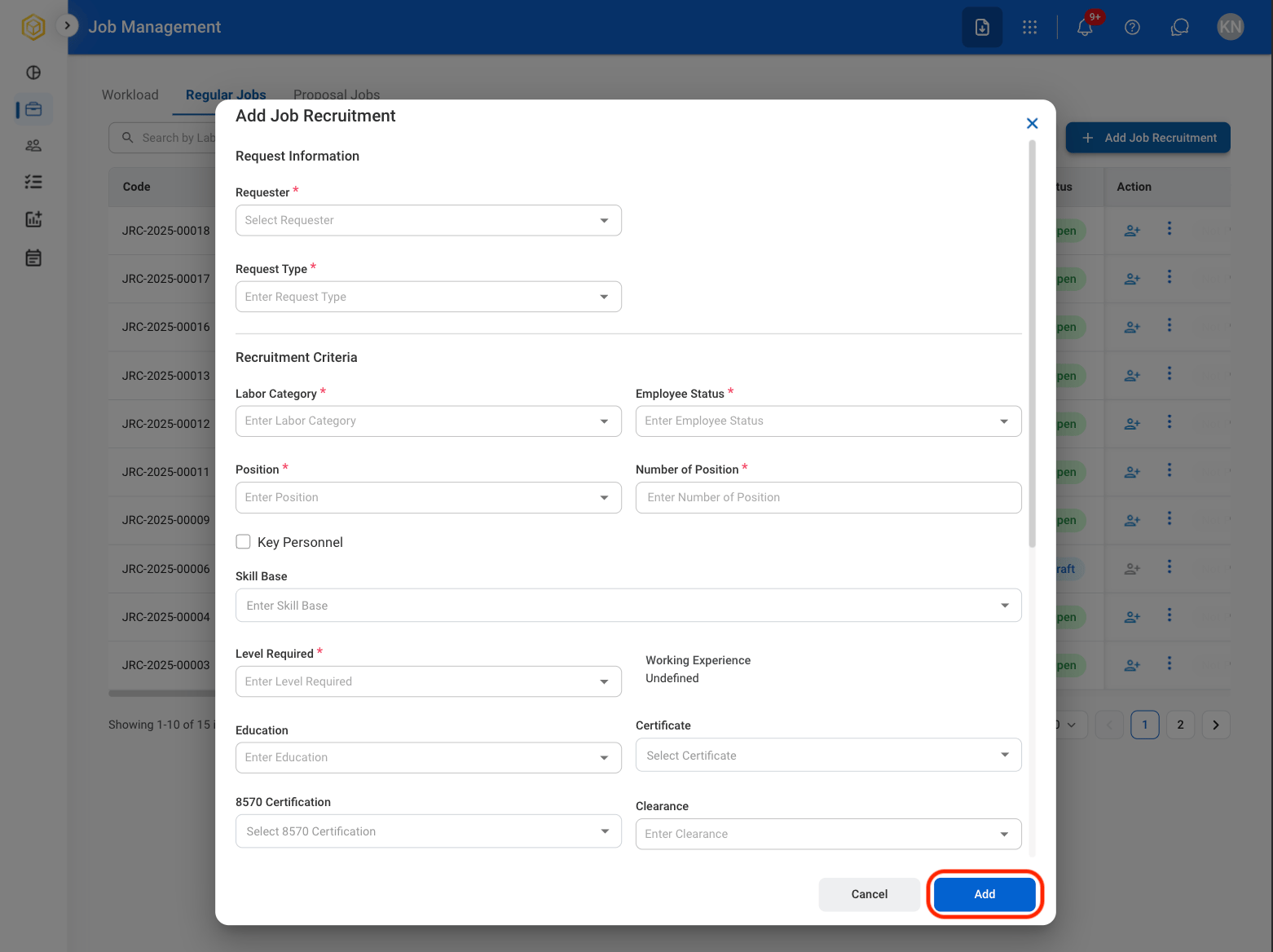
Fill in the required fields
Modify Job Recruitment
Select a profile to be edited
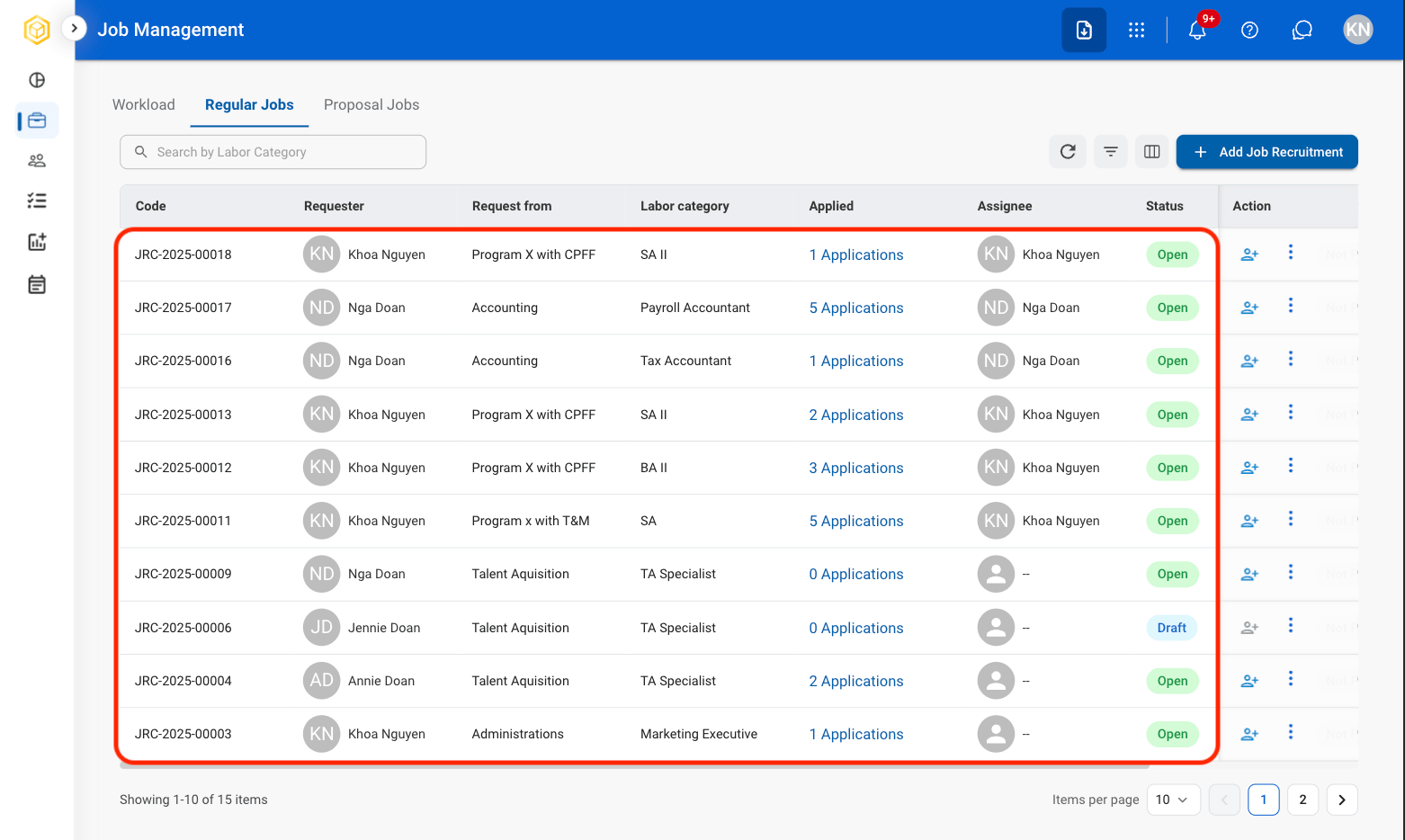
Select an action
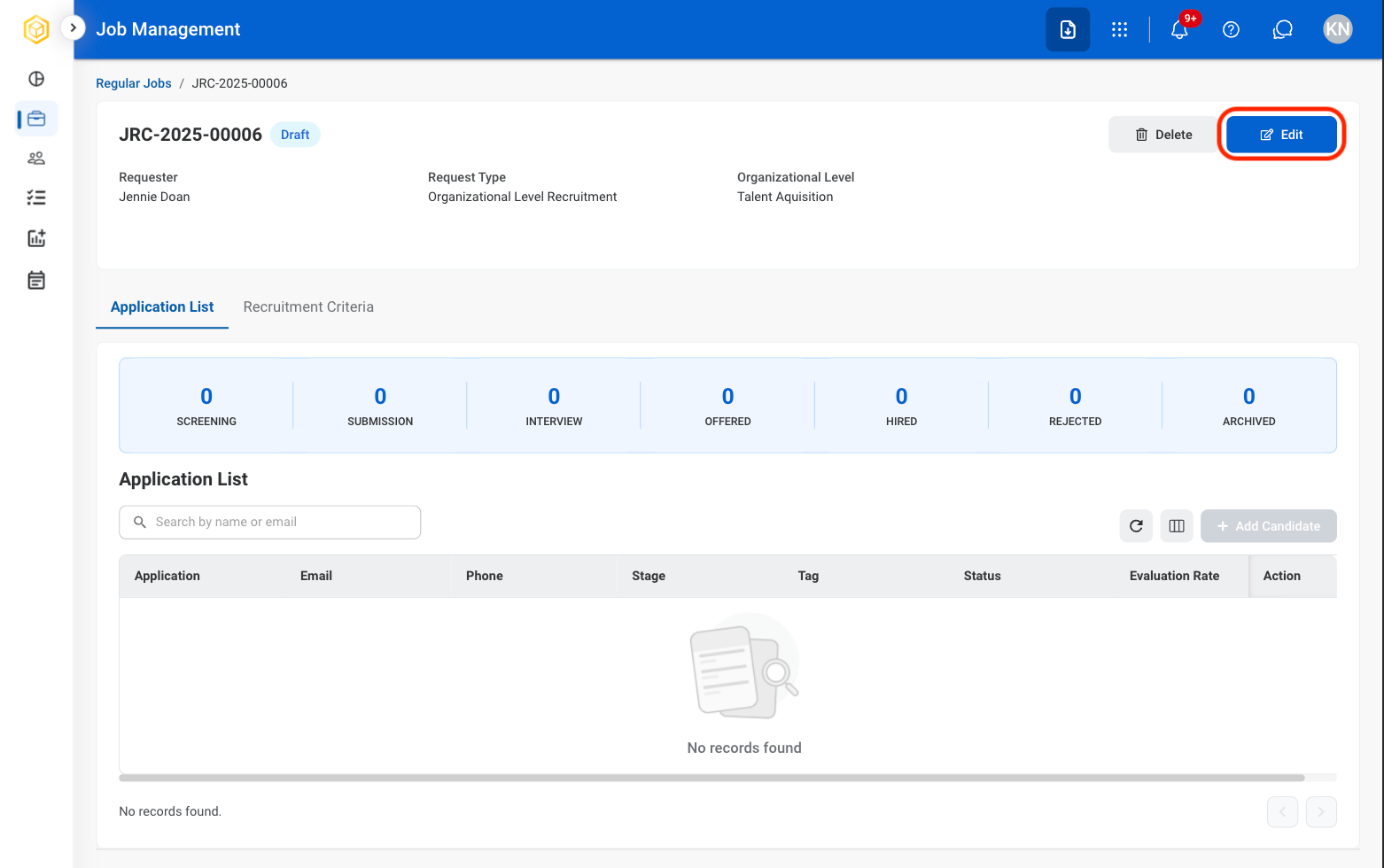
- Edit: Make adjustments to the job listing before it is posted.
- Delete: Remove the job listing before it is posted.
Confirm the action
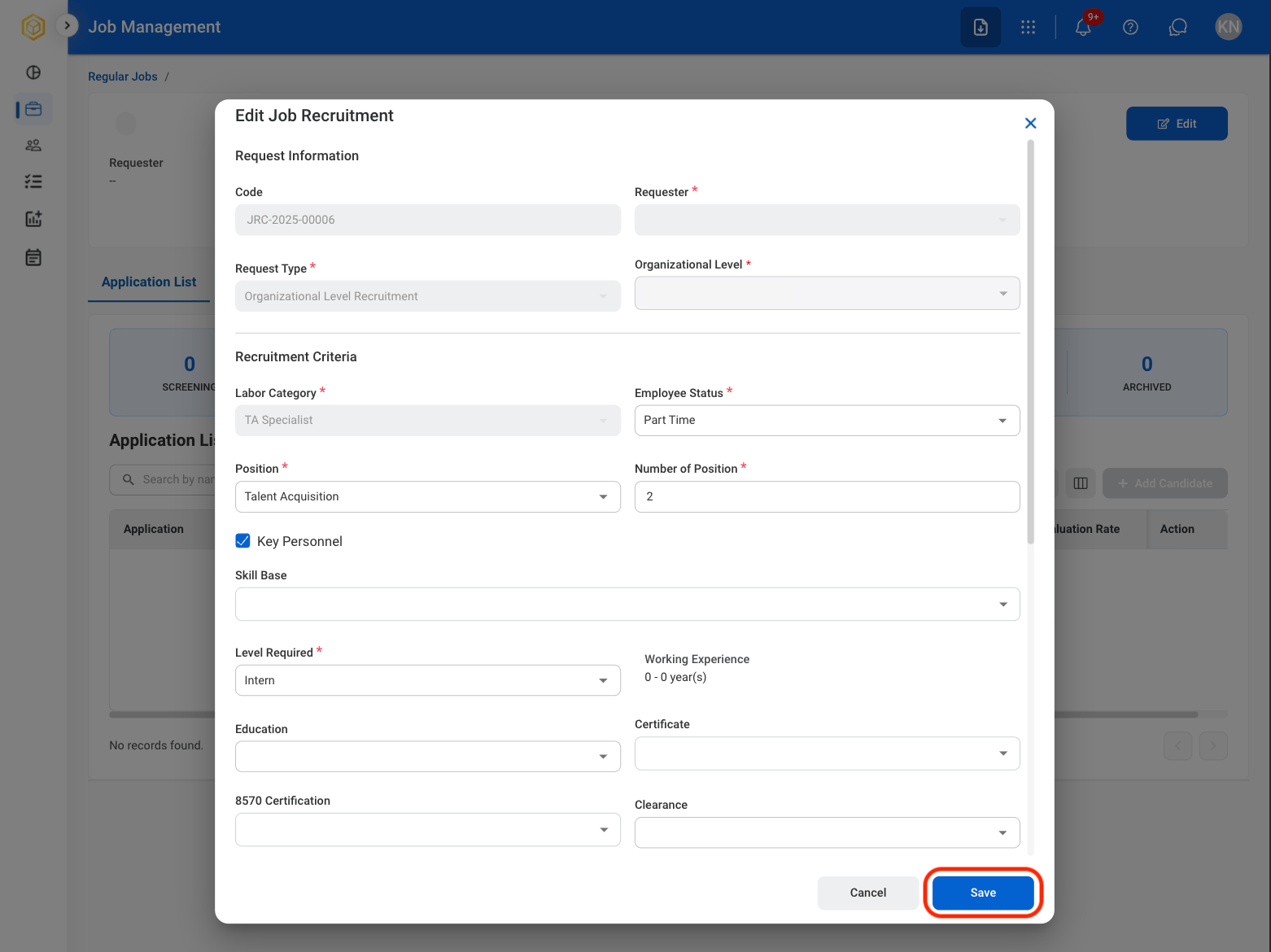
- Edit: Fill in the required information. Select Save to complete the chart or Cancel to exit without saving.
- Delete: Select Delete to complete the chart or Cancel to exit without saving.
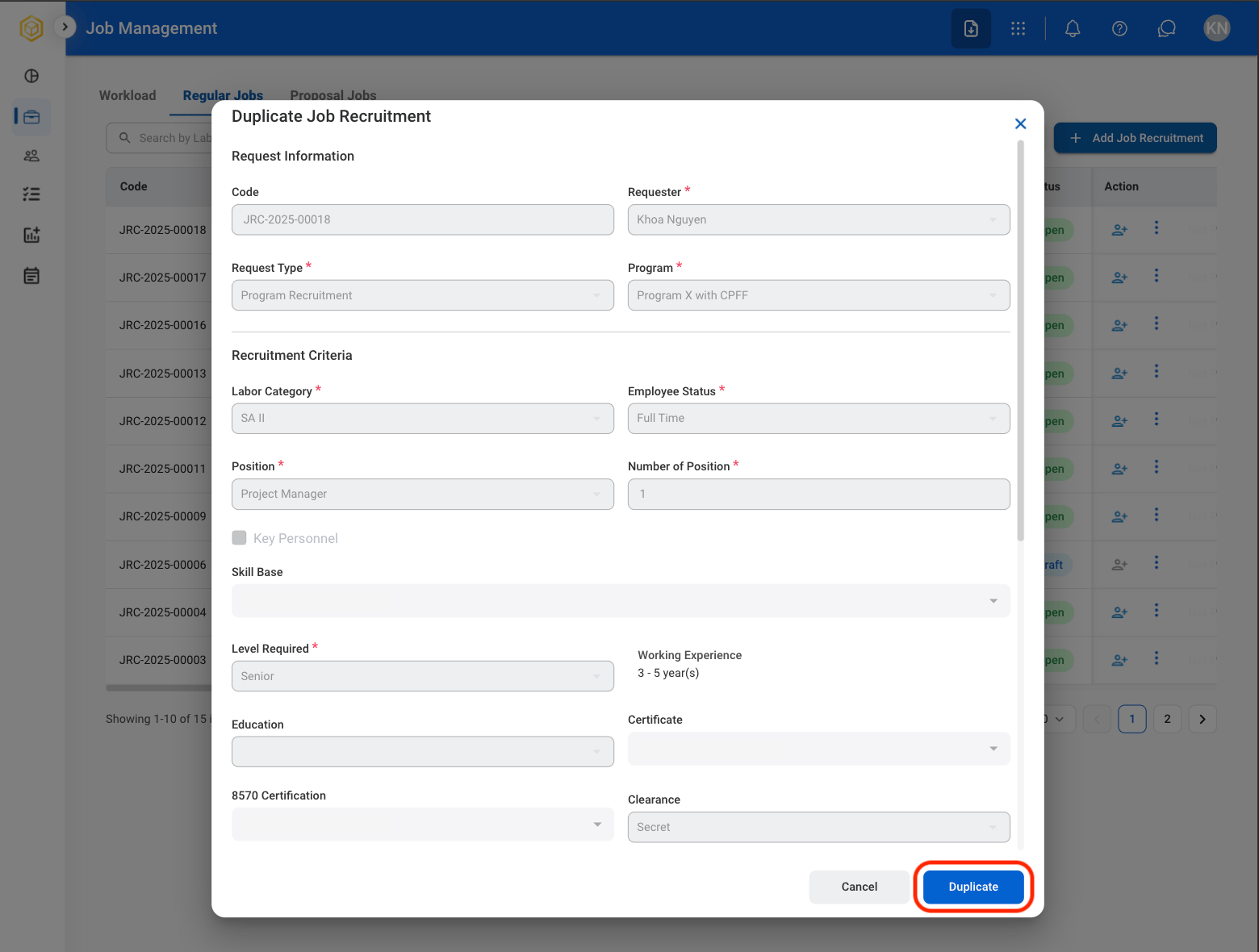
Duplicate a Job Recruitment
Select the ellipsis icon in the Action column
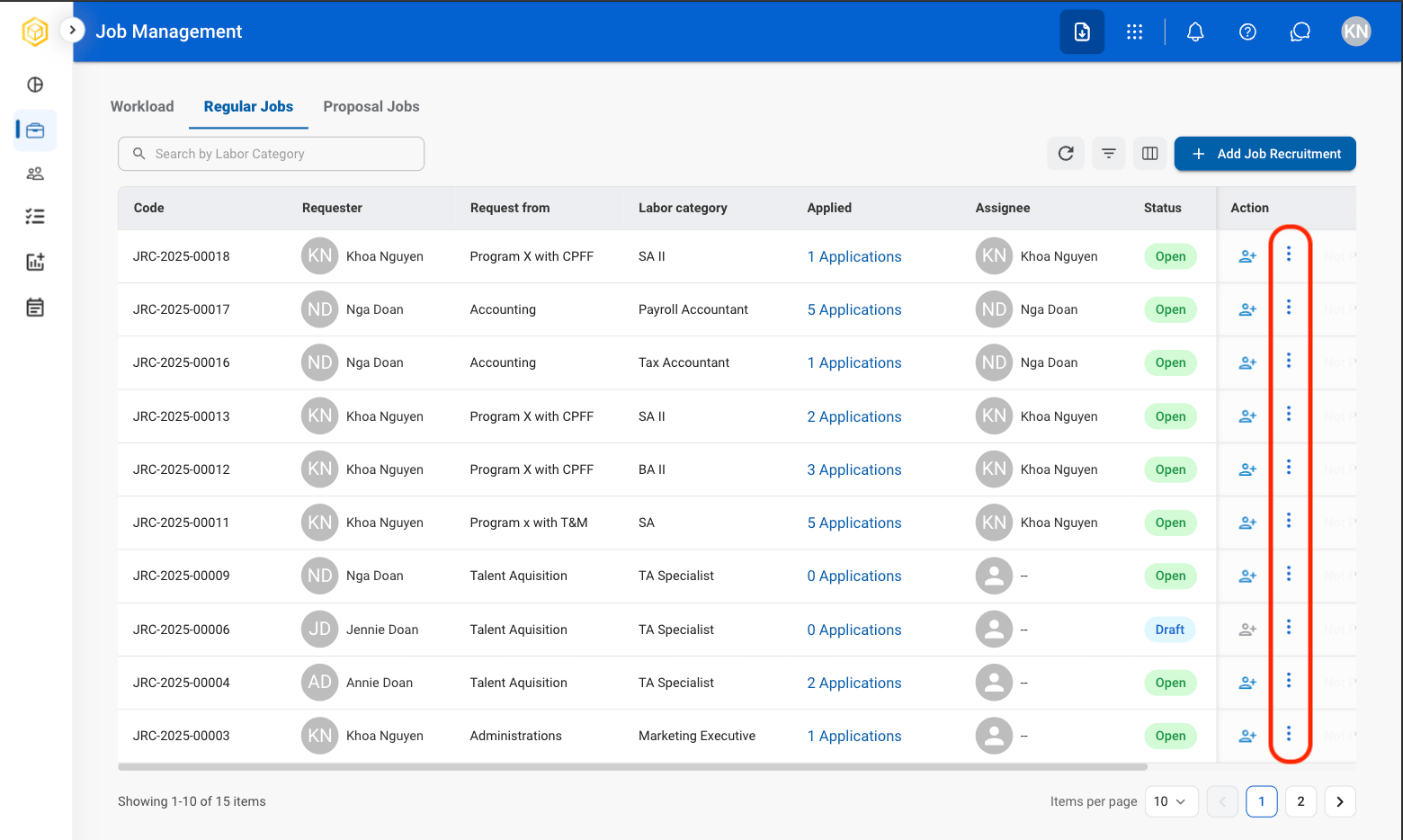
Select Duplicate
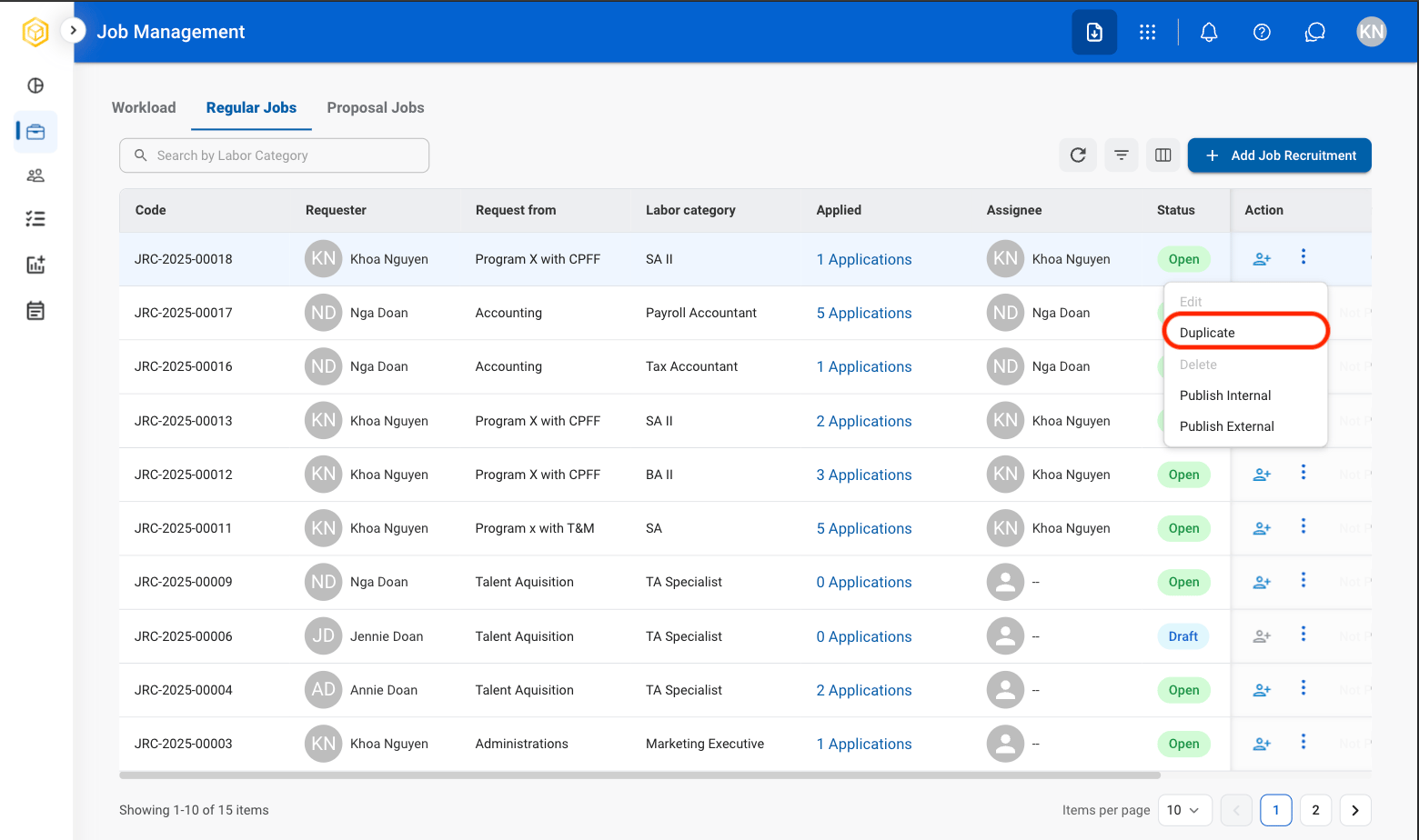
Fill in the required information
Publish a Job Posting
Select the ellipsis icon in the Action column
Select a publishing option
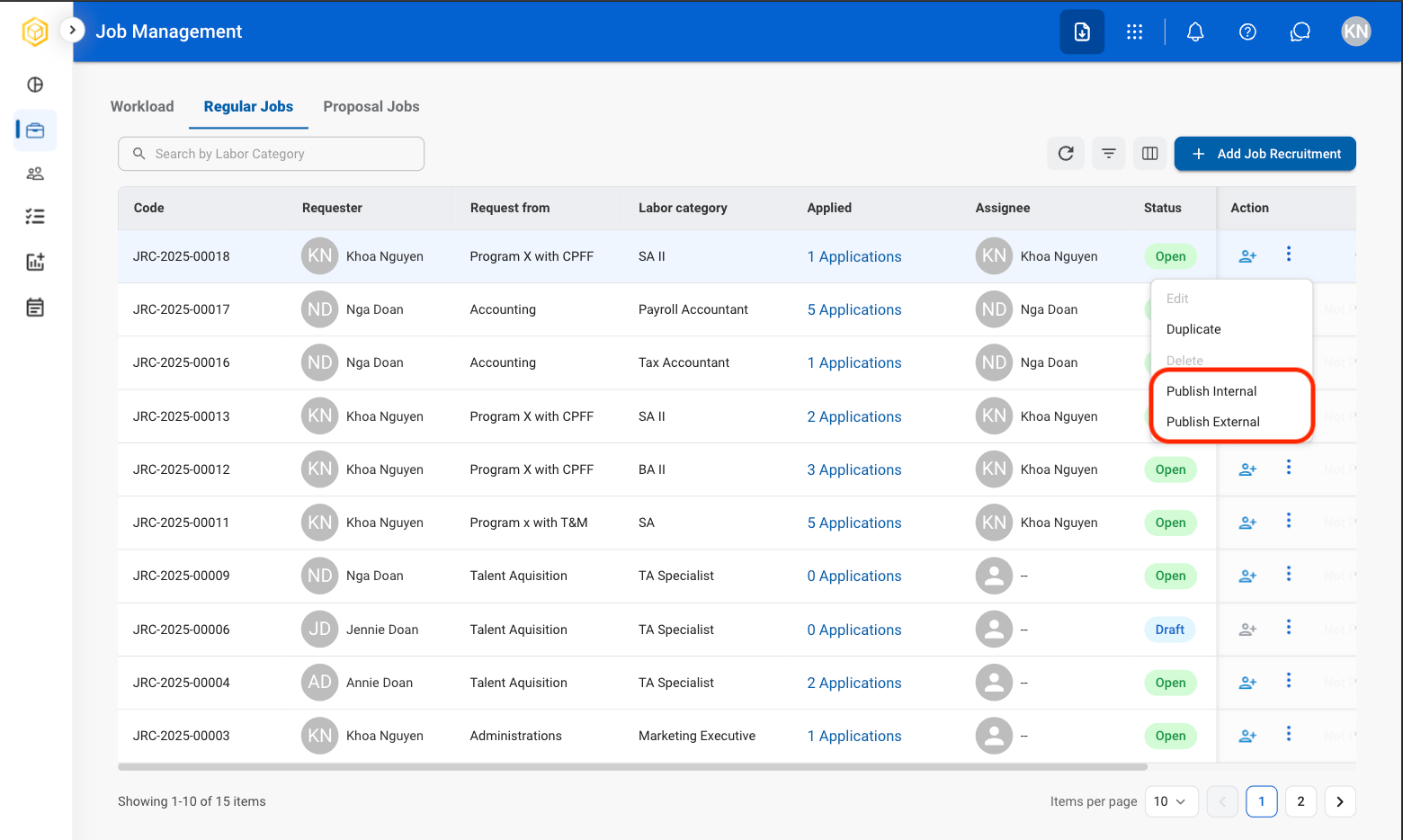
- Publish Internal: Publish the position for viewing by current employees.
- Publish External: Publish the position for viewing by external candidates.
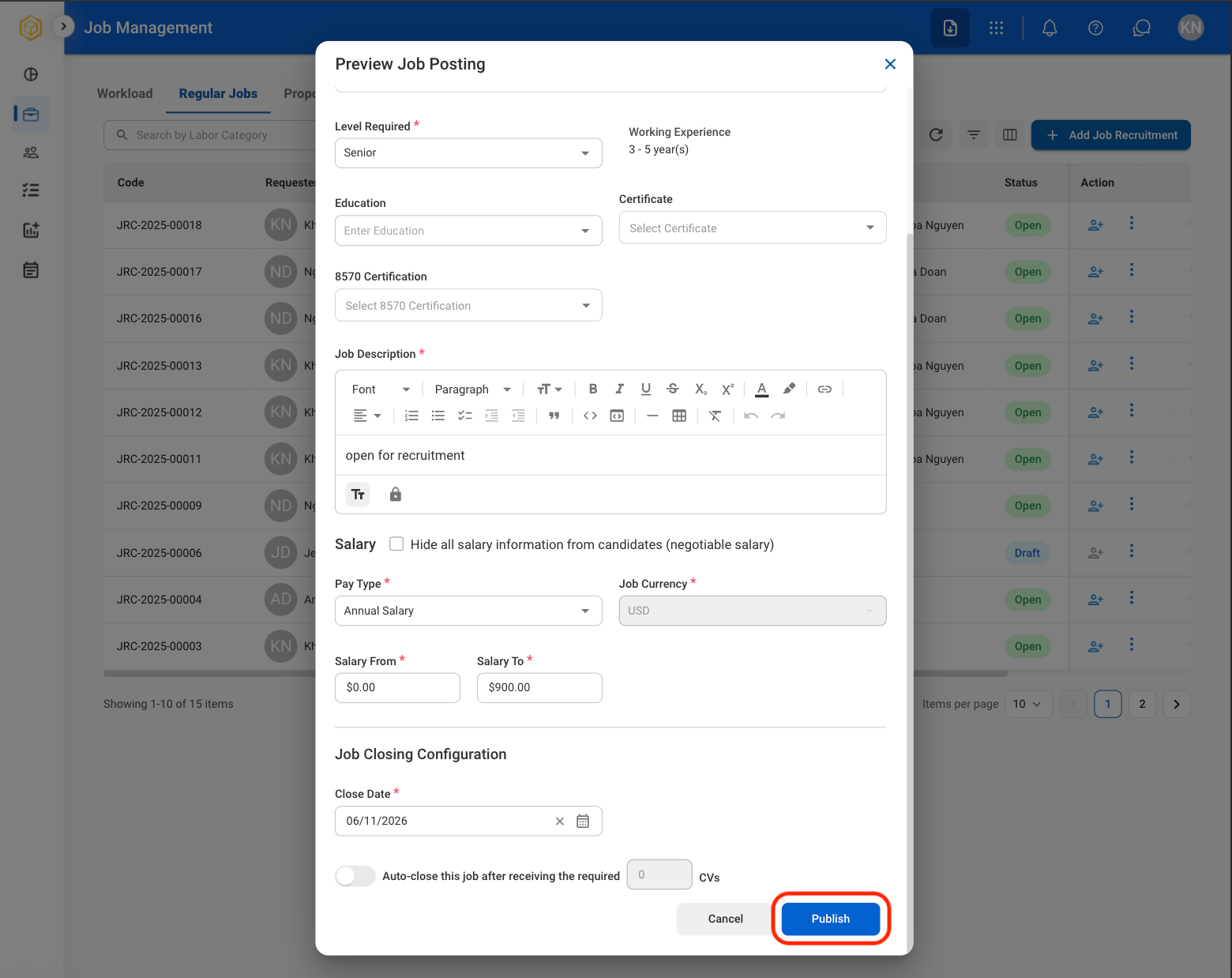
Fill in the required information
Add Candidate
Select a job
Select Add Candidate
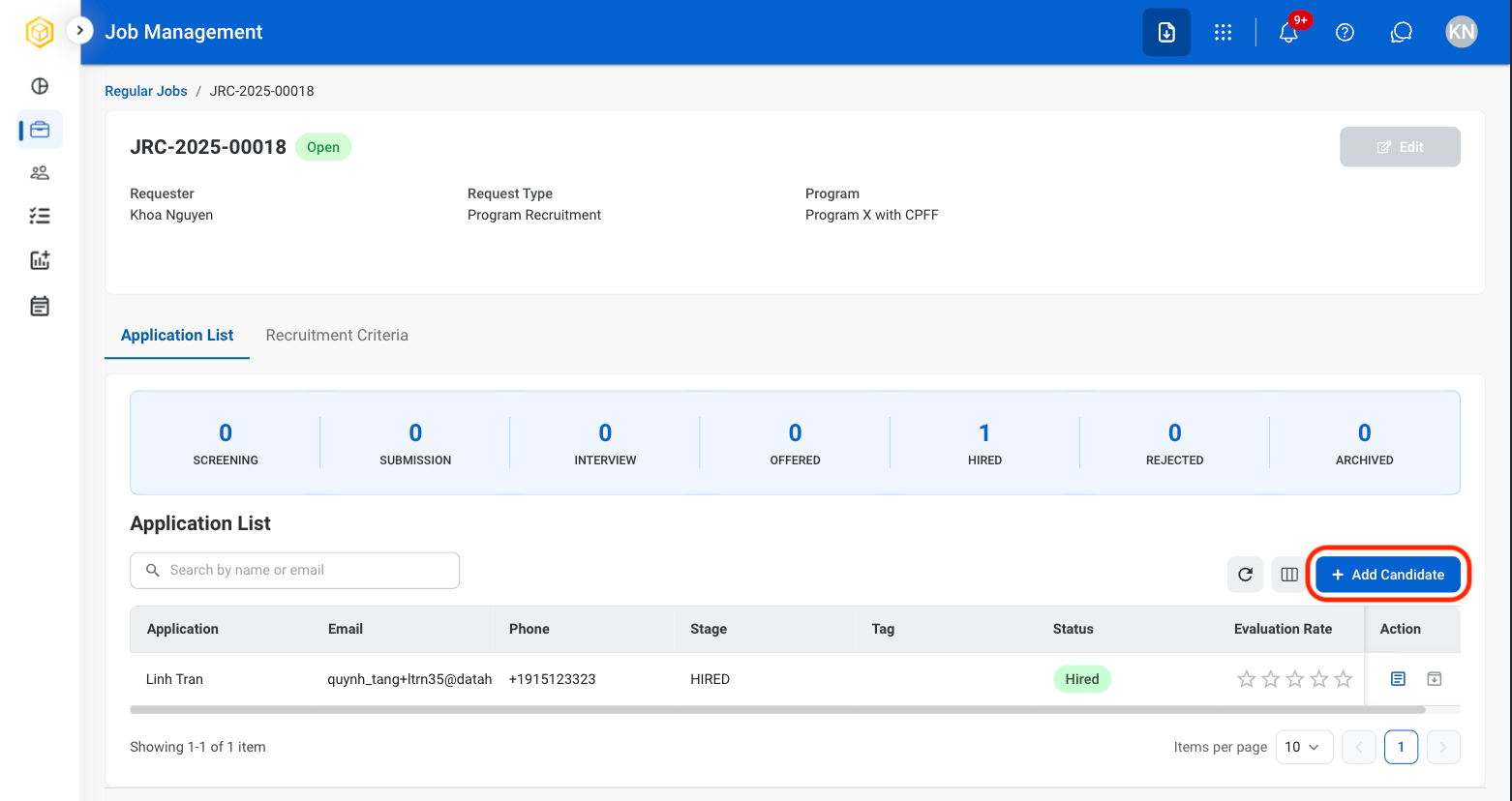
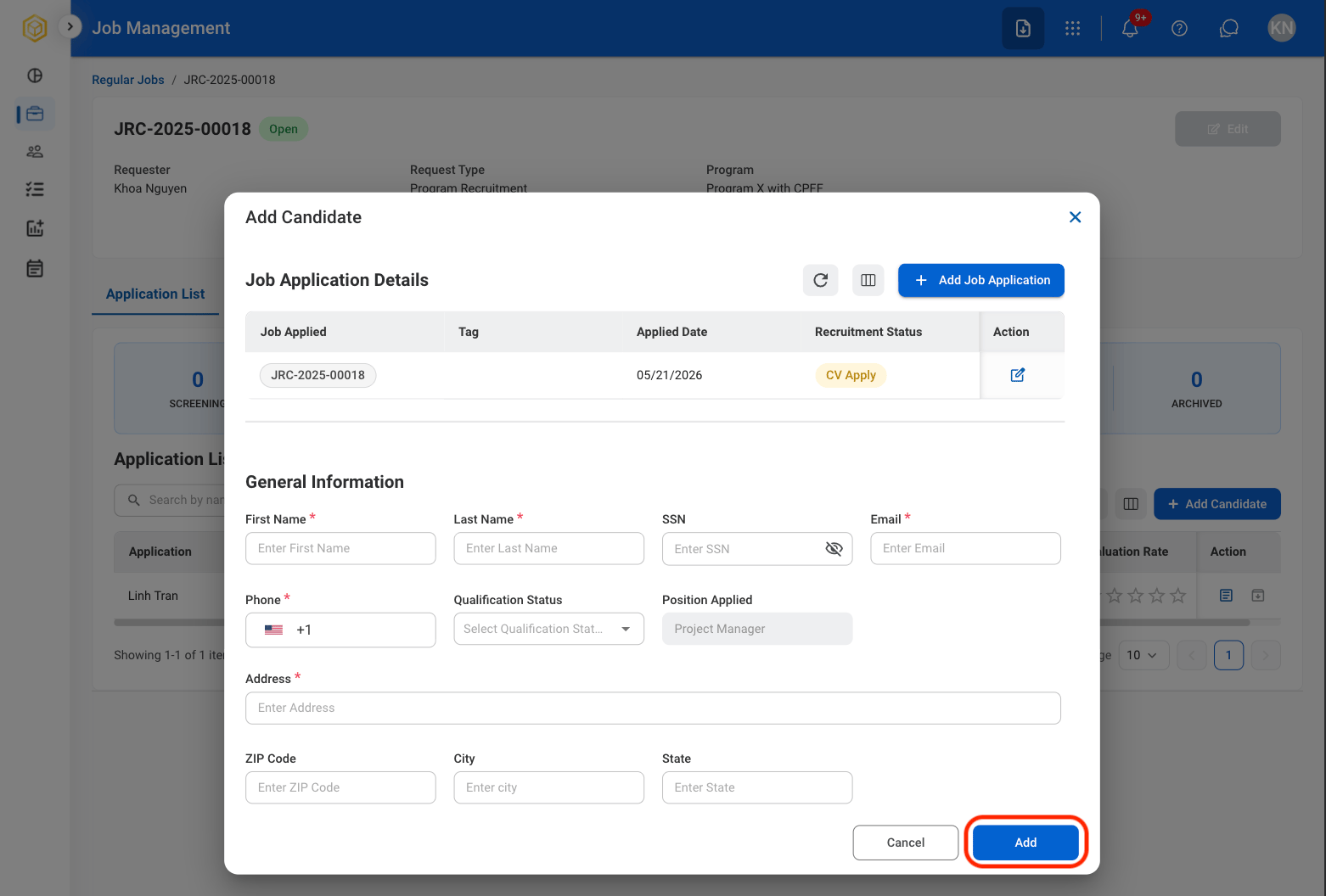
Fill in the required information
Quick Add Candidate
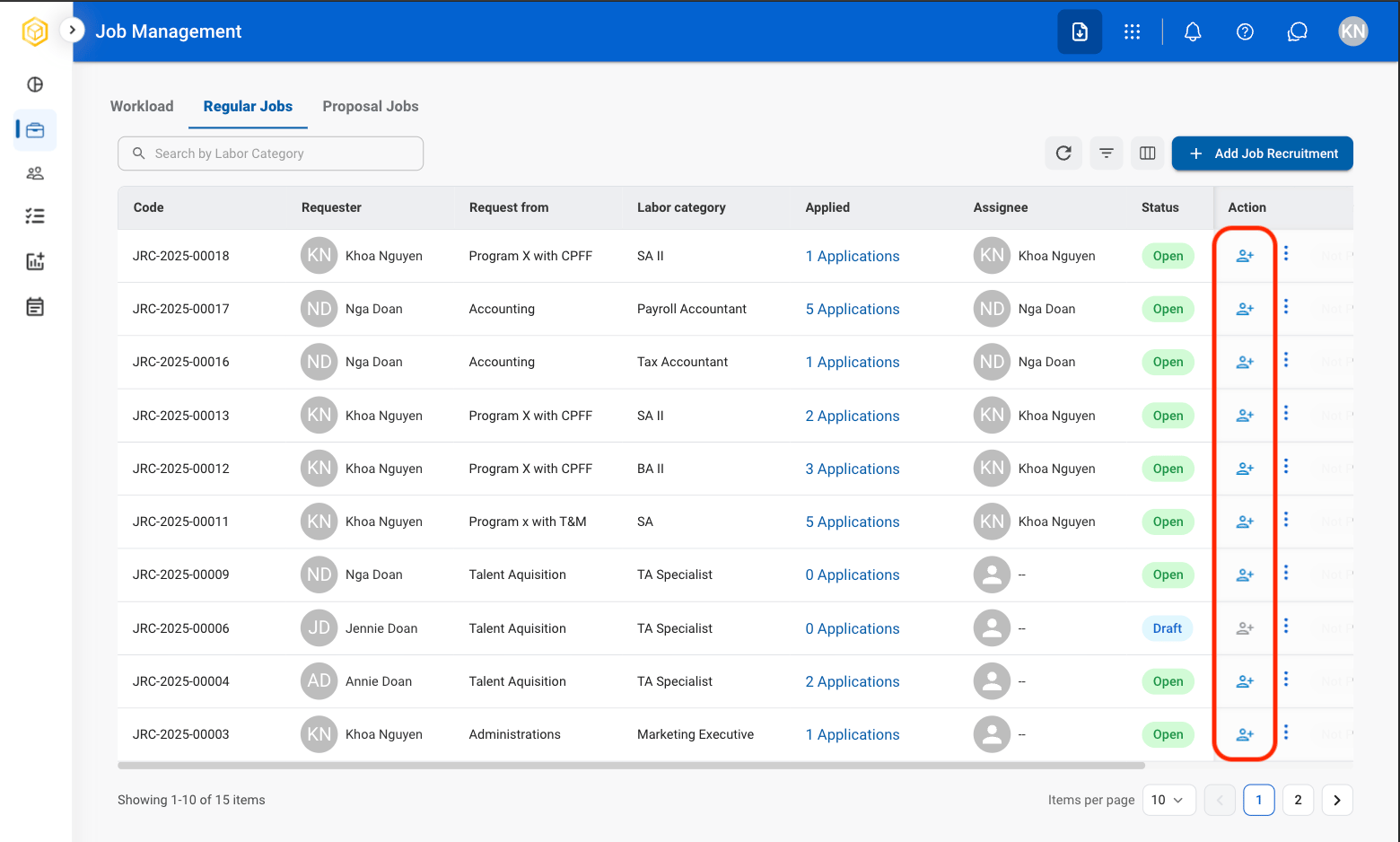
Select the Add icon in the Actions column
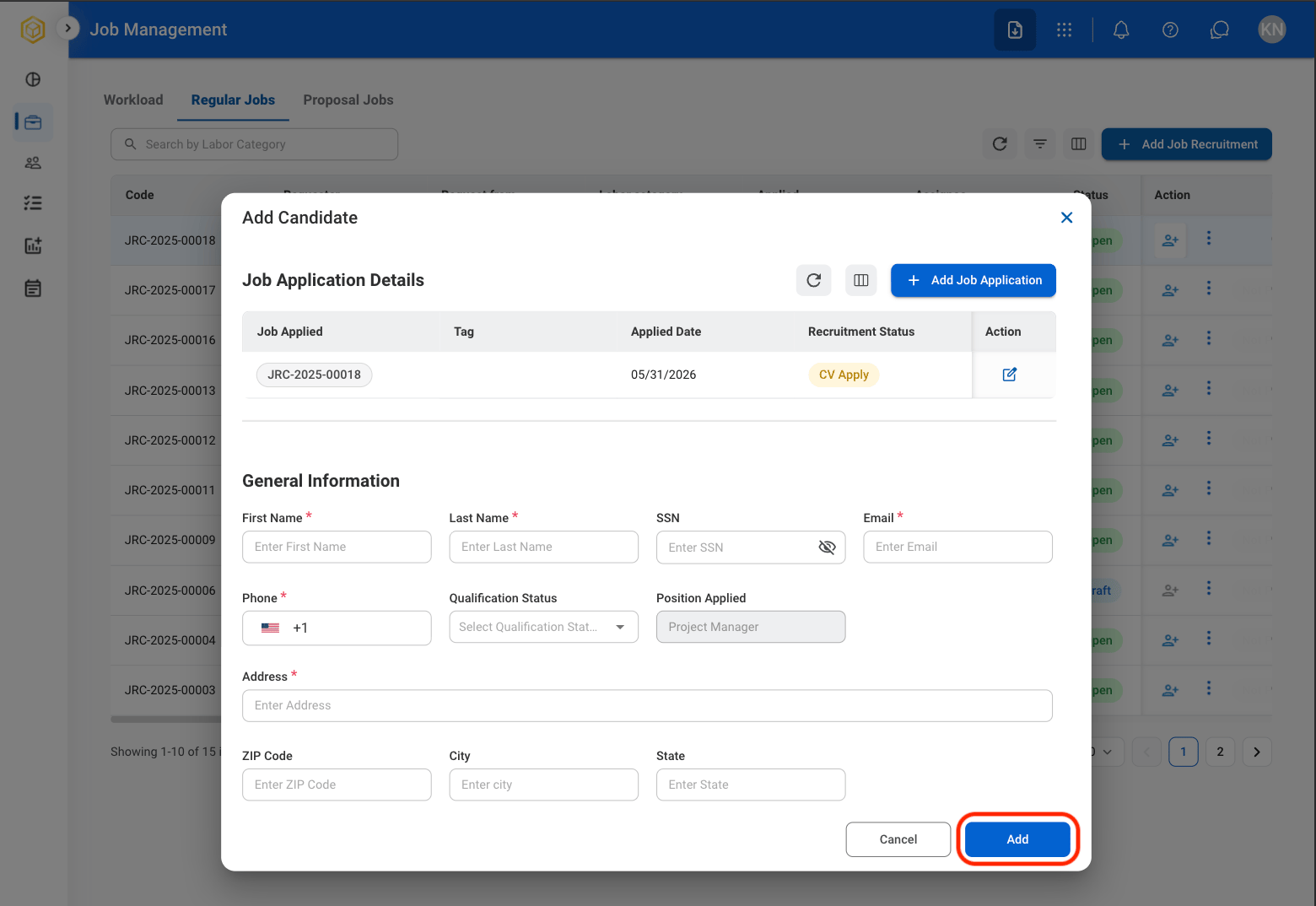
Fill in the required information
View Application List
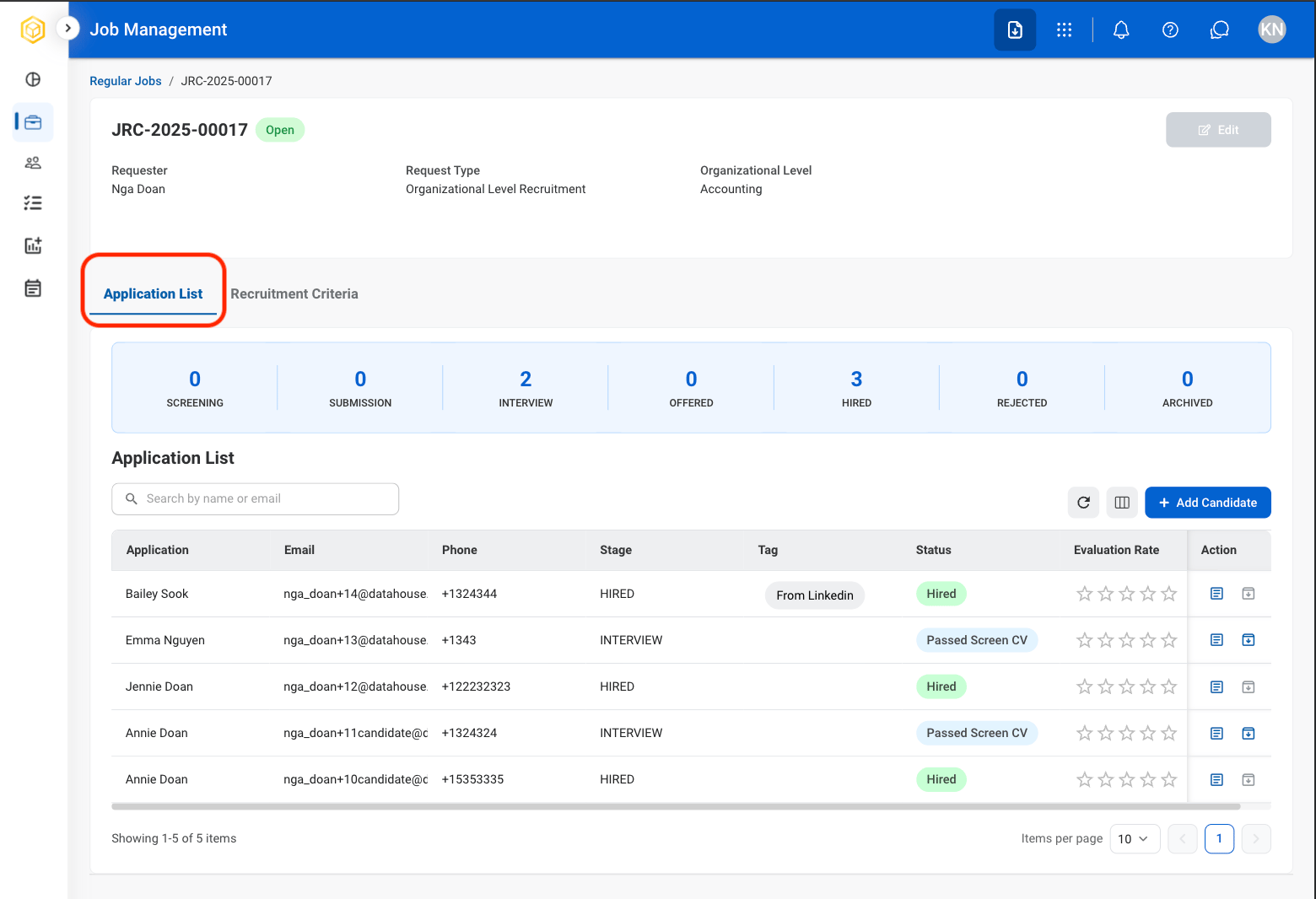
View and manage candidates who have applied for the selected position.Select a job
Select Application List
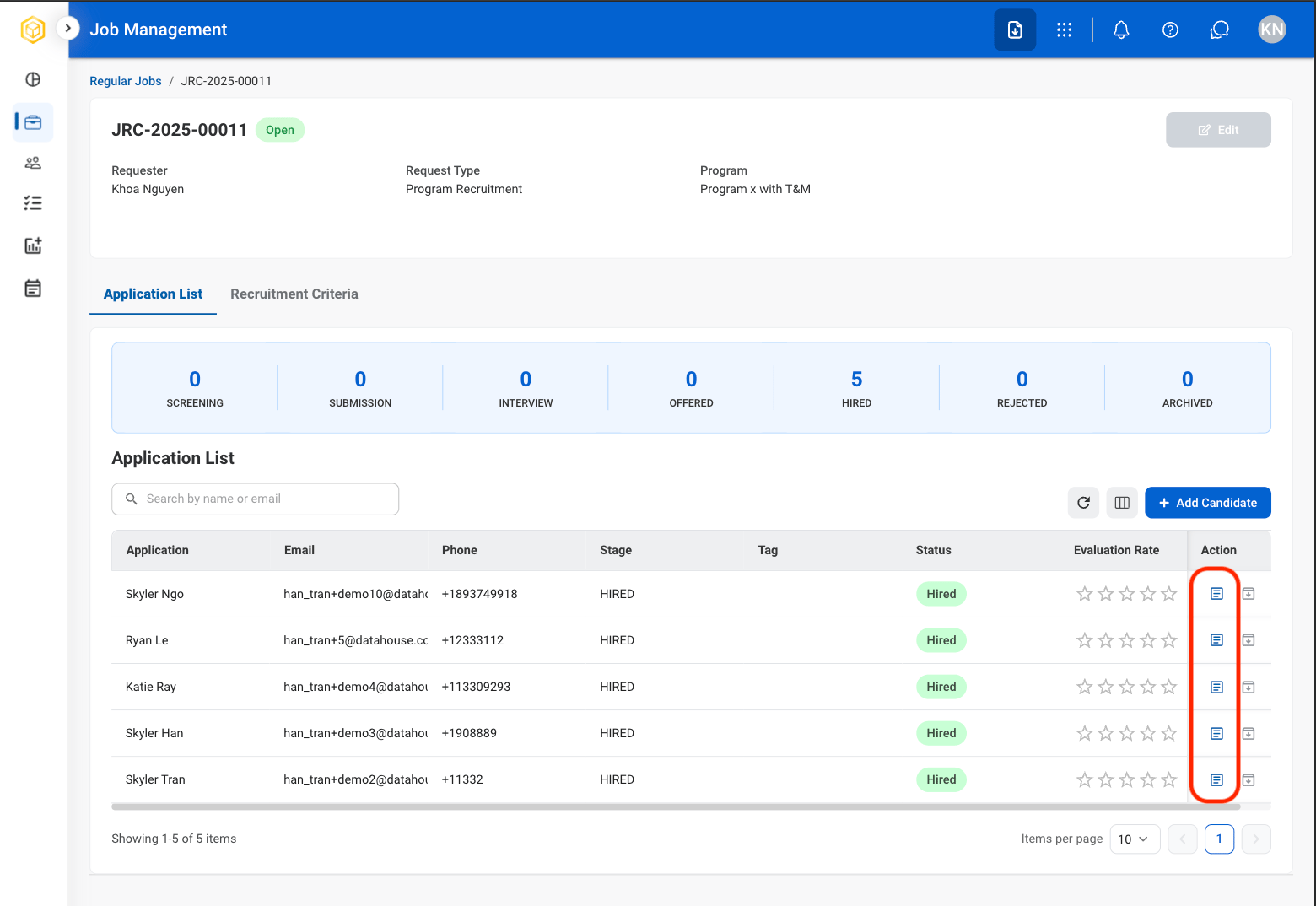
View Candidate Resume
Select a job
Select the resume icon
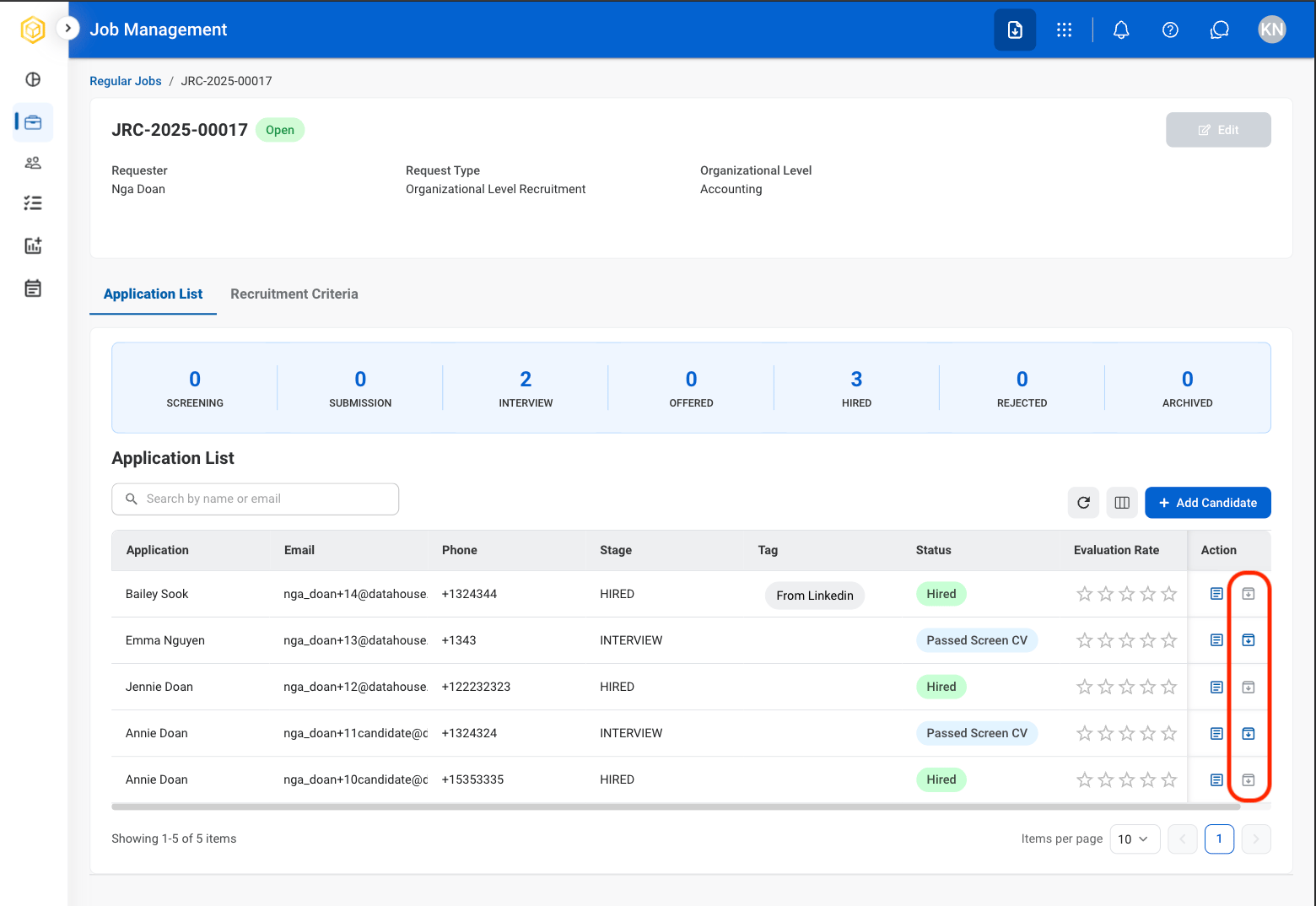
Archive a Candidate’s Application
Move a candidate’s application to Candidate Archive.Select a job
Select the archive icon
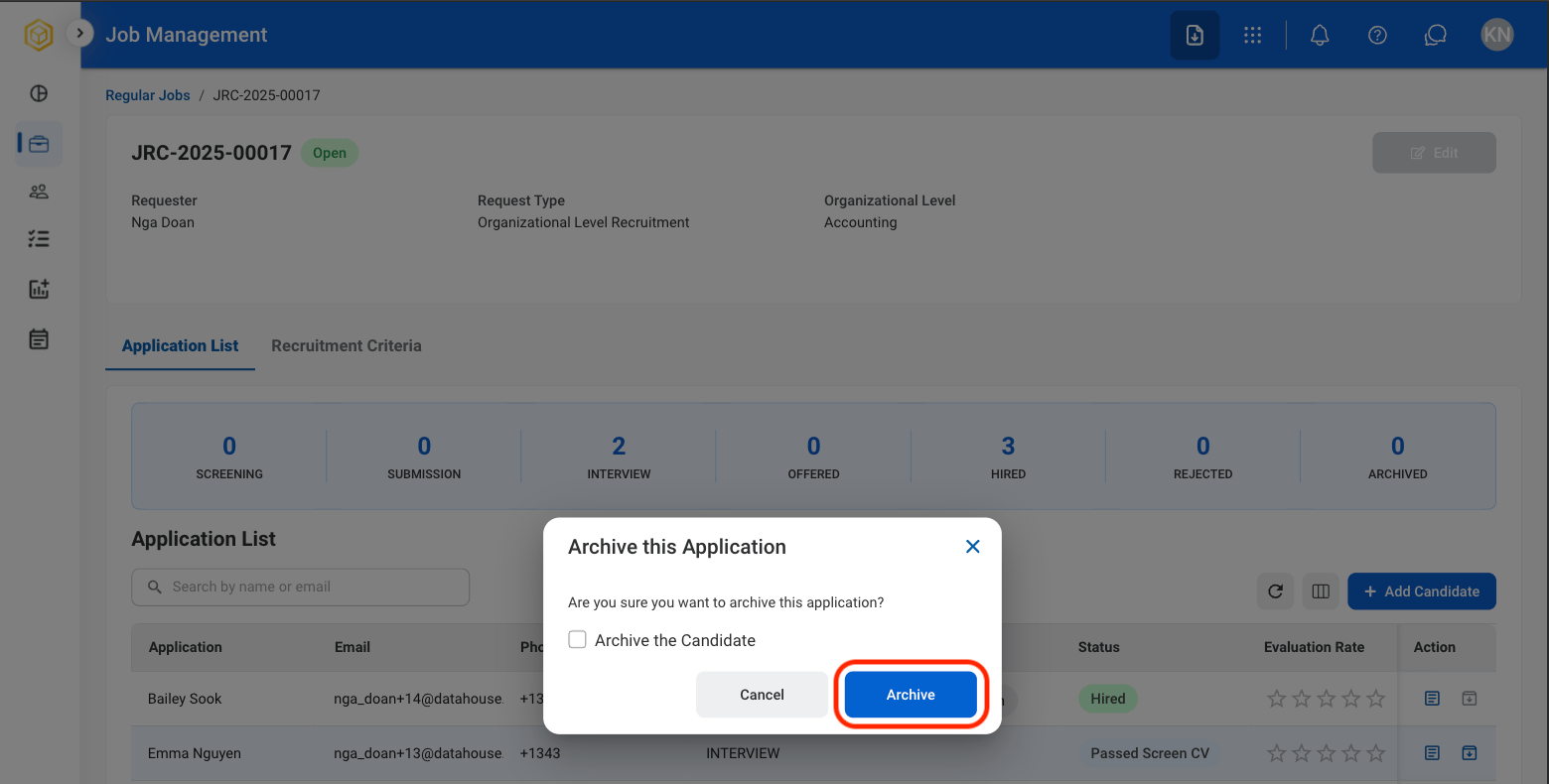
Confirm selection
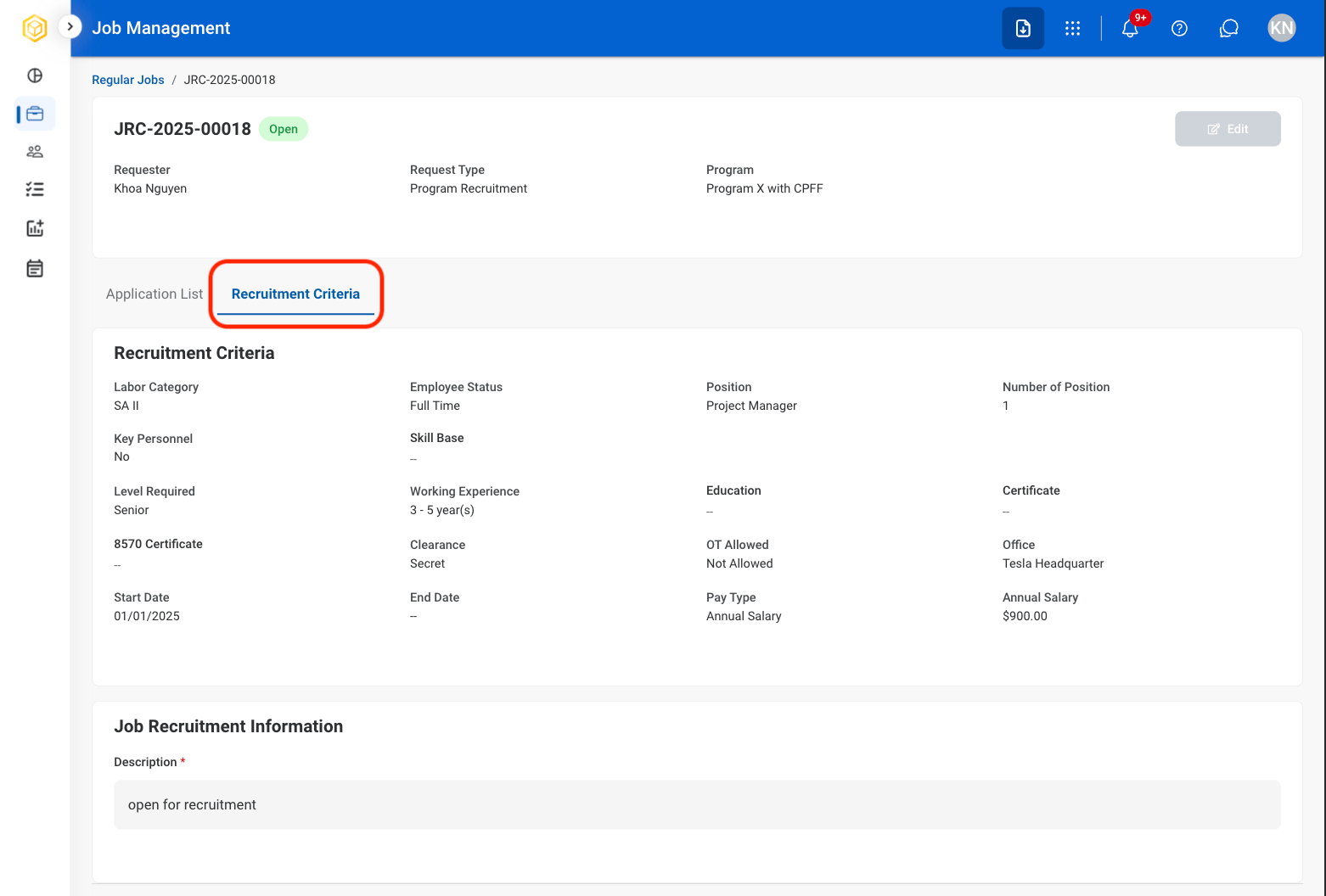
View Recruitment Criteria
View the qualifications, requirements, and evaluation criteria associated with the selected position.Select a job
Select Recruitment Criteria