Add a candidate
1
Navigate to Candidate Profile

2
Select a view
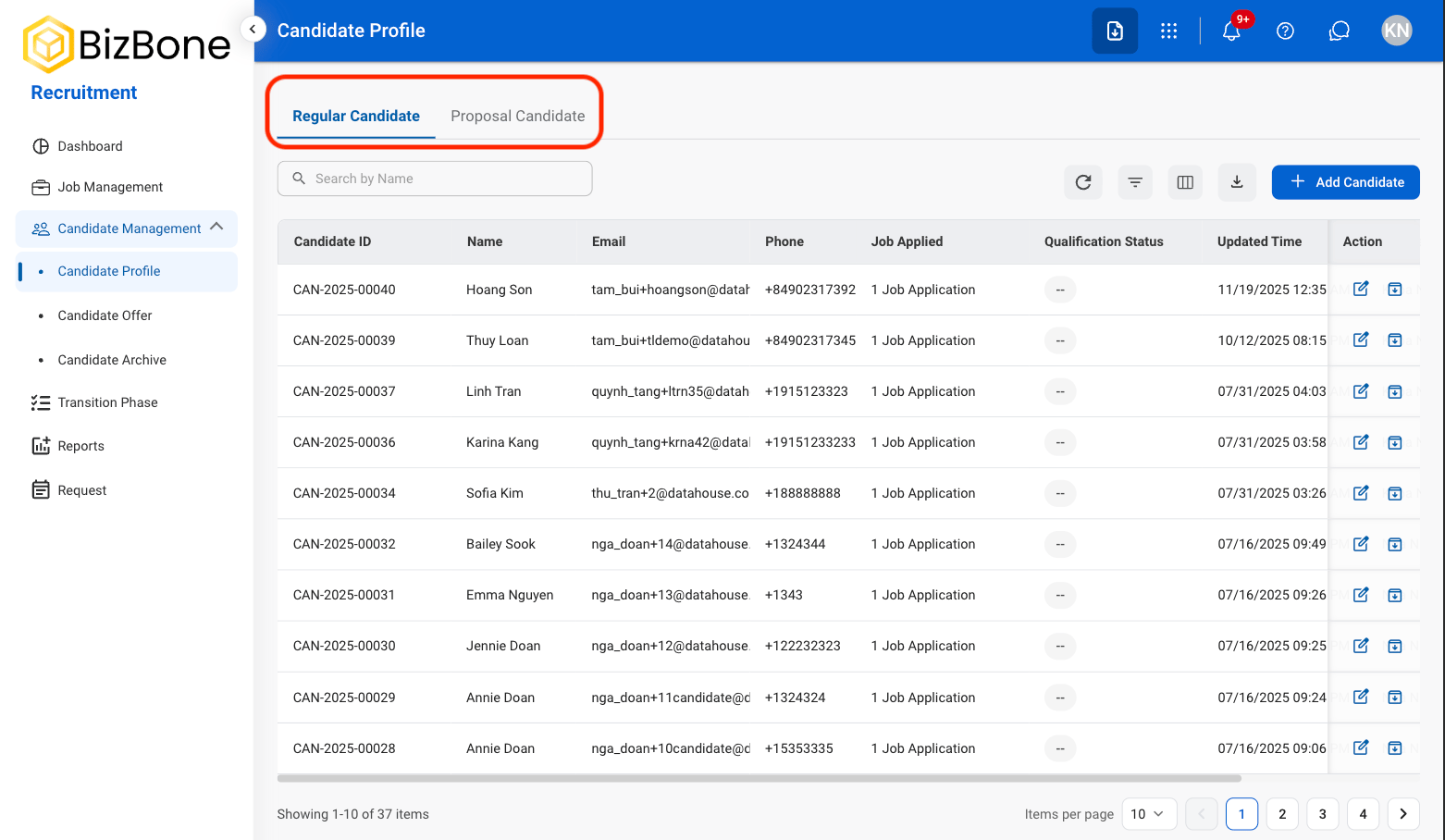
- Regular Candidate: Candidates applying to standard job postings and internal hiring requisitions.
- Proposal Candidate: Candidates linked to proposal-based hiring tied to business development opportunities or contract work.
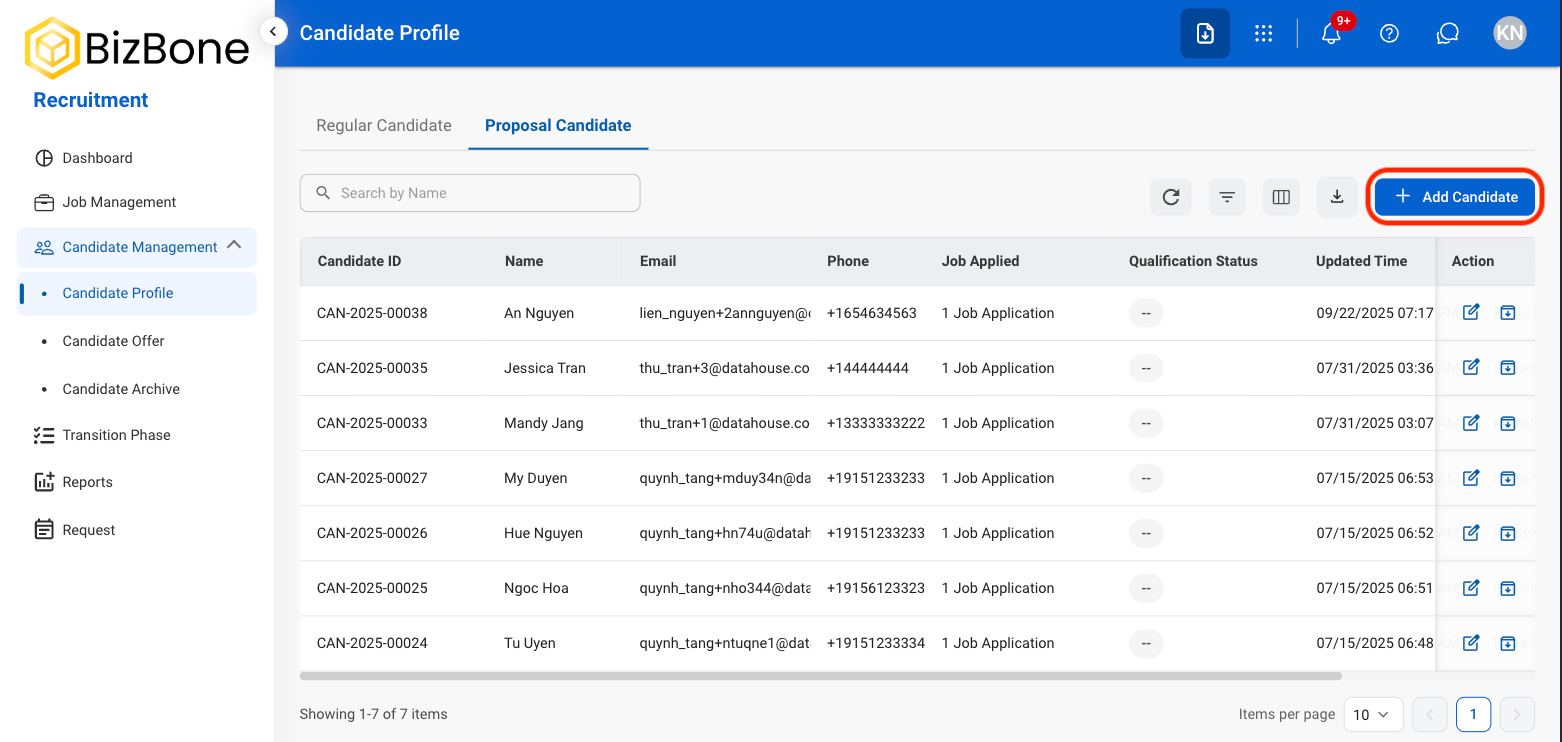
3
Select Add Candidate
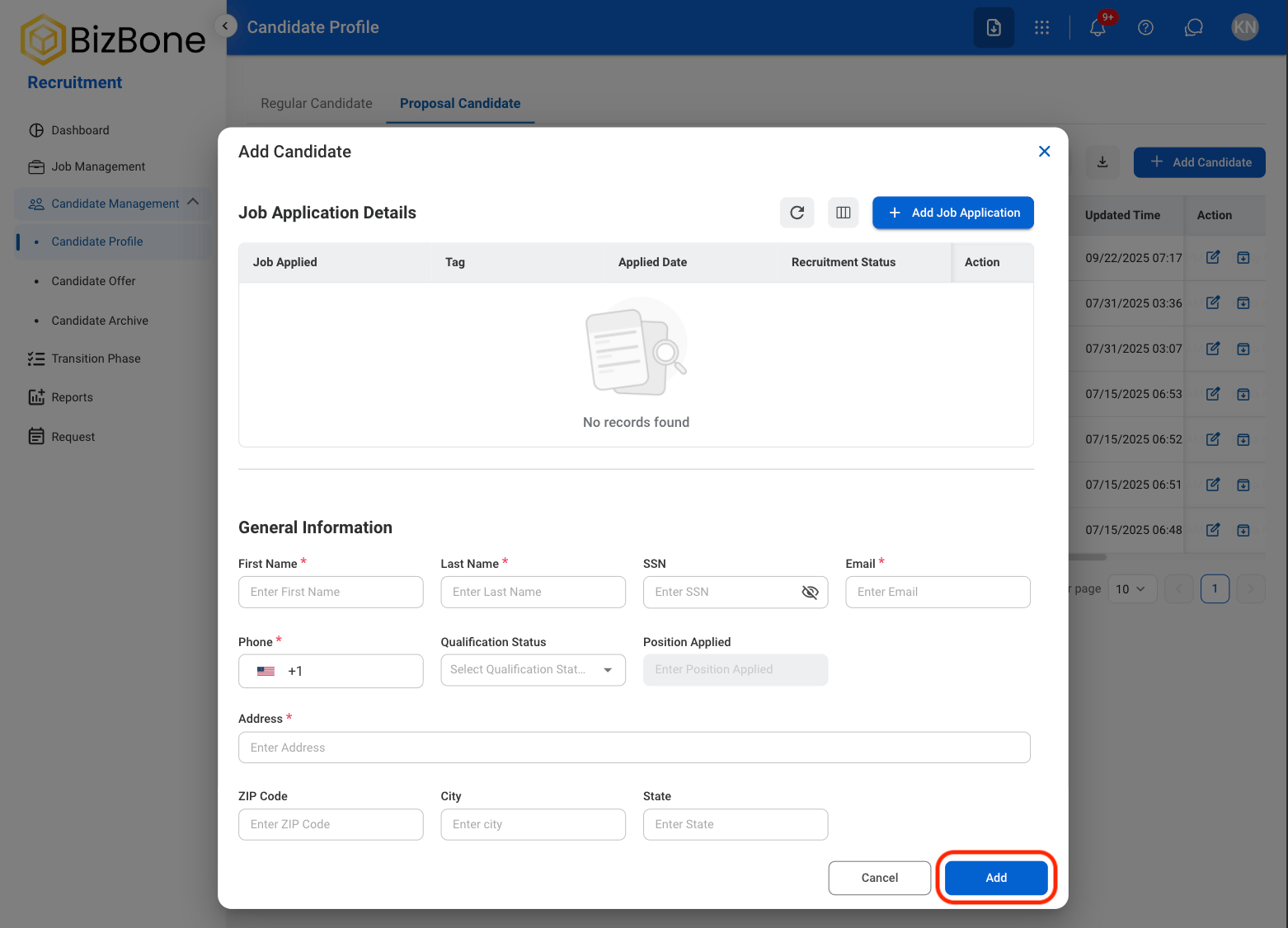
4
Fill in the required information
Edit Candidate Record
1
Select a view
2
Select a candidate
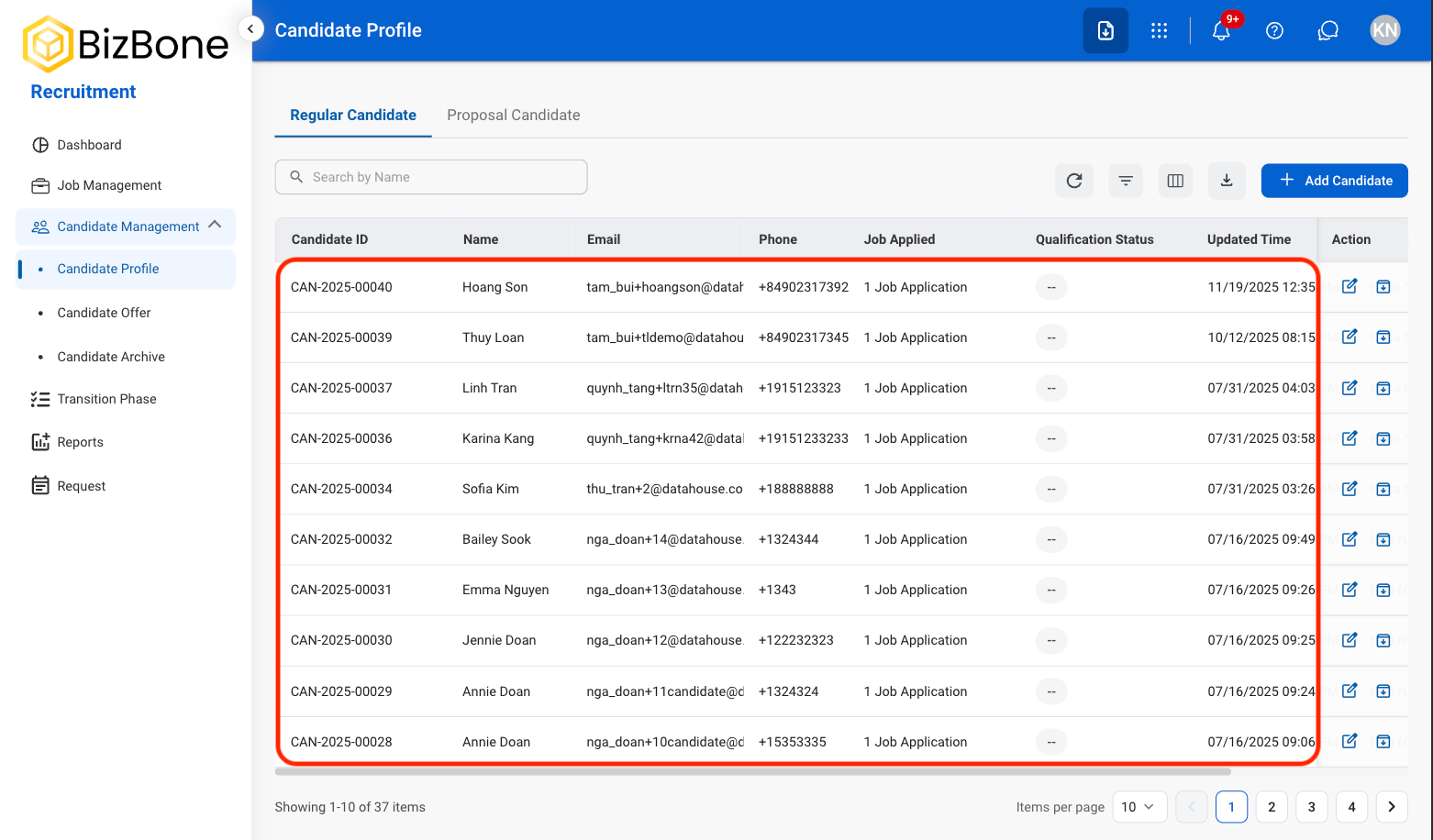
3
Select Edit
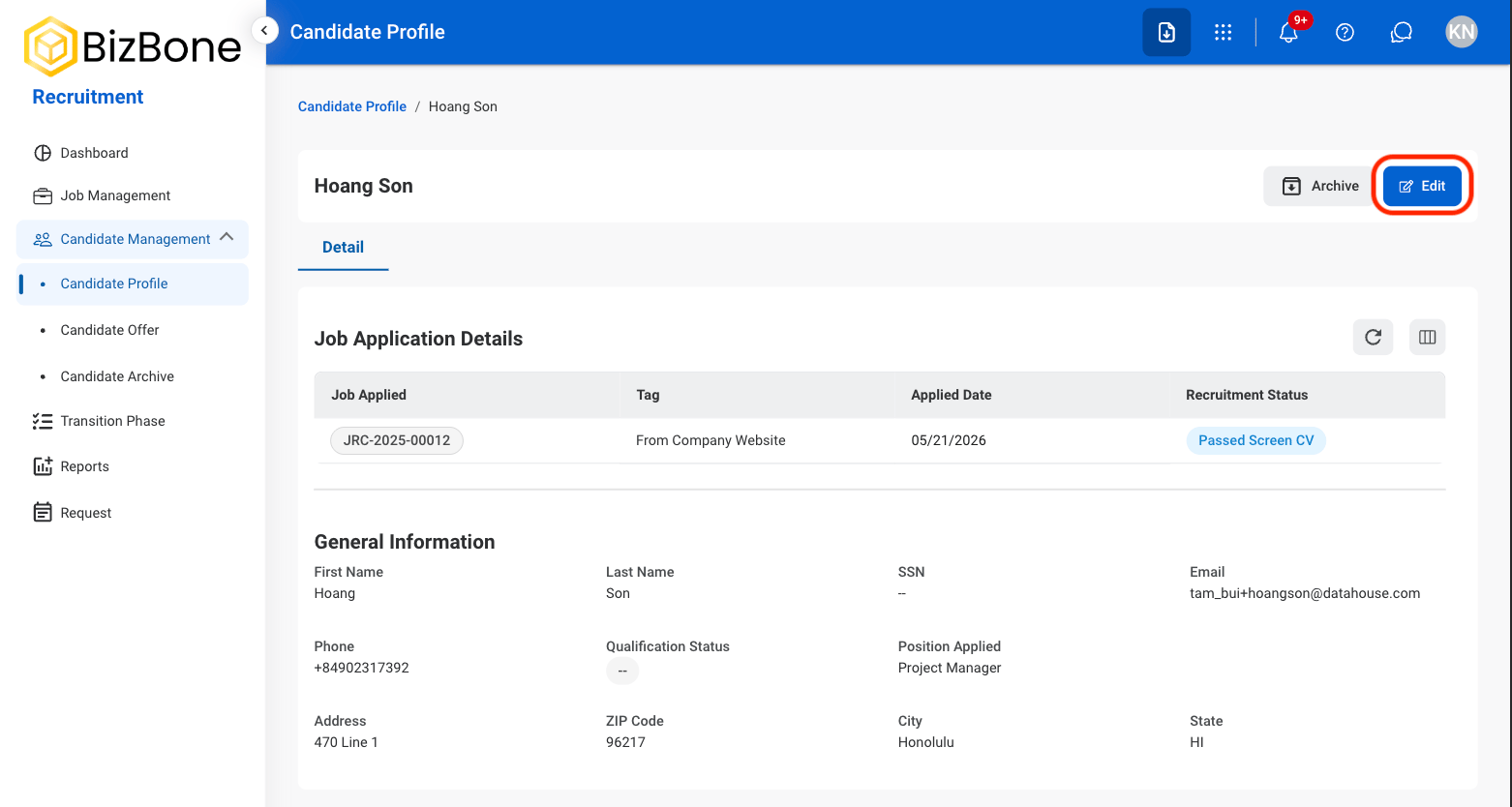
4
Fill in the required information

Archive Candidate Record
Move a candidate to Candidate Archive.1
Select a view
2
Select a candidate
3
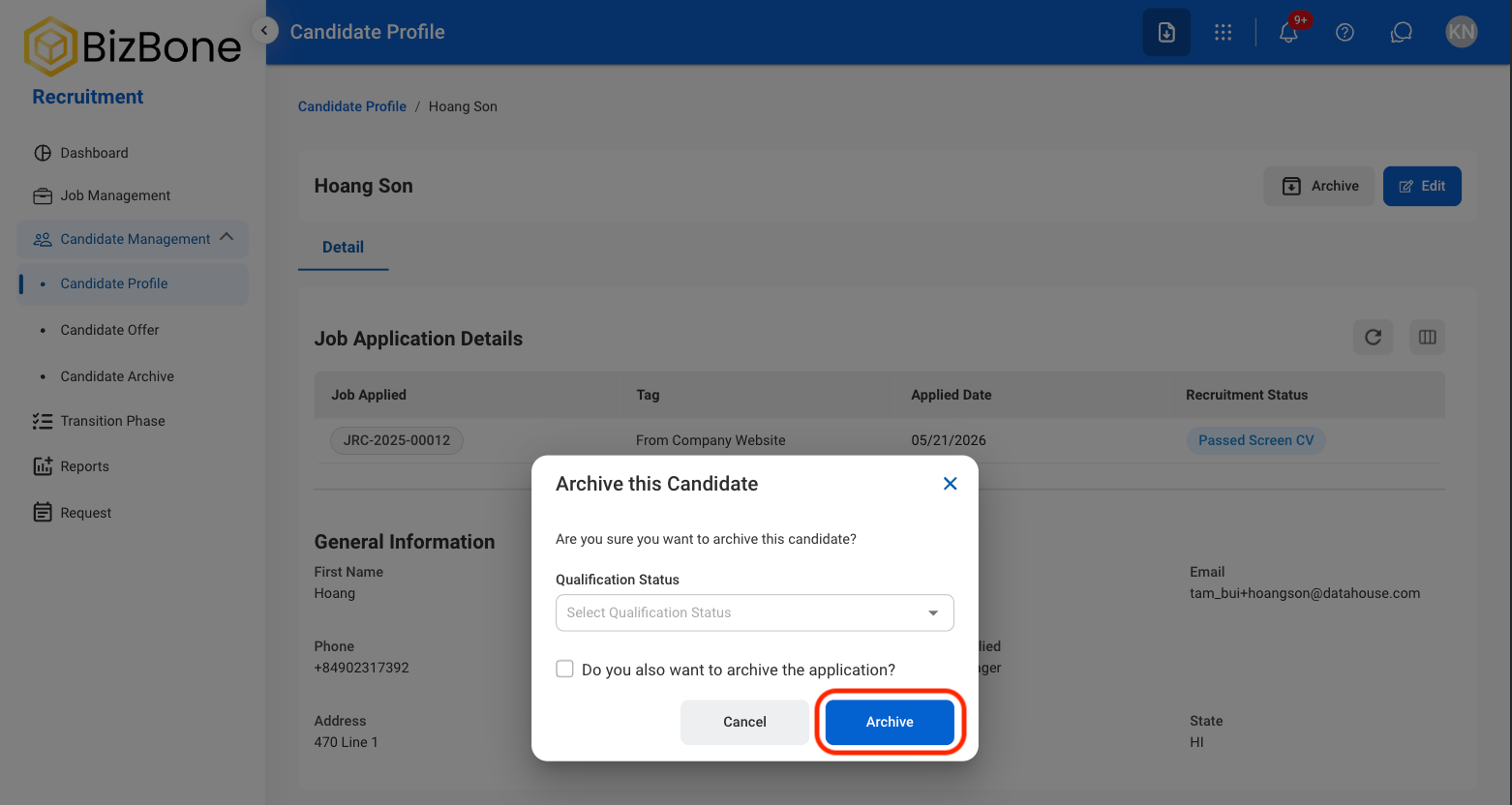
Select Archive candidate record

4
Fill in the required information
Candidate Job Application Record
Add Resume Evaluation
1
Select a candidate's applied job
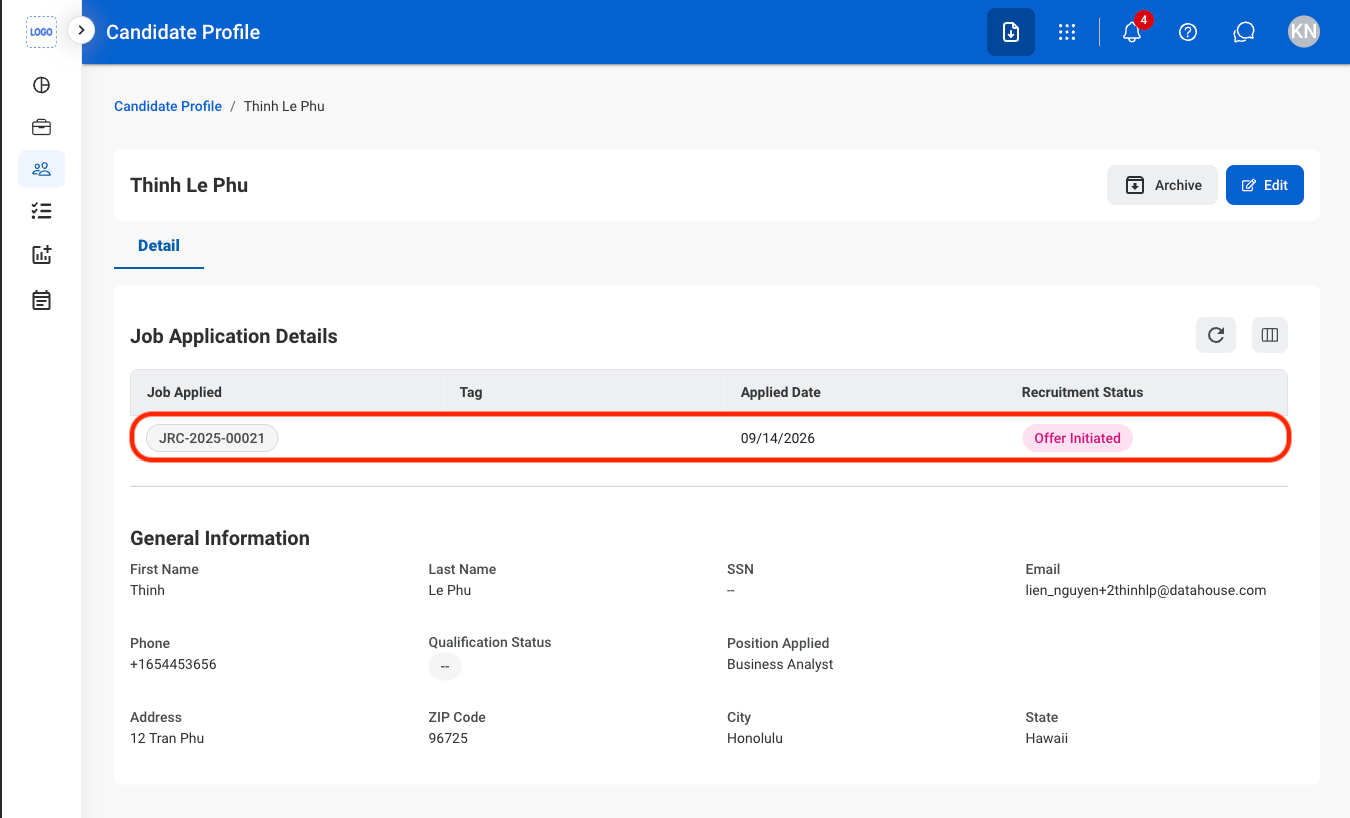
2
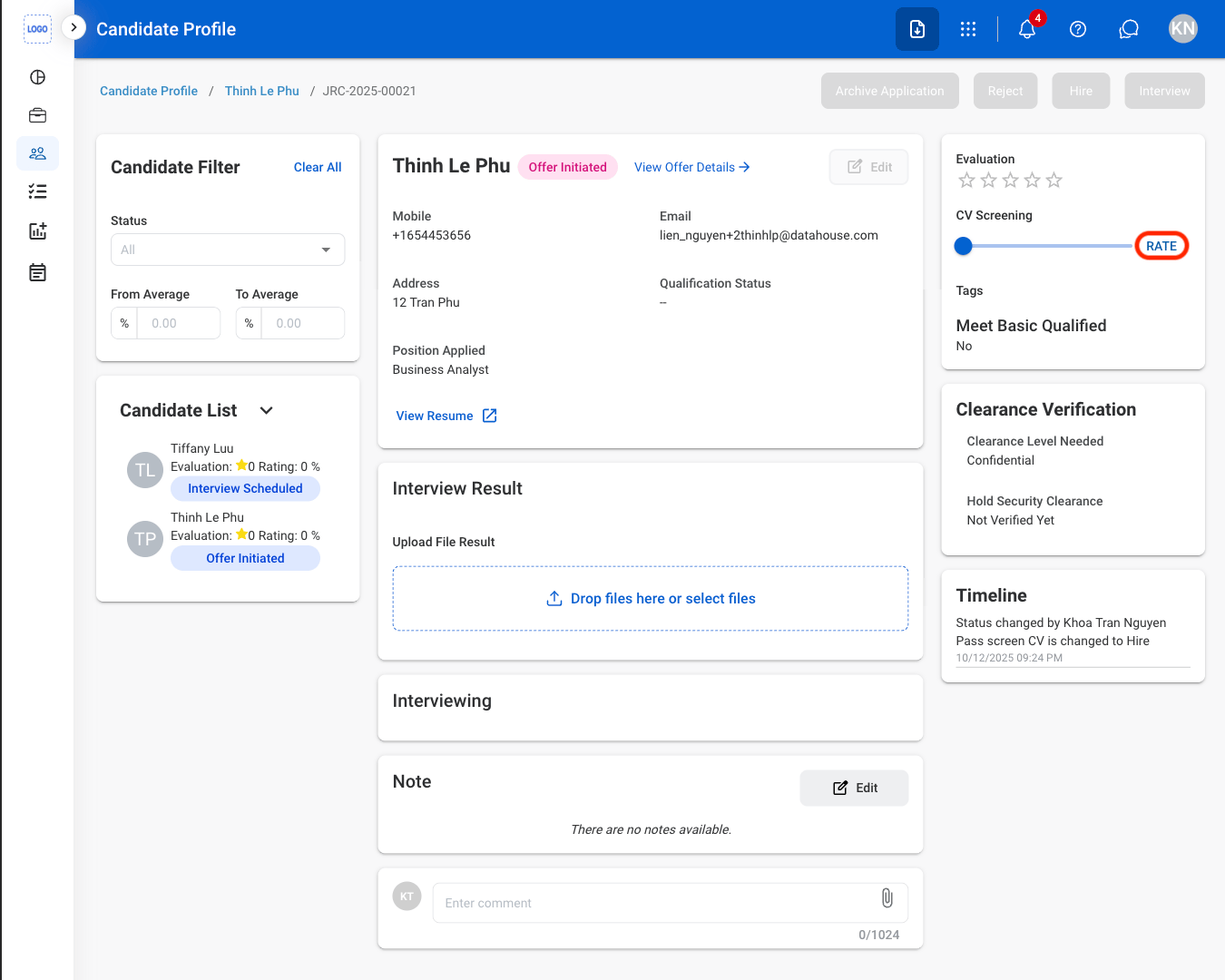
Select Rate
3
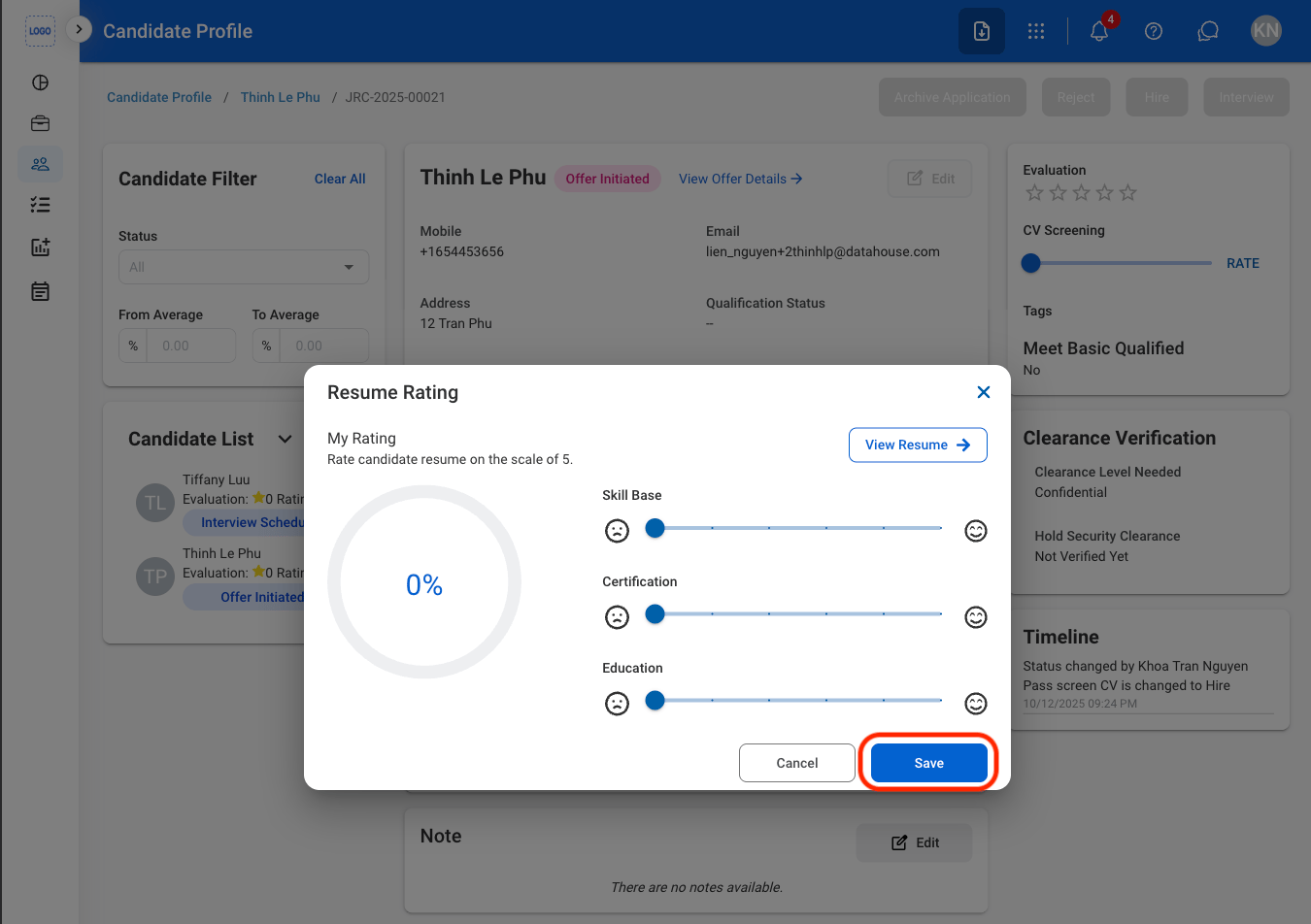
Fill in the required information
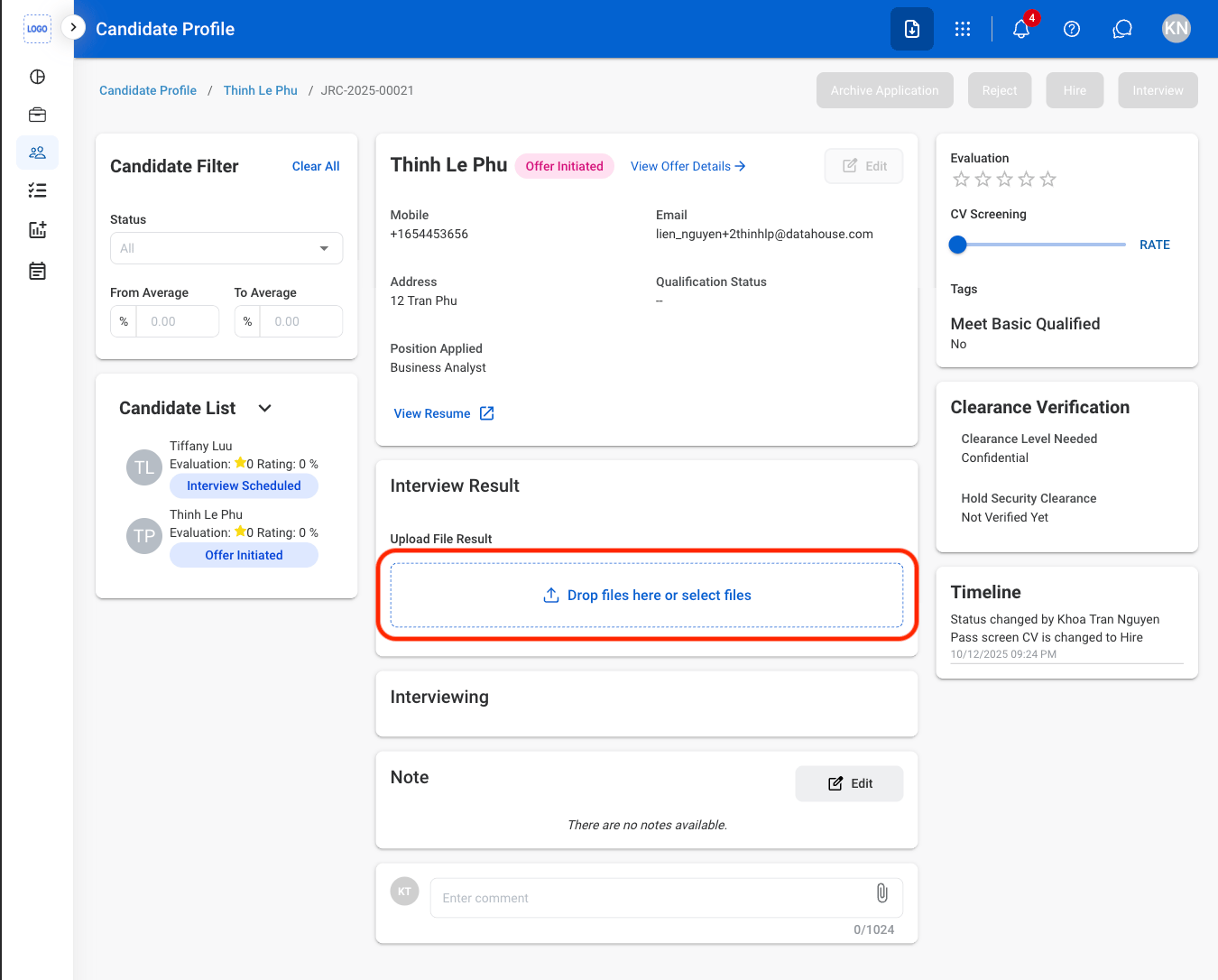
Upload Interview Results
1
Upload a file
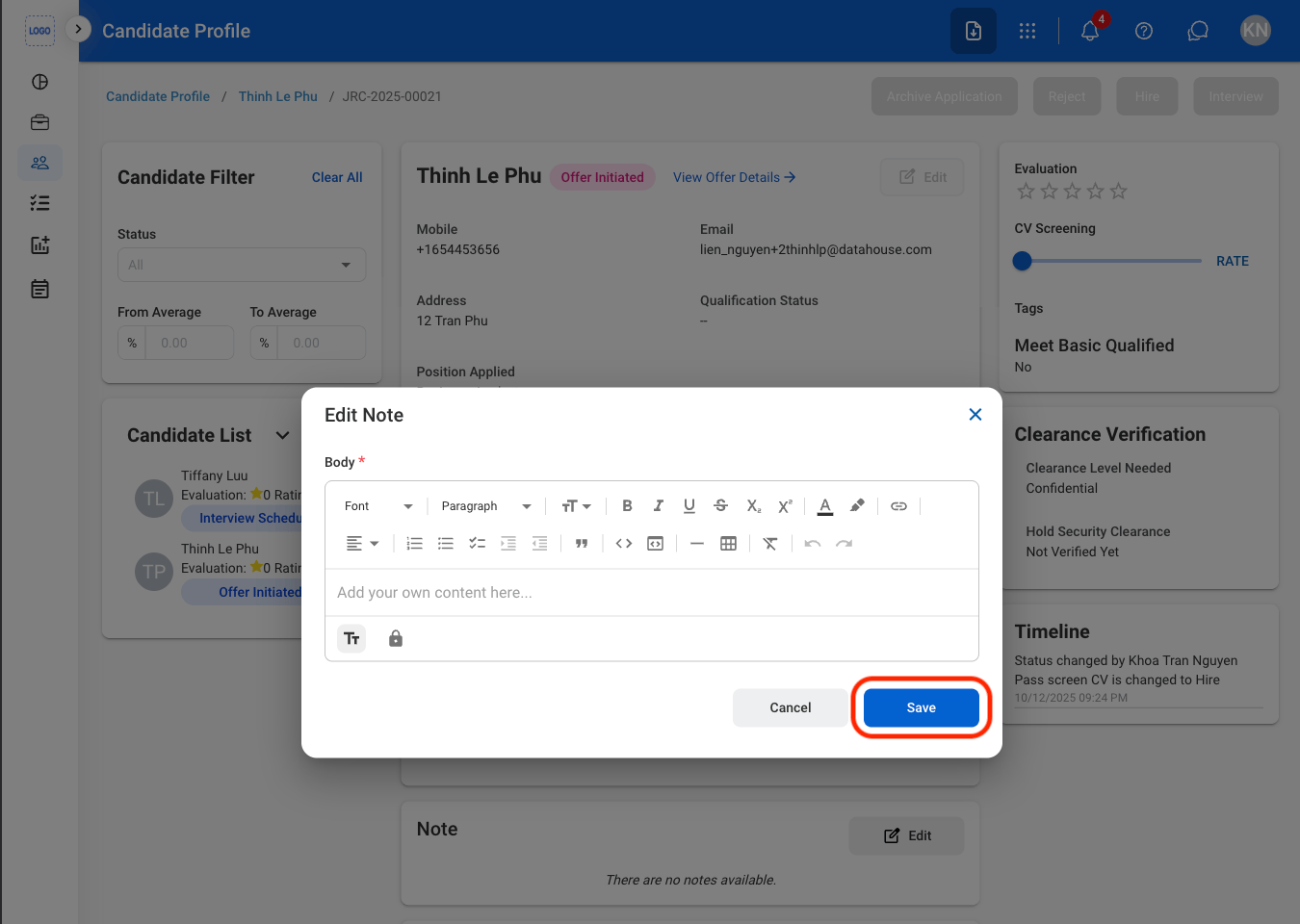
Edit Candidate’s Application Notes
1
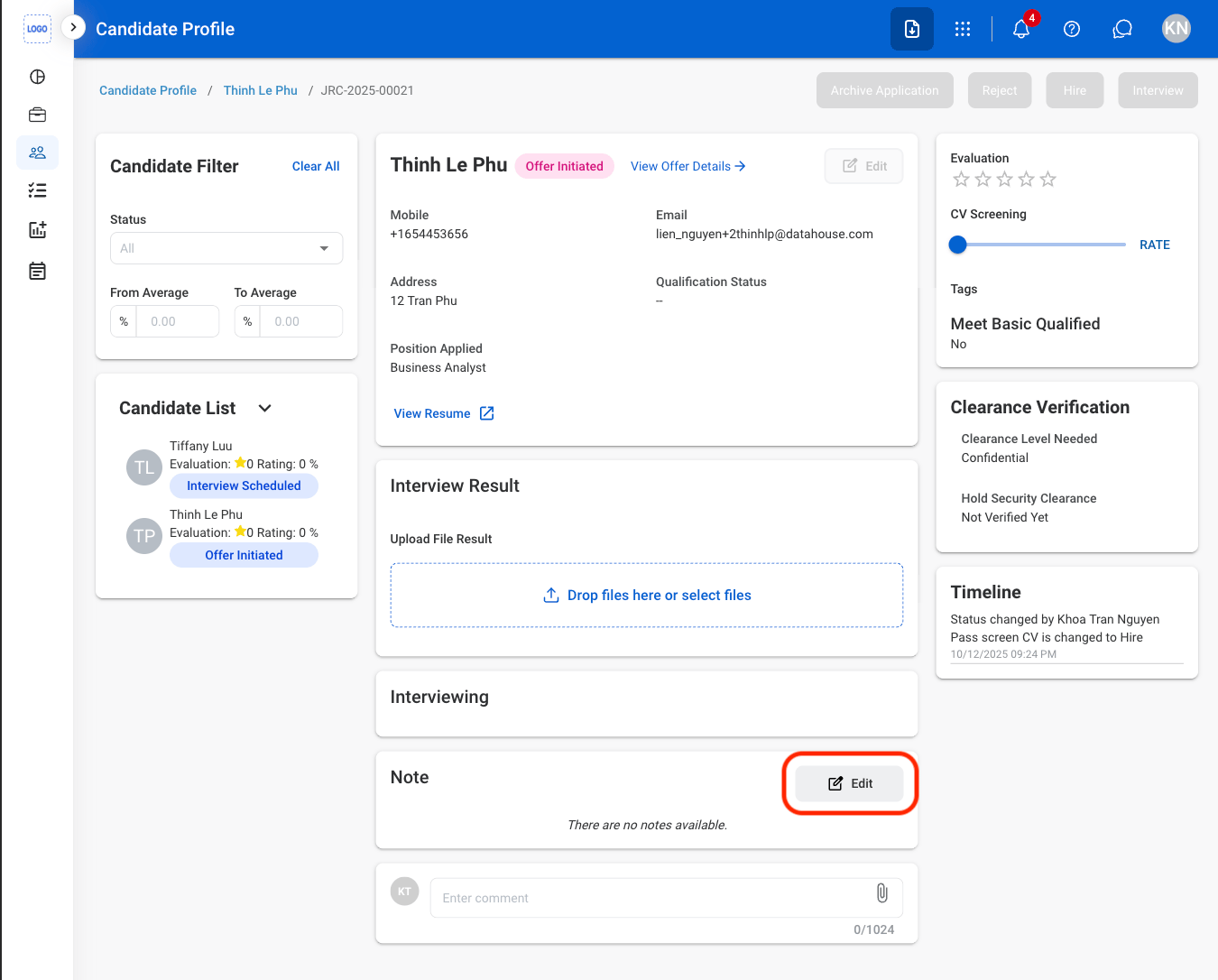
Select Edit
2
Fill in the required information
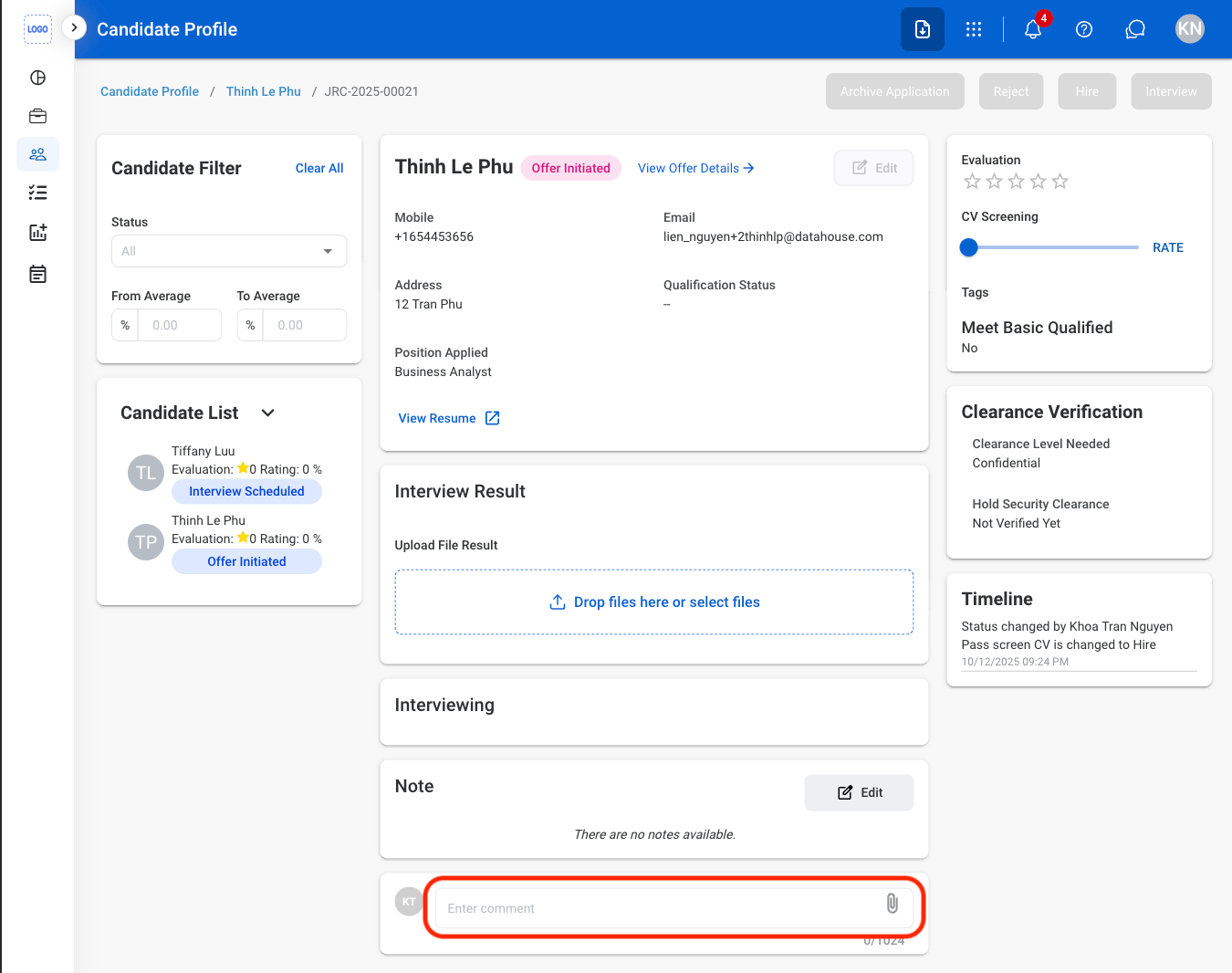
Add a Comment to Candidate’s Application
1
Select the comment field
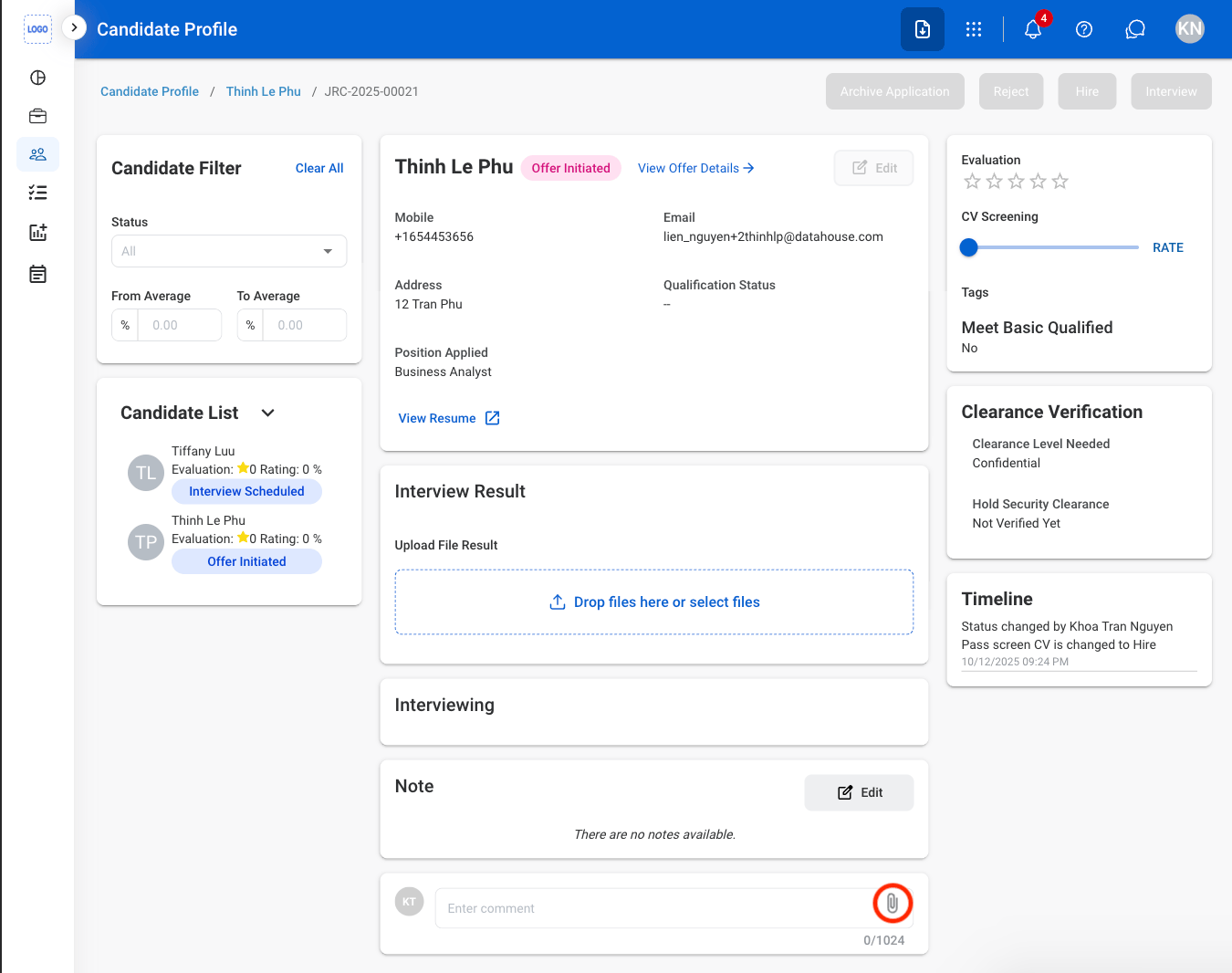
2
Optional: Attach a file
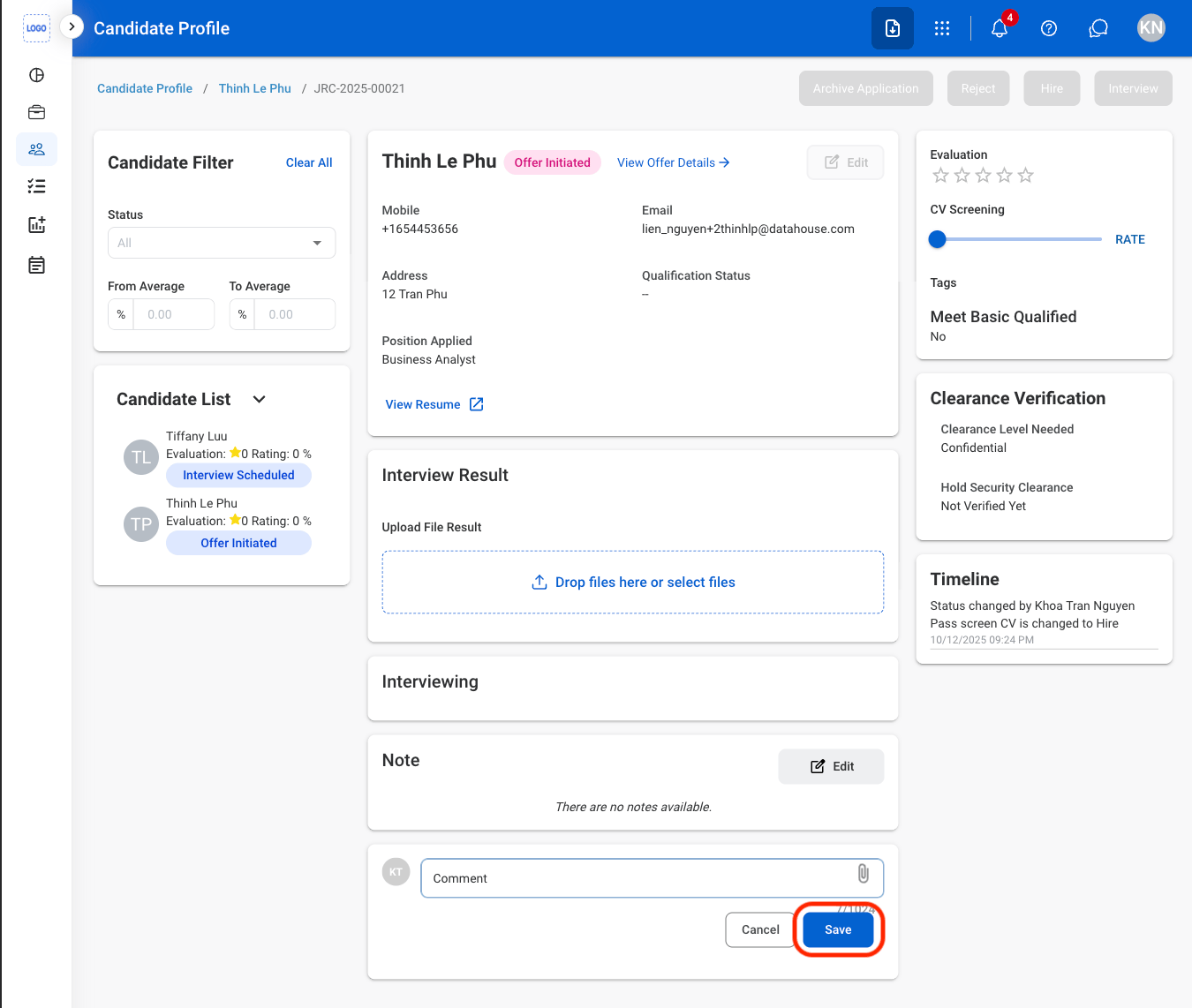
3
Fill in the required information
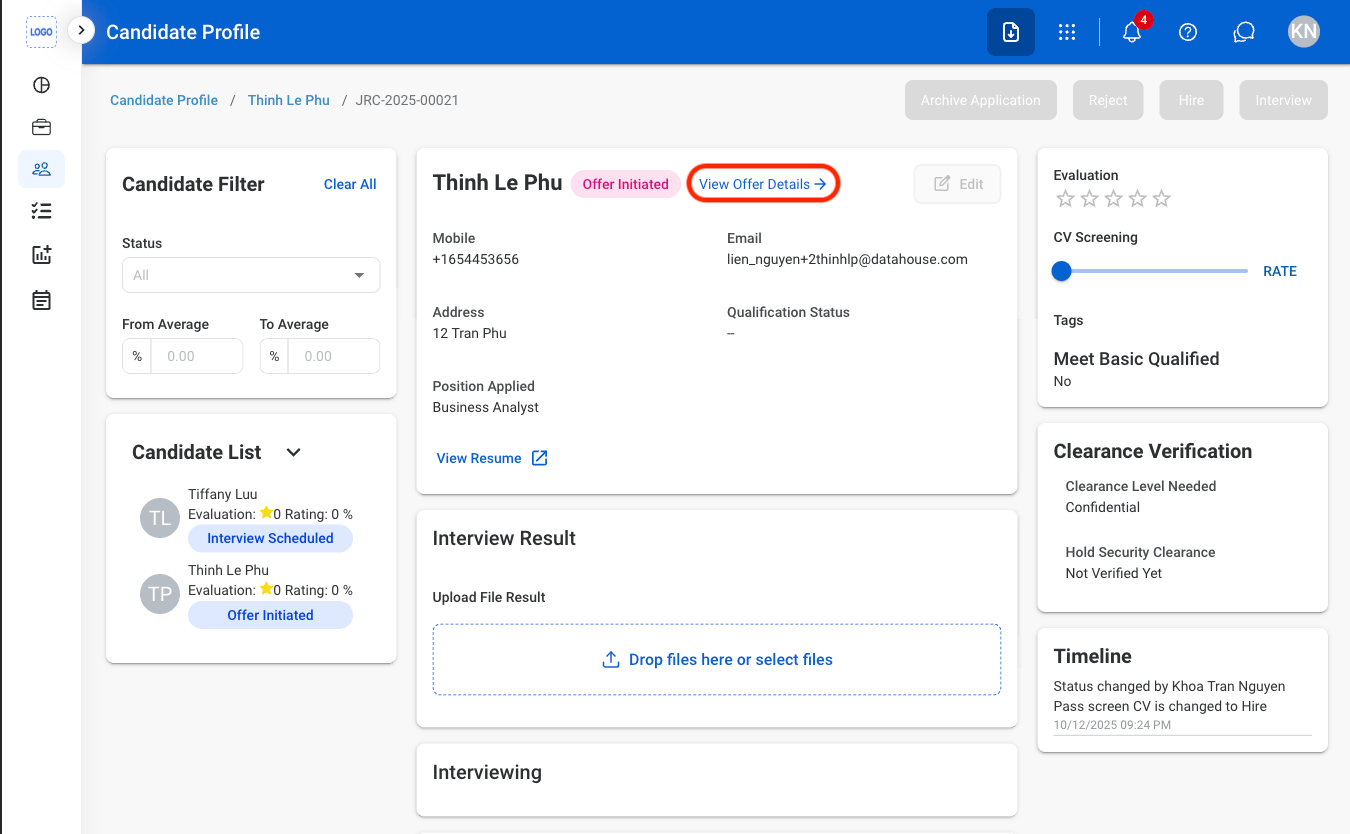
View Offer Details
Candidates must be in Offer Initiated status before an offer can be viewed
1
Select View Offer Details