> ## Documentation Index
> Fetch the complete documentation index at: https://docs.bizbone.com/llms.txt
> Use this file to discover all available pages before exploring further.
# General Ledger
> View General Ledger records and posted financial transactions across the organization. Supports review of account activity, transaction history, and financial data for reporting and audit purposes.
## View General Ledger Records
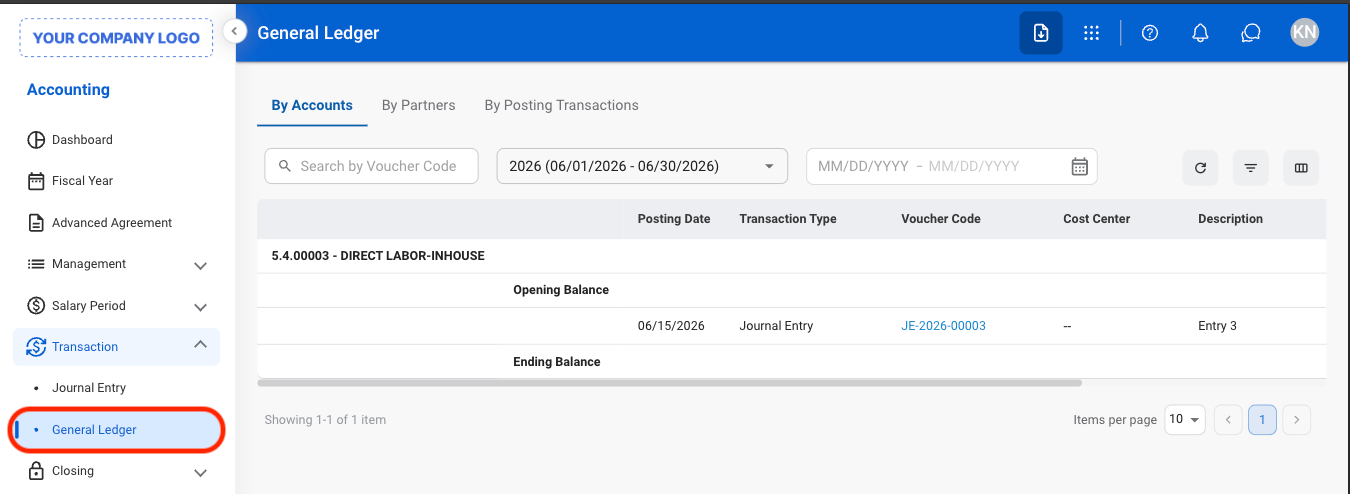
 * **By Accounts:** View posted transactions and balances organized by General Ledger account.
* **By Partners:** View posted transactions associated with specific customers, vendors, or partner records.
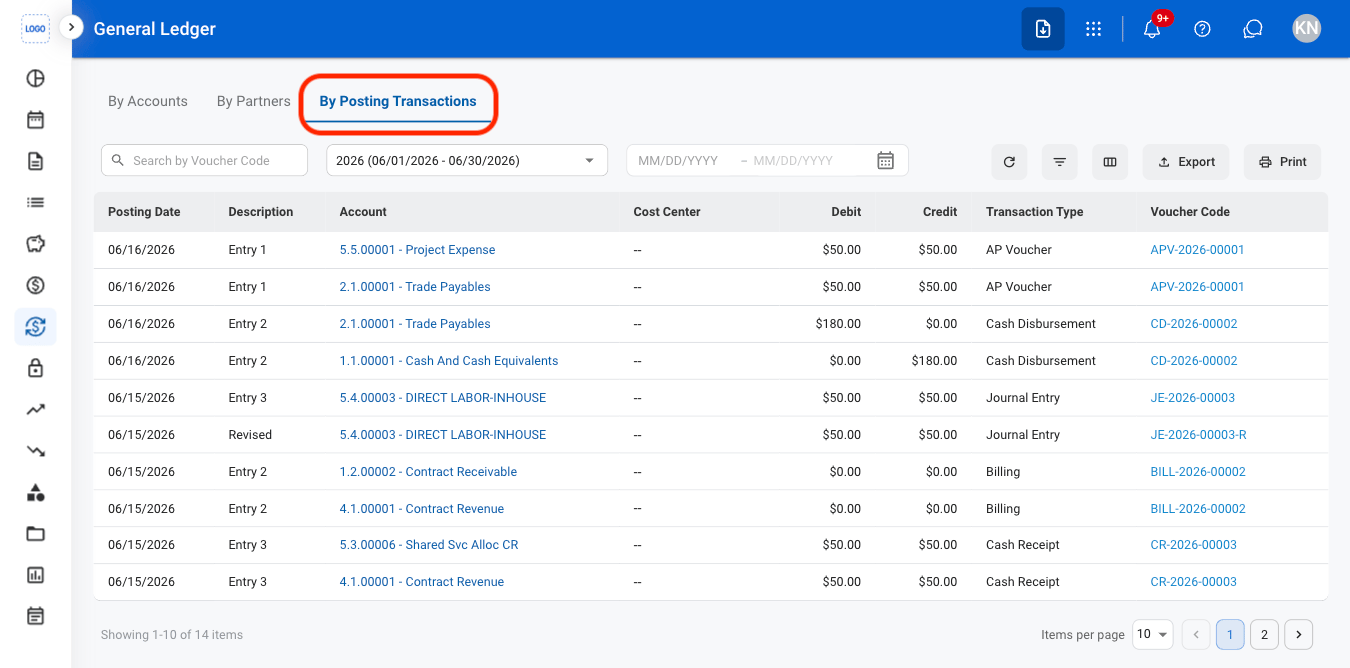
* **By Posting Transactions:** View individual posted transactions and their associated accounting entries.
* **By Accounts:** View posted transactions and balances organized by General Ledger account.
* **By Partners:** View posted transactions associated with specific customers, vendors, or partner records.
* **By Posting Transactions:** View individual posted transactions and their associated accounting entries.
 ## Export General Ledger
Export functions are only available in By Posting Transactions.
## Export General Ledger
Export functions are only available in By Posting Transactions.
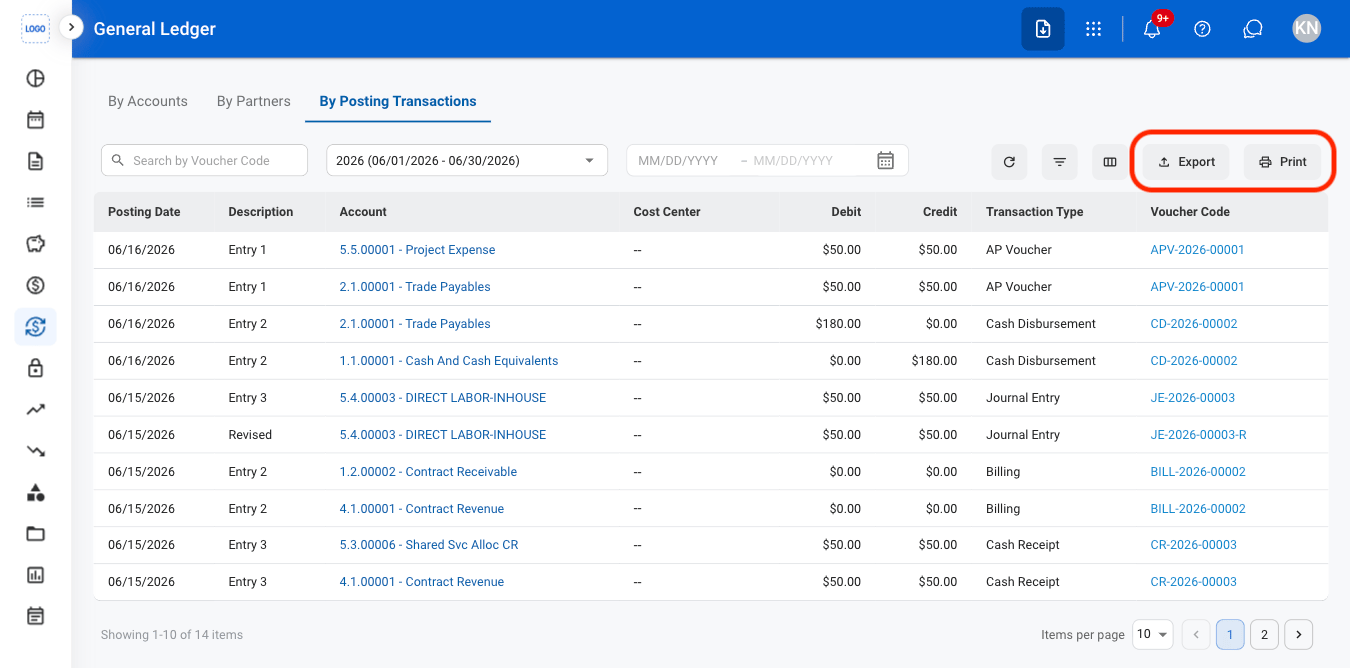 * **Export**: Download a G/L summary in xlsx.
* **Print**: Open system print settings to print a G/L summary.
* **Export**: Download a G/L summary in xlsx.
* **Print**: Open system print settings to print a G/L summary.