> ## Documentation Index
> Fetch the complete documentation index at: https://docs.bizbone.com/llms.txt
> Use this file to discover all available pages before exploring further.
# Task List
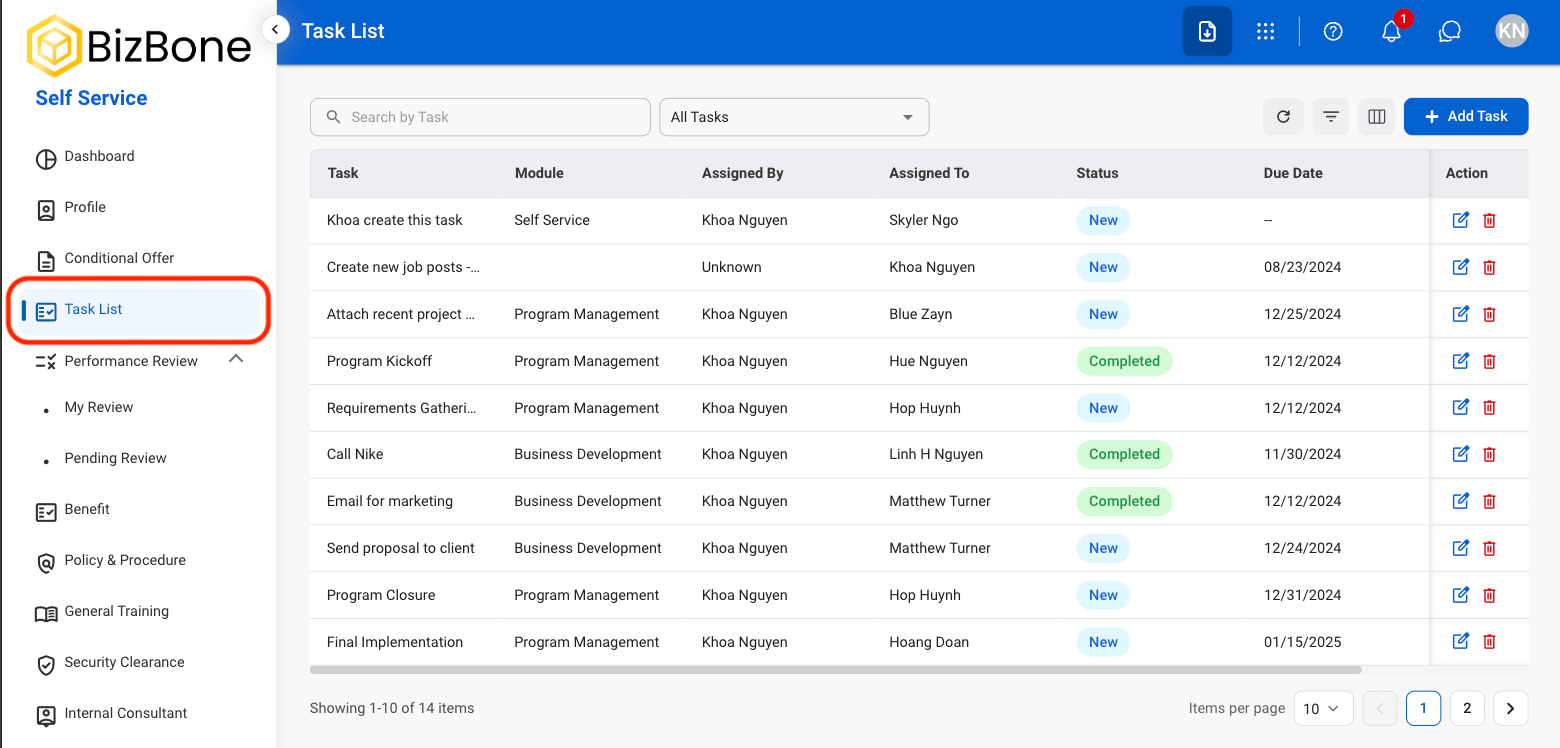
A centralized location to assign, track status, and monitor progress of tasks.
## Add Task
Create and assign new tasks for tracking and completion.
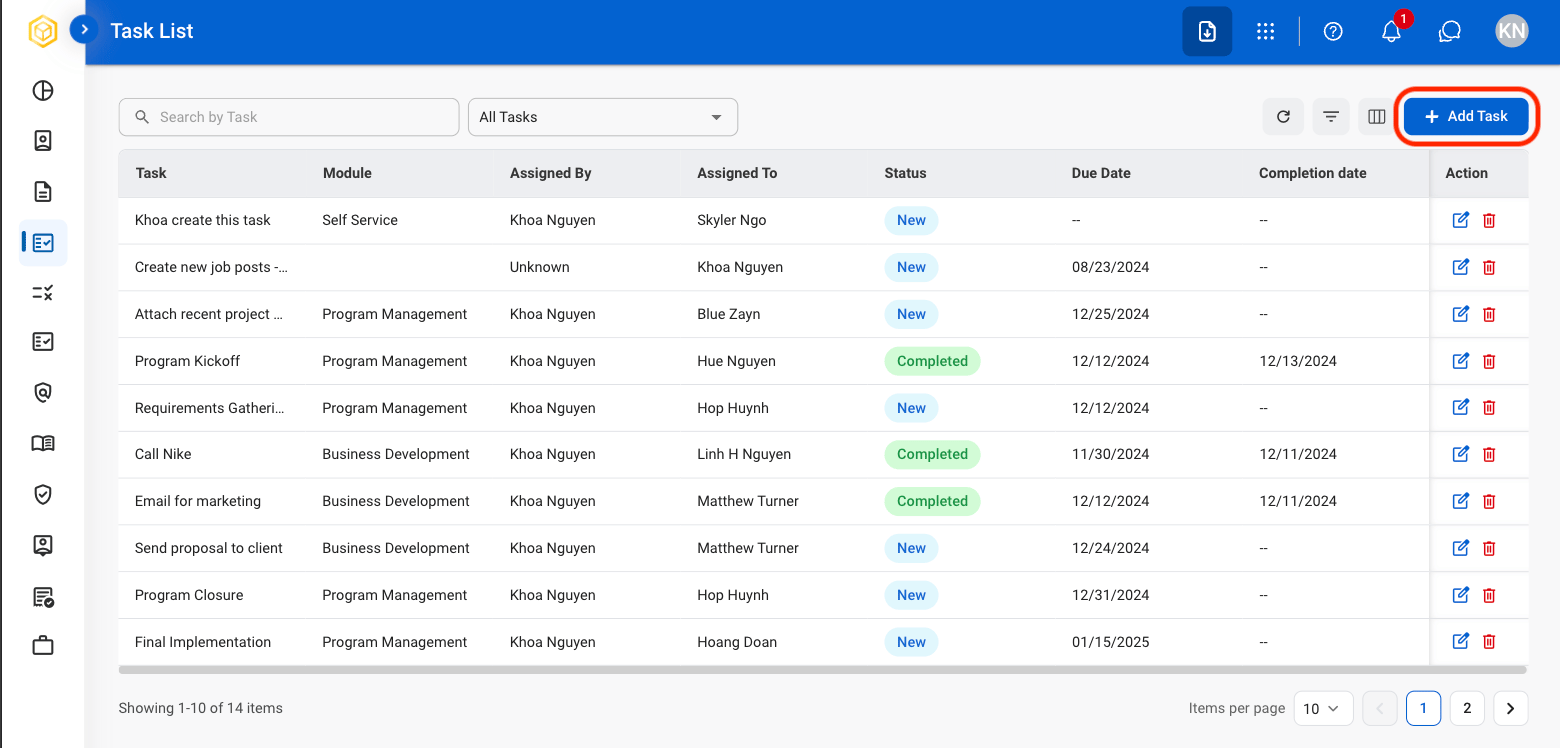
 Select **Save** to complete or **Cancel** to exit without saving changes.
## Modify a Task
Select **Save** to complete or **Cancel** to exit without saving changes.
## Modify a Task
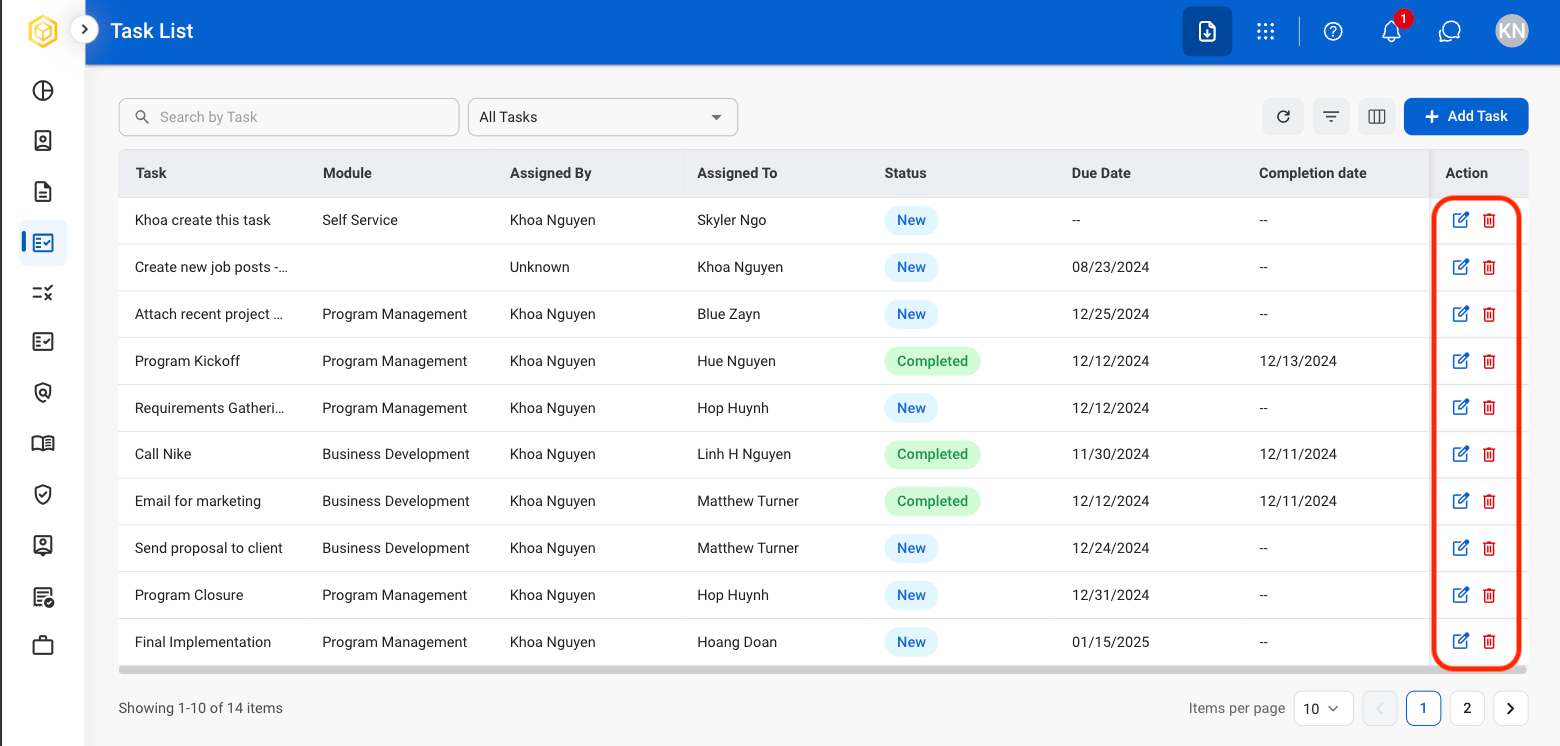 * Edit: Fill in the required information and select **Save** to complete or **Cancel** to exit without saving changes.
* Delete: Select **Delete** to complete or **Cancel** to exit without saving changes.
## Task List Actions
### Search
* Edit: Fill in the required information and select **Save** to complete or **Cancel** to exit without saving changes.
* Delete: Select **Delete** to complete or **Cancel** to exit without saving changes.
## Task List Actions
### Search
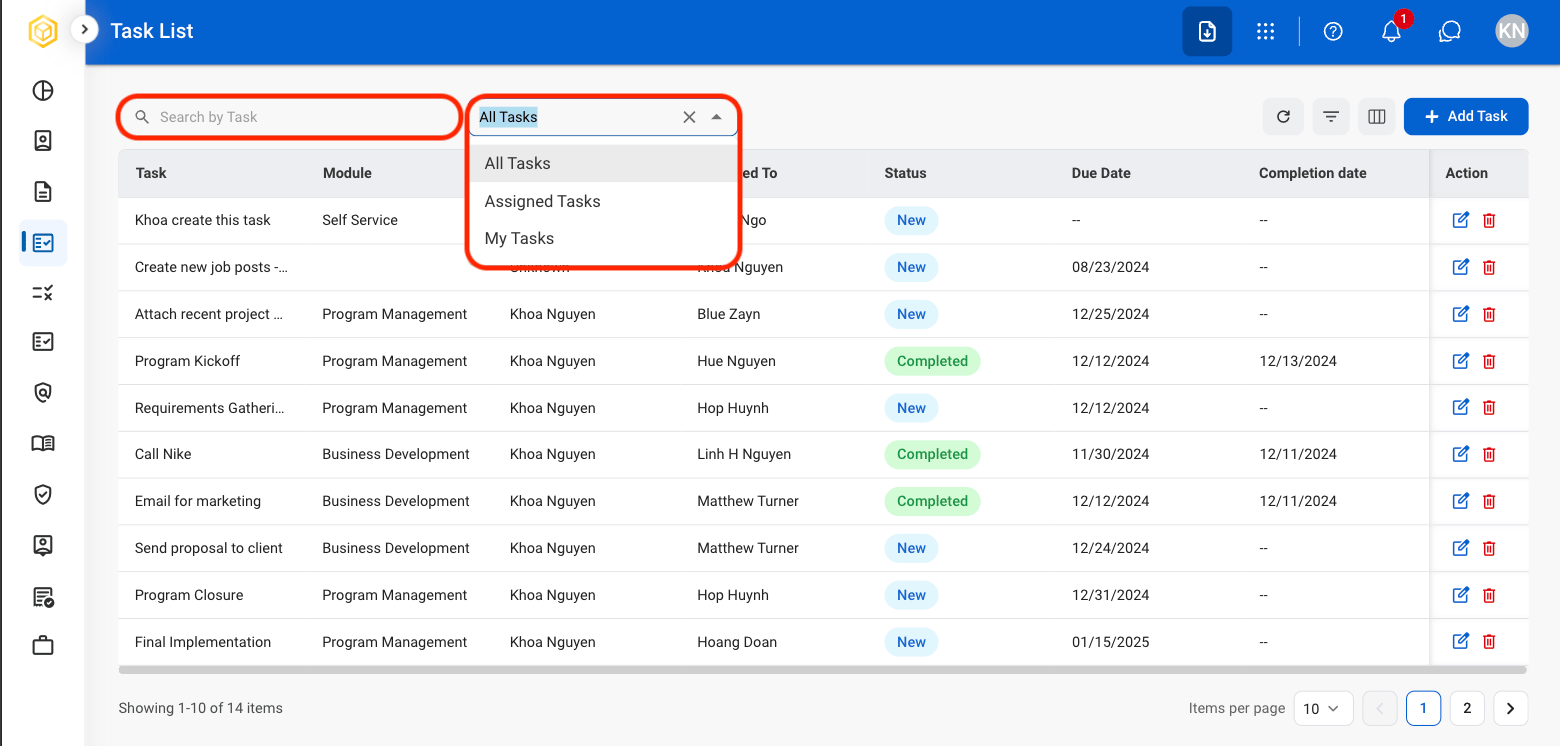 Use the search bar to enter a manual search. Use the dropdown list to view by All Tasks, Assigned Tasks, or My Tasks.
### Refresh
Use the search bar to enter a manual search. Use the dropdown list to view by All Tasks, Assigned Tasks, or My Tasks.
### Refresh
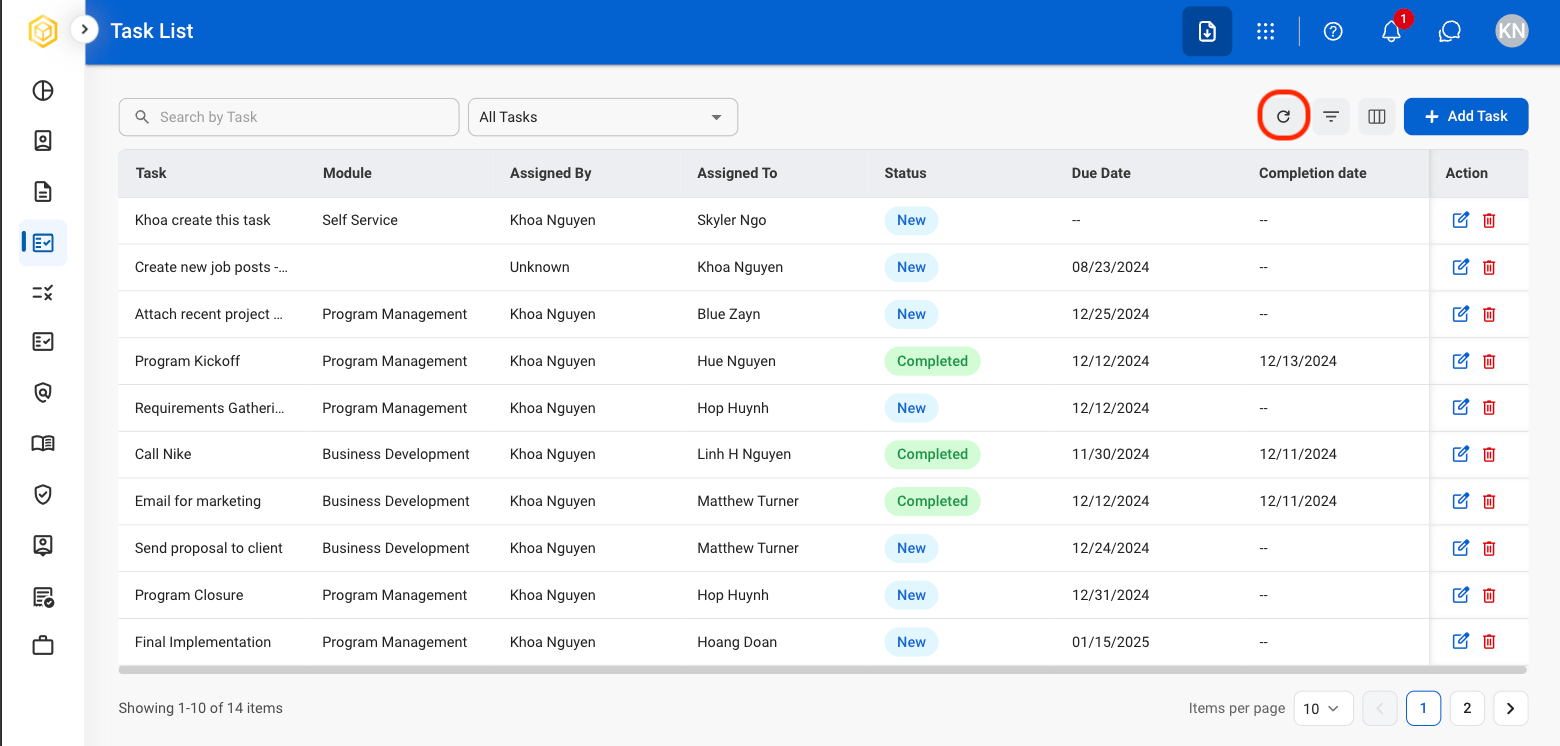 Select the **Refresh** icon to update the task list.
### Filter
Select the **Refresh** icon to update the task list.
### Filter
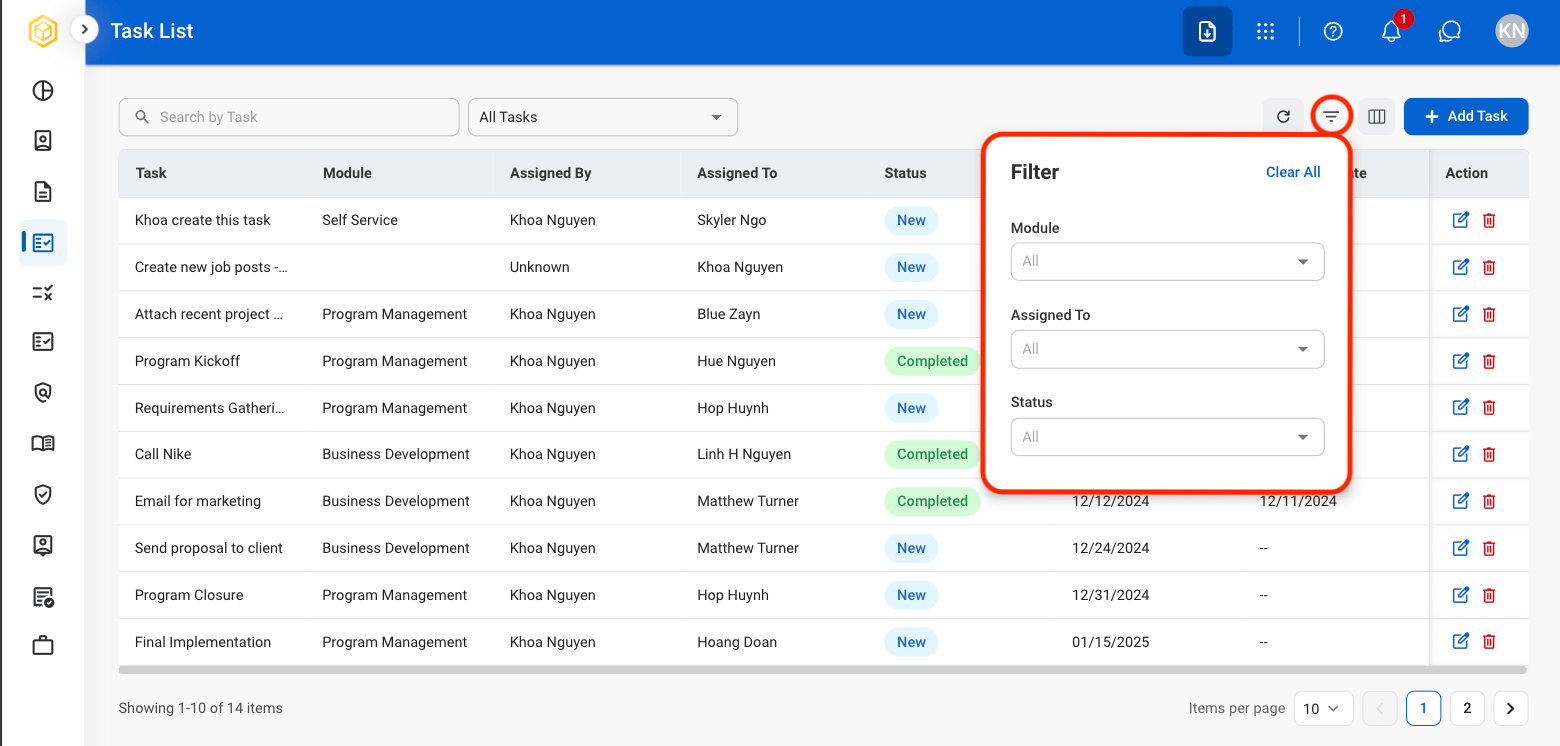 Select the **Filter** icon to filter results by assignee and status.
### Column
Select the **Filter** icon to filter results by assignee and status.
### Column
 Select the **Column** icon to toggle view of desired columns in task list. Select **Show All** to select all columns at once.