> ## Documentation Index
> Fetch the complete documentation index at: https://docs.bizbone.com/llms.txt
> Use this file to discover all available pages before exploring further.
# Travel Expense Request
> Report the actual costs of business travel after an approved Travel Authorization and request reimbursement of the balance after any advance.
A Travel Expense request reports what your business travel actually cost after an approved [Travel Authorization](/erp/requests/travel-authorization). Any advance payment is subtracted to calculate your reimbursement. After you submit it, the request follows the configured approval workflow before being approved, rejected, or returned for revision.
## Create a Travel Expense Request
### Prerequisites
Before submitting a Travel Expense request:
* You must have an active employee account.
* You must have an approved [Travel Authorization](/erp/requests/travel-authorization) request.
* Have your receipts ready to attach.


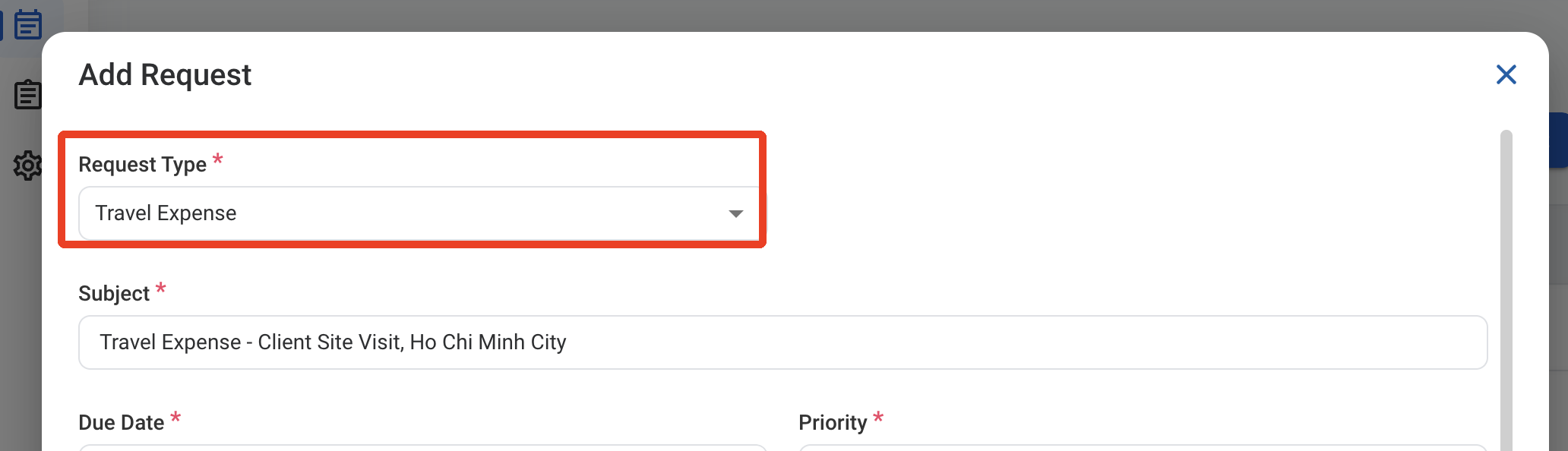
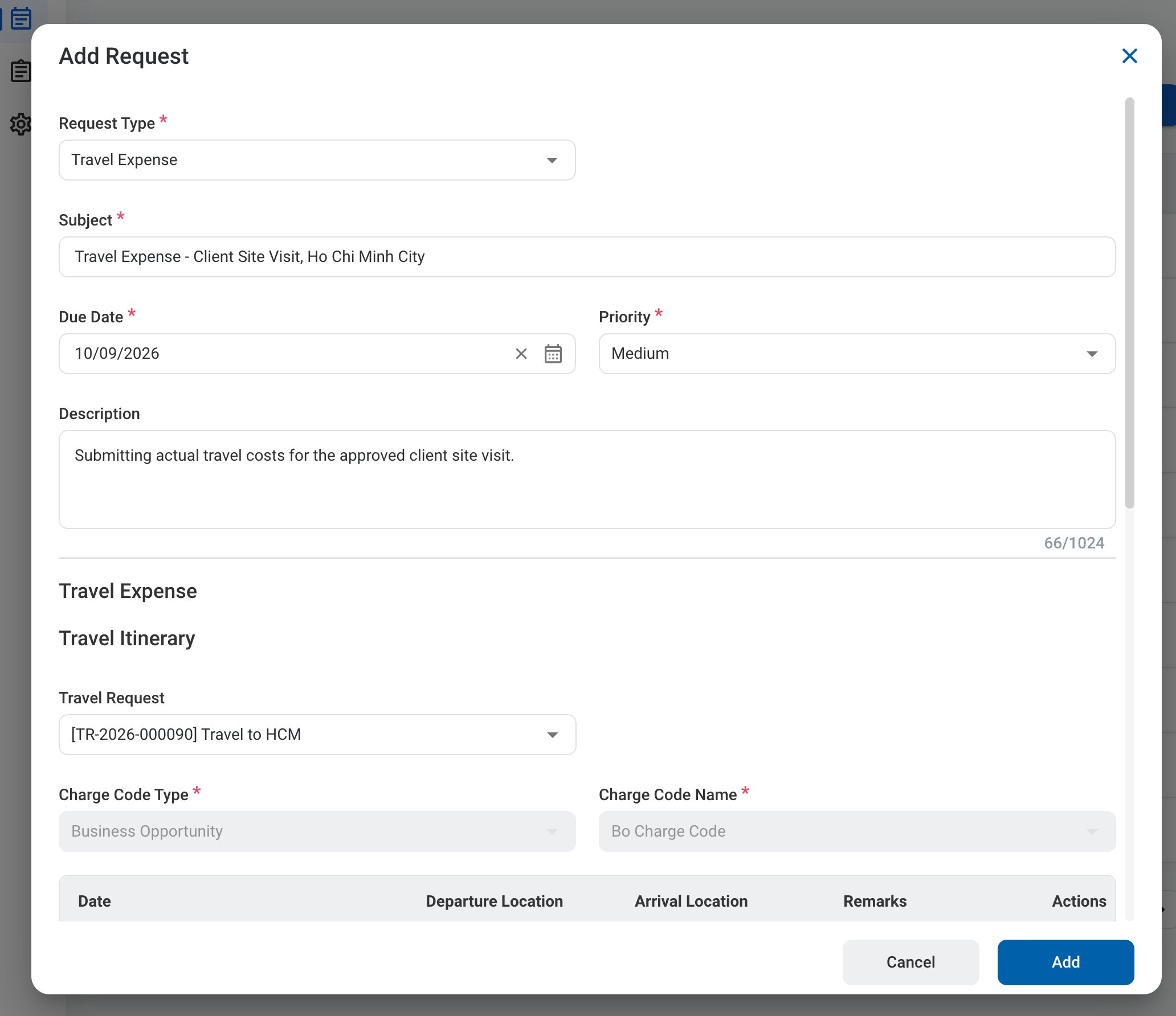 ### Request Information
| Field | Description | Required | Example |
| :---------- | :------------------------------------------------------ | :------- | :----------------------------------------------------------------- |
| Subject | A short title describing the request. | ✓ | Travel Expense - Client Site Visit, Ho Chi Minh City |
| Due Date | The expected completion or review date for the request. | ✓ | October 9, 2026 |
| Priority | Indicates the urgency of the request. | ✓ | Medium |
| Description | Additional details or reason for the request. | | Submitting actual travel costs for the approved client site visit. |
### Request Information
| Field | Description | Required | Example |
| :---------- | :------------------------------------------------------ | :------- | :----------------------------------------------------------------- |
| Subject | A short title describing the request. | ✓ | Travel Expense - Client Site Visit, Ho Chi Minh City |
| Due Date | The expected completion or review date for the request. | ✓ | October 9, 2026 |
| Priority | Indicates the urgency of the request. | ✓ | Medium |
| Description | Additional details or reason for the request. | | Submitting actual travel costs for the approved client site visit. |
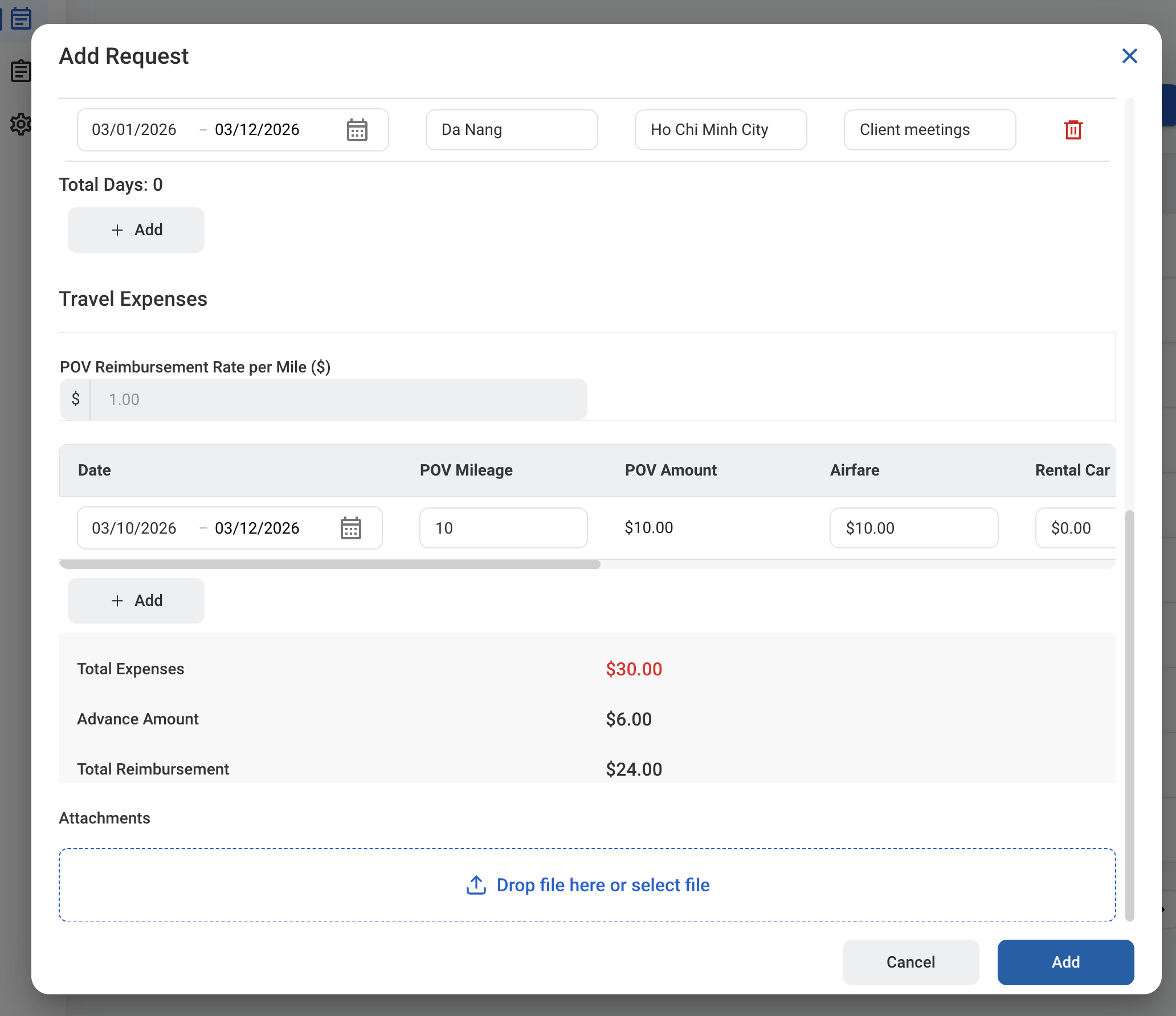 ### Travel Expense
Selecting a Travel Request fills in the charge code, itinerary, and estimated expenses from the authorization. Update them to match your actual travel.
| Field | Description | Required | Example |
| :---------------------------------- | :------------------------------------------------------------------------------------------------------------------------------- | :------- | :--------------------------------------------------- |
| Travel Request | Approved Travel Authorization this expense is for. | | \[TR-2026-000090] Travel to HCM |
| Charge Code Type / Charge Code Name | Charge code from the Travel Authorization. | ✓ | Business Opportunity / Bo Charge Code |
| Travel Itinerary | Dates, departure and arrival locations, and remarks for each leg. Select **Add** to add a leg. | | 03/01/2026 - 03/12/2026, Da Nang to Ho Chi Minh City |
| Travel Expenses | Actual POV mileage, airfare, rental car, taxi/gas, lodging, and miscellaneous costs for each line. Select **Add** to add a line. | | \$10.00 airfare, 10 miles |
| Total Expenses | Total of all expense lines. | Auto | \$30.00 |
| Advance Amount | Advance paid under the Travel Authorization. | Auto | \$6.00 |
| Total Reimbursement | Total Expenses minus the Advance Amount. | Auto | \$24.00 |
| Attachments | Receipts and other supporting documents. | | Receipts.pdf |
### Travel Expense
Selecting a Travel Request fills in the charge code, itinerary, and estimated expenses from the authorization. Update them to match your actual travel.
| Field | Description | Required | Example |
| :---------------------------------- | :------------------------------------------------------------------------------------------------------------------------------- | :------- | :--------------------------------------------------- |
| Travel Request | Approved Travel Authorization this expense is for. | | \[TR-2026-000090] Travel to HCM |
| Charge Code Type / Charge Code Name | Charge code from the Travel Authorization. | ✓ | Business Opportunity / Bo Charge Code |
| Travel Itinerary | Dates, departure and arrival locations, and remarks for each leg. Select **Add** to add a leg. | | 03/01/2026 - 03/12/2026, Da Nang to Ho Chi Minh City |
| Travel Expenses | Actual POV mileage, airfare, rental car, taxi/gas, lodging, and miscellaneous costs for each line. Select **Add** to add a line. | | \$10.00 airfare, 10 miles |
| Total Expenses | Total of all expense lines. | Auto | \$30.00 |
| Advance Amount | Advance paid under the Travel Authorization. | Auto | \$6.00 |
| Total Reimbursement | Total Expenses minus the Advance Amount. | Auto | \$24.00 |
| Attachments | Receipts and other supporting documents. | | Receipts.pdf |
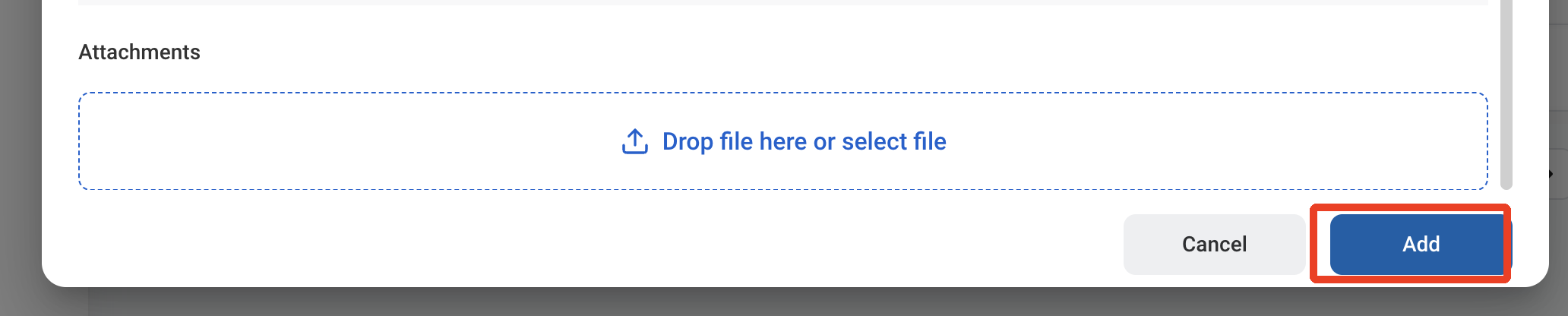 After a Travel Expense is approved, the journal entry must be created and posted separately through **Accounting > Transaction >** [Journal Entry](/erp/accounting/journal-entry).
## Review a Travel Expense Request
To review a submitted Travel Expense request and approve, reject, or discard it, see **Accounting >** [Request](/erp/accounting/request).
## Manage the Travel Expense Business Process
To manage the workflow for Travel Expense requests, see **Admin > Business Processes >** [Business Processes Overview](/erp/admin/business-process-overview).
After a Travel Expense is approved, the journal entry must be created and posted separately through **Accounting > Transaction >** [Journal Entry](/erp/accounting/journal-entry).
## Review a Travel Expense Request
To review a submitted Travel Expense request and approve, reject, or discard it, see **Accounting >** [Request](/erp/accounting/request).
## Manage the Travel Expense Business Process
To manage the workflow for Travel Expense requests, see **Admin > Business Processes >** [Business Processes Overview](/erp/admin/business-process-overview).