> ## Documentation Index
> Fetch the complete documentation index at: https://docs.bizbone.com/llms.txt
> Use this file to discover all available pages before exploring further.
# SubK Request
> Request a subcontract (SubK) with a subcontractor on a program, including the subcontractor's point of contact, dates, and scope.
A SubK request asks Contract Management to set up a subcontract between a program's prime contract and a subcontractor. After you submit it, the request follows the configured approval workflow before being approved, rejected, or returned for revision.
## Create a SubK Request
### Prerequisites
Before submitting a SubK request:
* You must have an active employee account.
* The subcontractor must be set up as a business partner on the selected program. Partners that already have a SubK or Consultant Agreement with the program are not listed.


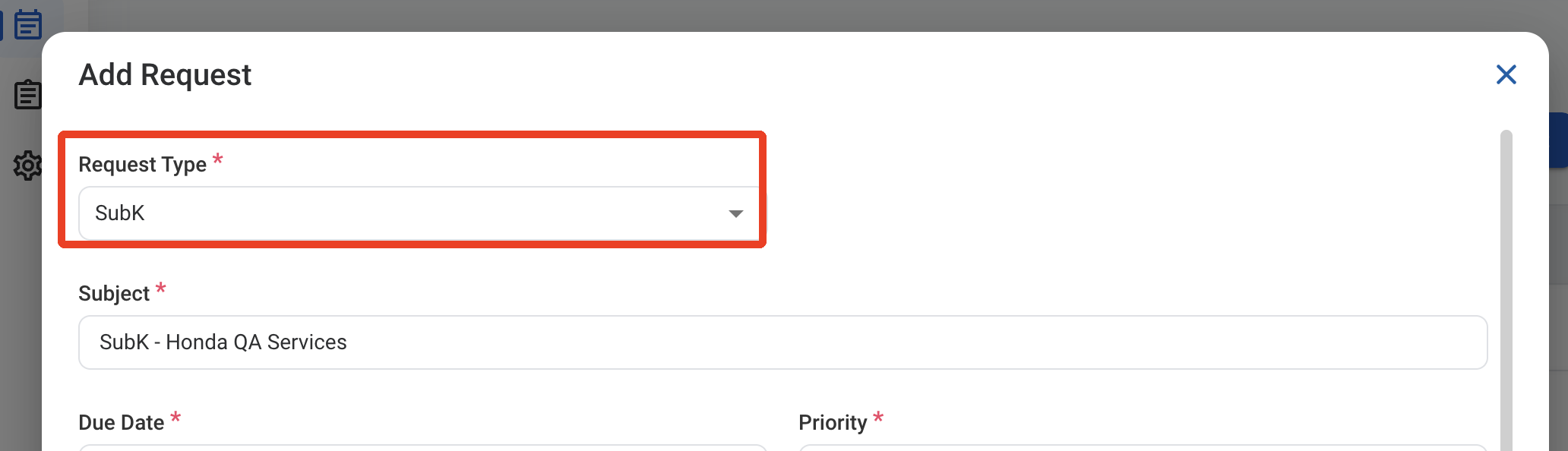
 ### Request Information
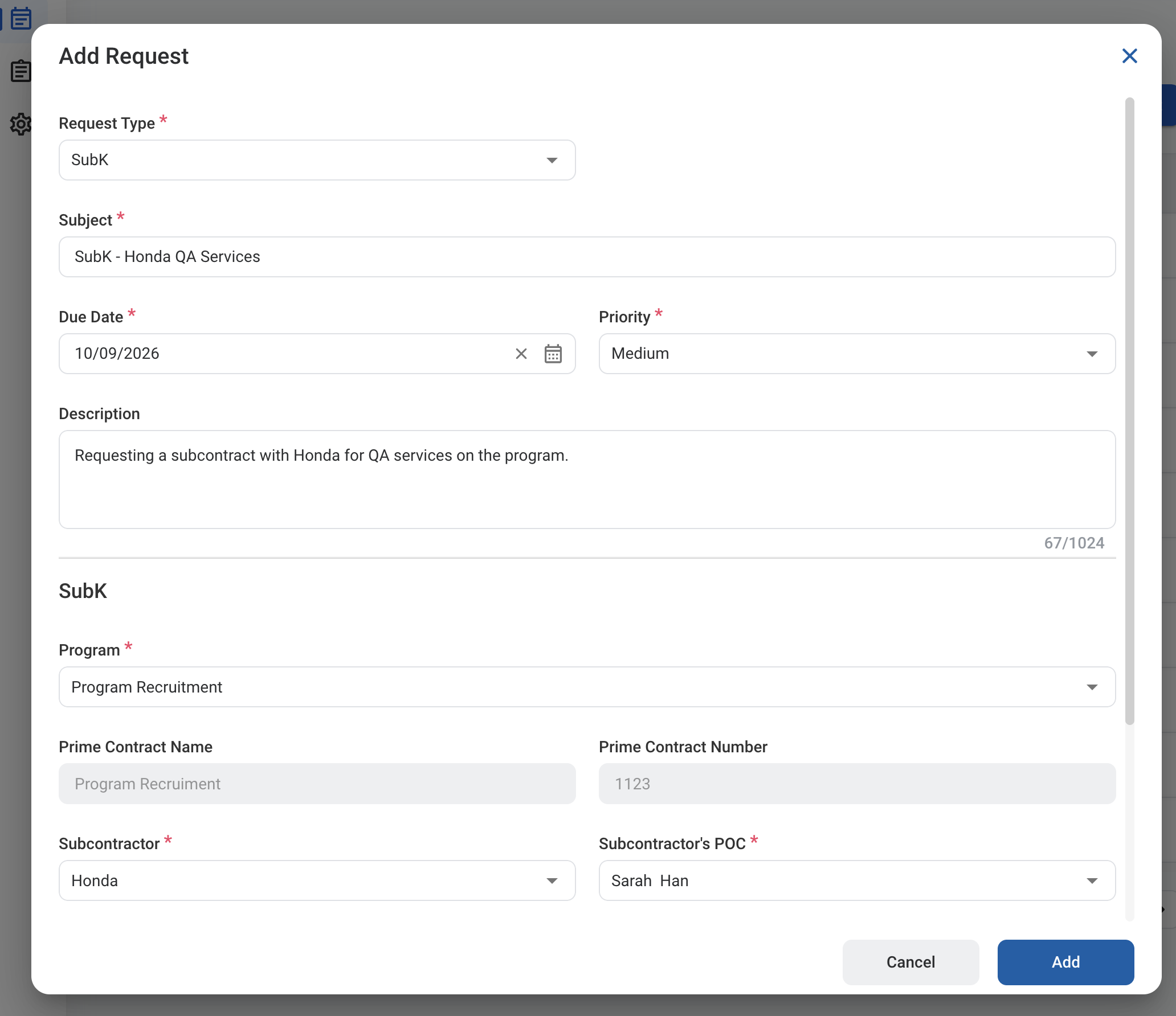
| Field | Description | Required | Example |
| :---------- | :------------------------------------------------------ | :------- | :------------------------------------------------------------------ |
| Subject | A short title describing the request. | ✓ | SubK - Honda QA Services |
| Due Date | The expected completion or review date for the request. | ✓ | October 9, 2026 |
| Priority | Indicates the urgency of the request. | ✓ | Medium |
| Description | Additional details or reason for the request. | | Requesting a subcontract with Honda for QA services on the program. |
### Request Information
| Field | Description | Required | Example |
| :---------- | :------------------------------------------------------ | :------- | :------------------------------------------------------------------ |
| Subject | A short title describing the request. | ✓ | SubK - Honda QA Services |
| Due Date | The expected completion or review date for the request. | ✓ | October 9, 2026 |
| Priority | Indicates the urgency of the request. | ✓ | Medium |
| Description | Additional details or reason for the request. | | Requesting a subcontract with Honda for QA services on the program. |
 ### SubK
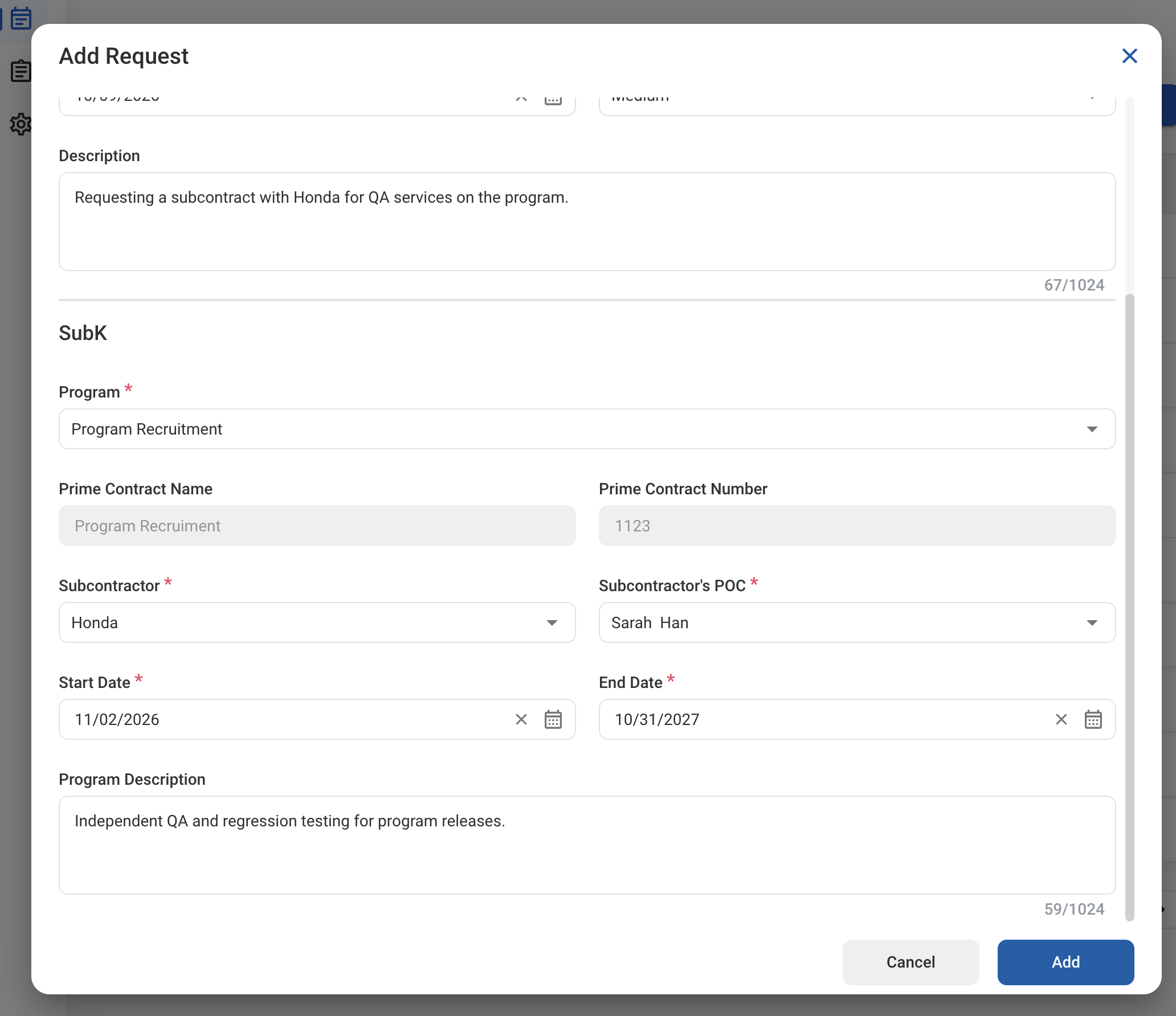
| Field | Description | Required | Example |
| :------------------------------------------ | :-------------------------------------- | :------- | :---------------------------------------------------------- |
| Program | Program the subcontract is under. | ✓ | Program Recruitment |
| Prime Contract Name / Prime Contract Number | Prime contract of the selected program. | Auto | Program Recruitment / 1123 |
| Subcontractor | Subcontractor business partner. | ✓ | Honda |
| Subcontractor's POC | Point of contact at the subcontractor. | ✓ | Sarah Han |
| Start Date / End Date | Dates the subcontract is in effect. | ✓ | 11/02/2026 - 10/31/2027 |
| Program Description | Scope of the subcontractor's work. | | Independent QA and regression testing for program releases. |
### SubK
| Field | Description | Required | Example |
| :------------------------------------------ | :-------------------------------------- | :------- | :---------------------------------------------------------- |
| Program | Program the subcontract is under. | ✓ | Program Recruitment |
| Prime Contract Name / Prime Contract Number | Prime contract of the selected program. | Auto | Program Recruitment / 1123 |
| Subcontractor | Subcontractor business partner. | ✓ | Honda |
| Subcontractor's POC | Point of contact at the subcontractor. | ✓ | Sarah Han |
| Start Date / End Date | Dates the subcontract is in effect. | ✓ | 11/02/2026 - 10/31/2027 |
| Program Description | Scope of the subcontractor's work. | | Independent QA and regression testing for program releases. |
 After approval, the subcontract is listed in **Contracts > Contract Management >** [Subcontracts](/erp/contract-management/subcontracts).
## Review a SubK Request
To review a submitted SubK request and approve, reject, or discard it, see **Contracts >** [Requests](/erp/contract-management/requests).
## Manage the SubK Business Process
To manage the workflow for SubK requests, see **Admin > Business Processes >** [Business Processes Overview](/erp/admin/business-process-overview).
After approval, the subcontract is listed in **Contracts > Contract Management >** [Subcontracts](/erp/contract-management/subcontracts).
## Review a SubK Request
To review a submitted SubK request and approve, reject, or discard it, see **Contracts >** [Requests](/erp/contract-management/requests).
## Manage the SubK Business Process
To manage the workflow for SubK requests, see **Admin > Business Processes >** [Business Processes Overview](/erp/admin/business-process-overview).