> ## Documentation Index
> Fetch the complete documentation index at: https://docs.bizbone.com/llms.txt
> Use this file to discover all available pages before exploring further.
# Subcontractor Request
> Submit a Subcontractor request for a subcontractor linked to a program through a SubK, for Program Management staff and the subcontractor to process.
A Subcontractor request is processed by Program Management staff and the subcontractor for a subcontractor that is linked to a program through a subcontract (SubK). After you submit it, the request follows the configured approval workflow before being approved, rejected, or returned for revision.
## Create a Subcontractor Request
### Prerequisites
Before submitting a Subcontractor request:
* You must have an active employee account.
* The subcontractor must be linked to the program through a [SubK](/erp/requests/subk).
* The subcontractor must have access to the [Supplier Portal](/erp/supplier-portal/introduction).
When created from the Requests module, the Subcontractor request includes only the general request fields. Describe what is needed in the Description.


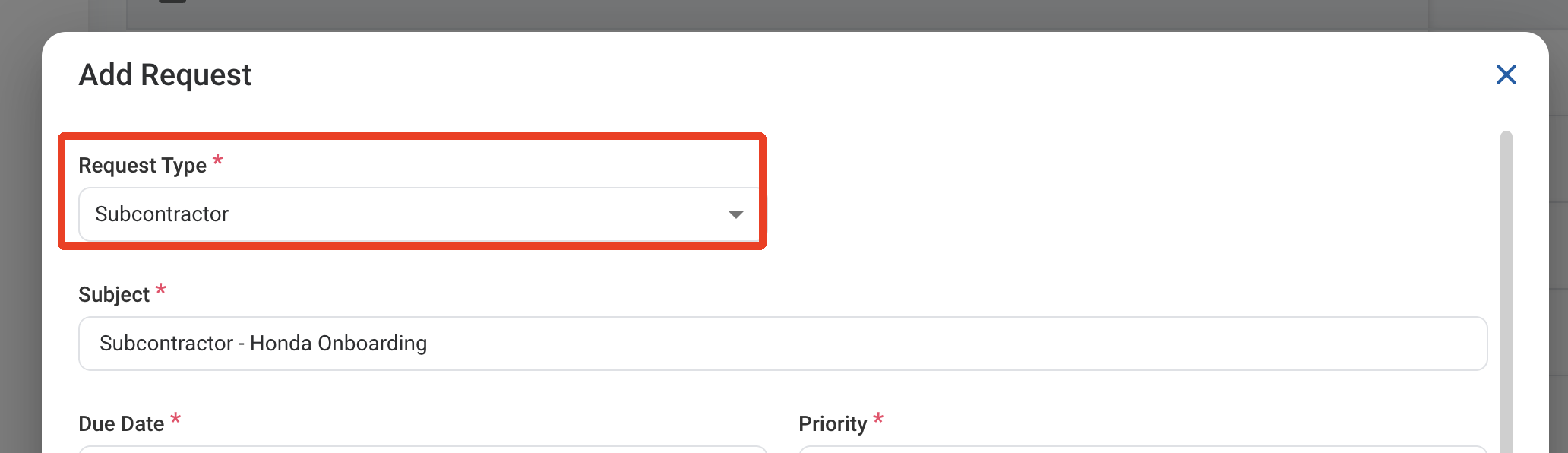
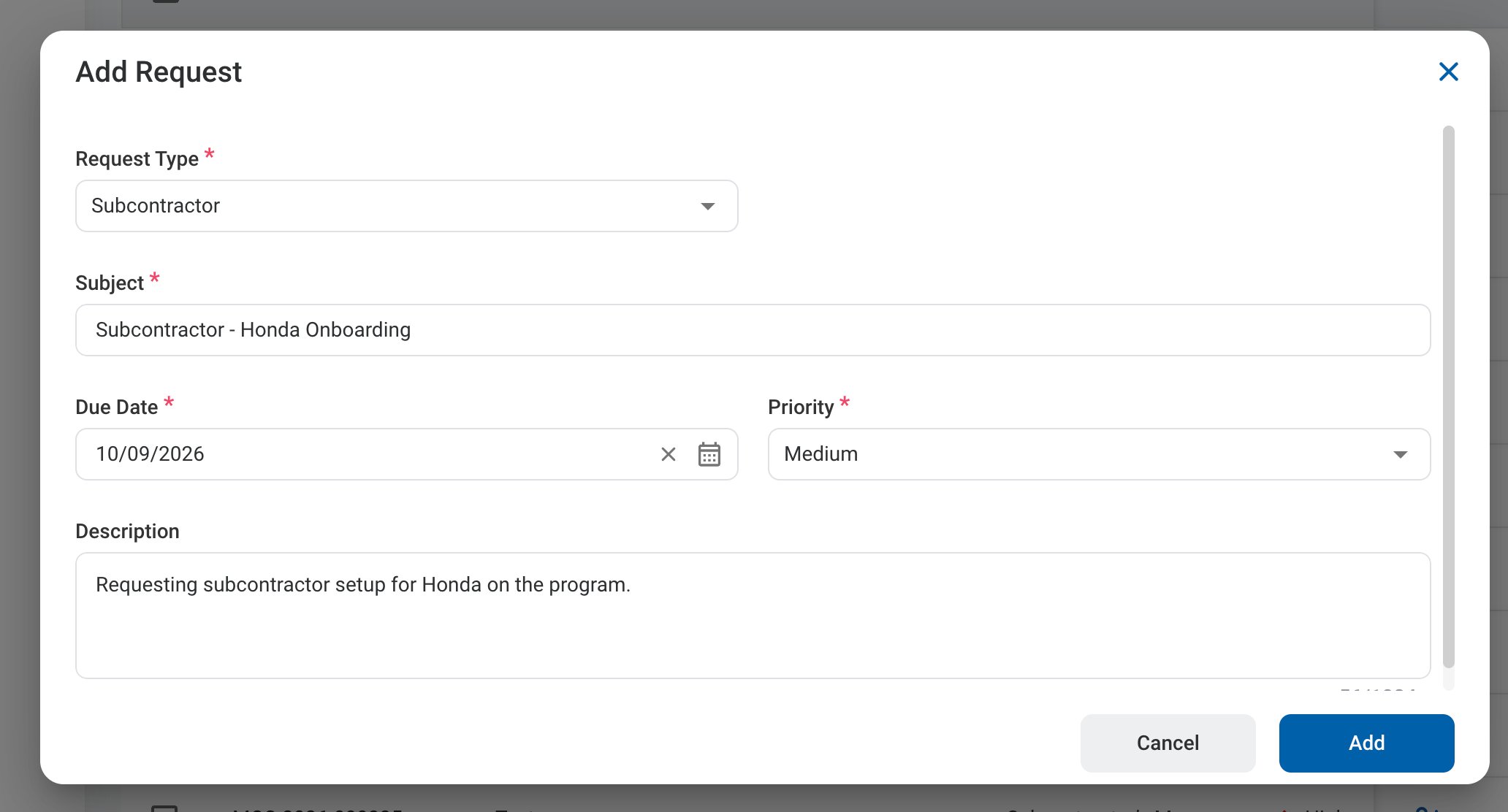 ### Request Information
| Field | Description | Required | Example |
| :---------- | :------------------------------------------------------ | :------- | :------------------------------------------------------- |
| Subject | A short title describing the request. | ✓ | Subcontractor - Honda Onboarding |
| Due Date | The expected completion or review date for the request. | ✓ | October 9, 2026 |
| Priority | Indicates the urgency of the request. | ✓ | Medium |
| Description | Additional details or reason for the request. | | Requesting subcontractor setup for Honda on the program. |
### Request Information
| Field | Description | Required | Example |
| :---------- | :------------------------------------------------------ | :------- | :------------------------------------------------------- |
| Subject | A short title describing the request. | ✓ | Subcontractor - Honda Onboarding |
| Due Date | The expected completion or review date for the request. | ✓ | October 9, 2026 |
| Priority | Indicates the urgency of the request. | ✓ | Medium |
| Description | Additional details or reason for the request. | | Requesting subcontractor setup for Honda on the program. |
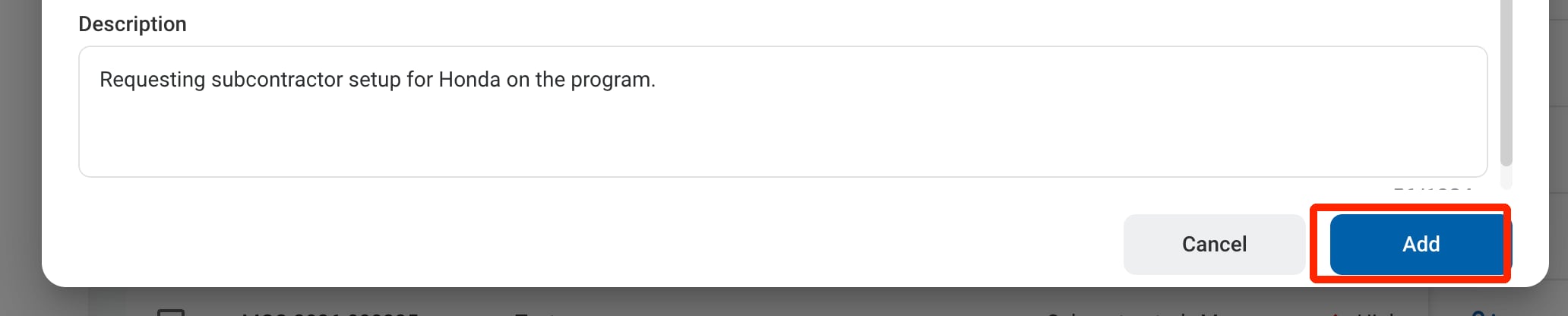 ## Review a Subcontractor Request
To review a submitted Subcontractor request and approve, reject, or discard it, see **Program Management >** [Requests](/erp/pm/requests).
## Manage the Subcontractor Business Process
To manage the workflow for Subcontractor requests, see **Admin > Business Processes >** [Business Processes Overview](/erp/admin/business-process-overview).
## Review a Subcontractor Request
To review a submitted Subcontractor request and approve, reject, or discard it, see **Program Management >** [Requests](/erp/pm/requests).
## Manage the Subcontractor Business Process
To manage the workflow for Subcontractor requests, see **Admin > Business Processes >** [Business Processes Overview](/erp/admin/business-process-overview).