> ## Documentation Index
> Fetch the complete documentation index at: https://docs.bizbone.com/llms.txt
> Use this file to discover all available pages before exploring further.
# Create Charge Code Request
> Request a new charge code so employees can record time and costs against it, with its dates and assigned employees.
A Create Charge Code request asks Accounting to create a charge code that employees can charge time and expenses to, such as a code for a new business opportunity. After you submit it, the request follows the configured approval workflow before being approved, rejected, or returned for revision.
## Create a Create Charge Code Request
### Prerequisites
Before submitting a Create Charge Code request:
* You must have an active employee account.
* The record the charge code is for, such as the business opportunity, must already exist.
* The charge code types you can request depend on your role.


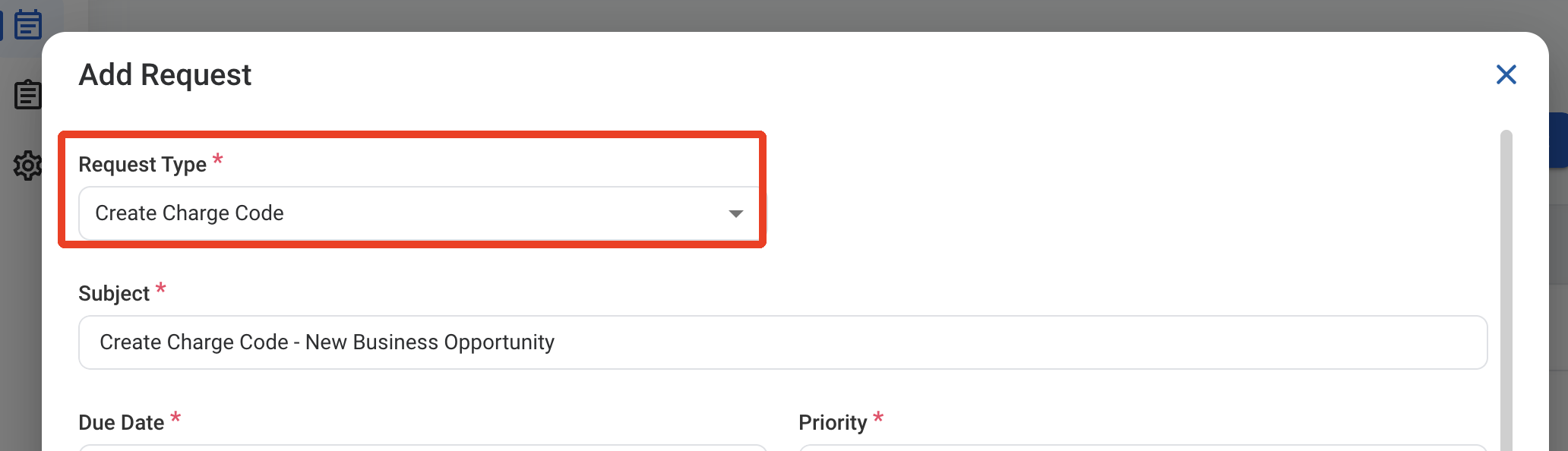
 ### Request Information
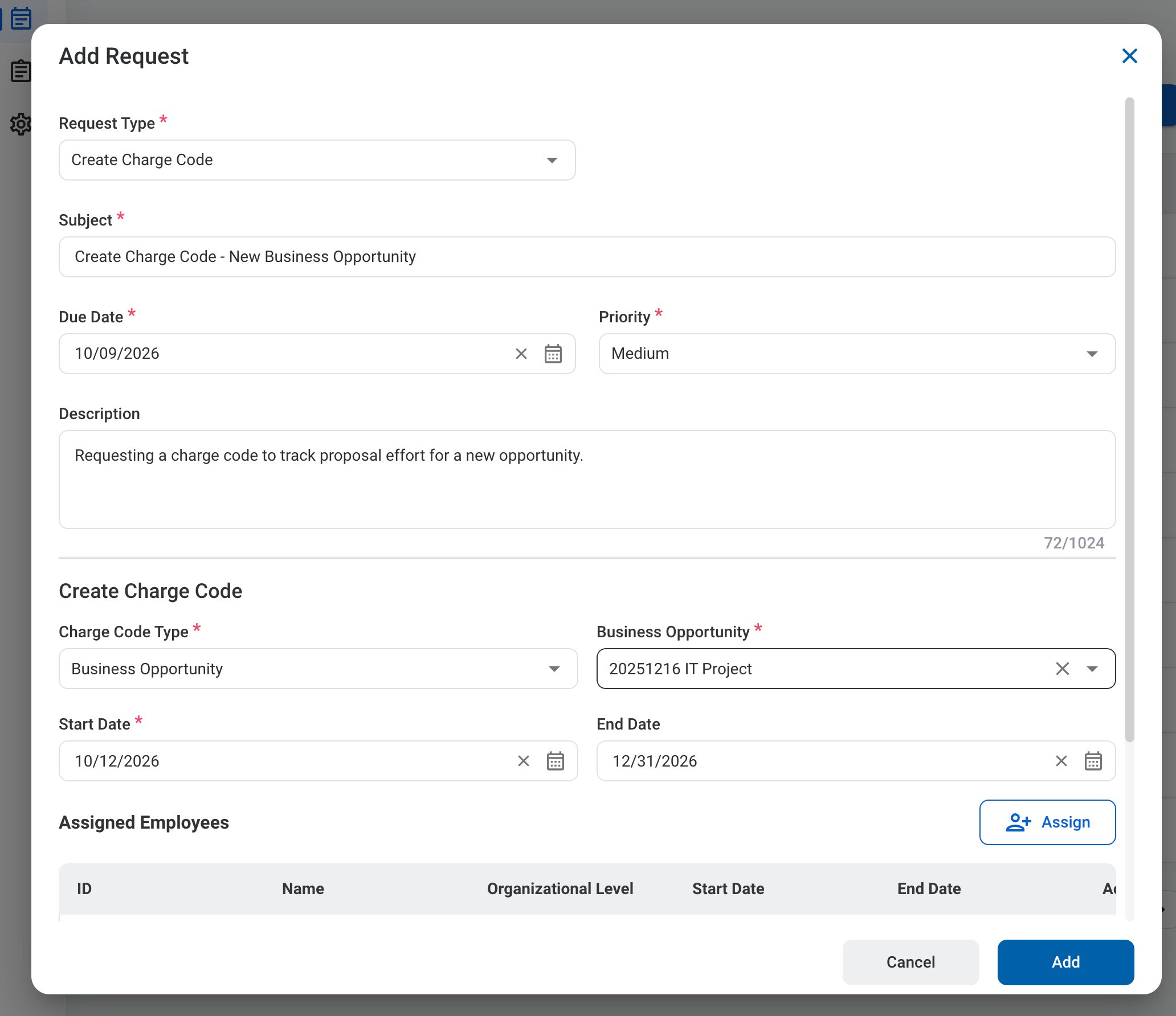
| Field | Description | Required | Example |
| :---------- | :------------------------------------------------------ | :------- | :----------------------------------------------------------------------- |
| Subject | A short title describing the request. | ✓ | Create Charge Code - New Business Opportunity |
| Due Date | The expected completion or review date for the request. | ✓ | October 9, 2026 |
| Priority | Indicates the urgency of the request. | ✓ | Medium |
| Description | Additional details or reason for the request. | | Requesting a charge code to track proposal effort for a new opportunity. |
### Request Information
| Field | Description | Required | Example |
| :---------- | :------------------------------------------------------ | :------- | :----------------------------------------------------------------------- |
| Subject | A short title describing the request. | ✓ | Create Charge Code - New Business Opportunity |
| Due Date | The expected completion or review date for the request. | ✓ | October 9, 2026 |
| Priority | Indicates the urgency of the request. | ✓ | Medium |
| Description | Additional details or reason for the request. | | Requesting a charge code to track proposal effort for a new opportunity. |
 ### Create Charge Code
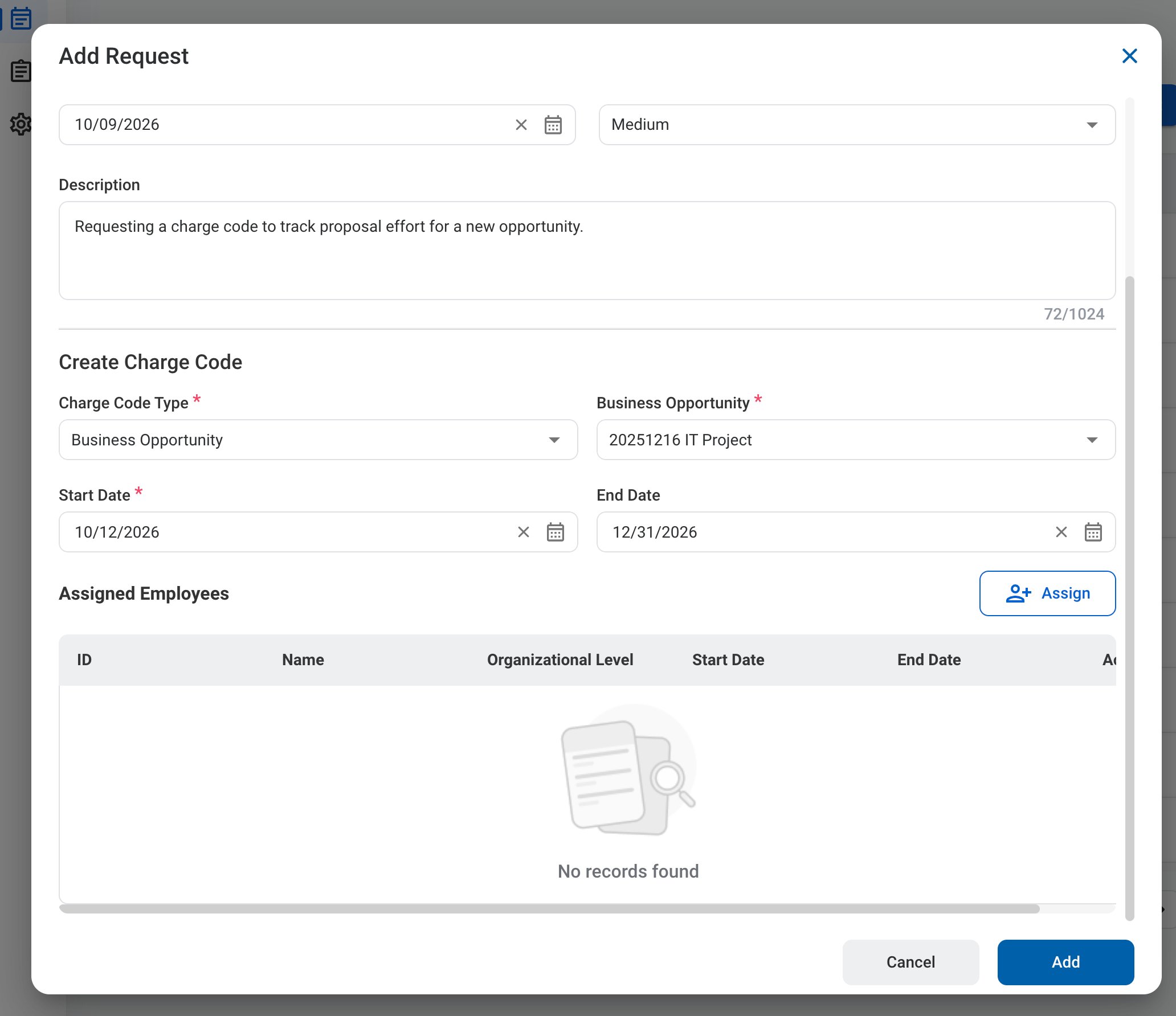
| Field | Description | Required | Example |
| :------------------- | :------------------------------------------------------------------------------------------------------- | :------- | :------------------- |
| Charge Code Type | Type of charge code, such as Business Opportunity. | ✓ | Business Opportunity |
| Business Opportunity | Record the charge code is for. The field name matches the selected type. | ✓ | 20251216 IT Project |
| Start Date | First date the charge code can be used. | ✓ | October 12, 2026 |
| End Date | Last date the charge code can be used. | | December 31, 2026 |
| Assigned Employees | Employees who can charge to the code. Select **Assign** to add employees with their start and end dates. | | |
### Create Charge Code
| Field | Description | Required | Example |
| :------------------- | :------------------------------------------------------------------------------------------------------- | :------- | :------------------- |
| Charge Code Type | Type of charge code, such as Business Opportunity. | ✓ | Business Opportunity |
| Business Opportunity | Record the charge code is for. The field name matches the selected type. | ✓ | 20251216 IT Project |
| Start Date | First date the charge code can be used. | ✓ | October 12, 2026 |
| End Date | Last date the charge code can be used. | | December 31, 2026 |
| Assigned Employees | Employees who can charge to the code. Select **Assign** to add employees with their start and end dates. | | |
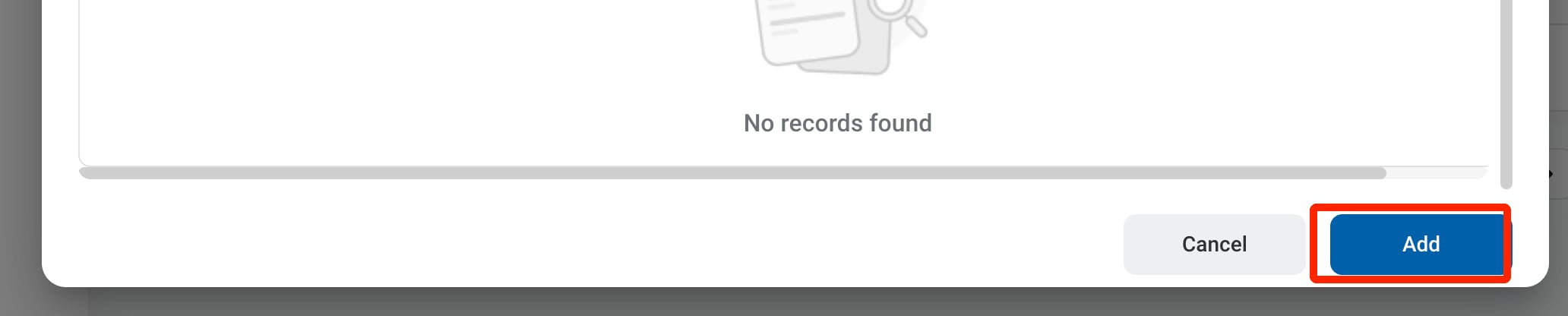 The request can be viewed in the Business Development, Request, and Accounting modules. After approval, the charge code is listed in **Accounting >** [Charge Code](/erp/accounting/charge-code).
## Review a Create Charge Code Request
To review a submitted Create Charge Code request and approve, reject, or discard it, see **Accounting >** [Request](/erp/accounting/request).
## Manage the Create Charge Code Business Process
To manage the workflow for Create Charge Code requests, see **Admin > Business Processes >** [Business Processes Overview](/erp/admin/business-process-overview).
The request can be viewed in the Business Development, Request, and Accounting modules. After approval, the charge code is listed in **Accounting >** [Charge Code](/erp/accounting/charge-code).
## Review a Create Charge Code Request
To review a submitted Create Charge Code request and approve, reject, or discard it, see **Accounting >** [Request](/erp/accounting/request).
## Manage the Create Charge Code Business Process
To manage the workflow for Create Charge Code requests, see **Admin > Business Processes >** [Business Processes Overview](/erp/admin/business-process-overview).