> ## Documentation Index
> Fetch the complete documentation index at: https://docs.bizbone.com/llms.txt
> Use this file to discover all available pages before exploring further.
# Introduction
## Overview of the Business Development Module
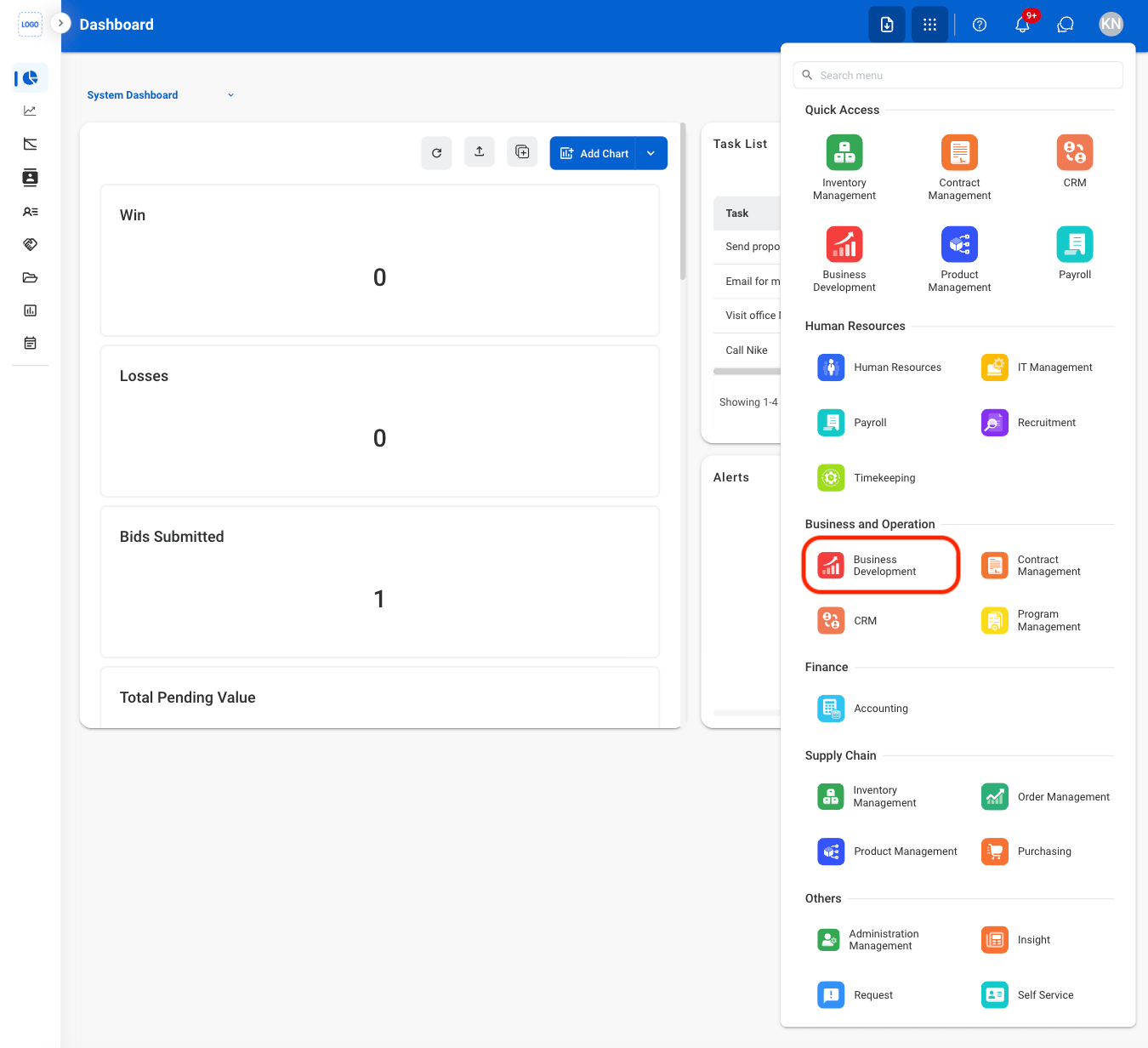
The Business Development module provides tools to manage business opportunities, capture activities, partner relationships, contract vehicles, sales pipelines, and supporting documentation. Supports identifying, tracking, and developing opportunities from initial pursuit through proposal development, partner [collaboration](https://app.mintlify.com/datahouse/bizbone/~/7237be20-f77a-4b70-96dc-a44c89a18f21), and [reporting](/erp/hr/vetting).
## Key Features of the Business Development Module
View business development metrics, opportunity summaries, and key performance indicators.
Manage business opportunities, track pursuit activities, and maintain opportunity information throughout the capture process.
Manage sales pipelines and revenue goals. Track opportunities through the sales process and monitor progress toward projected revenue targets.
Manage customer contact information and maintain contact records associated with business opportunities.
Manage contract vehicles and maintain contract information associated with business opportunities.
Manage partner information and maintain business relationships supporting opportunity pursuits.
Manage business development documents and folders. Organize, upload, and maintain supporting opportunity documentation.
Generate and download business development reports to monitor opportunity performance and pipeline activity.
View and manage business development requests, including assigned tasks and request processing activities.
## Module Access